


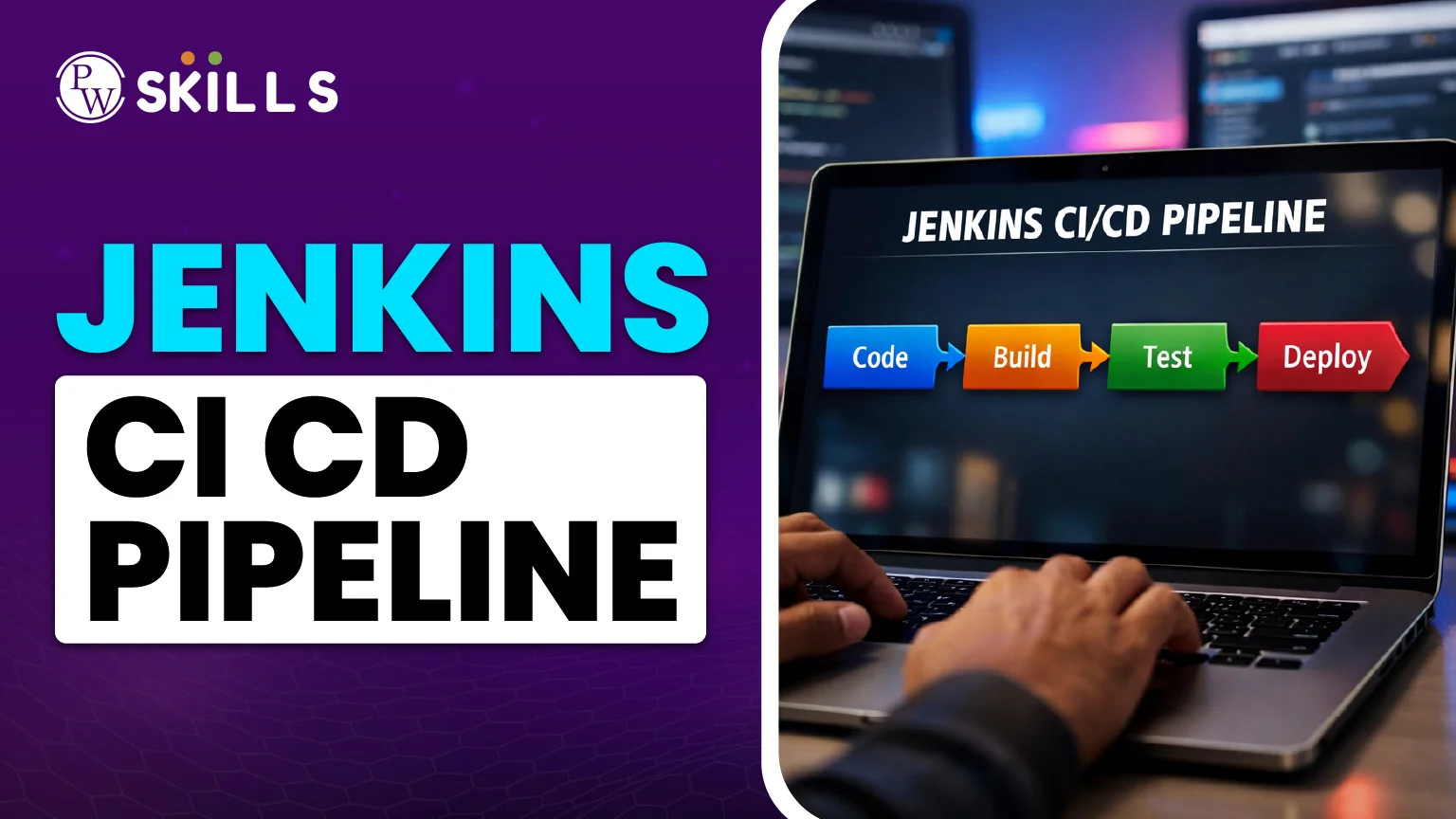
In the fast-paced world of software development, you can't wait hours or days to test and deploy new features anymore. This is where the Jenkins CI CD pipeline comes in. Jenkins is like a robot that works around the clock to do the same things over and over again, such compiling code, running tests, and publishing data to a server.
For Beginner in DevOps, think of Jenkins as a factory conveyor belt: raw code goes in at one end, and a finished, tested application comes out at the other. In this lesson on Jenkins CI CD pipelines, we will go over the most important stages for setting up this automation and show you how it works in the real world.
What is a CI CD Pipeline?
Before we get into the technical details, let's look at the two primary sections of the pipeline:- Continuous Integration (CI): Every time a developer "pushes" code to a repository like GitHub, Continuous Integration (CI) happens. Jenkins automatically gets the code, builds it (Build), and runs tests (Test) to verify sure everything is working.
- Continuous Deployment (CD): The Jenkins CI CD pipeline immediately deploys the application to a live server (Deploy) as soon as the code passes all tests. This lets users view the changes right away.
Important Jenkins CI CD Pipeline Steps
There is usually a logical order to the steps involved in setting up a pipeline. In a typical DevOps workflow, these are the main steps in the Jenkins CI CD pipeline:- Checkout: Jenkins connects to your version control system (like Git) and gets the most recent version of your source code.
- Build: The code is put together such that it may be run. A program like Maven might be used if you're using Java, while a Docker image might be used for web apps.
- Test: Scripts that run automatically look for bugs. If a test fails, the pipeline stops right away and the developer is told.
- Staging: The code is put on a "test environment" that looks much like the real website but is only open to the developers.
- Production Deployment: The code goes live to real users after it gets final approval, either by hand or automatically.
Jenkins CI CD Pipeline Example (Declarative)
"Pipeline as Code" is the new technique to design a pipeline. You write a file called a Jenkinsfile using a language called Groovy. Below is a simple Jenkins CI CD pipeline example: Groovy pipeline { agent any stages { stage('Build') { steps { echo 'Compiling the code...' // Commands like 'sh mvn install' go here } } stage('Test') { steps { echo 'Running Unit Tests...' // Commands like 'sh npm test' go here } } stage('Deploy') { steps { echo 'Deploying to Production Server...' // Commands to move files to the server } } } } This script ensures that the "Deploy" stage only happens if the "Build" and "Test" stages are successful. If the tests fail, the pipeline turns red, and the deployment is blocked.Comparison of Freestyle vs. CI CD Pipeline Projects
Let’s understand the basic difference between freestyle and CI CD Pipeline projects below:| Feature | Freestyle Project | Pipeline (Jenkinsfile) |
| Setup | Easy UI-based (Point and Click) | Script-based (Code) |
| Version Control | Hard to track changes to settings | Stored in Git; easy to track |
| Complexity | Best for simple, single tasks | Best for complex, multi-stage workflows |
| Durability | May stop if Jenkins restarts | Can resume automatically after a restart |
Common Jenkins CI CD Pipeline Interview Questions
If you are preparing for a job or a technical quiz, these are the most common questions you might encounter:- What is the difference between a Scripted and a Declarative Pipeline?
- What is a Jenkins file?
- How does Jenkins know when to start a build?
- What does a "Agent" do in Jenkins?
- How do you keep things like passwords safe in a pipeline?
Devops & Cloud Computing Topics
🔹 DevOps Introduction & Fundamentals |
🔹 Version Control & Collaboration |
🔹 CI/CD Pipelines |
🔹 Containerization (Docker & Containers) |
🔹 Container Orchestration (Kubernetes) |
🔹 Cloud Computing Fundamentals |
🔹 AWS Cloud Services |
🔹 Microsoft Azure Cloud |
🔹 Infrastructure as Code (IaC) |
🔹 Monitoring, Logging & Observability |
🔹 DevSecOps & Security |
🔹 Networking & Load Balancing |
🔹 DevOps Projects & Case Studies |
🔹 DevOps Career, Jobs & Certifications |
🔹 Comparisons & Differences |
🔹 Other / Unclassified DevOps & Cloud Topics |




🔥 Trending Blogs


Talk to a counsellorHave doubts? Our support team will be happy to assist you!



Get Free Counselling Today
and Clear up all your Doubts
Talk to Our Counsellor just by filling out the form.
Join 15 Million students on the app today!
 Live & recorded classes available at easeDashboard for progress trackingLakhs of practice questions

