

DevOps Blogs






Get Free Counselling Today
and Clear up all your Doubts
This article collects DevOps blogs, learning topics, cloud and automation concepts, tools, workflows, and career tips for students, beginners, and professionals. You can explore blogs by topic to learn DevOps practices, build technical skills, and get ready for jobs in this field.
DevOps Blogs for Beginners and Professionals
DevOps blogs help people learn how software goes from development to deployment in real settings. Beginners can start with basics like version control, Linux commands, cloud computing, deployment workflows, automation, containers, and monitoring.
As you progress, you can explore advanced topics like CI/CD pipelines, Docker, Kubernetes, Infrastructure as Code, cloud services, configuration management, observability, and security practices.
For students and freshers, DevFor students and beginners, DevOps blogs offer a clear learning path. For professionals, they help with upskilling, learning automation, understanding cloud migration, and improving teamwork between development and operations.ical workflows and explain how modern companies manage software delivery at scale.
Why DevOps Is Important Today
Today, businesses release software updates more quickly. Apps are updated often, bugs must be fixed fast, and systems need to stay stable even when traffic goes up.
In the past, development and operations teams usually worked separately. Developers wrote code, while operations teams handled deployment and maintenance. This split sometimes led to delays, miscommunication, and deployment problems.
DevOps solves these problems by encouraging better teamwork, automation, monitoring, and continuous delivery. It helps teams release updates more often, with fewer errors and more reliable systems.
DevOps blogs show how these workflows work in real companies and explain why automation matters for today’s tech teams.
Understanding CI/CD in DevOps
CI/CD is one of the most important concepts covered in DevOps blogs.
CI stands for Continuous Integration.
CD stands for Continuous Delivery or Continuous Deployment.
These practices help teams automate the process of building, testing, and deploying software changes.
In Continuous Integration, developers regularly push code changes into a shared repository. Automated tests then check whether the code works properly. This reduces integration problems and helps teams identify issues earlier.
In Continuous Delivery, tested code is prepared for release in a consistent and reliable way. Continuous Deployment takes this one step further by automatically deploying approved changes to production environments.
CI/CD pipelines are important because they help reduce manual work, improve consistency, and speed up software delivery.
Many DevOps blogs explain how CI/CD workflows are built using tools such as Jenkins, GitHub Actions, GitLab CI/CD, CircleCI, Azure DevOps, and cloud-native deployment systems.
Cloud and Automation in DevOps
Cloud and automation are central parts of modern DevOps workflows.
Companies now use cloud platforms to host applications, manage infrastructure, store data, and scale systems based on demand. DevOps professionals often work with cloud services because deployment and automation are closely connected with cloud environments.
Common cloud platforms discussed in DevOps blogs include:
-
Microsoft Azure
-
Google Cloud Platform
-
DigitalOcean
-
Oracle Cloud
Automation is also important because manual infrastructure management becomes difficult as systems grow.
DevOps teams use automation for:
-
Server setup
-
Deployment workflows
-
Testing
-
Monitoring
-
Scaling
-
Backup management
-
Infrastructure provisioning
Tools such as Terraform, Ansible, Kubernetes, Docker, and Bash scripting help automate repetitive tasks and improve consistency across environments.
Cloud and automation together help organisations improve speed, reliability, scalability, and operational efficiency.
Common DevOps Tools
DevOps involves many tools, and each tool solves a different problem in the workflow.
Some commonly covered tools include:
-
Git and GitHub
-
Docker
-
Kubernetes
-
Jenkins
-
Terraform
-
Ansible
-
Prometheus
-
Grafana
-
Linux
-
AWS services
-
GitLab CI/CD
-
Azure DevOps
For example, Git helps with version control. Docker helps package applications into containers. Kubernetes helps manage container orchestration. Jenkins helps automate pipelines. Terraform helps manage infrastructure as code.
DevOps blogs usually explain what these tools do, how they fit into workflows, and how beginners can start learning them step by step.
DevOps Career Opportunities
A DevOps career can be a strong option for learners interested in cloud systems, automation, infrastructure, deployment, scripting, and system reliability.
As companies continue to modernise their software delivery process, the demand for DevOps professionals is increasing across industries such as technology, fintech, healthcare, ecommerce, SaaS, education, and enterprise IT.
Common roles in this field include:
-
Cloud Engineer
-
Site Reliability Engineer (SRE)
-
Automation Engineer
-
Infrastructure Engineer
-
Build and Release Engineer
-
Platform Engineer
-
Cloud Operations Engineer
-
CI/CD Engineer
-
Systems Engineer
A DevOps career often requires both technical understanding and problem-solving ability. Professionals may work with developers, testers, security teams, cloud architects, and operations teams.
Freshers can start by learning Linux, Git, scripting, cloud basics, containers, and CI/CD concepts before moving towards advanced automation and orchestration tools.
DevOps Career Insights for Learners
One important thing learners should understand is that DevOps is not only about tools.
It is also about mindset, collaboration, automation, and system thinking.
A DevOps professional should understand:
-
How applications are deployed
-
How systems communicate
-
How failures are monitored
-
How automation improves workflows
-
How teams collaborate during releases
Beginners should focus on understanding workflows first instead of trying to memorise too many tools at once.
A practical learning approach may include:
-
Learning Linux basics
-
Understanding Git workflows
-
Practising shell scripting
-
Building small CI/CD pipelines
-
Using Docker containers
-
Exploring cloud services
-
Working on deployment projects
Hands-on practice becomes very important in DevOps because most concepts become clearer through implementation.
Latest Trends in DevOps
DevOps continues to evolve with cloud-native technologies and automation practices.
Some current trends include:
-
Kubernetes adoption
-
Infrastructure as Code
-
GitOps workflows
-
AI-assisted monitoring
-
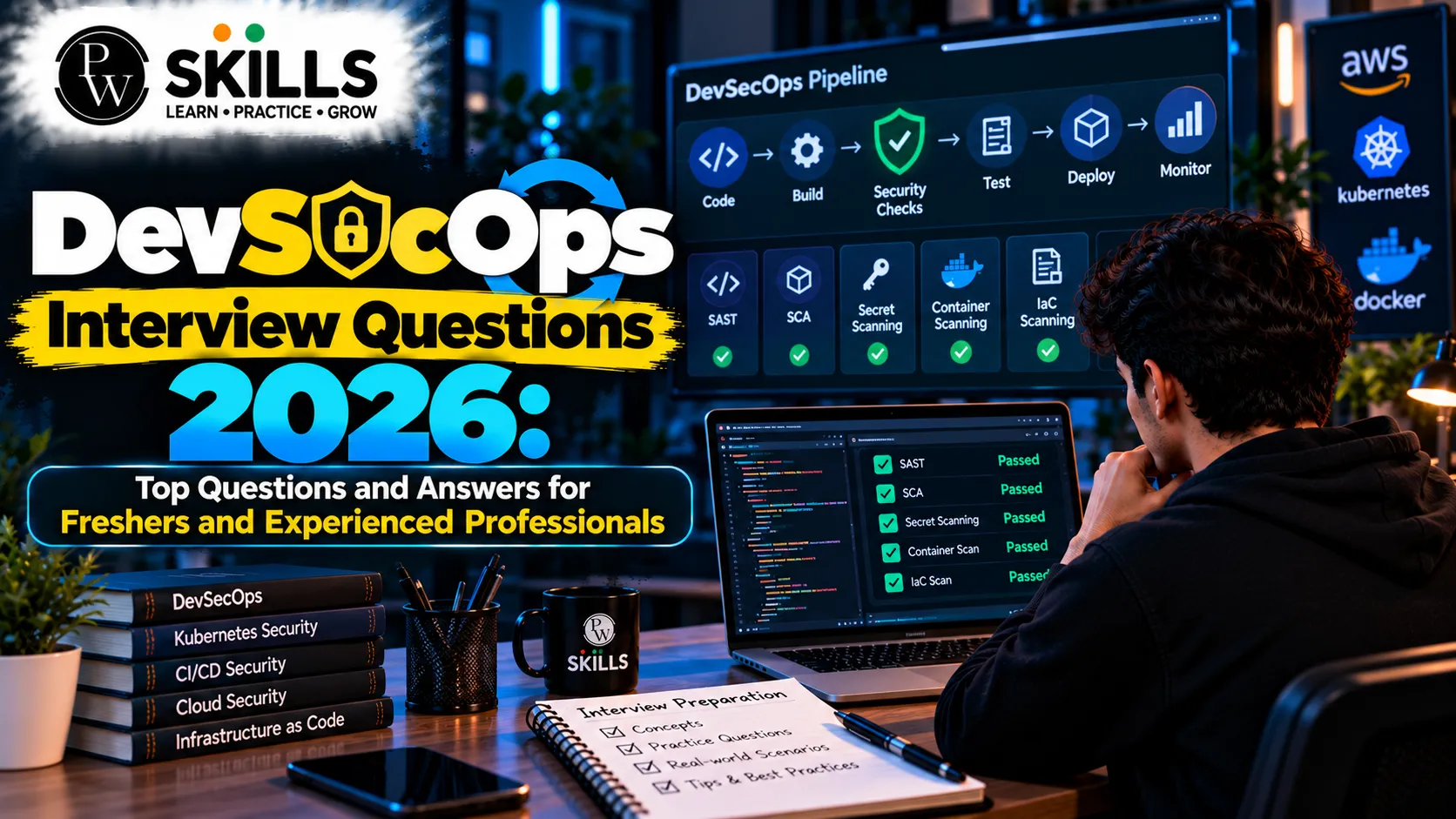
DevSecOps practices
-
Cloud-native applications
-
Container orchestration
-
Serverless deployment
-
Observability and real-time monitoring
Security is also becoming more integrated into DevOps workflows. This has increased the importance of DevSecOps, where security checks are included directly inside development and deployment pipelines.
DevOps blogs help learners stay updated with these changes and understand how the industry is moving.
How DevOps Blogs Help Learners
DevOps can feel complex in the beginning because it combines development, infrastructure, cloud computing, automation, networking, and deployment.
DevOps blogs help simplify these concepts into smaller topics that learners can study gradually.
A learner can begin with Linux and Git, move towards Docker and CI/CD, then explore Kubernetes, Terraform, cloud platforms, and monitoring tools.
Regular reading, project practice, and workflow understanding can help learners build stronger confidence in the field.
FAQ
What are DevOps blogs?
Who should read DevOps blogs?
What is CI/CD in DevOps?
Why are cloud and automation important in DevOps?
What skills are needed for a DevOps career?




 Live & recorded classes available at easeDashboard for progress trackingLakhs of practice questions

