
Mastering Patterns in DSA with Java in One Shot | Complete Guide for Beginners | DSA in Java
 Varun Saharawat18 Jun, 2026
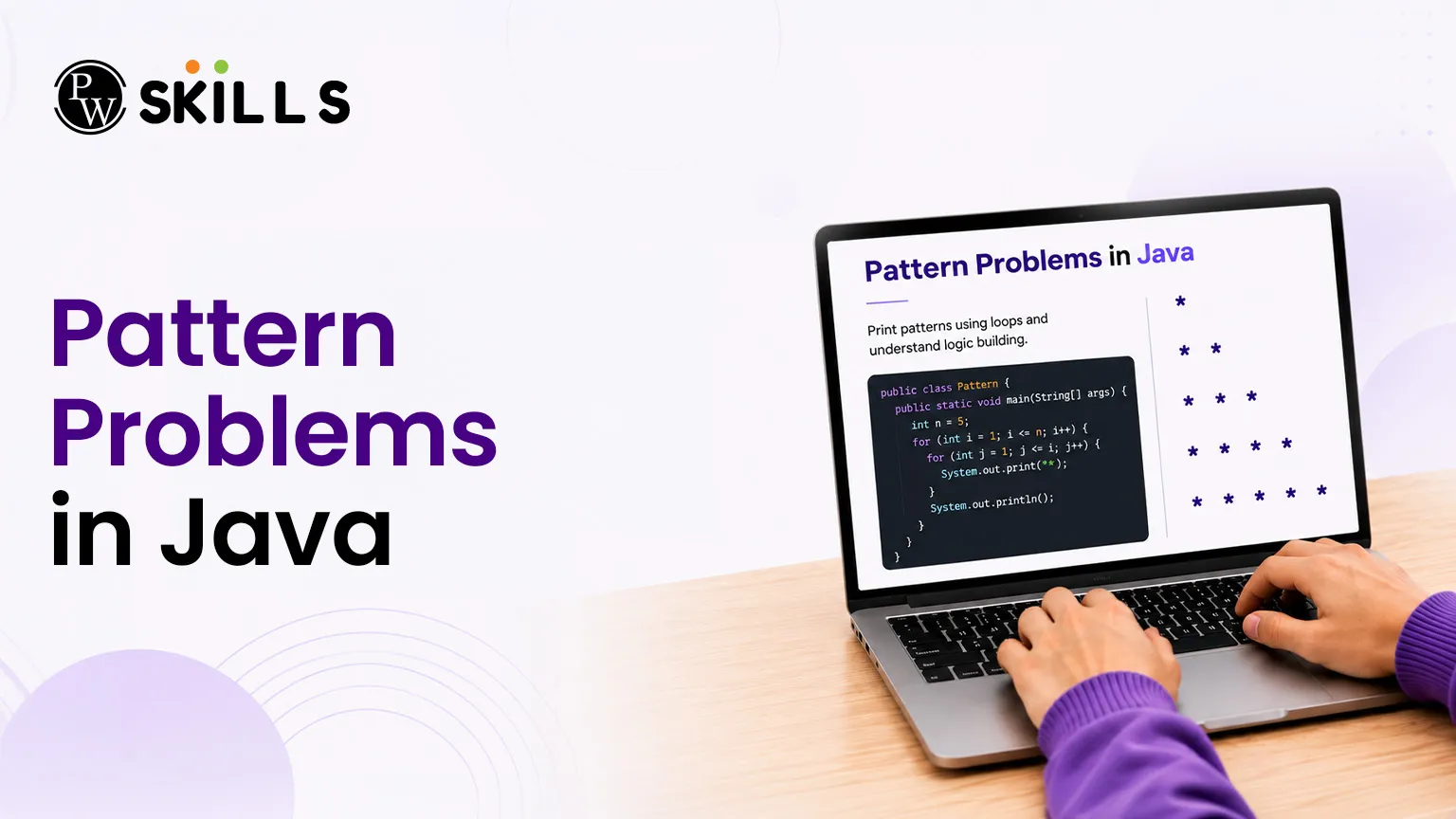
Many beginners struggle to convert logic into actual code when starting their data structures and algorithms (DSA) journey. You might understand conditional branches but find yourself completely stuck when asked to solve pattern problems in Java or print a geometric arrangement of symbols. This common block happens because visualizing multidimensional loops requires a systematic approach.
This detailed article breaks down the core logic behind popular arrangements to help you build optimal problem-solving habits in Java.
Why Solve Pattern Problems in Java?
Solving pattern problems is more than just printing shapes on the screen. These problems help you understand how loops work and improve your coding skills. They are also useful for learning advanced topics that involve matrices, grids, and nested loops.
-
Strengthens Control Flow: Pattern problems help you understand how loops start, run, and stop. You learn how to work with loop counters, conditions, and update statements more effectively.
-
Improves Matrix Understanding: Many pattern questions use rows and columns, which helps you understand the basics of 2D arrays, matrices, and grid-based problems.
-
Builds Logical Thinking: While solving patterns, you learn to find relationships between rows, columns, numbers, and characters. This improves your problem-solving and analytical skills.
Many companies use simple pattern-based questions during coding interviews to test a candidate's understanding of loops and program logic. Practicing star patterns, number patterns, and character patterns can help you build a strong foundation in Java programming.
How to Approach Pattern Problems in Java?
Every pattern problem in Java follows a repeating structure. Instead of guessing the loop conditions, you can use a simple step-by-step approach to solve different types of patterns.
-
Count the Rows: First, find the total number of rows in the pattern. This value is usually used in the outer loop.
-
Analyze the Columns: For each row, determine how many characters, numbers, or spaces need to be printed. This helps you create the inner loop.
-
Find the Pattern Rule: Look for the relationship between the current row number and the number of elements being printed. This rule will help you set the loop conditions correctly.
-
Add Line Breaks: After the inner loop finishes printing a row, move to the next line using a newline statement. This keeps the pattern structure correct.
What are Star Pattern Problems in Java?
Star layouts use the asterisk character to form various geometric shapes. These exercises focus primarily on managing column widths and leading spaces.
1. Right-Angled Triangle Pattern
This fundamental layout adds one extra asterisk with each consecutive row. The inner loop limit increases dynamically based on the current row value.
Java
public class RightTriangle {
public static void main(String[] args) {
int rows = 5;
for (int i = 1; i <= rows; i++) {
for (int j = 1; j <= i; j++) {
System.out.print("* ");
}
System.out.println();
}
}
}
2. Inverted Right-Angled Triangle Pattern
This layout starts with maximum width and shrinks by one character per line. The outer loop counts backward to decrease the inner iteration limits.
Java
public class InvertedTriangle {
public static void main(String[] args) {
int rows = 5;
for (int i = rows; i >= 1; i--) {
for (int j = 1; j <= i; j++) {
System.out.print("* ");
}
System.out.println();
}
}
}
3. Pyramid Star Pattern
A classic pyramid combines leading blank spaces with centered symbols. You need two separate inner loops: one for tracking empty spaces and another for printing the characters.
Java
public class PyramidPattern {
public static void main(String[] args) {
int rows = 5;
for (int i = 1; i <= rows; i++) {
for (int j = 1; j <= rows - i; j++) {
System.out.print(" ");
}
for (int k = 1; k <= (2 * i - 1); k++) {
System.out.print("*");
}
System.out.println();
}
}
}
What are Number Pattern Problems in Java?
Number arrangements shift focus from pure spacing to changing data values. Here, you must track whether a value stays constant across a row or increments across columns.
1. Incremental Row Triangle
This variation keeps the output digit matched with the current row index, creating horizontal blocks of identical numbers.
Java
public class RowNumberTriangle {
public static void main(String[] args) {
int rows = 5;
for (int i = 1; i <= rows; i++) {
for (int j = 1; j <= i; j++) {
System.out.print(i + " ");
}
System.out.println();
}
}
}
2. Continuous Column Triangle
In this setup, the printed value resets with each new row and increases step-by-step across the columns.
Java
public class ColumnNumberTriangle {
public static void main(String[] args) {
int rows = 5;
for (int i = 1; i <= rows; i++) {
for (int j = 1; j <= i; j++) {
System.out.print(j + " ");
}
System.out.println();
}
}
}
3. Floyd’s Triangle
Floyd's triangle uses a single continuous counter that keeps increasing across rows, never resetting.
Java
public class FloydTriangle {
public static void main(String[] args) {
int rows = 5;
int counter = 1;
for (int i = 1; i <= rows; i++) {
for (int j = 1; j <= i; j++) {
System.out.print(counter + " ");
counter++;
}
System.out.println();
}
}
}
What are Character Pattern Problems in Java?
Character-based arrangements use ASCII conversions to build alphabetic grids. In Java, adding an integer to a char data type updates its letter value automatically.
1. Fixed Character Row Pattern
This program prints the same character across an entire row, upgrading to the next letter on the following line.
Java
public class FixedCharPattern {
public static void main(String[] args) {
int rows = 5;
for (int i = 0; i < rows; i++) {
char ch = (char) ('A' + i);
for (int j = 0; j <= i; j++) {
System.out.print(ch + " ");
}
System.out.println();
}
}
}
2. Incrementing Column Character Pattern
This layout resets to the base letter at the start of every row and increments with each column step.
Java
public class IncrementingCharPattern {
public static void main(String[] args) {
int rows = 5;
for (int i = 0; i < rows; i++) {
for (int j = 0; j <= i; j++) {
char ch = (char) ('A' + j);
System.out.print(ch + " ");
}
System.out.println();
}
}
}
What are Advanced Pattern Problems in Java?
Mastering standard grids prepares you for more complex, non-linear structures. These advanced variations combine multiple conditional rules and mirror reflections.
1. Diamond Star Layout
A diamond layout joins an upright pyramid with an inverted one. You can build it by increasing your loop limits up to the center row, then decreasing them to the bottom.
Java
public class DiamondPattern {
public static void main(String[] args) {
int n = 5;
for (int i = 1; i <= n; i++) {
for (int j = 1; j <= n - i; j++) {
System.out.print(" ");
}
for (int k = 1; k <= (2 * i - 1); k++) {
System.out.print("*");
}
System.out.println();
}
for (int i = n - 1; i >= 1; i--) {
for (int j = 1; j <= n - i; j++) {
System.out.print(" ");
}
for (int k = 1; k <= (2 * i - 1); k++) {
System.out.print("*");
}
System.out.println();
}
}
}
2. Hollow Square Block
Hollow shapes only print characters along their outer boundaries. You can manage this by adding a conditional check to verify if the current position is on an outer edge.
Java
public class HollowSquare {
public static void main(String[] args) {
int size = 5;
for (int i = 1; i <= size; i++) {
for (int j = 1; j <= size; j++) {
if (i == 1 || i == size || j == 1 || j == size) {
System.out.print("* ");
} else {
System.out.print(" ");
}
}
System.out.println();
}
}
}
3. Pascal’s Triangle
Pascal's triangle calculates each position's value by summing the two numbers directly above it. In code, you can find these values using a mathematical combination formula.
Java
public class PascalTriangle {
public static void main(String[] args) {
int rows = 5;
for (int i = 0; i < rows; i++) {
for (int space = 1; space <= rows - i; space++) {
System.out.print(" ");
}
int number = 1;
for (int j = 0; j <= i; j++) {
System.out.print(number + " ");
number = number * (i - j) / (j + 1);
}
System.out.println();
}
}
}
How Do Matrix Pattern Problems in Java Work?
The following reference summary table maps common grid targets to their internal index conditions:
|
Layout Classification |
Structural Formula (Columns per Row i) |
Primary Loop Focus |
|
Right-Angled Star |
Column limit matches row index ($i$) |
Simple progressive fill |
|
Inverted Triangles |
Total rows minus current row plus one |
Reverse decrement logic |
|
Standard Pyramids |
Leading spaces ($N-i$), Stars ($2 \times i - 1$) |
Dual independent loops |
|
Hollow Borders |
Print boundary when $i$ or $j$ matches edge limits |
Conditional edge detection |
|
Pascal Blocks |
Binomial tracking ($number = number \times (i - j) / (j + 1)$) |
Dynamic multiplier math |




FAQs
1. How do pattern problems in Java help in DSA preparation?
2. What is the best way to solve pattern problems in Java?
3. Why are pattern programs often asked in coding interviews?
4. How can I move from star patterns to number patterns?
5. Can pattern programs be optimized?





Get Free Counselling Today
and Clear up all your Doubts
 Live & recorded classes available at easeDashboard for progress trackingLakhs of practice questions

