
Mastering Loops in DSA with Java | Complete Guide for Beginners | DSA in Java
 Varun Saharawat17 Jun, 2026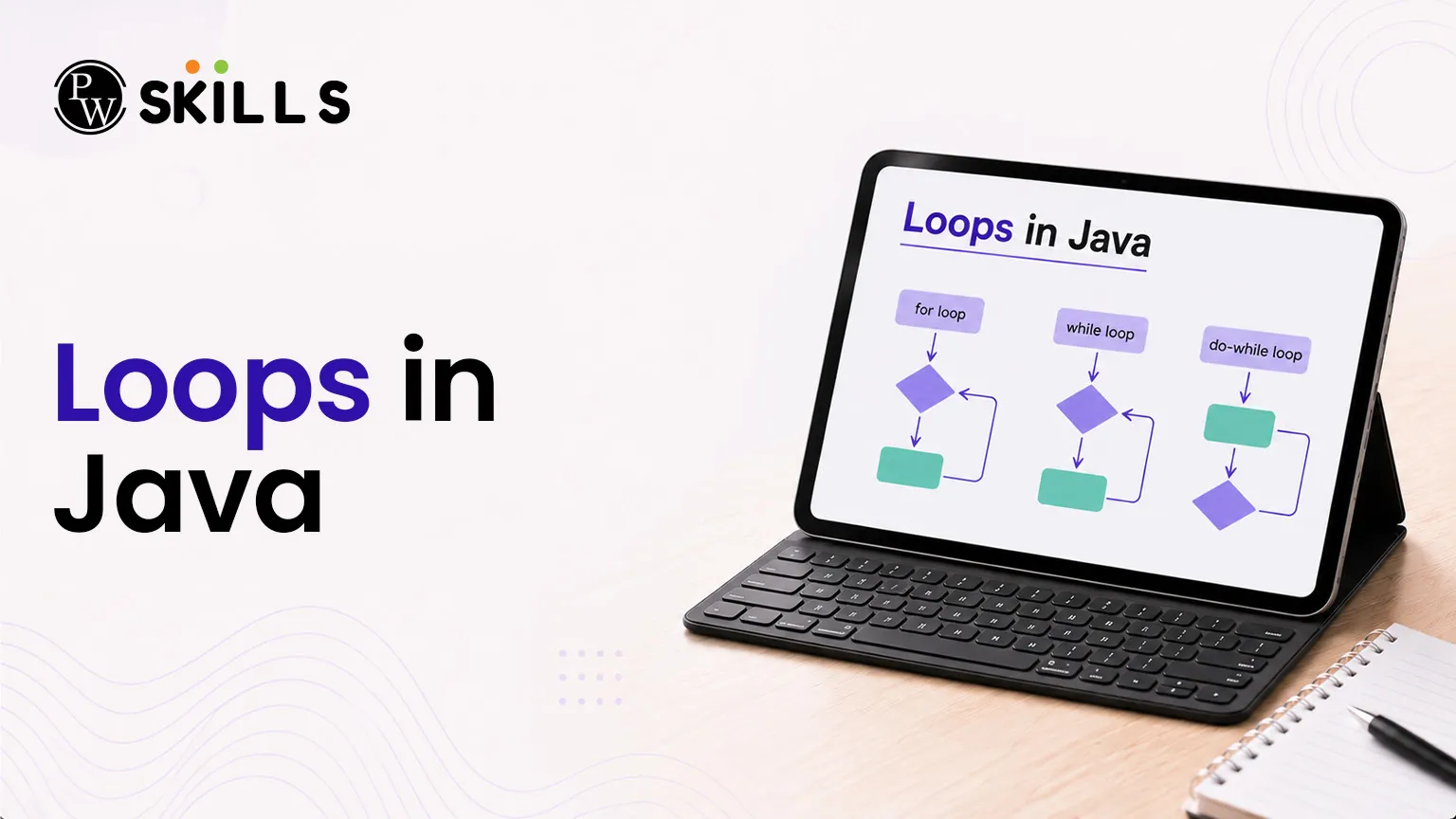
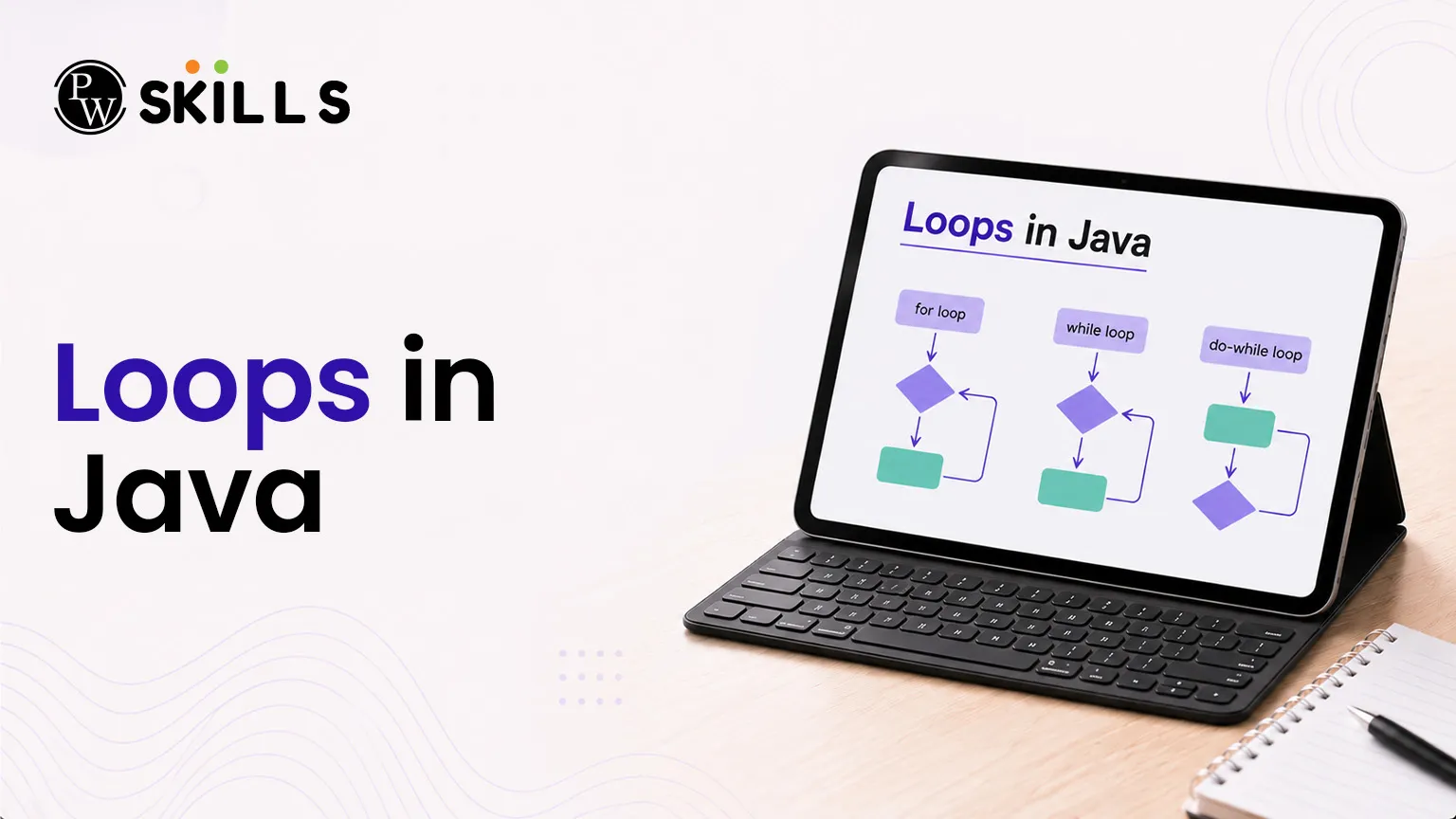
Many beginners struggle when they need to repeat actions in a program, especially while solving array problems or DSA questions. Instead of writing the same code again and again, loops in Java help you run a block of code multiple times in an efficient way. Understanding loops is very important for writing clean, optimized, and scalable Java programs.
Importance of Loops in Java
In programming, repeating the same code manually is not efficient. It increases code size, creates errors, and makes programs harder to manage. Java solves this problem using loops in Java, which allow repetition based on a condition.
Loops help a program run the same set of instructions again and again until a stopping condition is met. This process is called iteration.
Using loops in Java provides many benefits:
-
Time Efficiency: Reduces repeated writing of code and saves development time
-
Error Reduction: Less repeated code means fewer chances of mistakes
-
Better Readability: Code becomes clean and easier to understand
-
Dynamic Handling: Helps process different sizes of input data easily
-
Better Problem Solving: Very useful in DSA and array-based problems
What Is the Structure of For Loops in Java?
Every loop in Java must have a clear stopping point. If a loop does not end properly, it can run forever and cause an infinite loop. This may lead to errors like Time Limit Exceeded or even crash the program.
To avoid this, a for loop in Java is built using three main parts:
Initialization
This step runs only once at the start of the loop. It sets the starting value of the loop counter.
Boolean Condition
This condition is checked before each iteration. If it is true, the loop continues. If it becomes false, the loop stops.
Update Expression
This step runs after every loop cycle. It increases or decreases the counter so that the loop moves closer to stopping. Together, these three parts control how the for loop in Java runs in a safe and structured way.
How to Implement the Standard For Loops in Java?
The for loop in Java is used when the number of repetitions is already known. It keeps all loop control parts in one line, which makes the code simple and clean.
Syntax Layout
Java
for (initialization; condition; update) {
// block of code to be executed
}
Code Implementation Example
Java
public class StandardLoop {
public static void main(String[] args) {
for (int i = 1; i <= 5; i++) {
System.out.println("Current iteration index: " + i);
}
}
}
Execution Step Analysis
Step 1: The variable i is initialized to 1.
Step 2: The condition i <= 5 is checked. Since it is true, the loop runs.
Step 3: The print statement inside the loop executes.
Step 4: The value of i increases by 1 using i++.
Step 5: Steps 2 to 4 repeat until i becomes 6. At this point, the condition becomes false, and the loop stops.
What is a While Loop in Java and How Does It Work?
The while structure functions as an entry-controlled conditional tool. It is the best choice when the exact number of execution cycles is unknown beforehand, as the execution depends entirely on an ongoing Boolean state.
The system evaluates the controlling condition before running the inner block of code. If the primary expression starts as false, the inner statements will not run at all.
Syntax Layout
Java
while (condition) {
// block of code to be executed
// increment or decrement tracker
}
Code Implementation Example
Java
public class WhileLoopVerification {
public static void main(String[] args) {
int count = 0;
// The block executes as long as count is less than 5
while (count < 5) {
System.out.println("Processing counter value: " + count);
count++; // Tracker increment step
}
}
}
Key Considerations for Beginners
When using this setup, you must manually update the tracking variable inside the code block. Forgetting to increment or decrement the variable creates a permanent true condition, locking the program into an infinite loop.
Uses of Do-While Loops in Java
The do-while setup is an exit-controlled conditional loop. It differs from other control flows because it runs its code block first before verifying the tracking condition.
This means the inner code block always runs at least once, even if the condition is false from the start.
Syntax Layout
Java
do {
// block of code to be executed
// increment or decrement tracker
} while (condition);
Code Implementation Example
Java
public class DoWhileVerification {
public static void main(String[] args) {
int index = 6;
// This block will run once despite the initial false state
do {
System.out.println("Mandatory single execution path, index: " + index);
index++;
} while (index <= 5);
}
}
Architectural Divergence Analysis
Standard entry-controlled tools evaluate expressions at the top of the block, which can completely skip execution. In contrast, exit-controlled tools place the evaluation step at the end. This guarantees the operations inside the block run at least once.
How Do Nested Loops in Java Work with Examples?
A nested structure contains an inner loop wrapped inside an outer loop. Each time the outer loop runs once, the inner loop completes its entire cycle. This configuration is essential for solving matrix-based problems and working with complex multidimensional grids in algorithm design.
Structural Sample Example
Java
public class GridPattern {
public static void main(String[] args) {
// Outer loop manages the rows
for (int row = 1; row <= 3; row++) {
// Inner loop manages the columns
for (int col = 1; col <= 3; col++) {
System.out.print("(" + row + "," + col + ") ");
}
System.out.println(); // Moves to the next row
}
}
Matrix Problem Analysis Table
|
Row Index |
Column iteration in Java Actions |
Generated Coordinate Outputs |
|
Row 1 |
Runs through Col 1, 2, 3 |
(1,1) (1,2) (1,3) |
|
Row 2 |
Runs through Col 1, 2, 3 |
(2,1) (2,2) (2,3) |
|
Row 3 |
Runs through Col 1, 2, 3 |
(3,1) (3,2) (3,3) |
Using nested loops increases the overall time complexity of your algorithms. For example, nested linear loops result in a quadratic time complexity of O(N²), so they should be used carefully with large datasets.




FAQs
How do I choose between a for loop and a while loop in Java?
Why is the do-while loop called an exit-controlled loop?
What causes an infinite loop in Java?
Can I use multiple variables in a for loop initialization?
How does the break statement work in nested loops?





Get Free Counselling Today
and Clear up all your Doubts
 Live & recorded classes available at easeDashboard for progress trackingLakhs of practice questions

