
Mastering Methods in DSA with Java in One Shot | Complete Guide for Beginners | DSA in Java
 Varun Saharawat18 Jun, 2026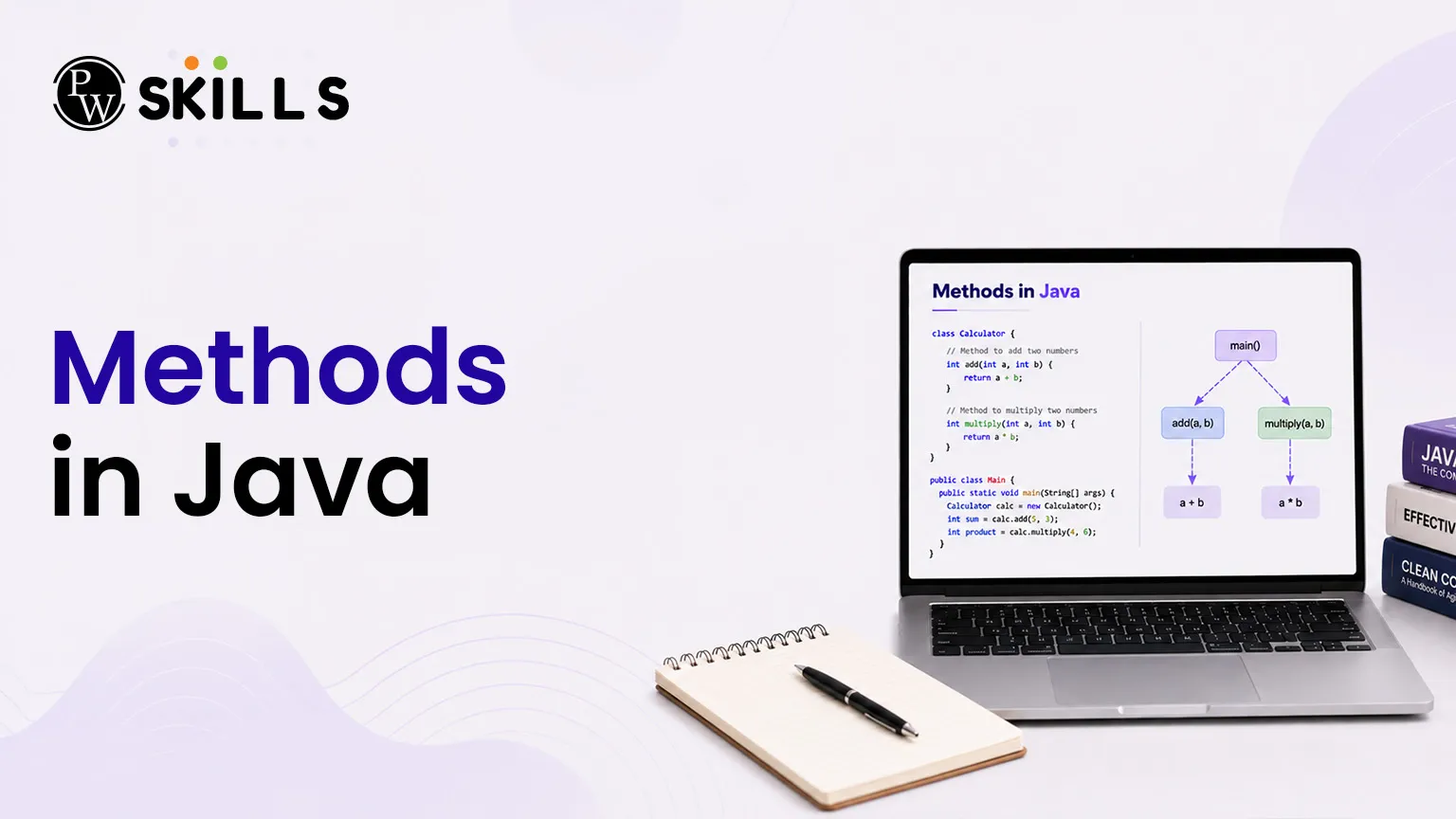
Writing long, repetitive blocks of code often leads to logic errors and makes debugging an absolute nightmare during technical interviews. When building complex algorithms, developers frequently struggle with structuring code cleanly, resulting in messy scripts that are incredibly difficult to maintain.
Learning how to properly design and implement methods in Java completely solves this problem by breaking your system down into modular, manageable, and reusable code blocks.
Why are Methods in Java Essential for DSA?
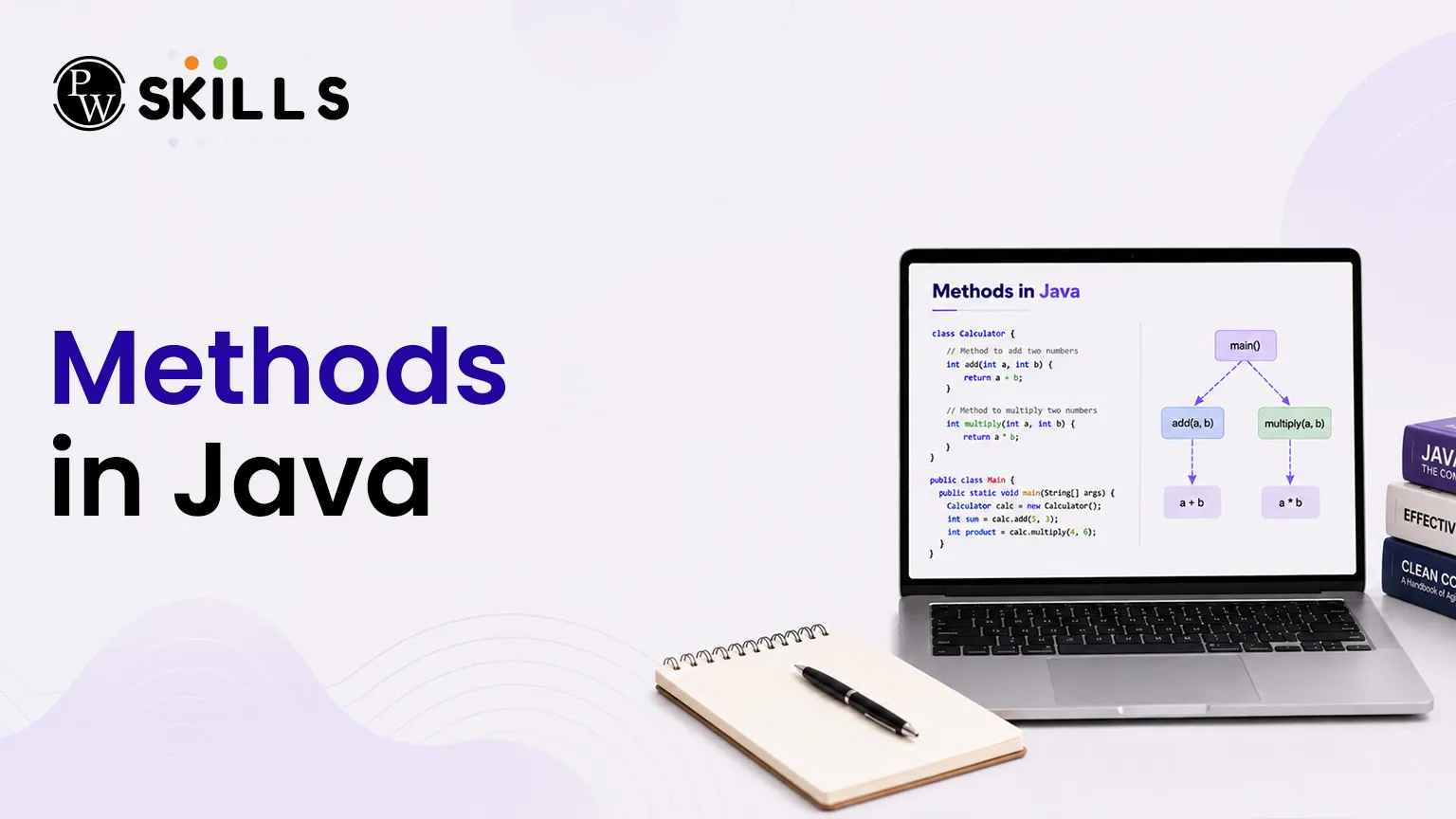
A method in Java is a block of code that runs only when it is called. Methods can take inputs, called parameters, perform a specific task, and return a result if needed. In many programming languages, methods are also known as functions. When solving problems in DSA with Java, writing the same code again and again is not a good practice. Methods help you organize your code into smaller and reusable parts, making problem-solving easier and more efficient.
Code Reusability
A method allows you to write a piece of logic once and use it many times. This helps avoid duplicate code and makes it easier to test different inputs and test cases.
Better Maintainability
Methods help separate tasks into smaller sections. For example, you can create different methods for sorting, searching, or filtering data. This makes the code easier to manage and update when needed.
High Readability
Breaking a large program into multiple methods makes the code easier to read and understand. It helps developers and interviewers quickly follow the main logic of the solution without getting lost in long blocks of code.
How to Declare Methods in Java?
Every method in Java follows a fixed structure. Understanding the different parts of a method helps you write correct code and avoid compilation errors.
Modifiers
Modifiers define the access level and behavior of a method. Common modifiers include public, private, and static.
Return Type
The return type specifies the kind of value a method sends back after execution. If the method does not return any value, the keyword void is used.
Method Name
The method name is the unique name used to call the method. It should follow Java naming conventions and usually use camelCase formatting.
Parameter List
Parameters are inputs passed to a method. They are written inside parentheses and separated by commas when there are multiple parameters.
Exception List
A method can include an exception declaration to indicate possible errors that may occur during execution. This is usually written using the throws keyword.
Method Body
The method body is enclosed within curly braces { }. It contains all the statements and logic that the method executes when called.
The Anatomy of a Method Declaration
|
Component |
Purpose |
Example |
|
Controls visibility and access |
public static |
|
|
Return Type |
Output data type |
int |
|
Method Name |
Identifier for execution |
calculateSum |
|
Parameter List |
Input variables received |
(int a, int b) |
Java
public class DsaExample {
// Declaring a basic method to find the maximum value
public static int findMax(int num1, int num2) {
if (num1 > num2) {
return num1;
} else {
return num2;
}
}
}
How Do Parameters Work in Methods in Java?
Passing data properly into your functional blocks is vital when building dynamic, flexible algorithmic solutions. According to any standard Java methods tutorial, a clear distinction exists between the placeholders you set up in the declaration and the actual values you supply during real execution.
-
Parameters: These act as formal variable placeholders defined inside the parentheses during the initialization of the method signature.
-
Arguments: These represent the actual concrete values passed directly into the functional block when it is explicitly invoked inside your application.
Java
public class Main {
// 'message' is a formal parameter
static void printGreeting(String message) {
System.out.println(message);
}
public static void main(String[] args) {
// "Learn DSA" is the actual argument passed
printGreeting("Learn DSA");
}
}
When building algorithms inside a class, you can create your own custom functional structures to perform targeted actions, or call pre-defined options built directly into the language environment, such as System.out.println(). If a structure is marked as static, it belongs directly to the class itself rather than to a specific object instance. This means you can invoke it instantly without manually instantiating an object first.
Why is Overloading Essential for Methods in Java?
The language natively allows multiple separate code blocks within a single class to share the exact same identifier name, provided they maintain entirely distinct method signatures. A method signature is officially defined by its unique name paired alongside its specific parameter types. This powerful programming capability is known as method overloading.
Overloading provides immense flexibility when designing complex systems in DSA with Java. For instance, if you require an enterprise utility that visualizes or processes distinct inputs like individual integers, floating-point numbers, or textual data strings, creating separate naming labels like drawInteger or drawString becomes incredibly tedious.
Java
public class DataArtist {
// Overloaded method handling a String input
public void draw(String s) {
System.out.println("Drawing string: " + s);
}
// Overloaded method handling an integer input
public void draw(int i) {
System.out.println("Drawing integer: " + i);
}
// Overloaded method handling a double input
public void draw(double f) {
System.out.println("Drawing double: " + f);
}
}
The underlying compiler differentiates these overloaded components exclusively by looking at the total count, precise ordering, and exact data types of the arguments passed inside the invocation. It is vital to note that the compiler completely ignores return types when trying to distinguish between overlapping signatures. Consequently, you cannot simply declare two separate blocks with identical parameters merely by altering what data type they return to the calling program.
How to Use Return Values with Methods in Java?
If you require your processing blocks to pass computational results back to your primary execution flow, you must swap out the void keyword for a concrete data type. The returned value must perfectly match the specific output type declared in your structural signature.
Java
public class MathUtils {
// Returns the square of an integer value
static int computeSquare(int number) {
return number * number;
}
public static void main(String[] args) {
int result = computeSquare(5);
System.out.println("Square result: " + result);
}
}
When a return statement executes, the program immediately halts further operations inside that block and hands control straight back to the main calling environment. Mastering these clean data transitions helps you assemble highly modular routines that integrate smoothly into larger data structures.




FAQs
1. What is the difference between methods and functions in Java?
2. Can I overload a method by changing only its return type?
3. What does the void keyword mean in Java methods?
4. How do I call a static method in Java?
you are calling it from another class, use the class name followed by the method name. 5. Can a method accept multiple data types as parameters?





Get Free Counselling Today
and Clear up all your Doubts
 Live & recorded classes available at easeDashboard for progress trackingLakhs of practice questions

