
If Else in Java | Revision 2 | Java and DSA Course
 Varun Saharawat17 Jun, 2026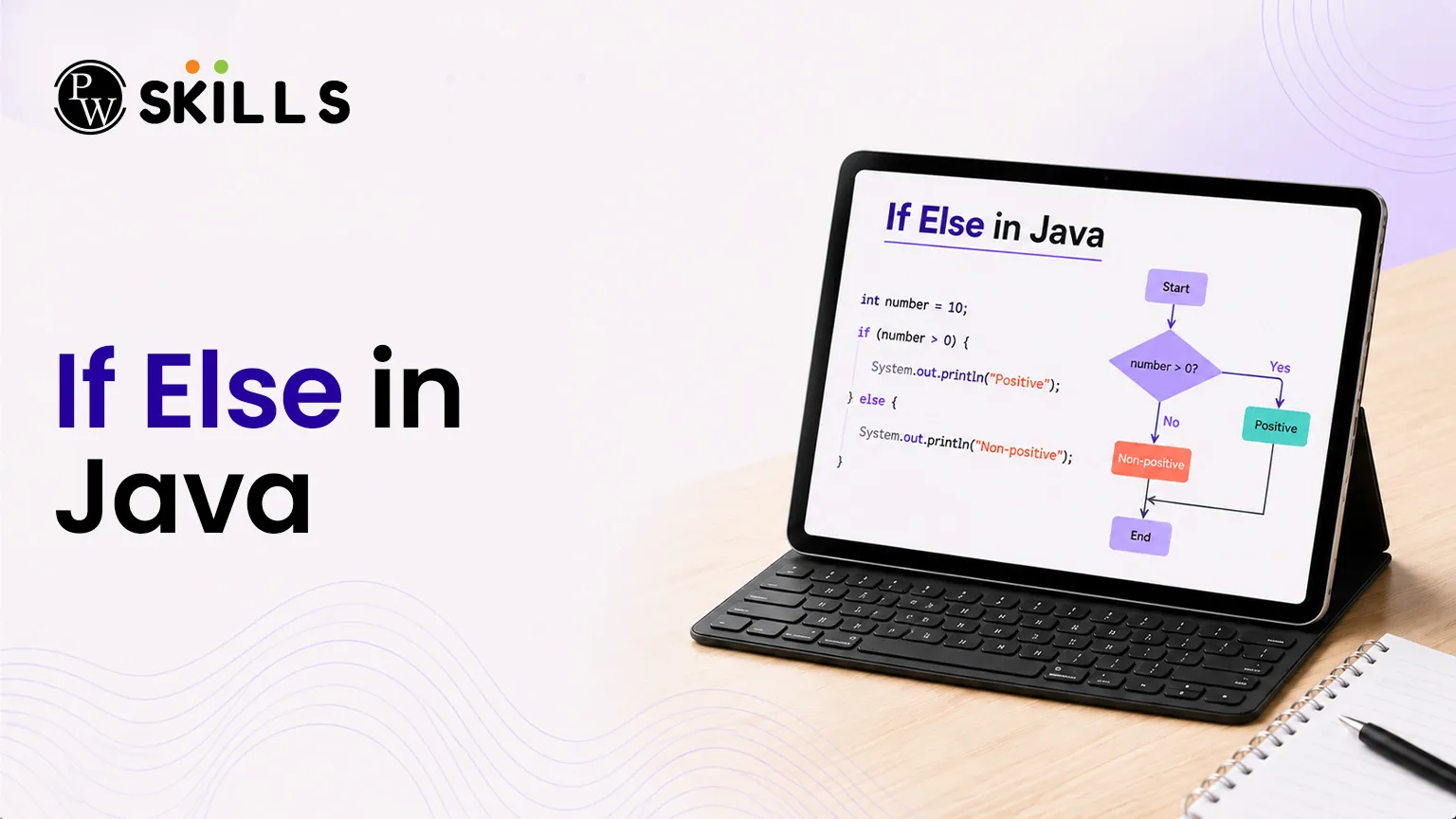
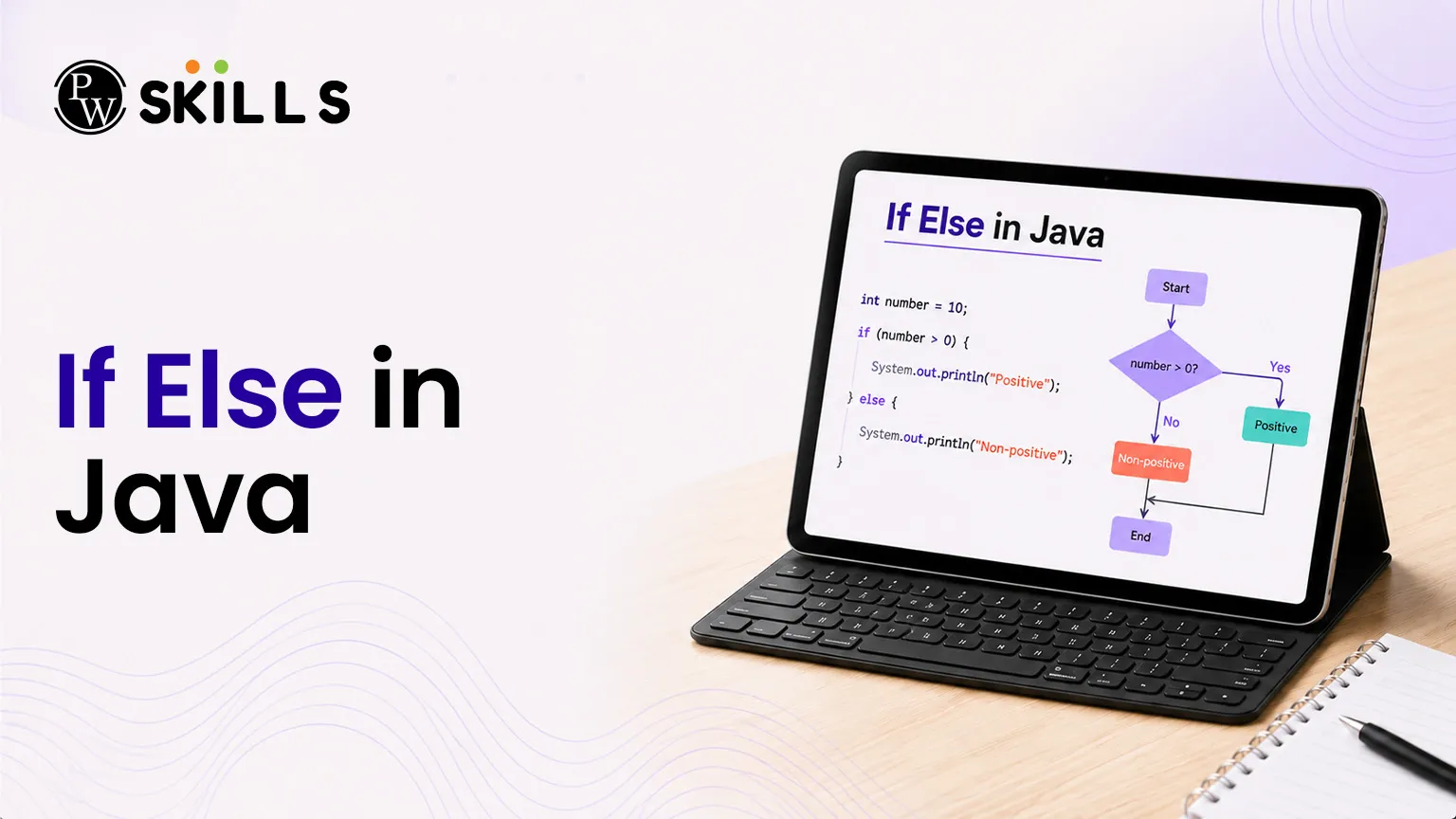
Understanding how a program makes decisions is an important part of learning Java programming basics. Many beginners struggle with how code chooses different paths, but If Else in Java makes this process simple and structured.
What is If Else in Java Syntax?
The If Else in Java statement is the simplest form of decision-making in programming. It checks a condition and runs a block of code only if that condition is true. This helps the program decide what action to take during execution.
Basic If Statement Syntax in Java
A single if statement is used to test a condition before running any code.
Java
if (condition) {
// This block runs only if the condition is true
}
If the condition is false, the code inside the block is skipped completely.
Comparison Operators Used in If Else in Java
The If Else in Java statement uses comparison operators to evaluate conditions. These operators compare two values and return either true or false.
-
Less than (<): Checks if the left value is smaller than the right value
-
Less than or equal to (<=): Checks if the left value is smaller than or equal to the right value
-
Greater than (>): Checks if the left value is larger than the right value
-
Greater than or equal to (>=): Checks if the left value is larger than or equal to the right value
-
Equal to (==): Checks if both values are exactly the same
-
Not equal to (!=): Checks if both values are different
These operators are essential for writing conditions in Java programs.
Important Rule in If Else in Java Syntax
In Java, the keyword must always be written in lowercase. The correct keyword is if. Writing If or IF will cause a syntax error because Java is case-sensitive.
Example of If Else in Java Syntax
The example below shows how a simple condition is tested using If Else in Java logic.
Java
public class PrimaryCheck {
public static void main(String[] args) {
int targetValue = 20;
int thresholdValue = 18;
if (targetValue > thresholdValue) {
System.out.println("The target value is strictly greater than the threshold.");
}
}
}
In this example, the message is printed only if the condition targetValue > thresholdValue is true. If it is false, nothing will be displayed.
Understanding this syntax is the first step in mastering If Else in Java, as it forms the base for all conditional logic in Java programming.
How Do If Else Statements Work in Java?
A single check works well when you only care if a condition is true. However, most software applications require an alternative plan when a condition turns out to be false. The alternative pathway ensures your program handles both outcomes smoothly.
The standalone choice ignores the false outcome completely, whereas adding an extra branch guarantees that a specific block of instructions executes when the main criteria fail.
Java
if (condition) {
// Executes when the expression yields true
} else {
// Executes when the expression yields false
}
The underlying execution flow moves through structured phases:
[Control Flow Enters]
│
▼
┌───────────────┐
│ Evaluate the │
│ Condition │
└───────┬───────┘
│
├─────────── True ──────────┐
│ ▼
│ ┌───────────────┐
▼ │ Execute the │
False │ If Block │
│ └───────┬───────┘
▼ │
┌───────────────┐ │
│ Execute the │ │
│ Else Block │ │
└───────┬───────┘ │
│ │
▼ ▼
┌───────────────────────────────────┴───────┐
│ Exit the Structural Block and Resume │
└───────────────────────────────────────────┘
The following program shows how to use this mechanism to print alternative messages based on an integer input:
Java
public class DoublePath {
public static void main(String[] args) {
int checkNumber = 10;
if (checkNumber > 5) {
System.out.println("The number is greater than 5.");
} else {
System.out.println("The number is 5 or less.");
}
}
}
How Does If Else in Java Work with Multiple Conditions?
Real-world scenarios rarely involve simple, two-sided choices. You will often need to evaluate a sequence of conditions to pinpoint the correct outcome. The multi-path ladder allows you to chain several checks together, evaluating each condition one after another from top to bottom.
Java
if (firstCondition) {
// Runs if firstCondition matches true
} else if (secondCondition) {
// Runs if firstCondition is false and secondCondition matches true
} else {
// Runs when all prior evaluations fail
}
The program stops testing as soon as it finds a matching condition. It runs the corresponding code block and jumps straight to the end of the conditional structure.
The clear example below classifies an integer into one of three distinct categories using a multi-conditional setup:
Java
public class MultiDecision {
public static void main(String[] args) {
int currentHour = 22;
if (currentHour < 12) {
System.out.println("Good morning.");
} else if (currentHour < 18) {
System.out.println("Good afternoon.");
} else {
System.out.println("Good evening.");
}
}
}
What Are the Risks of Using If Else in Java Without Braces?
The language rules allow you to omit curly braces when a conditional block contains only a single statement. While this can make your code look shorter, it is a risky practice that often introduces bugs.
Java
// Legitimate layout but highly discouraged
if (20 > 18)
System.out.println("This single instruction operates conditionally");
Without explicit braces, the compiler binds only the immediate next line to your condition. Any subsequent lines run sequentially regardless of the condition's outcome.
Java
public class BraceTrap {
public static void main(String[] args) {
int balance = 20;
int cost = 25;
if (balance > cost)
System.out.println("Approval granted.");
System.out.println("Processing your transaction request.");
}
}
In the example above, the second print statement runs even though the condition is false. The lack of braces breaks the intended logic. Using braces consistently makes your intentions explicit and easy to read.
Java
public class SecureImplementation {
public static void main(String[] args) {
int balance = 20;
int cost = 25;
if (balance > cost) {
System.out.println("Approval granted.");
System.out.println("Processing your transaction request.");
}
}
}
How Do Nested Conditions Work in If Else in Java?
Nesting involves placing one conditional block inside another. This technique allows you to verify secondary conditions only after a primary condition passes.
Java
if (outerCondition) {
if (innerCondition) {
// Runs when both outer and inner conditions are true
}
}
An important rule to remember when nesting is that an else branch always aligns with the closest unmatched if statement above it.
The following program uses nested conditions to verify a user's eligibility for blood donation based on age and weight criteria:
Java
public class DonorValidation {
public static void main(String[] args) {
int donorAge = 25;
double donorWeight = 65.5;
if (donorAge >= 18) {
if (donorWeight >= 50.0) {
System.out.println("You are eligible to donate blood.");
} else {
System.out.println("You must weigh at least 50 kilograms to donate blood.");
}
} else {
System.out.println("You must be at least 18 years old to donate blood.");
}
}
}
How Do Boolean and Logical Operators Work in If Else in Java?
You do not always need to write explicit comparisons inside your conditional blocks. If you use boolean variables, you can pass them directly to the condition check.
Java
public class BooleanLogic {
public static void main(String[] args) {
boolean isRaining = true;
if (isRaining) {
System.out.println("Bring an umbrella!");
}
}
}
Writing if (isRaining) works exactly the same as writing if (isRaining == true). It is cleaner, more concise, and easier to read.
You can also combine multiple evaluations into a single statement using logical operators. This helps you avoid deep nesting and keeps your code readable.
|
Operator Name |
Symbol |
Functional Role Summary |
|
Logical AND |
&& |
Returns true only if every individual expression evaluates to true. |
|
Logical OR |
││ |
Returns true if at least one of the expressions evaluates to true. |
|
Logical NOT |
! |
Inverts the boolean value (turns true to false and vice-versa). |
The following example combines two checks into a single line using a logical operator:
Java
public class SimplifiedFlow {
public static void main(String[] args) {
int age = 22;
double weight = 55.0;
if (age >= 18 && weight >= 50.0) {
System.out.println("Criteria matched successfully.");
}
}
}




FAQs
How does the ternary operator differ from If Else in Java?
Can I evaluate string contents inside a standard condition check?
What happens if multiple branches match in an extension ladder?
Is there a limit to how deep I can nest conditions?
Why does my compiler throw an error when using an uppercase IF?





Get Free Counselling Today
and Clear up all your Doubts
 Live & recorded classes available at easeDashboard for progress trackingLakhs of practice questions

