
Mastering Complete Arrays in DSA in Java One Shot | Complete Guide for Beginners | DSA

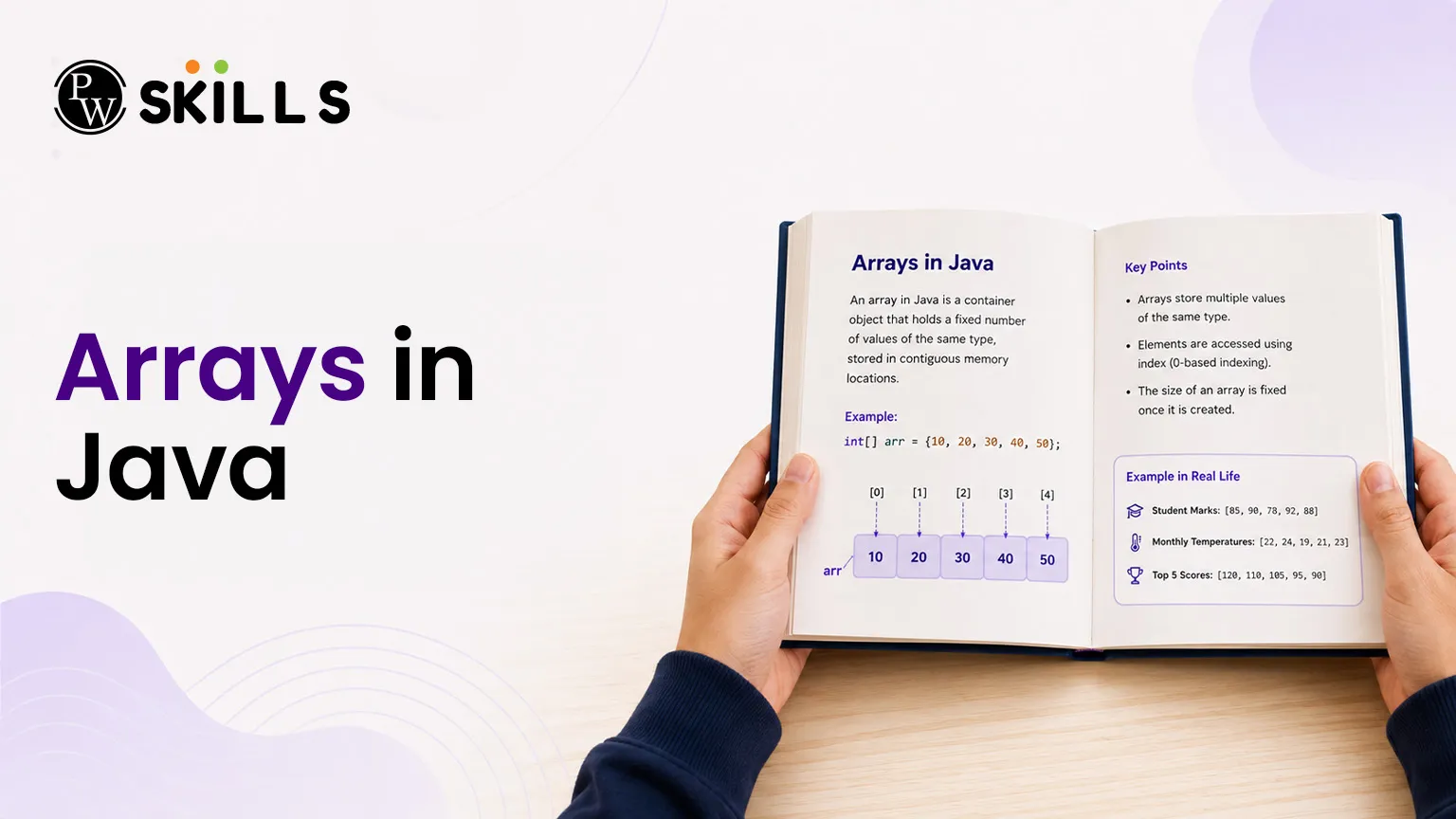
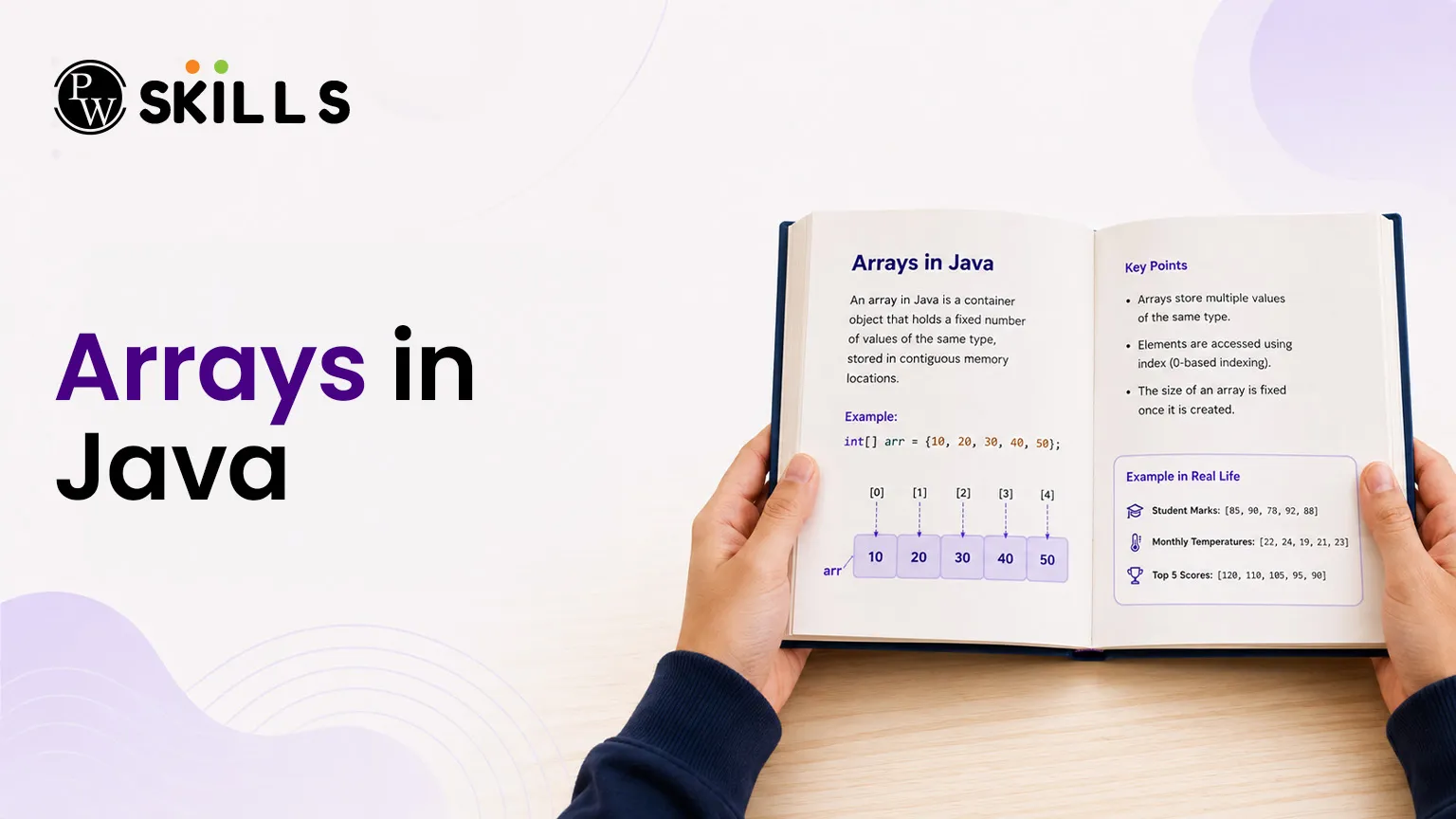
Learning a new programming language or starting your Data Structures and Algorithms (DSA) journey can feel overwhelming when managing large groups of data. Beginners often struggle with tracking multiple variables, which can lead to messy code and high memory consumption. Arrays in Java solve this problem by offering a clean, structured way to store multiple values of the same type under a single variable name.
Importance of Arrays in Java Basics
An array is a linear data structure that collects variables of the same data type in contiguous memory locations. Unlike a collection, once you create an array in this programming environment, its total storage capacity remains fixed.
Key properties of Java arrays include the following:
-
Dynamic Allocation: All arrays are allocated memory dynamically using the heap area.
-
Object-oriented nature: They behave as objects, meaning you can look up their total elements using the built-in length property.
-
Zero-based indexing: The very first element starts at index 0, and the final element is located at index (length - 1).
-
Superclass association: The direct superclass of any array type is the standard Object class.
-
Index type requirements: The boundary or size must be defined by an int value, never a long or short type.
How to Declare and Initialize Arrays in Java?
Setting up a structure to handle your records involves two main steps: declaration and memory allocation. You can write the syntax in a couple of ways, making it simple to construct your elements.
Single-Dimensional Array Declaration
To set up a basic single-dimensional array, look at the valid syntax variations below:
Java
// Method 1: Most common and preferred approach
int[] numbers;
// Method 2: Alternate valid declaration
int values[];
Allocation using the new Keyword
You must specify the size when establishing memory using the new operator, a compilation error occurs.
Java
// Declaring and allocating space for 5 integers
int[] numbers = new int[5];
Inline Initialisation
If you already know the elements, you can skip the new keyword and write them directly inside curly brackets:
Java
int[] fixedArray = {10, 20, 30, 40, 50};
Arrays in Java Operations for DSA
To confidently handle data structures and algorithms, you must perform certain operations repeatedly. These standard Java array operations allow you to access, loop through, and modify your stored objects.
1. Accessing and Updating Elements
You retrieve or alter specific elements using their respective index placement inside square brackets.
Java
int[] items = new int[3];
items[0] = 100; // Assignment operation
System.out.println(items[0]); // Accessing the first item
2. Looping Through Elements
Iterating over your container means tracking each element one by one. Java offers multiple ways to loop through your items:
-
Standard For Loop: Excellent when you need to track or modify elements based on their exact index.
-
Enhanced For Loop (For-Each): Best for reading items without worrying about index counters.
-
While Loop: Ideal when your increment logic depends on complex custom conditions.
-
Arrays.stream() Method: A modern approach to convert data into sequential streams for functional programming.
Let us look at a code breakdown demonstrating these traversal techniques:
Java
import java.util.Arrays;
public class Main {
public static void main(String[] args) {
int[] data = {5, 10, 15, 20};
// Standard for loop
System.out.print("Standard Loop: ");
for (int i = 0; i < data.length; i++) {
System.out.print(data[i] + " ");
}
// Enhanced for-each loop
System.out.print("\nEnhanced Loop: ");
for (int num : data) {
System.out.print(num + " ");
}
// Stream utility approach
System.out.print("\nStream Traversal: ");
Arrays.stream(data).forEach(val -> System.out.print(val + " "));
}
}
3. Printing an Array Directly
Printing a raw array variable directly outputs an internal object hash code. To see the actual contents clearly, use the standard library helper method:
Java
import java.util.Arrays;
int[] sample = {1, 2, 3};
System.out.println(Arrays.toString(sample)); // Outputs: [1, 2, 3]
Multidimensional Arrays in Java
A multidimensional array is essentially an array containing other arrays inside it. The most common format used in DSA arrays is the two-dimensional variant, which represents a grid structure consisting of rows and columns.
Syntax and Memory Creation
The standard layout configuration requires specifying both structural boundaries:
Java
dataType[][] arrayName = new dataType[rows][columns];
Complete Implementation Example
Let us observe how to create, modify, and display a 2D grid structure using nested loops:
Java
public class GridExample {
public static void main(String[] args) {
// Initialising a 3x3 multidimensional matrix
int[][] matrix = {
{1, 2, 3},
{4, 5, 6},
{7, 8, 9}
};
// Modifying and printing values using nested loops
for (int i = 0; i < 3; i++) {
for (int j = 0; j < 3; j++) {
matrix[i][j] = matrix[i][j] * 2; // Double the element values
System.out.print(matrix[i][j] + " ");
}
System.out.println(); // Line break for next row
}
}
}
Arrays vs Collections in Java
When building software, you must decide whether to use static arrays or growable collections. The choice heavily impacts the performance of your application.
|
Feature Property |
Arrays in Java |
Java Collection Framework |
|
Size Elasticity |
Fixed size; cannot expand or shrink. |
Dynamic size; scales automatically. |
|
Holds both primitive types and object references. |
Holds object types only (no raw primitive values). |
|
|
Performance Efficiency |
Highly recommended for fast lookup speed. |
Slightly slower due to object wrapper processing. |
|
Memory Consumption |
Uses less memory because of raw contiguous blocks. |
Uses more memory due to underlying dynamic objects. |
|
Built-in Methods |
Lacks extensive direct methods out of the box. |
Offers extensive ready-made methods for operations. |
Top Arrays in Java Interview Questions for DSA Success
Practising code patterns helps you handle complex placement exams. Here are the most common array interview questions that test your logical foundational skills:
1. Find the Maximum and Minimum Element
Problem: Scan through an input sequence to discover the highest and lowest values.
Strategy: Initialise variables with the first element, look through the remaining indexes, and update your markers whenever you find a larger or smaller item.
2. Reverse the Array Elements
Problem: Invert the sequence order so the final item becomes the first element.
Strategy: Keep two pointers at opposite ends (start and end). Swap their contents sequentially while moving them closer until they meet in the middle.
3. Check for Duplicate Elements
Problem: Identify whether any value shows up more than once in the data structure.
Strategy: Run a nested loop comparison or sort the list first to see if any adjacent items match.
4. Calculate the Average Value
Problem: Compute the exact mean of all values stored inside the sequence.
Strategy: Loop through the entire layout to accumulate a running total sum, then divide that aggregate value by the sequence length.
5. Print a Multi-Dimensional Grid
Problem: Systematically read and format a 2D matrix structure into a readable block printout.
Strategy: Execute an outer loop tracking row indexes and an inner loop managing column elements.
How to Accept Arrays in Java Inputs from a User?
Real-world programs need dynamic inputs from users. To accept values through the console, use the built-in Scanner utility.
Java
import java.util.Scanner;
public class InputExample {
public static void main(String[] args) {
Scanner sc = new Scanner(System.in);
System.out.println("Enter the size of the array: ");
int size = sc.nextInt();
int[] userArray = new int[size];
System.out.println("Enter the elements of the array: ");
for (int i = 0; i < size; i++) {
userArray[i] = sc.nextInt();
}
System.out.print("Your elements are: ");
for (int val : userArray) {
System.out.print(val + " ");
}
sc.close();
}
}




FAQs
What happens if I try to access an invalid index in Java Arrays?
Can I alter the size of an array after initializing it?
How do I check the length of an item sequence?
Are primitive array items given default values upon creation?
Can a single array store different data types at once?





Get Free Counselling Today
and Clear up all your Doubts
 Live & recorded classes available at easeDashboard for progress trackingLakhs of practice questions

