
How to Build Strong Programming Fundamentals with Java
 Hardik Gupta10 Jul, 2026
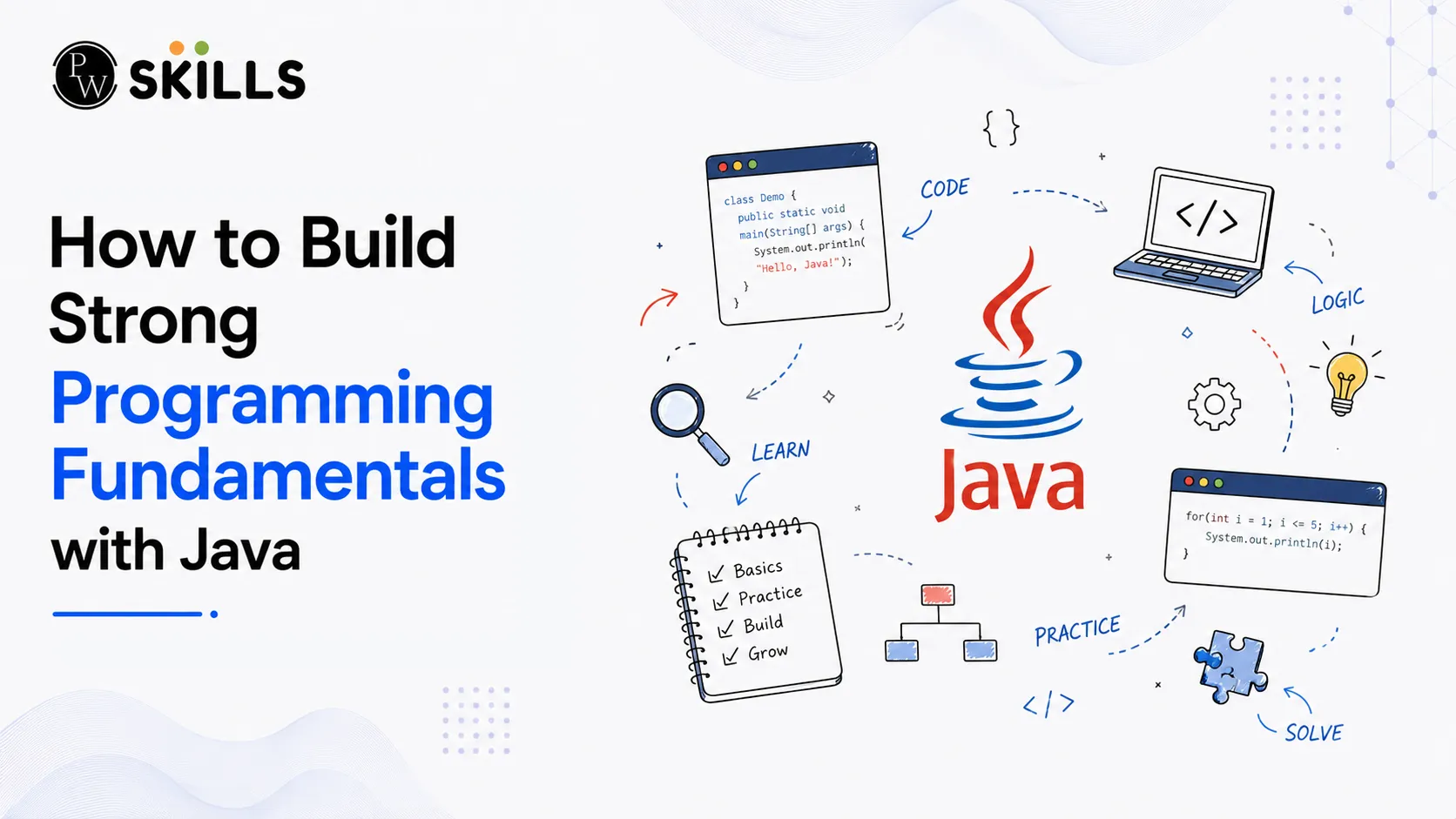
Learning to code can feel difficult for many beginners. Understanding how programs work and how data moves inside an application takes time and practice. If you find it hard to write code or understand programming logic, learning Java Programming Fundamentals is a great place to start. Java is one of the best languages for beginners because it has clear rules and an easy-to-follow structure. By learning the basics step by step, you can build strong programming concepts and become more confident in writing software.
Importance of Java Programming Fundamentals
Starting with the right basics makes learning faster and easier. Java follows the Write Once, Run Anywhere (WORA) principle. This means you can write a Java program once and run it on different operating systems without changing the code.
Java works with three important components that help create and run applications.
-
Java Virtual Machine (JVM): The JVM runs Java bytecode on your computer. It acts as the engine that executes Java programs.
-
Java Runtime Environment (JRE): The JRE includes the JVM and the core libraries needed to run Java applications.
-
Java Development Kit (JDK): The JDK contains the JRE, Java compiler, debugger, and other development tools needed to build Java applications.
Before you start coding, install the JDK and configure the PATH and JAVA_HOME environment variables. This allows your computer to recognize Java commands from the terminal or command prompt.
|
Component |
Main Purpose |
Included Elements |
|
JVM |
Executes Java bytecode |
Execution engine |
|
JRE |
Runs Java applications |
JVM + Core libraries |
|
JDK |
Develops Java applications |
JRE + Compiler + Debugger |
Understanding these components is one of the first steps in learning Java Programming Fundamentals because every Java application depends on them.
Basics of Java Programming Fundamentals
Every Java program follows a fixed structure. All code is written inside a class, and every program starts running from the main() method.
A simple Java program looks like this:
public class HelloWorld
public static void main(String[] args)
System.out.println("Hello, World!");
Each part of the program has a specific job.
-
public class HelloWorld: Creates a class named HelloWorld. The file name should match the class name.
-
public static void main(String[] args): This is the starting point of every Java application.
-
System.out.println(): Displays text on the screen.
Java also supports comments, which help explain your code and make it easier to understand.
There are three main types of comments:
-
Single-line Comments (//): Used for short notes on one line.
-
Multi-line Comments (/* */): Used for longer explanations across multiple lines.
-
Documentation Comments (/** */): Used to generate documentation with Javadoc.
Using comments makes your code cleaner and easier to maintain, especially in large projects.
Also Check: Java Coding Basics, Syntax, Terminologies
Variables and Data Types in Java Programming Fundamentals
Variables store information while a program is running. Every variable has a name, a data type, and a value.
Primitive Data Types
Primitive data types are built into Java and store simple values.
-
byte: Uses 1 byte of memory.
-
short: Uses 2 bytes of memory.
-
int: Uses 4 bytes and stores whole numbers.
-
long: Uses 8 bytes for larger whole numbers.
-
float: Stores decimal values.
-
double: Stores high-precision decimal numbers.
-
char: Stores a single character.
-
boolean: Stores either true or false.
Non-Primitive Data Types
Non-primitive data types store references to objects instead of simple values.
Examples include:
-
Arrays
-
Classes
-
Interfaces
These data types are used to build larger and more advanced Java applications.
Variable Classifications
Variables are grouped based on where they are declared.
-
Local Variables: Created inside a method and can only be used within that method.
-
Instance Variables: Declared inside a class but outside methods. Every object has its own copy.
-
Static Variables: Shared by all objects of the same class.
-
Final Variables: Cannot be changed after a value is assigned.
Learning variables and data types is an important part of basics because every Java program uses them.
Program Flow Control with Core Java Programming Fundamentals
Programs need instructions to decide what to do next. Flow control statements help Java make decisions and repeat tasks.
Conditional Execution Structures
Java provides several conditional statements.
-
if statement: Runs a block of code only if the condition is true.
-
if-else statement: Chooses between two blocks of code.
-
if-else if-else ladder: Checks several conditions one after another until one is true.
-
switch statement: Selects one block of code from multiple options based on a variable value.
These statements help programs respond to different situations.
Loop Constructs and Arrays
Arrays store multiple values of the same data type in one variable. They make it easier to organize related data.
Loops repeat the same task until a condition changes.
The most common loops are:
-
for loop
-
while loop
-
do-while loop
These loops help developers process arrays, repeat calculations, and handle large amounts of data without writing the same code again and again.
Java Programming Fundamentals for Modern Applications
As you move from simple programs to larger applications, you need to organize your code in a better way. Java uses OOP concepts, which helps developers build software using objects instead of only functions. This makes programs easier to understand, manage, and improve as they grow.
To build professional Java applications, you should learn the four main principles of OOP concepts.
-
Encapsulation: Encapsulation keeps data and the methods that use it inside one class. By making variables private and using public methods, you protect important data from being changed directly.
-
Inheritance: Inheritance allows one class to use the properties and methods of another class. This saves time by reusing existing code instead of writing it again.
-
Polymorphism: Polymorphism allows the same method name to perform different actions depending on the object that uses it. This makes programs more flexible.
-
Abstraction: Abstraction hides the complex details of a program and shows only the features that users or other classes need to use.
These four principles are the foundation of OOP concepts and are used in almost every modern Java application.
Java also includes several other important features that help developers build clean and organized software.
-
Classes and Objects: A class works like a blueprint, while an object is a real example created from that blueprint. Objects store data and perform tasks using methods.
-
Packages: Packages group related classes together. They help organize projects and prevent class name conflicts.
-
Interfaces: An interface defines a set of methods that another class must implement. It helps different classes follow the same structure while allowing different implementations.
-
Exception Handling: Java uses try, catch, finally, throw, and throws to handle runtime errors. Good exception handling prevents applications from crashing and makes programs more reliable.
Learning these topics helps you write professional Java applications that are easier to maintain, expand, and debug.




FAQs
What is the difference between a local variable and an instance variable in Java basics?
How does encapsulation protect system data within object-oriented programming?
Why does the JDK play a vital role in Java Programming Fundamentals?
What are non-primitive data types in programming?
What does the Write Once, Run Anywhere principle mean for software deployment?





Get Free Counselling Today
and Clear up all your Doubts
 Live & recorded classes available at easeDashboard for progress trackingLakhs of practice questions

