

Video Editing Software for Beginners in 2026: Tools to Start Your Editing Journey
 Hardik Gupta26 Sept, 2026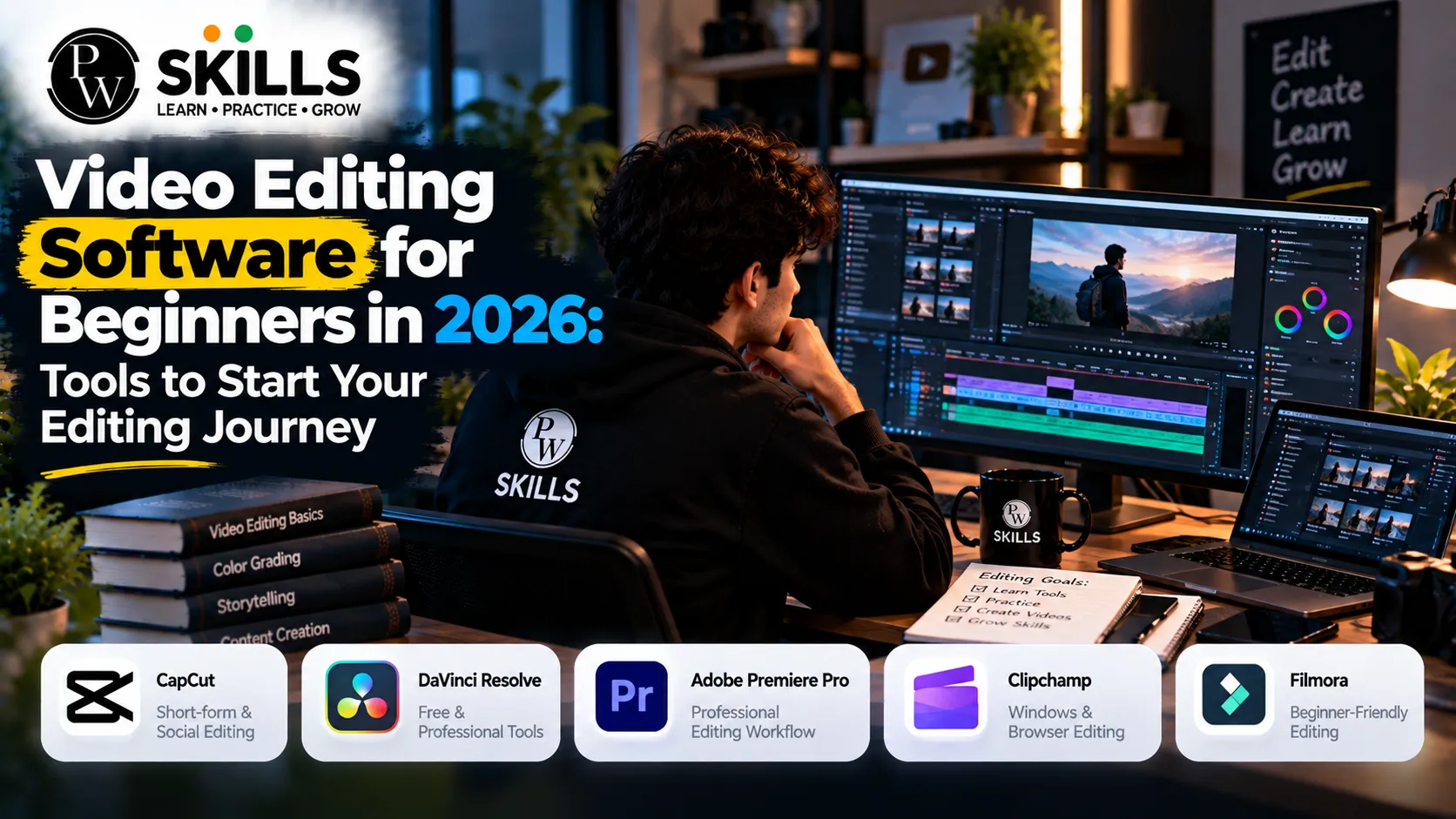
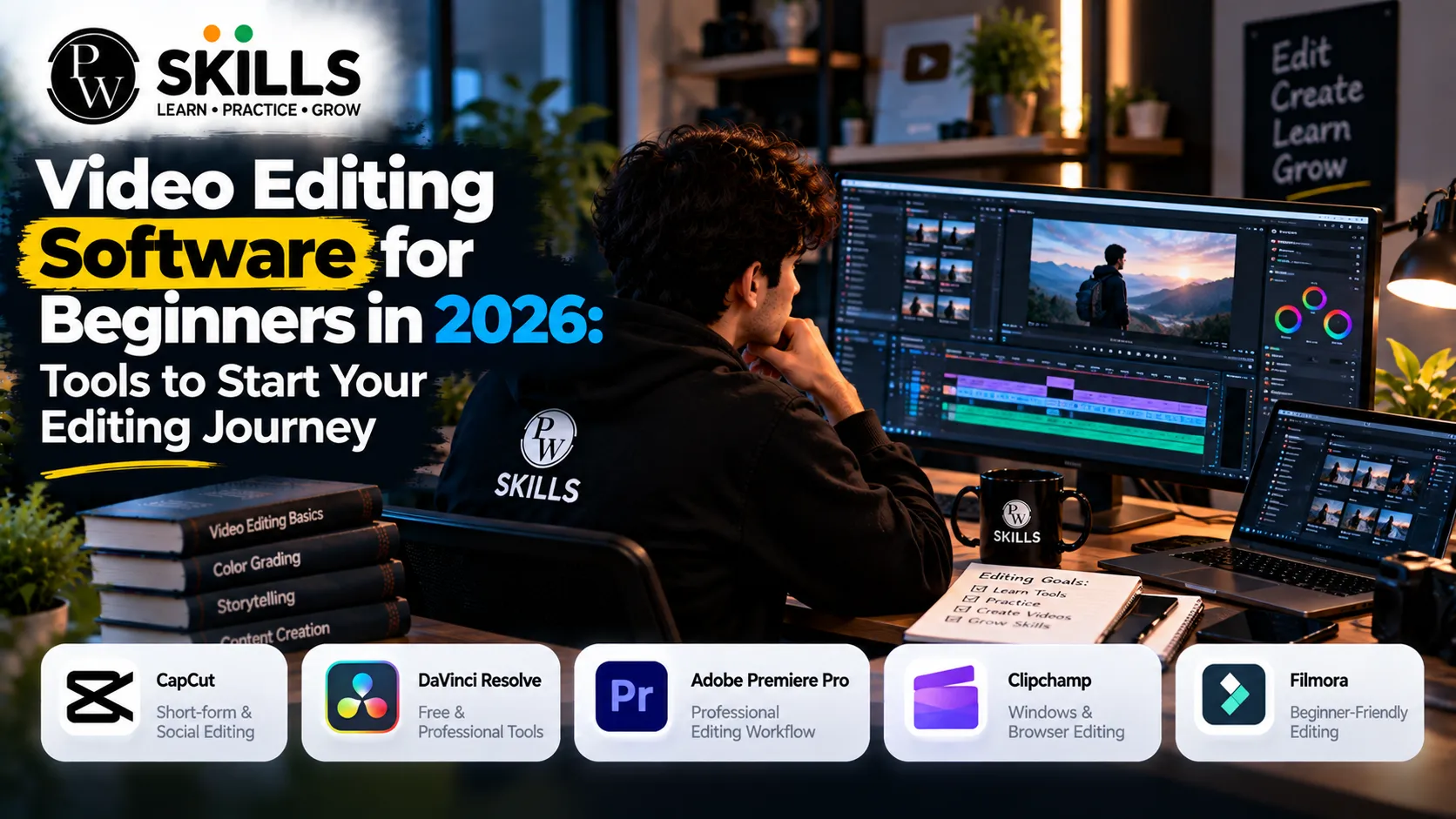
The best video editing software for beginners makes learning easier and more organized. New editors need easy tools that assist them understand cutting, timelines, audio, transitions and basic effects without being overwhelmed. It provides information on software choices for beginners, key editing features and practical procedures to get students started in video creation and improve editing abilities confidently.
What Should Beginners Know About Video Editing Software for Beginners?
If you want to begin a career in digital media you need some guidance and tools that are easy to use. There are lots of novice designers that struggle since they pick professional suites full with crowded interfaces and intricate panels. A good, intuitive video editing software makes all the difference, allowing you to concentrate on pacing, storytelling and cuts rather than troubleshooting error codes.
Your first task is to discover how to manage timelines, import film, and reduce unneeded frames. Modern programs using drag and drop panels have simplified these rudimentary tasks. Whether you want to make social media snippets or lengthy form YouTube instructional, opting for user-friendly software promotes your growth. The School of Design and similar platforms stress practical workflows, teaching students how to use today's creative tools with total comfort.
Beginners should also assess how much time they have to spend studying a given application. With a simple interface, basic editing is easier to learn, while software with more extensive functionality may require more practice to learn. It helps begin with basic features including trimming clips, organizing material, tweaking audio, adding text and exporting videos. Once you're comfortable with these skills you can start to investigate color correction, effects, transitions and other more complex tools.
The ideal starting point isn’t always the software that has the most features. Choose a platform that is appropriate to your current skill level, device and genre of material instead. Doing this can make the process of learning easier and you can build confidence with consistent practice.
Which Video Editing Software for Beginners Is Easy to Learn?
Transitioning from absolute novice to confident creator depends heavily on the interface design of your chosen platform. Easy video editing software focuses on reducing friction. Instead of digging through endless menus, you get streamlined toolbars for splitting clips, adding text overlays, and adjusting audio levels.
Many lightweight programs run smoothly on standard laptops. This accessibility means you do not need an expensive high-end workstation to start your creative education. Programs equipped with automated caption generators and preset transitions help you produce clean, engaging content right from day one.
|
Software Name |
Best Suited For |
Primary Benefit |
|
DaVinci Resolve |
Color grading and deep learning |
Professional tier tool with a powerful free version |
|
Adobe Premiere Pro |
Industry standard workflows |
Extensive ecosystem, motion graphics, and advanced effects |
|
CapCut / Mobile Tools |
Quick social media cuts |
Extremely intuitive, automated captions, and fast rendering |
|
Filmora |
Fast drag-and-drop editing |
Large built-in asset library and beginner-friendly interface |
Compare video editing software based on equipment requirements, tutorials provided, export options, free or paid features. While a mobile editor can be good for social media videos, for longer projects desktop software can provide you greater control. It’s also worth a look for beginners to see if the program supports the video formats they use most often.
Which Features Should You Learn in Video Editing Software for Beginners?
Learning a new application requires focusing on core utilities before experimenting with cinematic visual effects. Every beginner video editing software shares a core set of features that dictate how your final project looks and sounds.
-
The Timeline: This is your primary workspace where clips are arranged, sliced, and sequenced. Learning how to use razor tools and magnetic snapping keeps your workflow clean.
-
Audio Balancing: Viewers tolerate minor visual imperfections, but poor sound causes immediate drop-offs. Clean up background noise and balance voiceovers against background tracks early in your editing phase.
-
Transitions and Cuts: Simple straight cuts work best for pacing. Avoid overusing fancy 3D wipes or star transitions, as simple cuts maintain natural audience retention.
-
Color Correction: Basic exposure, contrast, and white balance adjustments ensure your footage looks professional and natural.
-
Text and Titles: Learning to add headings, captions, and lower thirds can make videos easier to follow.
-
Export Settings: Understanding resolution, file formats, frame rates, and compression helps you create files suitable for different platforms.
This practical basis is what beginners need to learn these features sequentially. Once you know how to do a little project with these tools, you can slowly play around with motion graphics, keyframes, visual effects, masking and AI-assisted editing.
How Can You Learn Video Editing Software for Beginners Step by Step?
Building a sustainable skill set demands a structured daily approach rather than random tutorial watching. A structured roadmap helps you absorb concepts logically.
-
Week One: Focus entirely on importing media, organizing bin folders, and performing clean cuts on a timeline.
-
Week Two: Integrate audio adjustments, music sync, and simple sound effects to improve narrative rhythm.
-
Week Three: Introduce text titles, lower thirds, and basic color correction passes to elevate visual production value.
-
Week Four: Export your projects using correct codecs, resolutions, and platform presets for YouTube or Instagram.
How to Choose Video Editing Software for Beginners for Your Needs
Your ultimate decision will be based on hardware capabilities and long term ambitions. If you want to work in high-end commercial production, time spent on professional ecosystems like Adobe Premiere Pro or DaVinci Resolve will pay off in spades. But if you want to go all-out on the mobile content front, simpler tools or lightweight apps will keep up with you.
Before selecting video editing software for beginners, check whether your device meets the minimum system requirements. Also consider storage space, export quality, available tutorials, pricing, and the types of projects you want to create. Beginners who plan to edit on the go may prefer mobile applications, while students interested in longer videos may find desktop software more suitable.
Remember that the software is merely a vehicle for your creativity. Understanding pacing, narrative structure, and audience engagement matters far more than knowing every single keyboard shortcut. Combining structured practice with reliable mentorship platforms ensures you avoid common mistakes and build a portfolio that stands out.

FAQs
What is the best video editing software for beginners to start with today?
Can I learn editing using free video editor applications?
How long does it take to learn beginner video editing software?
Do I need a high-end computer to run video editing tools?
How do educational courses help students learn video editing?






Get Free Counselling Today
and Clear up all your Doubts
 Live & recorded classes available at easeDashboard for progress trackingLakhs of practice questions

