

Video Editing: Skills, Tools, Career Opportunities & Learning Roadmap
 Hardik Gupta8 Aug, 2026
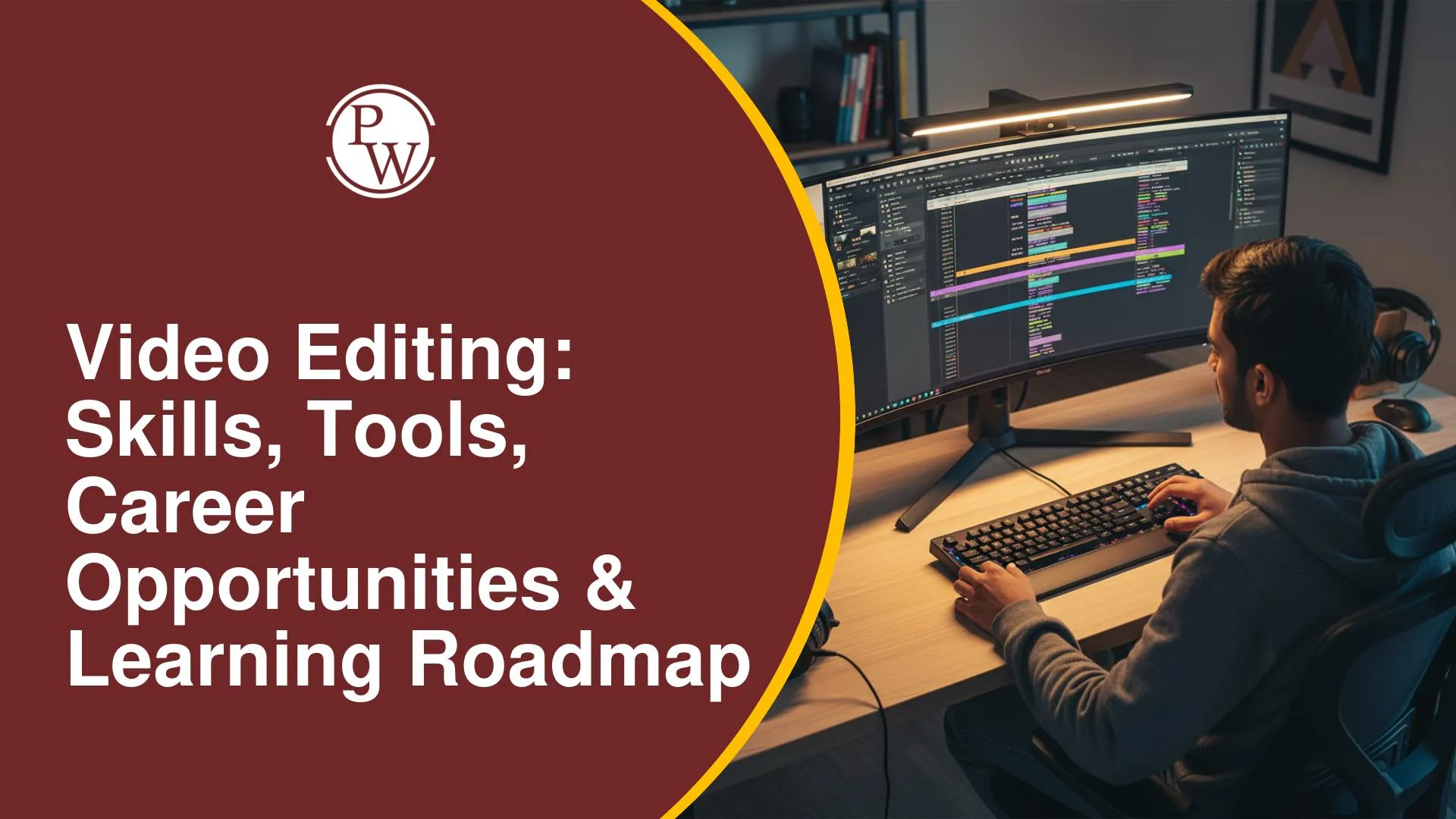
Video content has become an important part of digital platforms, businesses, and entertainment industries. From YouTube videos and social media reels to advertisements and films, every piece of content requires effective editing to create an engaging experience. However, beginners often find it challenging to understand which skills they need, which software to learn, and how to start their video editing journey.
Learning video editing with the right approach can help you develop creative and technical abilities required to create engaging video content. The PW Skills Video Editing Course helps you understand essential editing concepts, storytelling techniques, and practical workflows, enabling you to build a strong foundation in video editing and apply your learning to real-world content creation.
Essential Video Editing Skills You Need to Learn
Video editing is the process of combining, modifying, and enhancing raw video footage to create a complete and meaningful visual story. A video editor works on different elements such as clips, audio, transitions, effects, and colours to improve the overall quality of a video.
Becoming a good video editor requires more than learning software. You need a combination of technical knowledge and creative skills.
|
Skill |
Description |
|
Basic Editing |
Understanding cutting, trimming, and arranging video clips |
|
Storytelling |
Creating a smooth flow that keeps viewers engaged |
|
Audio Editing |
Managing background music, voiceovers, and sound effects |
|
Colour Correction |
Improving video appearance through colour adjustments |
|
Motion Graphics |
Adding animations and visual elements |
|
Visual Effects |
Creating enhanced and engaging video experiences |
Popular Video Editing Tools and Software
Choosing the right video editing software is an important step for beginners. Different tools offer different features based on learning goals and professional requirements.
Adobe Premiere Pro
Adobe Premiere Pro is one of the most widely used video editing software in the industry. It is preferred by professionals for creating films, advertisements, social media content, and online videos.
Key features include:
-
Advanced timeline editing
-
Professional audio tools
-
Visual effects integration
-
Support for different video formats
DaVinci Resolve
DaVinci Resolve is a popular editing tool known for its powerful colour grading and professional editing features. It offers a free version with many advanced features, making it a good option for beginners.
Key features include:
-
Video editing tools
-
Colour correction features
-
Audio editing capabilities
-
Visual effects options
Other Video Editing Software
Beginners can also explore tools like Final Cut Pro, CapCut, and Filmora depending on their requirements and experience level.
Also Explore Our Course : AI Video Creator
Video Editing Learning Roadmap for Beginners
Starting with video editing becomes easier when you follow a step-by-step learning approach.
Step 1: Understand Video Editing Basics
Begin by learning fundamental concepts such as:
-
Video formats
-
Resolution and frame rates
-
Timeline editing
-
File management
These basics help you understand how professional editing works.
Step 2: Learn Video Editing Software
Choose a software tool and practise regularly. Beginners can start with Adobe Premiere Pro or DaVinci Resolve to understand professional editing workflows.
Step 3: Build Creative Skills
Technical knowledge alone is not enough. Focus on:
-
Storytelling techniques
-
Visual composition
-
Choosing suitable music and effects
-
Creating engaging video flow
Step 4: Learn Advanced Editing Techniques
After understanding basic editing, explore advanced skills such as:
-
Motion graphics
-
Colour grading
-
Animation
-
Visual effects
Step 5: Create a Portfolio
Practising with real projects helps improve your skills. Create sample videos, edit social media content, or work on personal projects to showcase your abilities.
Developing these skills helps you create professional-quality videos for different platforms.
How to Learn Video Editing with PW Skills?
PW Skills helps learners develop video editing skills by combining practical learning, industry-relevant knowledge, and hands-on experience to prepare them for digital content creation opportunities.
-
Industry-relevant learning: Understand essential video editing concepts and professional workflows.
-
Practical exposure: Work on projects to improve editing techniques and creative abilities.
-
Software knowledge: Learn important editing tools and develop confidence in using industry-standard software.
-
Career-focused skills: Build capabilities that can support opportunities in the digital content industry.
Career Opportunities After Learning Video Editing
Video editing offers several career opportunities across different industries. Some popular roles include:
|
Job Role |
Responsibilities |
|
Video Editor |
Editing videos for brands, creators, and organisations |
|
Motion Graphics Designer |
Creating animated graphics and visual elements |
|
Content Editor |
Managing and improving digital video content |
|
YouTube Video Editor |
Editing videos for online creators |
|
Freelance Video Editor |
Providing editing services to clients |
As video consumption continues to grow, skilled video editors can find opportunities in entertainment, marketing, education, and content creation.
Industries Hiring Video Editors
Video editors are needed across various sectors, including:
-
Media and entertainment companies
-
Advertising agencies
-
Digital marketing firms
-
EdTech platforms
-
Social media content teams
-
Corporate communication departments
Common Mistakes Beginners Make While Learning Video Editing
Many beginners focus only on learning software and ignore creative aspects of editing. Some common mistakes include:
-
Using too many effects without purpose
-
Ignoring audio quality
-
Not practising regularly
-
Focusing only on software features instead of storytelling
-
Not building a project portfolio
Consistent practice and learning from real projects help improve editing skills over time.
Video editing is a valuable skill that combines creativity and technology. Learning editing tools, developing storytelling abilities, and gaining practical experience can help you explore different career opportunities. With the right roadmap and learning support from PW Skills, beginners can start building their video editing skills and prepare for opportunities in the growing digital content industry.

Video Editing: Skills, Tools, Career Opportunities FAQs
What skills are required to become a video editor?
How long does it take to learn video editing?
What are the career opportunities in video editing?
Why should beginners learn video editing?
How can PW Skills help you learn video editing?






Get Free Counselling Today
and Clear up all your Doubts
 Live & recorded classes available at easeDashboard for progress trackingLakhs of practice questions

