

Video Editing Course Duration in 2026: How Long Does It Take to Learn Video Editing?
 Hardik Gupta26 Sept, 2026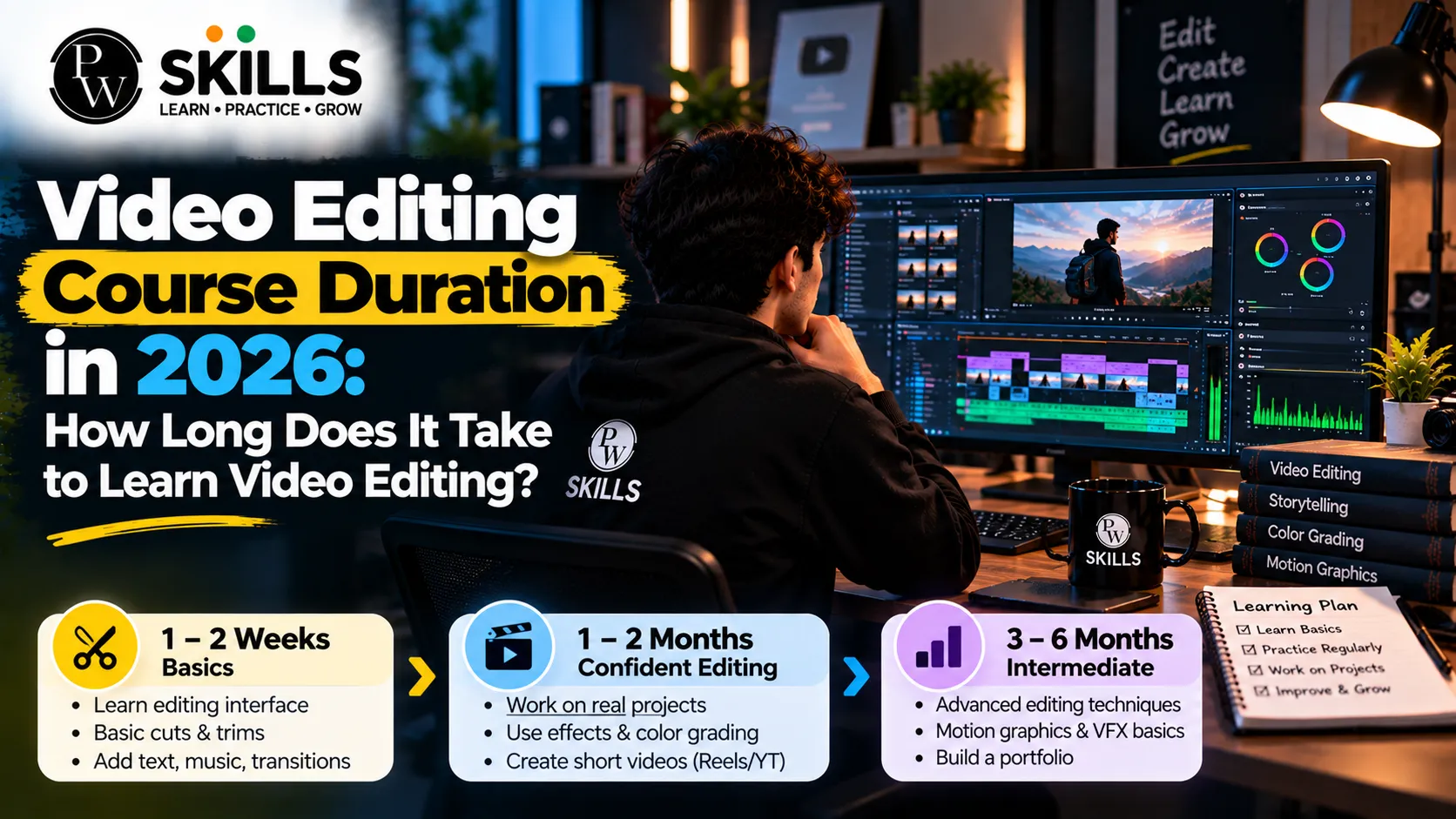
The video editing course duration to learn professional competencies in the modern digital media landscape is often a question of aspiring artists and students. Learning to edit videos means learning to work with timelines, chop raw footage, improve audio, and use sophisticated visual effects. In this essay, I will guide you through each stage of learning. I will provide you achievable milestones from the very fundamentals to more advanced professional workflows without becoming lost in complex techniques or software interfaces.
What You Learn During the Video Editing Course Duration
Video editing is no longer restricted to traditional film studios or high-end television networks. Today, digital creators, social media managers, and freelance professionals rely heavily on polished video content to connect with audiences worldwide.
You need to know what professional editing is before you commit to any schedule. A good editor is more than just cutting out segments that are not wanted. They tell stories, generate intense emotion and keep the audience engaged with tight pace and smooth visual transitions.
Core Competencies: Audio Sync, Color Grading, Seamless Visual Transitions, Timeline Management.
-
Core Competencies: Timeline management, audio synchronisation, color grading, and smooth visual transitions.
-
Modern Workflows: Integrating artificial intelligence for automated captioning, smart scene cuts, and background cleanup without replacing creative decision-making.
-
Creative Vision: We combine technical software skills with captivating visual narrative structures from renowned creators.
As for the duration of the course, beginners should understand that the foundation for complicated motion graphics and expert finishing techniques is basic understanding. Such elements need to be learnt by constant practice, not through hurried learning or memorizing shortcuts. You’ll have a strong creative foundation from day one by learning the key tools and story principles.
Also Check : AI Video Creator Course Online
Video Editing Course Duration by Skill Level
Learning video editing happens in distinct phases. Each phase demands a specific time commitment and introduces new technical hurdles that test your patience and creative resolve.
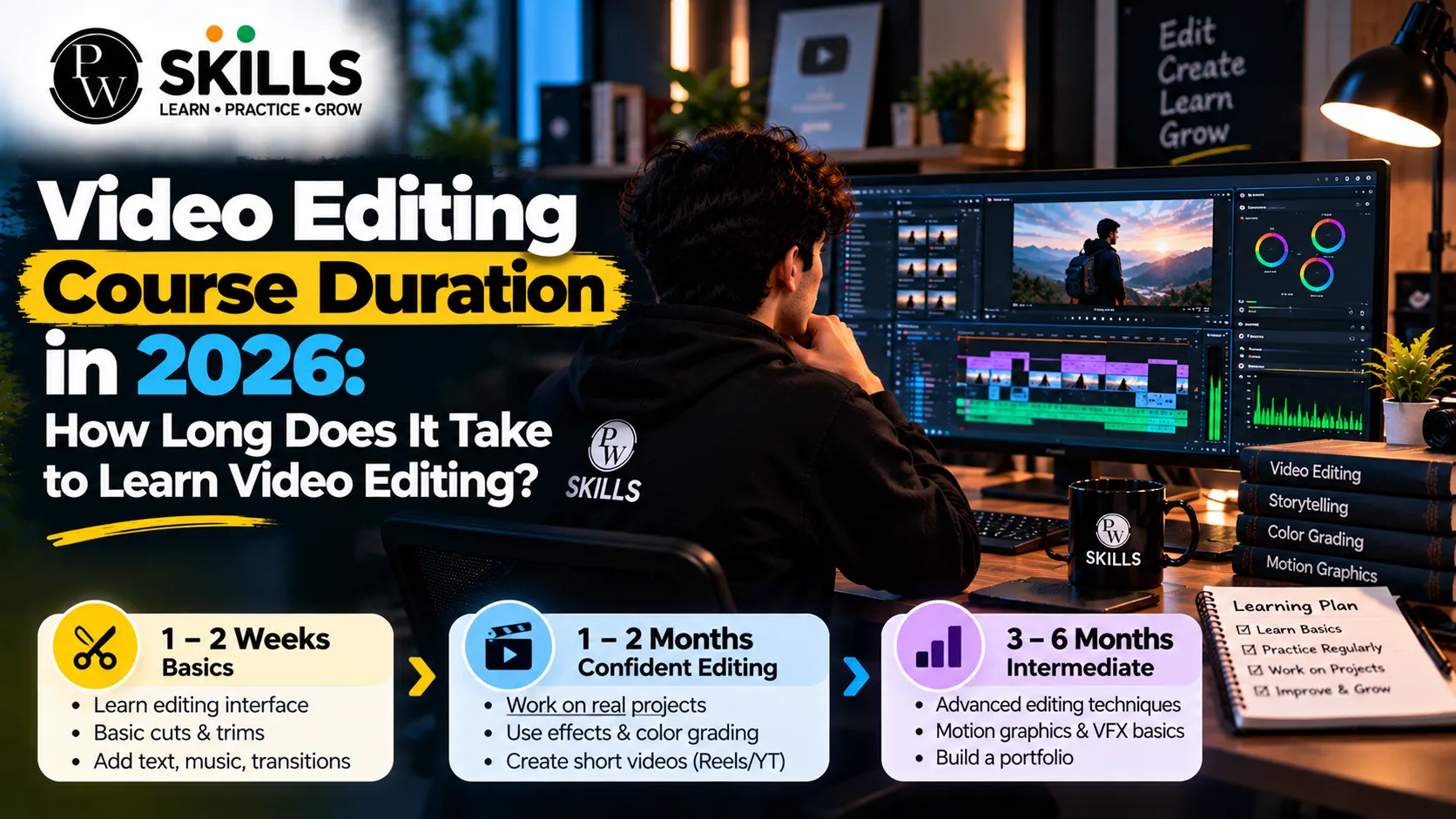
Stage One: Beginner Basics (Zero to One Month)
Your first month and everything is all new. Software interfaces, timelines, tracks and export settings confront you for the first time.
-
Focus Areas: importing clips, chopping, trimming, adding basic text, adding background music.
-
Recommended Tools: Getting familiar with standard applications like Adobe Premiere Pro, DaVinci Resolve, or VN Editor.
-
Objective: Understand how the tools operate without chasing perfection on your very first project.
Stage Two: Basic Skill Level (One to Three Months)
As you cross the first month, concepts begin to click. Edits become more organised, and your workflow speeds up significantly.
-
Focus Areas: Implementing smooth transitions, basic color correction, audio adjustments, and simple overlays.
-
Practical Application: Editing basic YouTube vlogs, short clips, and standard social media posts.
-
Objective: Build strong foundational habits that prevent future workflow bottlenecks and disorganised timelines.
Stage Three: Intermediate Level (Three to Six Months)
Confidence grows rapidly during this window. Most learners reach this midpoint if they practice consistently every single week. At this stage, you are halfway ready to understand professional editing workflows.
-
Focus Areas: Advanced transitions, basic color grading, motion graphics fundamentals, and storytelling pacing.
-
Practical Application: Working on interviews, promotional product videos, and multi-camera setups. Many learners start exploring freelance gigs here.
-
Objective: Refine your technical execution and develop a distinct editing style that stands out in competitive digital markets.
Stage Four: Professional Level (Six to Twelve Months)
Reaching this tier transforms a hobby into a viable profession. The focus shifts entirely toward efficiency, client requirements, and high-end polish.
-
Focus Areas: Advanced audio mixing, complex color grading suites, workflow speed optimisation, and meeting strict commercial deadlines.
-
Practical Application: Delivering client projects, corporate videos, and high-impact advertisements.
-
Objective: Think like a seasoned professional editor who understands commercial value, brand guidelines, and audience engagement.
Video Editing Course Duration and Learning Time
The video editing course duration can vary depending on your current skill level and learning goals. The table below shows the expected learning time and the skills you can focus on at each stage.
|
Learning Stage |
Timeframe |
Primary Focus Areas |
Key Software & Techniques |
|
Beginner Level |
0 to 1 Month |
Cutting, trimming, timeline navigation, basic audio |
Premiere Pro, DaVinci Resolve basics |
|
Basic Skill Level |
1 to 3 Months |
Basic color correction, transitions, simple overlays |
Timeline organisation, basic text animation |
|
Intermediate Level |
3 to 6 Months |
Motion graphics, storytelling pacing, multi-cam editing |
Advanced transitions, color grading basics |
|
Professional Level |
6 to 12 Months |
Advanced audio mixing, workflow speed, client delivery |
Professional finishing, AI workflow integration |
How Training Affects Video Editing Course Duration
Many beginners attempt self-learning through scattered online tutorials. While free resources are widely accessible, they often lack logical structure, leading to confusion and repetitive mistakes.
Opting for a formal program or masterclass can dramatically alter your video editing training duration. Structured classes provide clear roadmaps, eliminating guesswork and guiding you through real-world projects with expert feedback from industry mentors.
-
Structured Learning: Step-by-step modules prevent learners from feeling overwhelmed by advanced effects too early.
-
Real-World Projects: Building actual reels and portfolios during classes provides tangible assets for future clients.
-
Expert Mentorship: Experienced instructors help troubleshoot software glitches and share industry best practices.
Selecting a program with an optimised duration helps students transition smoothly from absolute novices to confident creators. Instead of spending months figuring out basic keyboard shortcuts, guided lessons streamline your growth, helping you reach professional competence much faster without unnecessary trial and error. When you enrol in a well-structured program, the video editing course time investment becomes far more efficient. Professional mentorship ensures that you receive constructive feedback on your assignments, allowing you to refine your craft and build an impressive portfolio that catches the eye of potential clients and creative agencies.
Practice Time and Video Editing Course Duration
Choosing the right editing software at the start of your journey prevents unnecessary frustration. While many programs exist, understanding one primary tool is far more effective than dabbling across multiple platforms.
-
Industry Standard: Adobe Premiere Pro is widely utilised across professional agencies and commercial production houses for its robust timeline tools and ecosystem integration.
-
Free and Powerful: DaVinci Resolve offers robust editing and professional color grading suites for beginners at no cost, making it ideal for budget-conscious students.
-
Quick Access Tools: VN Editor and mobile applications offer accessible entry points for short-form reel creation and quick edits on the go.
Beyond software choice, daily practice dictates how long to learn video editing effectively. Consistent habits yield much better results than sporadic weekend cramming sessions.
-
Thirty Minutes Daily: Maintains steady familiarity with tools and keyboard shortcuts.
-
One Hour Daily: Accelerates skill acquisition and builds muscle memory for complex timelines.
-
Three to Four Hours Daily: Rapidly pushes learners toward professional development and portfolio creation.
People who take up editing as part of a disciplined program of learning something new every day are far more likely to get their first paying freelance tasks considerably earlier than people with a haphazard routine. Also, the duration of the video editing course and your practical skills depend on the program you choose according to your particular schedule. Editing regularly improves confidence and makes keyboard shortcuts second nature, allowing you to focus fully on creative storytelling, not technical impediments.
Mistakes That Affect Video Editing Course Duration
Many aspiring editors struggle to progress because they fall into predictable traps during their initial months of training. Recognising these pitfalls early saves valuable time and energy.
-
Jumping to Advanced Effects Too Soon: Trying complex motion graphics before understanding basic cuts creates messy timelines and frustration.
-
Ignoring Audio Quality: Poor audio ruins even the most visually stunning video. Prioritising sound design is essential.
-
Inconsistent Practice: Sporadic editing sessions prevent muscle memory development. Daily practice is crucial.
-
Copying Without Understanding: Blindly following tutorial steps without grasping the underlying storytelling principles limits creative growth.
Avoiding these common errors ensures a smoother learning path, allowing you to absorb professional editing techniques at an optimal pace.
Jobs After the Video Editing Course Duration
Understanding the learning timeline naturally leads to questions about financial returns and career growth. Building a solid portfolio is the most critical factor when transitioning from a learner to a paid professional.
Most learners can land minor freelance gigs, social media management jobs or internships in editing after around three to six months of consistent practice. As your abilities develop, the creative industries have lots of job options.
-
YouTube Editor: Managing post-production for independent creators and expanding channels.
-
Social Media Video Editor: Crafting high-retention reels, TikToks, and shorts for digital marketing agencies.
-
Corporate Multimedia Specialist: Producing internal training videos, promotional advertisements, and brand stories.
-
Freelance Video Editor: Taking on diverse client projects with flexible schedules and independent contracts.
Speed, originality and adaptability are all keys to a successful post-production job. As artificial intelligence continues to change current media workflows, editors that embrace AI-powered technologies preserve a unique competitive advantage. If you plan your time well and establish an active portfolio, you’ll be well prepared when you hit the job market.

FAQs
1. What is the typical duration of a video editing coursers?
2. Can I learn editing without taking a formal course?
3. Which software should a beginner choose first?
4. How many hours a day should I practice to improve faster?
5. When can I start taking paid freelance video editing work?






Get Free Counselling Today
and Clear up all your Doubts
 Live & recorded classes available at easeDashboard for progress trackingLakhs of practice questions

