

Best Free Video Editing Software in 2026: Tools for Beginners and Creators
 Hardik Gupta26 Sept, 2026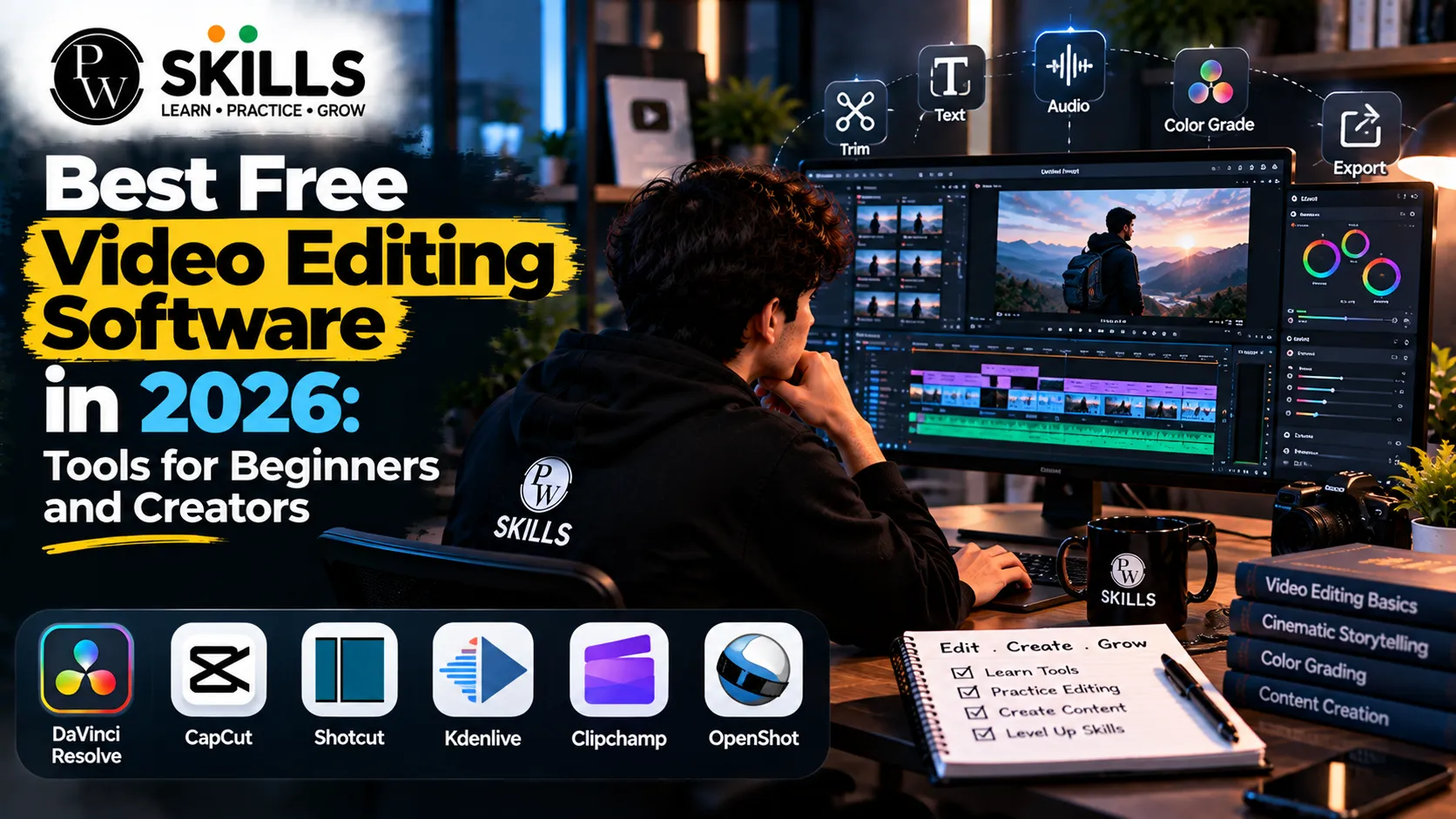
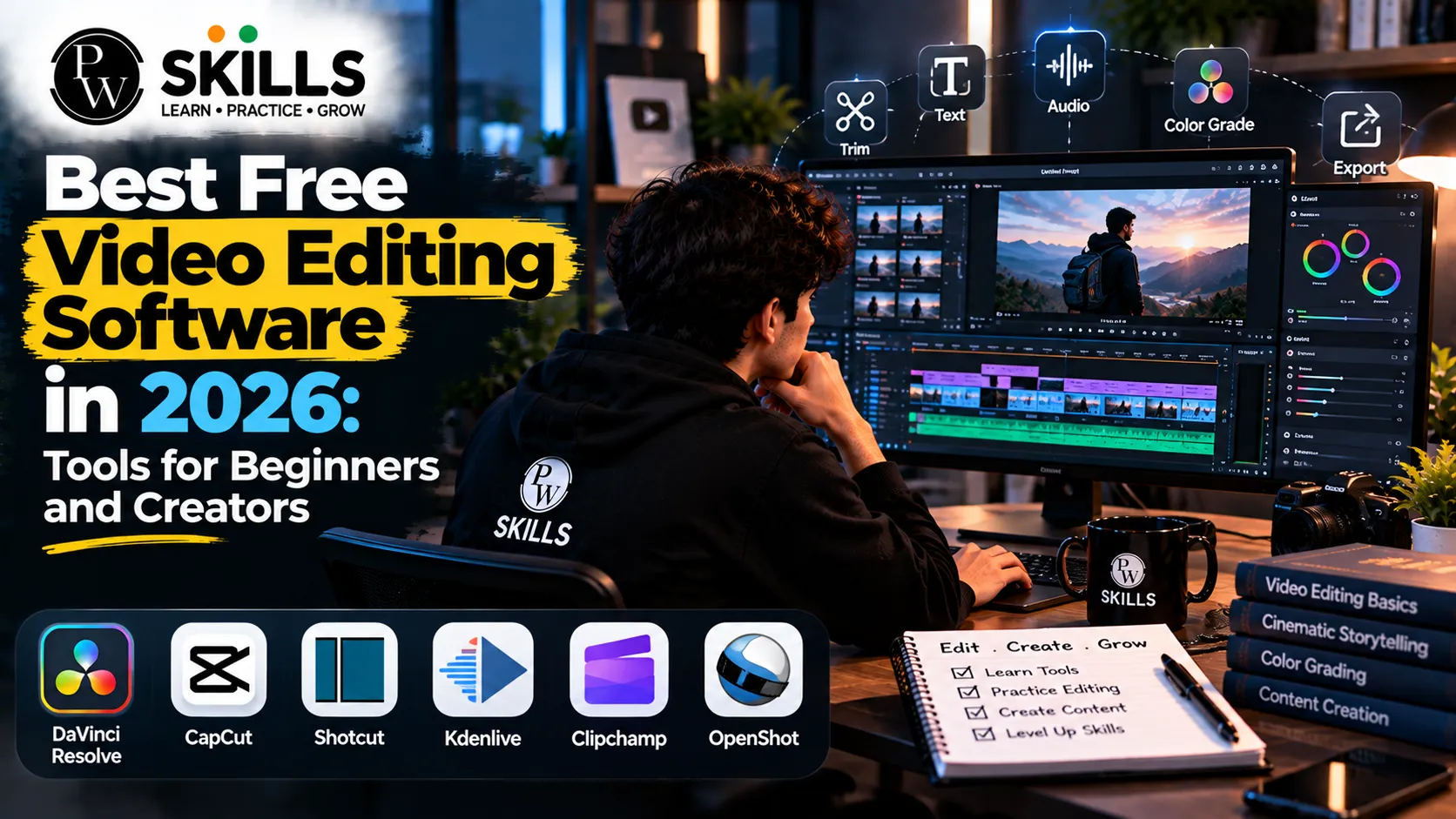
There are many ambitious producers out there looking for the best free video editing software, and they want professional-level features without watermarks or hidden charges. Whether you want to develop a YouTube channel, make viral Instagram Reels, or construct a marketing portfolio, the appropriate application makes all the difference. Students and beginners can try these platforms to let their creativity flow all for free.
How to Choose the Best Free Video Editing Software
The online environment is evolving fast and video content is still the key engine of audience engagement on sites like YouTube, TikTok and Instagram. The technical needs of creatives are various, from high resolution smartphone video produced in complex formats, to multi-camera professional productions. If you are assessing any video editing software, there are some operational factors that you need to check. You may look forward to easy importing of files, a UI that is intuitive to your ability level, wide codec support and a good selection of graphic effects.
The operations of today demand more than simple cutting tools. Creators require systems that are responsive, that will work with compressed high definition files without crashing conventional computers. Make sure the application you choose has a gentle learning curve – meaning you’ll spend time creating stories, not fixing export issues or wading through thick technical instructions. And hardware efficiency also affects how smoothly your preview window plays back big video files. Trying out free complete editions or trial versions helps you to find out which layout is most suited to your particular production style. These hardware and workflow considerations need to be weighed carefully before settling on a timeline and choosing the editing program.
Understanding Core Technical Requirements
Check your PC specifications before you download any application. The high resolution video files require sufficient processing power and adequate random access memory. When exporting, graphics card rendering programs are a huge time saver. If you have low-end hardware, use web-based editors or lightweight desktop apps to avoid irritating stuttering during playing. By testing your gear beforehand, you will have a smooth editing experience from laying down your first clip to exporting the final product.
Best Free Video Editing Software for Beginners and Creators
Each platform is suited to different artistic objectives. Some software will hold your hand through timeline setting with a gentle touch, and others offer a rich professional toolkit that requires a committed practice. Knowing people’s specific strengths will help you match your goals with the right software.
DaVinci Resolve: Power-Packed Professional Suite
DaVinci Resolve is one of the best software developed by Blackmagic Design that offers professional-grade features to producers at no cost. It’s a fully-fledged video editing package, with two editing interfaces, powerful color grading wheels, and dedicated audio understanding workspaces.
The program handles high resolution workflows without any problems. Users can export high definition projects in standard color depths at smooth frame rates. It has a wide range of learning materials and active community tutorials, but its wide ecosystem takes patience to understand. It’s a good choice if you want the space to go from beginner to an industry-ready pro without paying membership costs.
CapCut: Versatile and Accessible Across Devices
CapCut has surged in popularity due to its intuitive design and cross-platform availability. Operating smoothly across Windows, Mac, and web browsers, it provides a seamless drag-and-drop experience.
It balances simplicity with depth, letting users execute quick cuts while keeping advanced features like chroma keying, speed curves, and dynamic templates only a click away. It supports high-resolution exports at high frame rates, making it one of the most reliable free video editing apps for social media creators who need to publish content rapidly.
Wondershare Filmora: Ideal for Semi-Pro Results
Wondershare Filmora is the bridge between absolute beginners and semi-pro editors. It is a clean, fashionable and very intuitive user interface for individuals who seek for editing tools for beginning.
In the beginning it was available, now it has been updated to be a powerful tool with automated improvements and motion graphics. It can do everything from just arranging timelines to making intricate graphic tweaks, and it does it all effortlessly, letting the user produce clean and professional results without hitting significant technical boundaries.
CyberLink PowerDirector: Speed and Resource Management
CyberLink PowerDirector remains a dominant force for home users and consumer-level creators. It excels in rendering speed and computer resource management, allowing smooth timeline scrubbing even when dealing with heavily compressed high-definition media formats.
The program has reliable stabilization workspaces to remove camera wobble from your footage. PowerDirector is designed for users who want fast rendering and system stability, and we’ve added several useful automated modules to keep up with changes in file types.
Clipchamp and Adobe Premiere Rush: Web and Quick Editing
If you like working in a web browser, need to put together clips on the fly, or prefer a streamlined editing experience, Microsoft Clipchamp and Adobe Premiere Rush are great options. Clipchamp works directly inside desktop browsers with access to a huge library of free stock materials and easy to use timeline controls.
Adobe Premiere Rush is all about speed: Users select clips, hit a button to make something, and the software instantly creates a coherent draft. These free video editing tools remove unneeded friction, letting users concentrate on storytelling.
Also Explore our Course : AI Video Creator Course Online
iMovie and Kdenlive: Open-Source and Ecosystem Reliability
For Mac users who want something simple, iMovie is generally the go-to. Its tight interaction with Apple ecosystems makes it a breeze to import clips from mobile devices. Meanwhile, Kdenlive gives Linux and Windows users a powerful open-source video editor that punches well above its weight class. It provides a huge range of effects, chroma keying capabilities and powerful multi-track audio synchronization.
Best Free Video Editing Software Compared
Reviewing technical specifications side by side clarifies which application suits your hardware and project goals.
|
Software Name |
Primary Platform |
Best Suited For |
Key Standout Feature |
Free Plan Limitations |
|
DaVinci Resolve |
Windows, Mac, Linux |
Advanced creators & filmmakers |
Complete color grading and audio suite |
8-bit color depth cap on free tier |
|
CapCut |
Windows, Mac, Web |
Social media content creators |
Drag-and-drop timeline with advanced AI |
Some effects require premium upgrades |
|
Wondershare Filmora |
Windows, Mac |
Beginners transitioning to semi-pro |
Intuitive interface with rich visual assets |
Watermark on specific trial outputs |
|
CyberLink PowerDirector |
Windows |
Home users prioritizing speed |
Unmatched rendering speed and stabilization |
Feature restrictions on base tier |
|
Clipchamp |
Web, Windows |
Browser-based editors & students |
Integrated media asset library |
Limited cloud storage features |
|
Kdenlive |
Windows, Mac, Linux |
Open-source advocates & technical users |
Massive range of advanced filters and effects |
Experimental GPU rendering support |
The comparison shows how different software architectures cater to different production approaches. The best free video editor for you depends on whether you want raw processing power or instant drag and drop ease.
Skills to Learn With the Best Free Video Editing Software
Learning one application is more than just gaining technical skills in video production. Contemporary content creation utilizes the core concepts of storytelling, audio synchronization, motion graphics and emerging automated operations. Platforms offering specialized video editing courses provide students and prospective artists with defined learning routes. The curricula emphasize on realistic timeline management, smooth transitions, AI-assisted workflows and core story design through hands-on project experience.
Understanding how to structure a compelling video hook keeps viewers engaged during the critical opening seconds of social media content. Furthermore, integrating smart automation techniques helps reduce repetitive editing tasks, letting creators focus entirely on creative expression. Whether you are cutting educational modules, marketing advertisements, or dynamic social media reels, building a strong foundation in editing principles ensures long-term success in the digital media landscape.
Career Opportunities in Modern Media
Learning video editing opens doors across diverse industries. Companies, digital agencies, and independent creators constantly search for skilled editors who can translate raw footage into compelling brand narratives. Career roles range from dedicated YouTube editors and social media specialists to multimedia designers and freelance production consultants. Committing time to learn these skills provides versatile employment opportunities in a rapidly expanding digital economy.

FAQs
1. What is the best free video editing software for complete beginners?
2. Can I export videos without watermarks using free video editing apps?
3. Do I need a powerful computer to run free video editing software?
4. How can students improve their video editing skills effectively?
5. What makes the best free video editing software suitable for professional YouTube content?






Get Free Counselling Today
and Clear up all your Doubts
 Live & recorded classes available at easeDashboard for progress trackingLakhs of practice questions

