

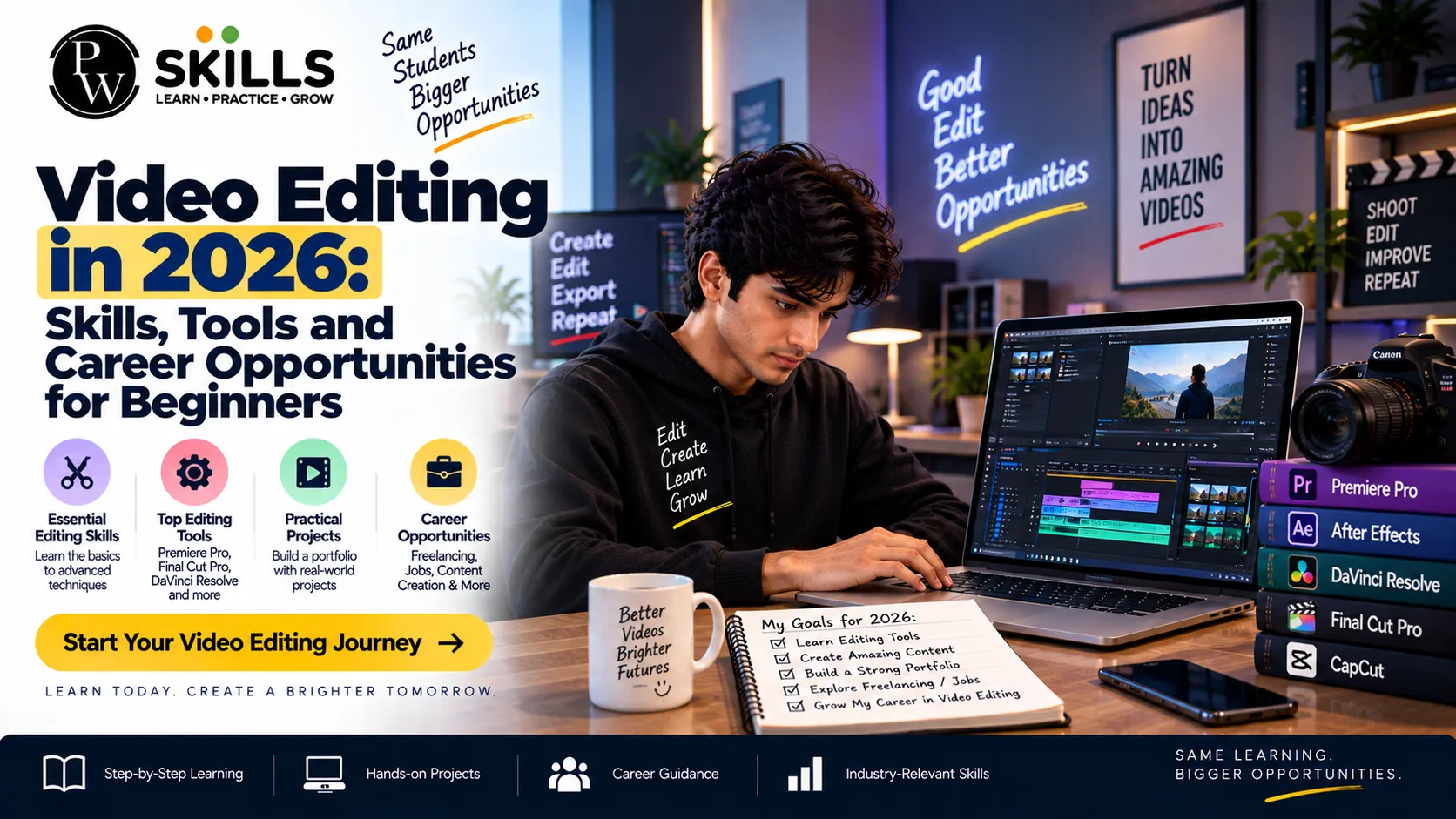
Video Editing in 2026: Skills, Tools and Career Opportunities for Beginners
 Hardik Gupta22 Sept, 2026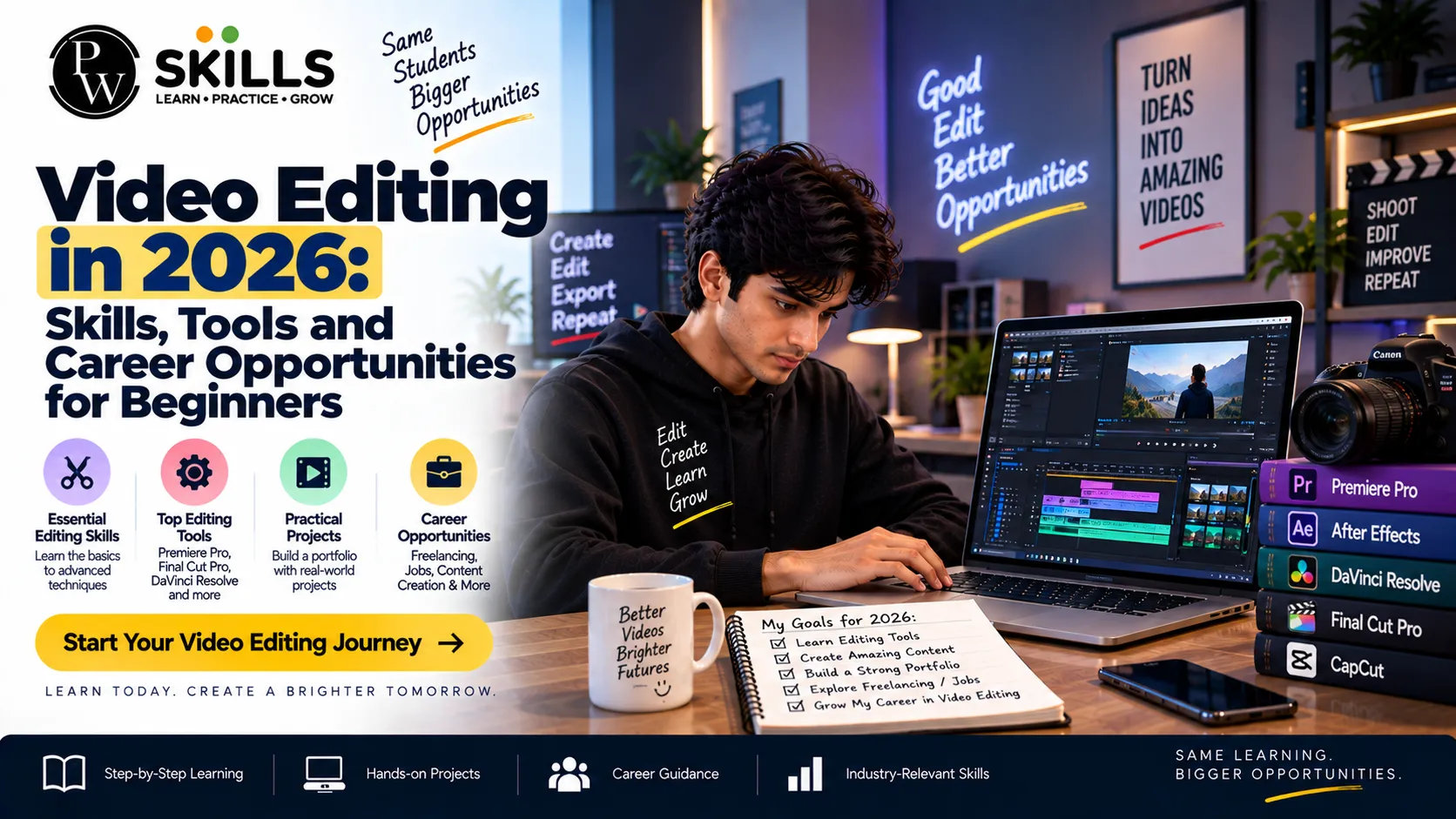
To comprehend video editing, you need to have a good grasp of pacing, file management and industry norms. Whether you want to start a freelance practice or join a media production team, building disciplined technical competencies is the foundation of your success. In here, we will go over the basic skills, software and career paths in the current landscape.
Important Video Editing Skills for Beginners
A solid basis for editing requires a dedicated concentration on fundamental technical and artistic skills. Editorial is so much more than just trimming clips on a timeline. A good editor needs to know the story flow, the visual rhythm and how to keep the audience engaged.
-
Timeline Navigation: Learn split cuts, ripple edits, and rolling edits to maintain smooth visual momentum.
-
Audio Mixing: Balance dialogue levels, eliminate background noise, and incorporate sound effects cleanly.
-
Color Correction: Adjust exposure, contrast and white balance to visually match shots across situations.
-
Basic Motion Graphics: Add lower thirds, text titles, simple transitions without cluttering the screen.
Developing these core skills early ensures your raw footage transforms into a polished, professional final product.
Beginners should also focus on learning how different editing choices affect the viewer. A long pause may work in an interview but feel slow in a short social media video. Similarly, music, sound effects, framing, and cut timing can change the mood of the same footage. Practising these small decisions helps beginners develop a stronger editing sense over time.
It’s also good to learn about keyboard shortcuts, fundamental file formats, frame rates and export settings, as well as creative skills. These technological essentials can make your everyday editing faster and help you avoid mistakes when you prepare a video for different platforms.
Best Video Editing Tools for Beginners and Creators
Choosing the right software application streamlines your post-production workflow and reduces rendering bottlenecks. Different platforms cater to varying skill levels, ranging from professional desktop suites to automated browser-based solutions.
|
Software Tool |
Primary Focus |
Best Suited For |
|
Adobe Premiere Pro |
Professional timeline workflows |
Comprehensive video projects |
|
DaVinci Resolve |
Advanced colour grading and audio |
Technical post-production |
|
AI-Assisted Editors |
Automated captions and smart hooks |
Quick social media content |
Selecting an efficient tools ecosystem helps you practice consistently without running into technical limitations.
When choosing a tool, beginners should consider their computer specifications, project requirements, learning curve, available features, and export needs. A simple editor can be enough for short social videos, while larger projects may require more advanced timeline, audio, colour, and media management features.
AI-assisted elements are creeping into the modern editing workflows as well. Automated captions, transcript-based editing, backdrop removal, silence detection and other smart features can reduce repeated effort. But editors are still need to analyze the output and make creative decisions about accuracy, timing and consistency.
Also Explore Our Course : BFSI Course
How to Learn Video Editing With a Simple Workflow
Approaching post-production with a structured workflow prevents common beginner mistakes like overusing flashy transitions. Organising your workspace before starting a project saves hours of searching through raw footage files.
-
Media Organization: Separate your primary dialogue clips, b-roll footage, audio files, and graphic assets into clearly labeled folders.
-
Rough Cutting: Assemble the sequence based on the script or narrative arc, removing dead air and redundant takes.
-
Refining Pacing: Tighten the cuts to match the desired rhythm, keeping viewer engagement high throughout the runtime.
-
Final Exporting: Choose the correct resolution, bitrate, and codec settings tailored for specific platform delivery requirements.
Practicing these structured steps regularly builds your confidence and accelerates your overall learning curve.
A useful way to practise is to start with short projects instead of attempting a long film or complex commercial. Beginners can edit a one-minute product video, a short interview, a travel clip, or a social media reel. Each project can focus on one skill such as cutting, audio balancing, colour correction, captions, or pacing.
Watch the finished video from the viewer’s perspective after each project. Make sure the opening is obvious, that you may cut out anything that is not needed, that the audio is easy to hear and that the images match the content. This review approach can help you find areas that require more work.
Video Editor Career Opportunities and Skills to Get Started
The growing demand for digital content creates diverse professional opportunities across marketing agencies, corporate houses, and independent creator spaces. Building a sustainable career relies heavily on your ability to showcase practical experience through a strong portfolio.
-
Portfolio Development: Compile your best commercial cuts, short-form reels, and personal projects into an accessible online showcase.
-
Client Communication: Learn how to gather briefs, incorporate constructive feedback, and deliver projects on strict deadlines.
-
Continuous Upskilling: Stay updated with evolving platform algorithms, new software features, and shifting audience preferences.
Educational programs such as the one we are providing give hands-on training and mentorship that closes the gap between the classroom theory and the real-world demands of the industry.
Video editors can work across several types of content, including social media videos, advertisements, YouTube content, educational videos, podcasts, corporate presentations, and entertainment projects. The skills required can vary depending on the role, so beginners should build a portfolio that reflects the type of work they want to pursue.
For freelance work, technical editing ability is only one part of building a career. Editors also need to understand project briefs, manage deadlines, communicate revisions clearly, organise files, and maintain professional relationships with clients. Building these workplace skills alongside editing ability can make the transition from learning to paid projects more structured.
Video Editing Portfolio Ideas for Beginners
A strong portfolio helps beginners demonstrate practical skills instead of relying only on course certificates or software knowledge. It can include short-form reels, YouTube edits, product videos, interviews, promotional clips, or personal projects that show different editing techniques.
When building a portfolio, beginners should focus on quality and variety rather than adding a large number of similar videos. Each project can highlight a different ability, such as pacing, audio editing, colour correction, captions, transitions, or basic motion graphics. Including a short description of the project and the role handled can also help viewers understand the editor’s contribution.
Beginners can start with self-created projects if they do not have client work yet. As they gain experience, they can gradually replace practice projects with freelance assignments, internships, or professional work. Keeping the portfolio organised and easy to view makes it simpler to share with potential clients, recruiters, or agencies.

FAQs
What skills are required to become a video editor?
What are common video editing jobs for beginners?
How can I start video editing for beginners?
What career opportunities exist for a video editor?
How does practical training help in a video editor career?






Get Free Counselling Today
and Clear up all your Doubts
 Live & recorded classes available at easeDashboard for progress trackingLakhs of practice questions

