

Google Analytics vs Adobe Analytics: Which Tool Should Marketers Learn in 2026?
 Study Abroad7 Jul, 2026
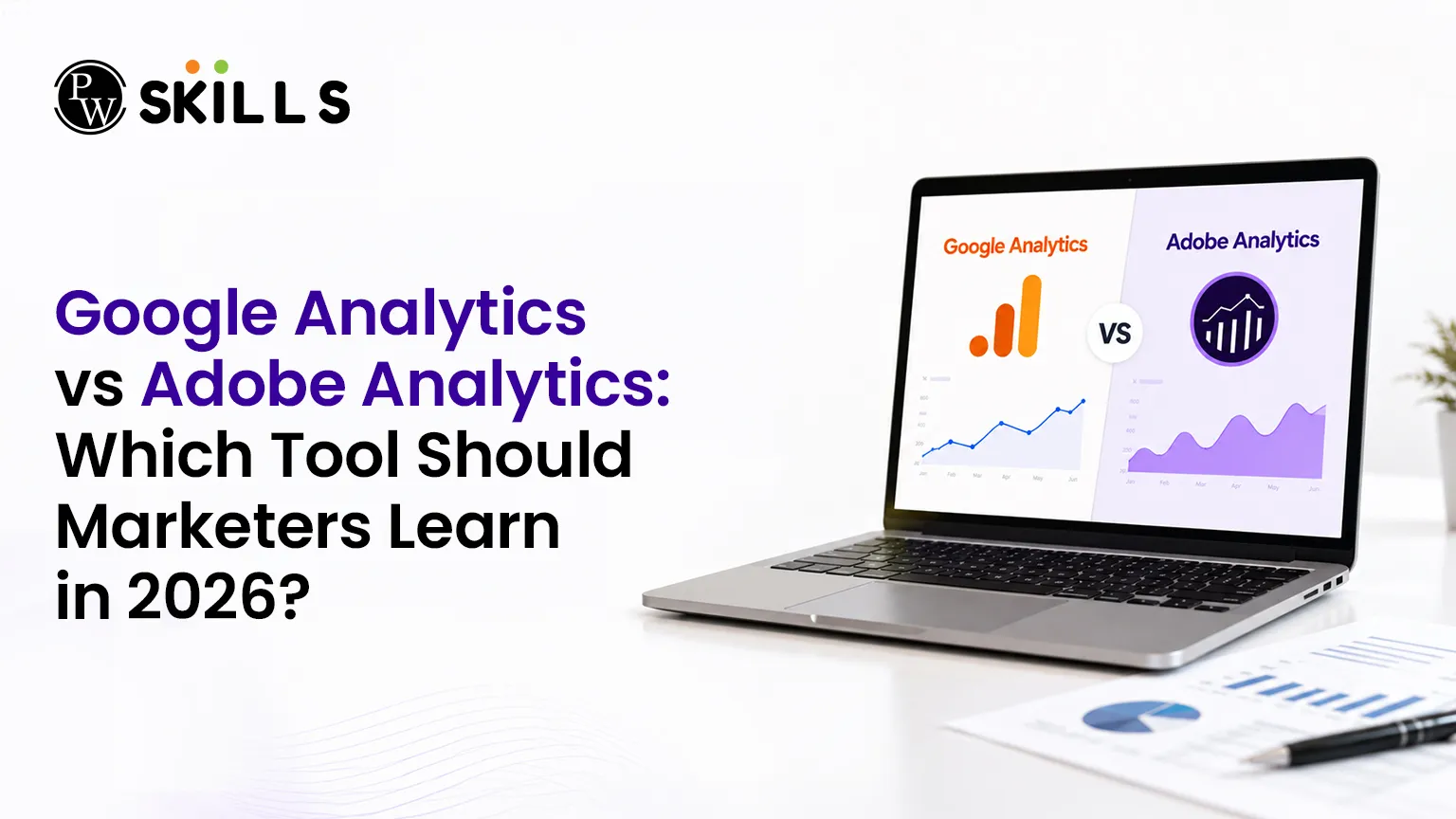
Choosing the right marketing software to master can completely transform your career trajectory. If you are trying to determine where to invest your training time, evaluating Google Analytics vs Adobe Analytics is the most critical decision you will make this year. Both platforms serve as foundational systems for modern businesses, yet they cater to completely different business sizes, budgets, and analytical requirements.
Key Features of Google Analytics vs Adobe Analytics
Google Analytics serves as the global standard for tracking website traffic and visitor engagement. Originally built on a platform called Urchin acquired in 2005, it has evolved into a tool that records user interactions through an event-based measurement model. It functions as an accessible, multi-channel platform that integrates seamlessly with advertising networks.
Adobe Analytics forms a central pillar of the Adobe Experience Cloud ecosystem. Rather than just tracking standard page views, it uses machine learning and artificial intelligence to deliver detailed real-time audience segments. This platform is built for intricate data visualization and tracking users across multiple corporate touchpoints.
-
Google Analytics: Best for straightforward campaign tracking, conversion goals, and quick implementation.
-
Adobe Analytics: Best for cross-channel customer journeys, custom variables, and predictive data insights.
Also Check: Google Analytics for SEO
Benefits of Google Analytics and Adobe Analytics
When looking at the positive aspects of Google Analytics and Adobe Analytics, both systems offer clear advantages depending on your specific goals.
Benefits of Google Analytics
-
Zero Initial Cost: The standard version is entirely free, making it the top choice for small to medium businesses.
-
Native Google Ecosystem Integrations: Connects instantly with Google Ads, Search Console, and Merchant Center.
-
Accessible Learning Resources: Google Skillshop offers free learning resources and certifications.
-
Custom Goal Tracking: Simple interfaces allow users to monitor specific actions on e-commerce platforms.
Benefits of Adobe Analytics
-
Advanced Workspace Personalization: Offers highly flexible segmentation within the core reporting tool.
-
Complete Funnel Visualization: Allows marketers to map out and view the entire consumer path to conversion.
-
Predictive Intelligence: Uses integrated AI tools to forecast future consumer trends and behaviors.
-
Robust Multi-Channel Reporting: Gathers data from mobile apps, websites, and offline systems simultaneously.
Drawbacks of Google Analytics and Adobe Analytics
No software tool is completely perfect, and reviewing Google Analytics vs Adobe Analytics requires looking at their limitations.
Limitations of Google Analytics
-
Expensive Enterprise Upgrades: Organizations with enterprise-scale analytics needs may upgrade to Google Analytics 360, which uses custom contract pricing based on usage.
-
Basic Attribution Models: Advanced attribution and highly customized customer journey analysis can require additional configuration or external tools.
-
Restricted Funnel Control: Funnel analysis is available in GA4 but offers less flexibility than Adobe Analytics for highly complex enterprise journeys.
-
Development Barriers: Setting up advanced event codes often requires help from professional developers.
Limitations of Adobe Analytics
-
Steep Learning Curve: The highly customizable dashboard design means it takes significant time to build basic reports.
-
High Financial Barrier: Adobe Analytics is available only through custom enterprise pricing, making it inaccessible for most small businesses and individual marketers.
-
Complex Implementation: Configuring the platform and understanding its funnel attributes requires dedicated training.
-
Interface Delays: Users occasionally experience slower login processes and structured report generation times.
Also Check: Top Analytics Tools for Marketing
Google Analytics vs Adobe Analytics Pricing Comparison
The financial investment required for these web analytics tools heavily influences which platforms companies implement.
|
Financial Metric |
Google Analytics |
Adobe Analytics |
|
Entry-Level Cost |
Free of charge |
Custom enterprise pricing |
|
Enterprise Pricing |
$150,000 annually |
Variable based on data hit volume |
|
Target Market |
Small businesses to large enterprises |
Large multinational corporations |
|
Training Investment |
Free learning materials available |
Requires specialized enterprise training |
Google Analytics vs Adobe Analytics Certification Value
Securing a certification is an excellent way to validate your skills to prospective employers. Because Google Analytics is used by millions of websites, having this certificate is a standard requirement for almost all digital marketing roles. It proves you understand traffic acquisition, audience behavior, and campaign tag management.
Earning credentials in Adobe's ecosystem signals that you can manage enterprise-level data structures. Because this marketing analytics software is designed for large organizations and is available through custom enterprise pricing, it is primarily used by enterprises with advanced analytics needs. As a result, professionals with Adobe Analytics expertise often face less competition and may command higher specialized salaries.
Also Check: Google Analytics Certification: Benefits and How to Get It
Which to Learn First Google Analytics vs Adobe Analytics
Your decision should align with your immediate professional goals and the types of companies you want to work for.
-
Choose Google Analytics if: You plan to work with startups, e-commerce stores, or mid-sized digital marketing agencies that need quick setup and immediate ad campaign optimization.
-
Choose Adobe Analytics if: You want to enter corporate enterprise environments, manage massive datasets, and focus heavily on deep funnel data science.






FAQs
Which tool is better for beginners in Google Analytics vs Adobe Analytics?
Why do large enterprises pay for Adobe Analytics when Google Analytics has a free version?
Can I learn both of these web analytics tools at the same time?
What is the main difference in tracking behavior between Google Analytics vs Adobe Analytics?
Is an enterprise analytics certification expensive to obtain?









Get Free Counselling Today
and Clear up all your Doubts
 Live & recorded classes available at easeDashboard for progress trackingLakhs of practice questions

