

5 Free Content Marketing Tools to Create High-Performing Content in 2026
 Study Abroad6 Jul, 2026
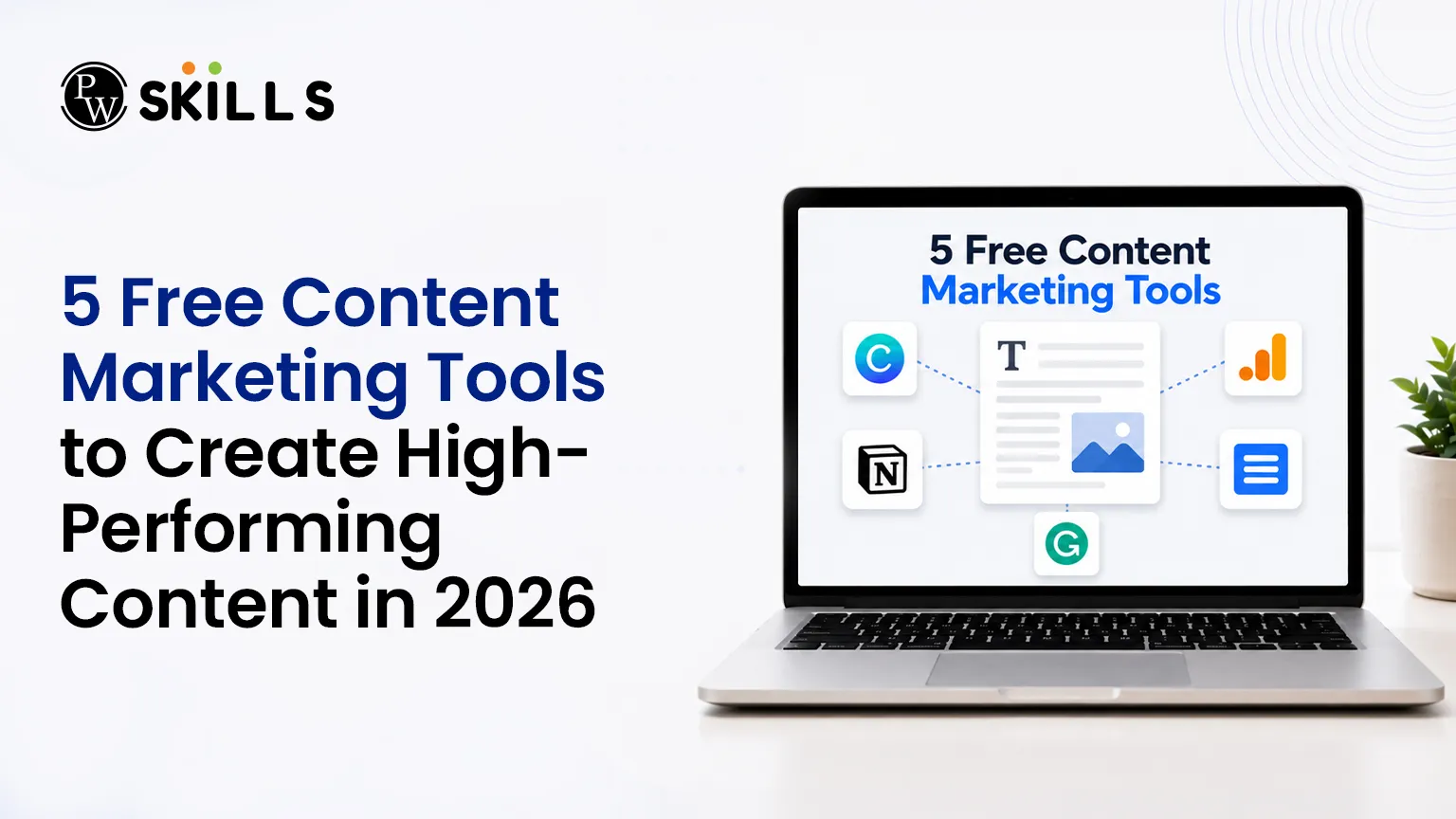
Content creators often struggle to balance topic research, drafting, and optimization, which frequently leads to flat engagement and wasted effort. Tracking down what your audience truly wants to read takes hours of manual digging, leaving very little time for actual writing. This article introduces five essential Content Marketing Tools designed to eliminate production bottlenecks, streamline your workflow, and help you build a high-performing digital strategy completely free of charge.
Top 5 Free Content Marketing Tools
Discover Real Audience Intent with QuestionDB
Understanding exactly what your audience is searching for is the first step toward building a successful strategy. QuestionDB is an exceptional free resource that maps out the precise queries, pain points, and topics your target readers care about by pulling real-time data from search engines and community forums.
Unlike traditional software that only displays generic keyword variations, this platform focuses entirely on user curiosity. It serves as an excellent asset among standard tools, allowing you to build highly targeted FAQ sections, comprehensive blog posts, and informational guides that satisfy search intent.
Also Check: Content Marketing in Digital Marketing
Key Features
-
Forum Data Extraction: Aggregates real user discussions directly from platforms like Reddit and Quora.
-
Source Verification: Provides direct links to live forum threads so you can analyze the context of user questions.
-
Search Volume Metrics: Displays basic search volume and topic difficulty to help you prioritize your content calendar.
Performance Breakdown
|
Plan Type |
Feature Limits |
Best Used For |
|
Free Plan |
5 comprehensive searches per month |
Solo bloggers and small content creators |
|
Paid Plan |
Starting from 9.99 dollars per month |
Growing digital agencies and active teams |
Conduct AI-Driven Research via Perplexity
Gathering accurate factual data and cross-referencing sources often consumes the largest chunk of a writer's schedule. Perplexity completely changes this dynamic by acting as an AI-powered research assistant that answers complex queries while providing direct, inline citations.
Using AI content tools like this ensures your articles remain authoritative, factual, and deeply researched. Instead of manually opening dozens of browser tabs to verify a single statistic, you receive a concise summary of the topic backed by verified web links, making it a stellar addition to your collection of blogging platforms.
Key Features
-
Inline Citations: Every statement includes a numbered link to the primary source material for quick verification.
-
Real-Time Web Searching: Accesses the live internet to pull up-to-date facts, statistics, and industry news.
-
Thread Organization: Saves your past research sessions into distinct collections for simple future reference.
Improve Readability with Hemingway Editor
Writing comprehensive content is only half the battle; ensuring that it remains accessible and engaging for your audience is what drives true performance. Hemingway Editor is a free, web-based tool that highlights complex sentences, passive voice, and unnecessary adverbs in real time.
By utilizing this platform alongside your other core tools, you can easily trim down wordy paragraphs and polish your copy. It provides an instant readability grade score, helping you craft clear, punchy, and human-like text that keeps users on your page longer.
Key Features
-
Color-Coded Feedback: Highlights hard-to-read sentences in yellow and red so you know exactly where to simplify.
-
Passive Voice Detection: Flags passive verbs to help you maintain an active, engaging tone throughout your text.
-
Readability Scoring: Computes a school-grade reading level instantly to ensure your content matches your target audience.
Design High-Quality Visuals Using Canva
High-performing text requires strong visual elements to break up long sections and increase reader retention. Canva is an incredibly intuitive graphic design platform that allows non-designers to build professional featured images, custom infographics, and social media graphics.
Integrating visual media into your strategy is crucial, and this platform stands out among creative Content Marketing Tools for its massive library of free layouts. It allows you to maintain visual consistency across your blog without needing to understand complex, expensive design software.
Key Features
-
Drag-and-Drop Interface: Simplifies asset creation with pre-made dimensions tailored for blogs and social networks.
-
Extensive Free Asset Library: Contains thousands of free icons, shapes, photos, and font combinations.
-
Team Collaboration: Enables multiple users to review, comment on, and edit visual designs simultaneously.
Monitor Search Performance via Google Search Console
An effective digital strategy requires continuous tracking to understand how your published pieces are performing on search engine results pages. Google Search Console is a mandatory, completely free diagnostic platform provided by Google that shows you exactly how your site is indexed and discovered.
It acts as one of the most powerful analytical blogging tools available, revealing the precise search queries driving traffic to your articles. By monitoring these metrics regularly, you can pinpoint declining pages, discover new keyword opportunities, and optimize your overall search footprint.
Key Features
-
Query Tracking: Displays the exact phrases users typed into Google to discover your web pages.
-
Click-Through Rate Analytics: Measures impressions, clicks, and average ranking positions for every URL.
-
Indexation Reports: Alerts you immediately to broken URLs, mobile usability issues, or crawl errors.
Also Check: Top 10 Content Marketing Tools, and How They Help
Tips for Using Free Content Marketing Tools
-
Start with audience research first. Before writing, use tools like QuestionDB to understand what your audience is asking instead of guessing topics.
-
Combine AI with human expertise. AI tools can speed up research and drafting, but always fact-check information and add your own insights, examples, and brand voice.
-
Repurpose every piece of content. Turn one blog post into LinkedIn posts, Instagram carousels, newsletters, short videos, or infographics to maximize your content's reach.
-
Track performance consistently. Review Google Search Console weekly to identify pages gaining impressions, discover new keyword opportunities, and update underperforming content.
-
Keep readability a priority. Short paragraphs, descriptive headings, bullet points, and simple language make content easier to scan and improve user engagement.
-
Refresh existing content regularly. Update statistics, examples, screenshots, and internal links every few months to keep your content accurate, relevant, and competitive in search results.





FAQs
What are the best free Content Marketing Tools for beginners?
Can free content creation tools replace paid software?
How do AI content tools improve the writing process?
Why should bloggers use technical blogging tools like Google Search Console?
How often should I use Content Marketing Tools to check my performance?








Get Free Counselling Today
and Clear up all your Doubts
 Live & recorded classes available at easeDashboard for progress trackingLakhs of practice questions

