

CI/CD pipelines Explained: Why DevOps and Cloud Computing Course Teaches It Early
 Hardik Gupta17 Jul, 2026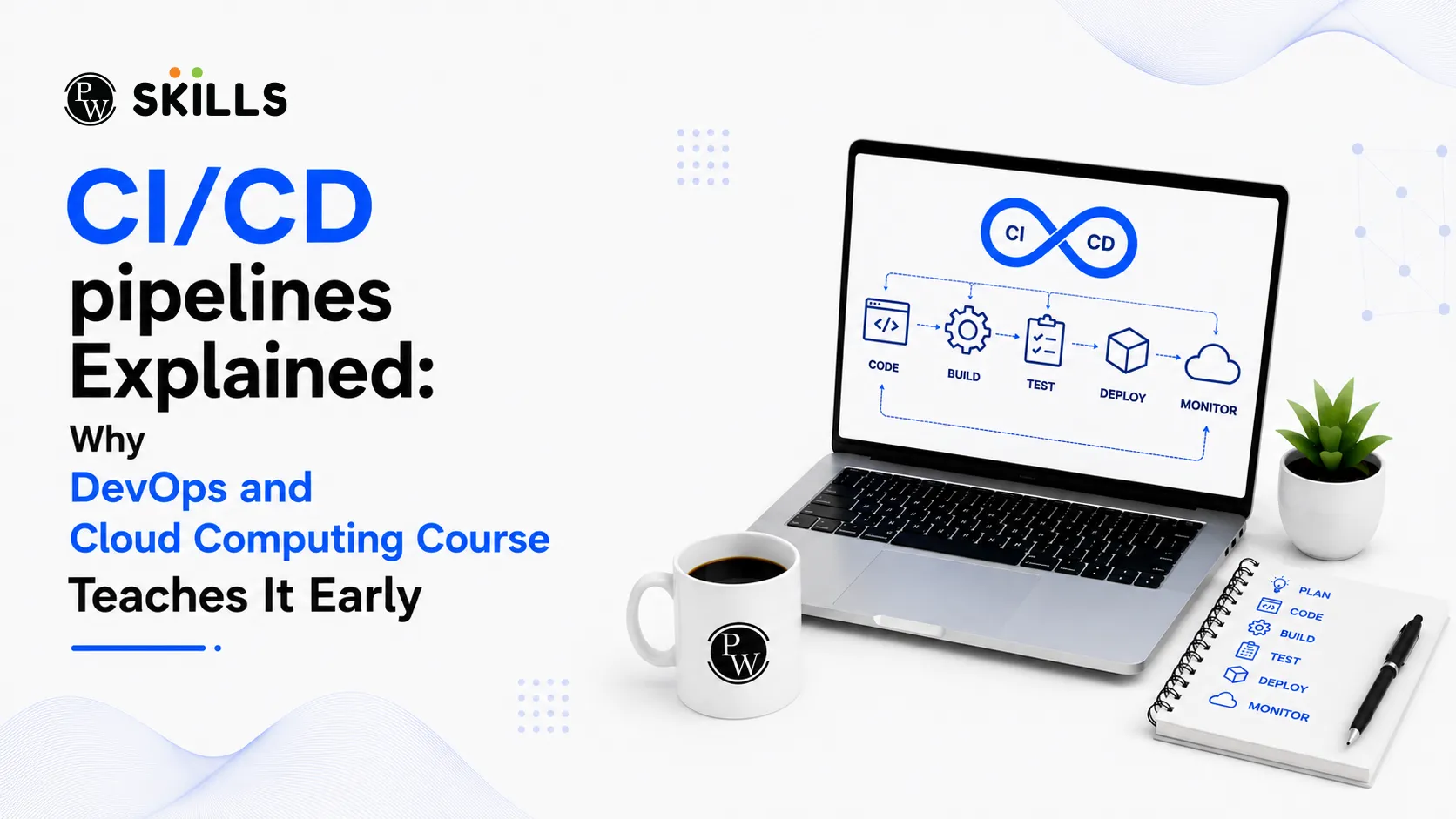
Starting a new career in tech can feel overwhelming. Many students look at the vast sea of tools and wonder where to begin. You might face the frustrating challenge of learning isolated tools without understanding how they connect in a real business environment.
A high-quality DevOps and Cloud Computing Course solves this problem by introducing Continuous Integration and Continuous Deployment (CI/CD) pipelines right at the beginning of your learning journey.
What Is a CI/CD Pipeline and How Does It Work?
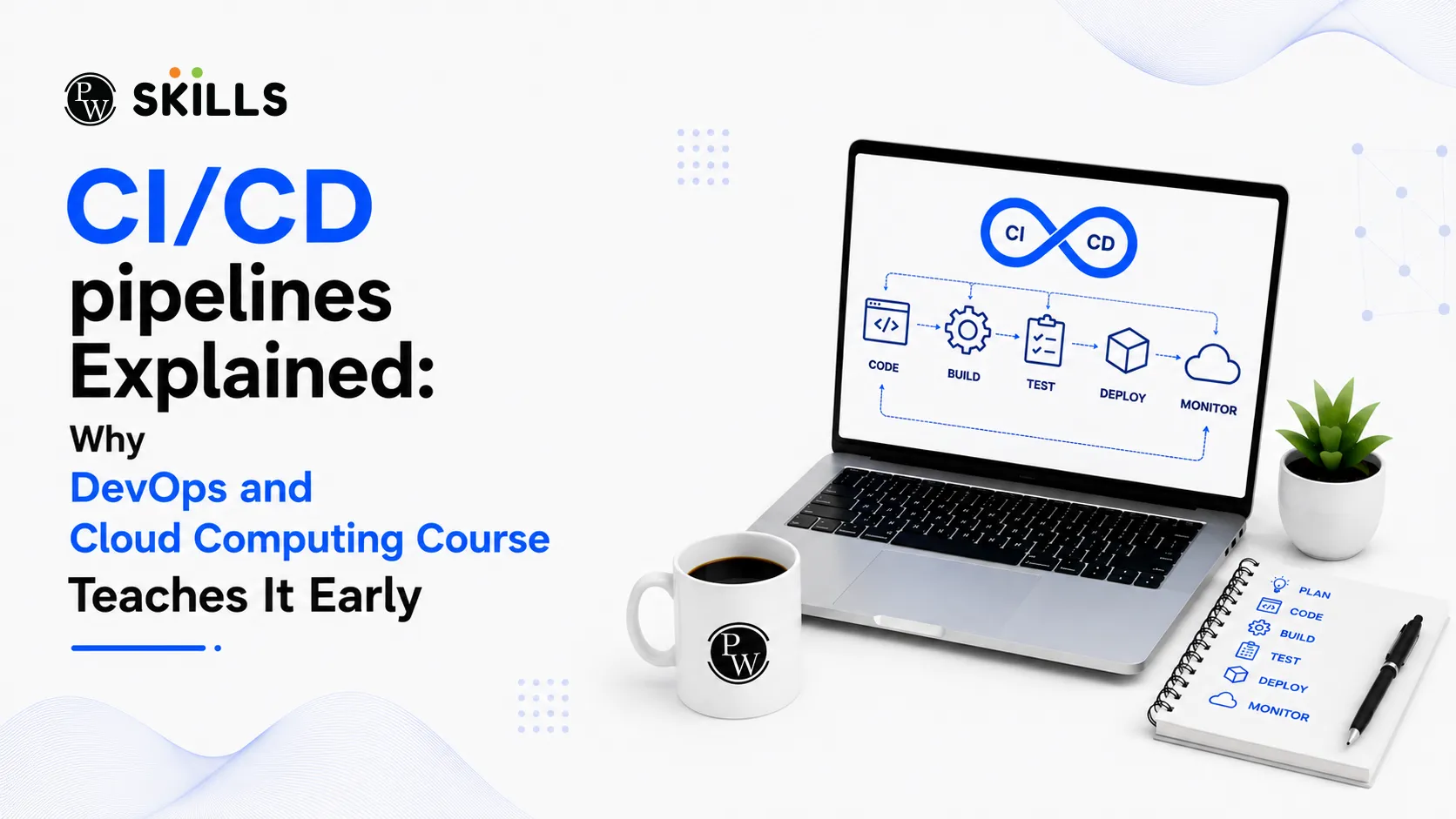
A CI/CD pipeline is a series of automated steps that a software application must pass through from initial code development to final deployment. Think of it as a digital assembly line. Instead of human workers manually checking every part, automated scripts handle the building, testing, and shipping of software.
The process splits into two main areas:
-
Continuous Integration (CI): Developers frequently merge their code changes into a central repository. Automated builds and tests run instantly to catch bugs before they cause major issues.
-
Continuous Deployment (CD): Once the code passes all testing phases, the pipeline automatically pushes the updates directly to production servers or cloud environments.
This automation eliminates manual errors, speeds up release cycles, and ensures that software remains stable at all times.
Why Does a DevOps and Cloud Computing Course Prioritise CI/CD Pipelines?
When you enrol in a comprehensive training program, the order of topics is highly intentional. A DevOps and Cloud Computing Course focuses on CI/CD pipelines from the outset because automation forms the core philosophy of the entire field. Learning this concept early transforms how you view software infrastructure.
Foundation for Infrastructure Automation
Before you can automate vast networks of cloud servers, you must understand how code moves safely. Pipelines teach you the core principles of infrastructure automation, showing you how to treat server configurations just like software code.
By mastering pipelines first, you learn to:
-
Write scripts that provision cloud resources automatically.
-
Maintain consistent environments across development, testing, and production phases.
-
Reduce human intervention in routine deployment tasks.
This early exposure ensures that when you advance to complex cloud architectures, you already possess an automation-first mindset.
Separate Software Tools Together
DevOps relies on a vast ecosystem of tools, including Git, Docker, Jenkins, and various cloud providers. Trying to learn these tools in isolation is confusing because you cannot see how they interact.
A pipeline acts as the connective tissue. By building a pipeline early in your DevOps and Cloud Computing Course, you see exactly how Git triggers a build tool, how that tool packages code into a container, and how that container deploys to the cloud.
How Does a DevOps and Cloud Computing Course Use CI/CD Pipelines?
Cloud computing provides on-demand virtual resources, but managing these resources manually is highly inefficient. Automated pipelines change the game by allowing engineers to manage vast systems through code.
The Power of Environment Consistency
A major headache in traditional IT setups is the classic excuse: "It worked on my local machine." Automated pipelines solve this entirely by working alongside code-based infrastructure setups.
The pipeline ensures that every single environment is cloned exactly from a master blueprint. If an application needs a specific database version or operating system setting, the pipeline configures it automatically during the deployment phase.
Speeding Up the Deployment Process
Manual deployments often involve long checklists, late-night system upgrades, and significant downtime risk. With automated pipelines, deployments happen smoothly throughout the day.
The following table highlights the core operational shifts that occur when moving from traditional methods to fully automated pipelines:
|
Operational Metric |
Traditional Manual Approach |
Pipeline-Driven Automation |
|
Deployment Frequency |
Weeks or months per release |
Multiple times per day |
|
Error Rates |
High due to human typing mistakes |
Exceptionally low due to pre-tested scripts |
|
Fix Delivery Time |
Hours or days to locate and patch bugs |
Minutes via automated rollback systems |
|
Team Efficiency |
Engineers spend hours configuring servers |
Engineers focus purely on writing value-driven code |
How Does a DevOps and Cloud Computing Course Prepare You for Site Reliability Engineer Jobs?
As companies migrate to complex cloud networks, the demand for specialized professionals continues to skyrocket. If your career goal points toward high-paying Site Reliability Engineer jobs, mastering pipelines is non-negotiable.
The Core Role of an SRE
Site Reliability Engineers (SREs) are the guardians of system uptime and performance. They apply software engineering practices to solve complex operational problems.
An SRE does not just write application code; they design systems that self-heal, scale automatically under heavy user traffic, and defend against unexpected server outages. The CI/CD pipeline serves as their primary vehicle for implementing these system safeguards.
Designing Resilient Automated Safeguards
In modern tech environments, an SRE uses automated pipelines to enforce safety metrics before software ever reaches public users. They build automated quality checks directly into the deployment workflow.
Key pipeline safeguards configured by operations professionals include:
-
Automated Rollbacks: If a new software update causes system performance to drop, the pipeline automatically yanks the update and reinstalls the previous stable version.
-
Security Scanning: Pipelines scan code repositories for known vulnerabilities and leaked passwords before allowing the software to build.
-
Performance Benchmarking: Automated scripts simulate high user traffic on new builds to ensure the cloud servers will not crash under sudden stress.
Securing premium Site Reliability Engineer jobs requires demonstrating that you can build these exact types of protective mechanisms.
What Skills Will You Learn in a DevOps and Cloud Computing Course?
A practical training program focuses heavily on hands-on application. You will spend less time reading theories and more time configuring actual development pipelines.
Version Control and Code Management
Everything starts with tracking changes. You will learn to use systems like Git to manage different versions of configuration files. This teaches you how multiple engineers collaborate on a massive project without overwriting each other's work.
Containerization Techniques
Modern applications are broken down into lightweight, portable packages called containers. Your coursework will teach you how to write recipes that package an application with every single file it needs to run, ensuring it behaves perfectly on any cloud platform.
Continuous Monitoring and Metrics Tracking
A pipeline's job does not end once the software goes live. You will learn to integrate monitoring tools that constantly watch server health, track application response speeds, and alert engineering teams the moment a metric slips.




FAQs
Do I need to be an expert programmer to learn CI/CD pipelines?
What is the difference between continuous delivery and continuous deployment?
Why do Site Reliability Engineer jobs focus so heavily on automation tools?
Can I practice building deployment pipelines on my personal computer?
How does infrastructure automation improve corporate data security?





Get Free Counselling Today
and Clear up all your Doubts
 Live & recorded classes available at easeDashboard for progress trackingLakhs of practice questions

