

CI/CD Pipelines Explained Through Real Startup Deployment Workflows

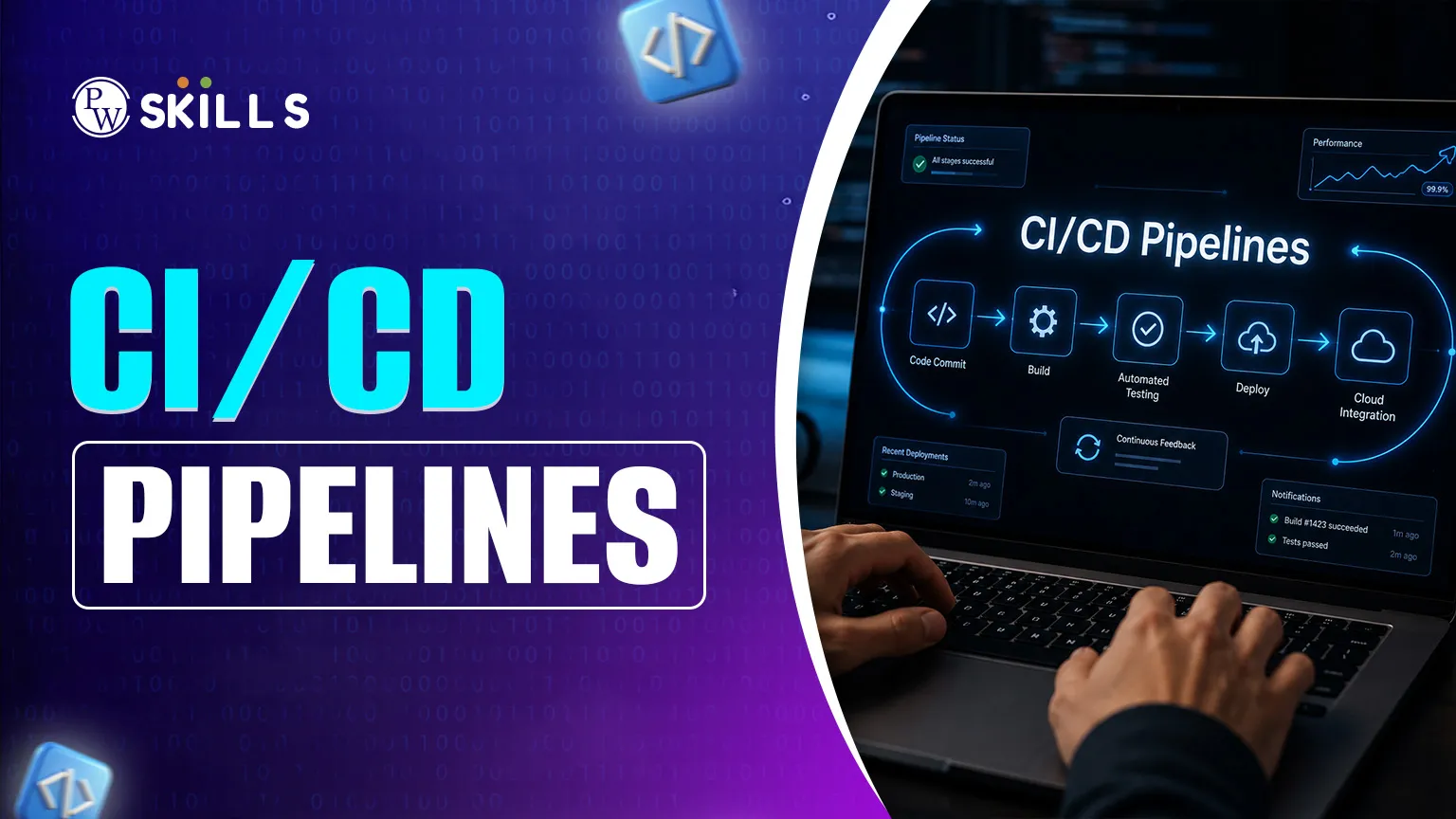
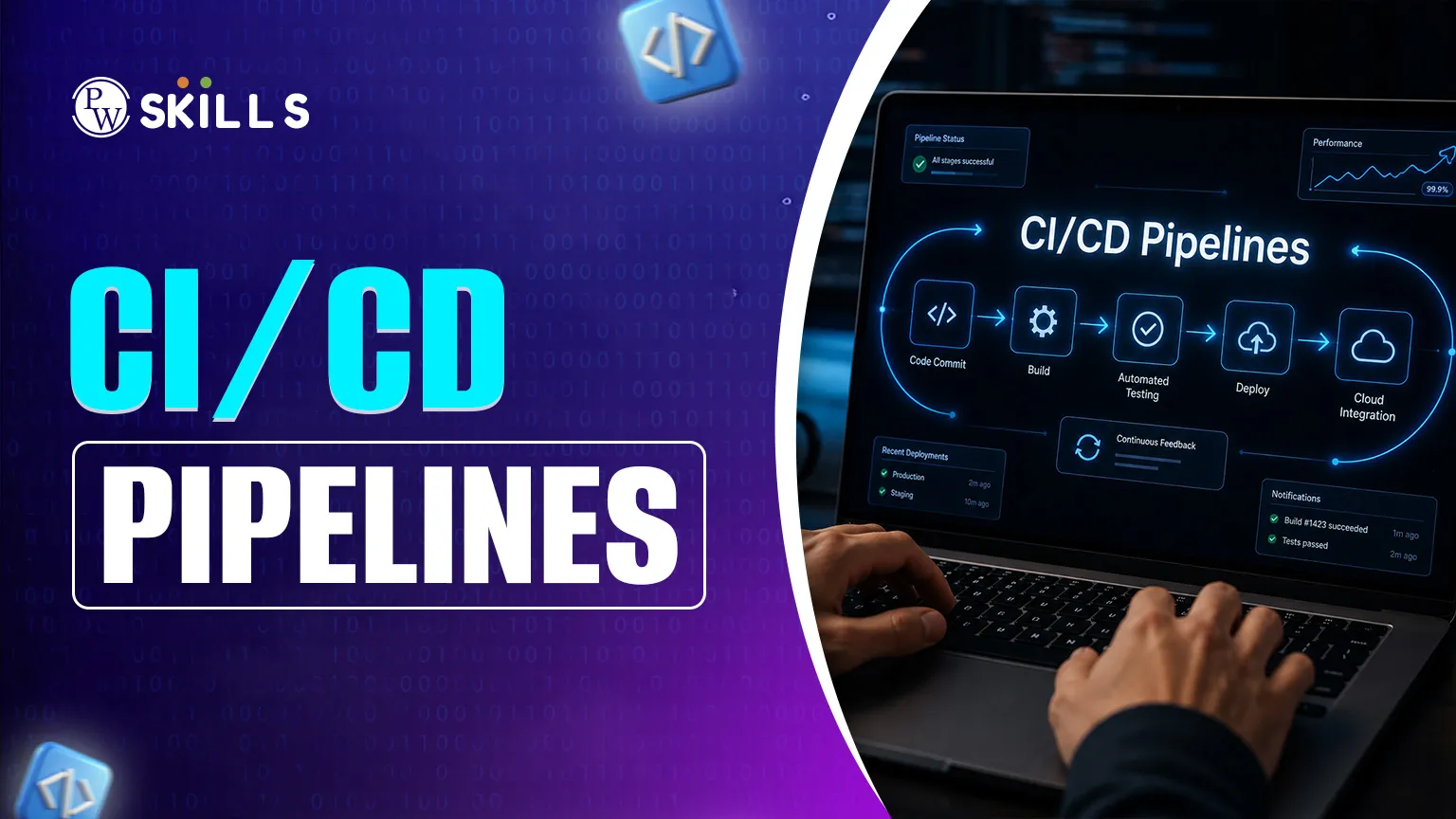
As a tech startup, speed can determine your business's success or failure. A common challenge faced by developers is the “bottleneck” issue where manual testing and deployment hinder the deployment of new features. This is where the CI/CD pipelines come in handy. Teams deploy updates several times daily to their networks, instead of waiting for large, infrequent software releases.. This article explains the DevOps CI/CD process and how to get the ideas from raw code to a reliable, production-ready product efficiently.
What are CI/CD pipelines?
A CI/CD pipeline is a sequence of automated actions that software has to go through from development to release. Imagine it's like an assembly line in a factory. Manual setup would involve operator testing of each part, resulting in delays. In an automated pipeline all the code is tested, built, and ready to be shipped automatically.
CI (Continuous Integration) is about the early part of the development process. With more than one developer working on the same project, they often "commit" their code back to the shared repository. Every time, the CI system automatically compiles the code and runs tests to make sure that the new change did not cause existing features to cease to function.
CD (Continuous Delivery or Continuous Deployment) begins. Continuous delivery means that the code is always in a “deployable” state but may need to be pushed to production with a “deploy” button. With continuous deployment, every change that meets the tests is automatically deployed to the live environment.
CI/CD is a technical foundation for a young company, which is necessary to ensure consistency in workflow, even with the growth of the team.
CI/CD Pipelines Workflow
The DevOps CI/CD process has a logical sequence to identify bugs at an early stage and take care of smooth deployment of updates. Most startups go through these phases, albeit each company may slightly modify their process.
1. The Source Stage
It all starts with a developer that writes code and uploads it to a version control system like GitHub or GitLab. The “push” is the one that starts the pipeline. The source stage is the base of the startup deployment workflow, since it keeps track of each version of the software.
2. The Build Stage
The pipeline compiles the code once it is pushed. When using, for instance, Java or C++, the system produces an executable file. This process is sometimes called "bundling" and is the place where code is bundled, or even for interpreted languages, such as JavaScript, Docker containers are built. In case of build failure, the developer is notified as soon as the build fails.
3. The Test Stage
This stage is likely the most important stage of CI/CD. Tests are automatically run on the build to detect logic mistakes or security flaws. By identifying bugs at this stage of the lifecycle, startups save a lot of money from having to deal with problems after the product has been released to their users.
4. Staging Deployment
Before releasing updates to actual users, the application is deployed to a staging environment that closely resembles the live production setup. This stage allows developers and QA teams to perform final checks, validate feature functionality, and ensure deployment stability in a controlled environment. Staging deployments help identify environment-specific issues before the application reaches end users.
5. Production Deployment
After the application successfully passes all testing and staging checks, the pipeline deploys the code to the production environment. This is the live version of the application that customers interact with daily. Automated production deployment helps startups release features faster, reduce manual deployment errors, and maintain consistent release cycles without significant downtime.
6. Monitoring and Feedback
The workflow does not end after deployment. Monitoring tools continuously track application performance, server health, error logs, and user activity in real time. If issues occur, alerts are triggered so developers can respond quickly. Continuous monitoring and feedback also help teams improve future releases, optimize application stability, and deliver a better user experience over time.
CI/CD Pipeline Stages in Startup Workflows
The table below explains the major stages of a CI/CD pipeline and how they help startups deploy applications faster and more reliably.
|
CI/CD Stage |
Purpose |
Startup Benefit |
|
Source Stage |
Developers push code to a shared repository |
Keeps code changes organized and trackable |
|
Build Stage |
Compiles code and prepares application packages |
Detects build issues early |
|
Test Stage |
Runs automated tests for bugs and security issues |
Improves code quality and reduces deployment risks |
|
Staging Deployment |
Deploys code to a testing environment before release |
Helps teams validate features safely |
|
Production Deployment |
Releases tested code to live users |
Enables faster feature delivery |
|
Monitoring & Feedback |
Tracks app performance and deployment issues |
Helps teams fix problems quickly |
Understanding these stages helps startups create reliable deployment workflows, reduce manual effort, and improve software delivery speed.
CI/CD Pipelines Components
Building a deployment workflow requires several technical aspects to play together. These are referred to as the "tools of the trade" for a DevOps engineer.
-
Version Control System (VCS): These are the tools, such as Git, that provide a single source of truth to the codebase.
-
CI Tooling: The platform that runs the pipeline is referred to as the CI Tooling, which can be Jenkins, GitLab CI, or GitHub Actions.
-
Automated Testing Suites: These are used to ensure code quality and consist of unit tests, integration tests and functional tests.
-
Build Tools: These are the systems that package up the code to run.
-
Environment Configuration: Tools that guarantee software functions with the identical approach on a developer's laptop as on the cloud server.
With the combination of these components, pipelines become repeatable and reliable, a key requirement for any scaling business.
CI/CD Pipelines Benefits
Using modern DevOps CI/CD is not a mere convenience; it gives an edge in the competition.
-
Faster Time to Market: Startups can have their features released when they are ready, instead of having to wait for the monthly release cycle.
-
Reduced Human Error: Manual deployments involve human error. Automation guarantees that the deployment procedure is the same each and every time.
-
Improved Code Quality: As tests are required in the pipeline, only quality and functional code will be delivered to the user.
-
Immediate Feedback Loops: Developers can see within minutes whether their code is successful or if they broke something else, enabling them to fix it quickly.
-
Better Team Collaboration: Small, regular updates are helpful for team members to manage large projects without interferences.
-
These advantages translate into improved customer satisfaction and reduced expenses for any organisation aiming to streamline its startup process.




FAQs
What is the main difference between continuous delivery and continuous deployment?
Which tools are most common in a startup deployment?
Can small teams benefit from CI/CD?
How does a DevOps CI/CD improve security?
Is coding knowledge required to manage a CI/CD pipeline?





Get Free Counselling Today
and Clear up all your Doubts
 Live & recorded classes available at easeDashboard for progress trackingLakhs of practice questions

