

AWS + Docker + Kubernetes: Skills Every DevOps Fresher Needs
 Varun Saharawat11 Jun, 2026
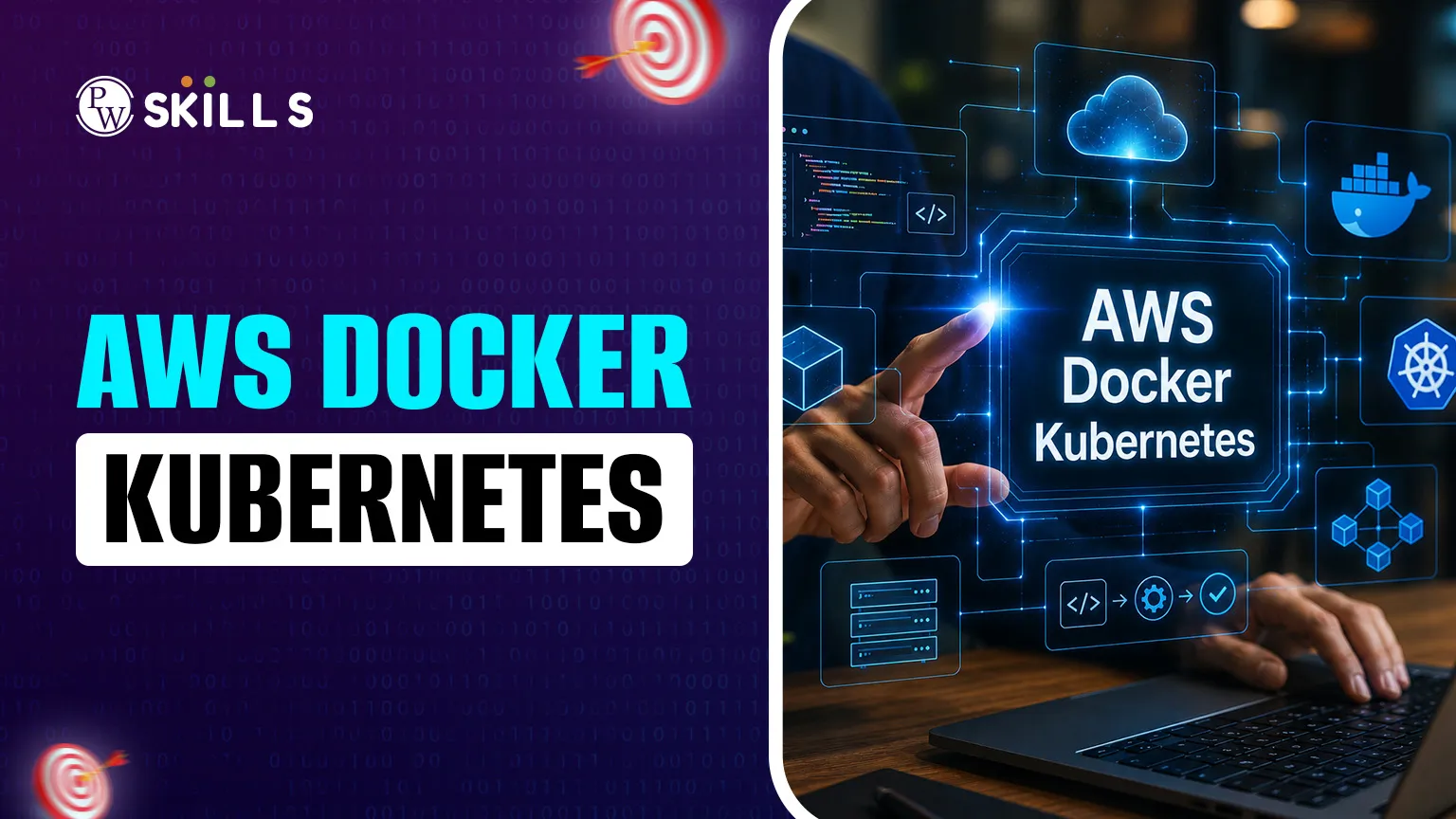
The modern tech industry is moving at a rapid pace, and for a student or a DevOps fresher, keeping up can feel overwhelming. Many beginners struggle to understand how to bridge the gap between writing code and deploying it efficiently. This is where the synergy of AWS Docker Kubernetes comes into play. In this article, we will demystify the three pillars of DevOps for beginners and learn how they interact with each other to generate seamless automated workflows in our cloud architecture concepts using data & AI-driven solutions.
AWS Docker Kubernetes Overview
Explaining the modern landscape of cloud needs to start by breaking down each of the three components that shape it.
AWS (Amazon Web Services) is the most complete cloud platform – global. It offers the physical and virtual building blocks (i.e., servers, storage, and networking) required to run any applications for business without having the hardware ownership. AWS often serves as the foundation on which other DevOps tools operate, and a DevOps fresher will find themselves using it.
Docker is a platform for developers to build, share and run applications using containers. A container is like a lightweight, standalone executable that includes everything you need to run a piece of software code, a runtime and system tools and libraries. Docker ensures that the application runs precisely the same way, no matter where it is hosted.
Kubernetes (also written as K8s) is an open-source orchestration platform. Docker builds the containers, while Kubernetes acts as a "manager" for those containers by determining where they should run, how many copies are needed, and resolving issues if any container crashes.
Why AWS Docker Kubernetes are Important in Modern DevOps
These three tools come together to work as a single system that allows teams to perform different parts of the deployment process in today's tech ecosystem. Together, they guarantee that the software is portable, scalable and highly available.
-
Standardisation: Docker will run the same everywhere. It also eliminates the risk of development vs. production version conflicts by "packaging" the app.
-
Infrastructure Management: At the core, AWS provides the raw compute and higher-level managed services (like EKS) to run these containers without having to manually set up servers across continents.
-
Automation of Operations: Kubernetes automates the operator's work. It performs the "health checks", so if there is a problem or failure with an AWS instance, it will shift the application instantly to another healthy one.
-
Resource Efficiency: Docker enables you to host multiple containers on one AWS server rather than running a single application per virtual machine, helping optimise cloud resource usage and reduce infrastructure costs.
-
Global Scaling: This trio works to detect user traffic spikes and automatically spin up more containers across the AWS network so that you never suffer downtime.
AWS Docker Kubernetes Workflow
It is fundamental to understand how these tools work together, which increases the productivity of DevOps newcomers working on their skills. It flows from a developer's desktop to a deployed cloud environment in a logical manner.
-
Image Creation: The developer creates a definition (a Dockerfile) that tells how to set up its application and then packages the code into a Docker image.
-
Storage and Registry: This image is pushed to a central repo. For AWS it is usually the Amazon Elastic Container Registry (ECR), which stores various versions of the app in a secured way.
-
Cluster Provisioning: A Kubernetes cluster is created on AWS. This acts as a collection of worker nodes that run containerised applications
-
Deployment and Orchestration: A configuration file is submitted to Kubernetes. Then Kubernetes retrieves the image from an AWS registry and launches the software using "pods."
-
Traffic and Maintenance: AWS load balancers direct the user traffic to Kubernetes pods. Kubernetes makes sure it keeps an eye on these pods and scales them up when traffic is high and down during hours when there is lower traffic, ensuring energy efficiency and reducing costs along the way.
How to Learn AWS Docker Kubernetes
This knowledge is not sufficient if you aim to enter the industry; it only provides familiarity with the names of these tools. To build strong DevOps fresher skills, you require certain hands-on abilities that make you more appealing to potential employers.
1. Fundamental Cloud Literacy (AWS)
Learn about the basic building blocks of AWS. This includes:
-
EC2 (Elastic Compute Cloud): How to launch and manage virtual servers.
-
IAM (Identity and Access Management): Control over permissions and security
-
S3 (Simple Storage Service): Data storage and retrieval
-
VPC (Virtual Private Cloud): Understanding how to deconstruct cloud services, such as networking.
2. Containerisation Logic (Docker)
So for Docker, a fresher should be able to
-
Write a Dockerfile to automate the creation of images.
-
Manage Docker Hub or AWS ECR repositories.
-
Understand Docker Compose for running multi-container applications locally.
-
Optimise for image size as a goal to achieve quick deployments.
3. Orchestration Basics
Kubernetes for Beginners – The following are the core objects:
-
Pods: The smallest units of K8s that you can deploy.
-
Deployments: How to describe the desired state of your app.
-
Services: How to expose your application to the internet.
-
ConfigMaps and Secrets: How to manage environment variables and sensitive data safely.
4. Linux and Scripting
Most of AWS, Docker and Kubernetes environments run on Linux. Get your hands dirty from the command line (Bash) and preferably know enough of Python or Go if automation is required.
5. CI/CD Understanding
Find out how to plug these tools successfully into a CI/CD pipeline. Jenkins, GitLab CI or AWS CodePipeline are highly useful tools for automating the way from code to Kubernetes.




FAQs
Is Kubernetes too difficult for a beginner to learn?
Do I need to be a programmer to learn AWS Docker Kubernetes?
Why is AWS preferred over other cloud providers for DevOps?
What is the difference between Docker and Kubernetes?
Which skills are most in demand for DevOps freshers right now?





Get Free Counselling Today
and Clear up all your Doubts
 Live & recorded classes available at easeDashboard for progress trackingLakhs of practice questions

