
Structures in One Shot | Lecture 10 | C Programming Course
 Varun Saharawat24 Jun, 2026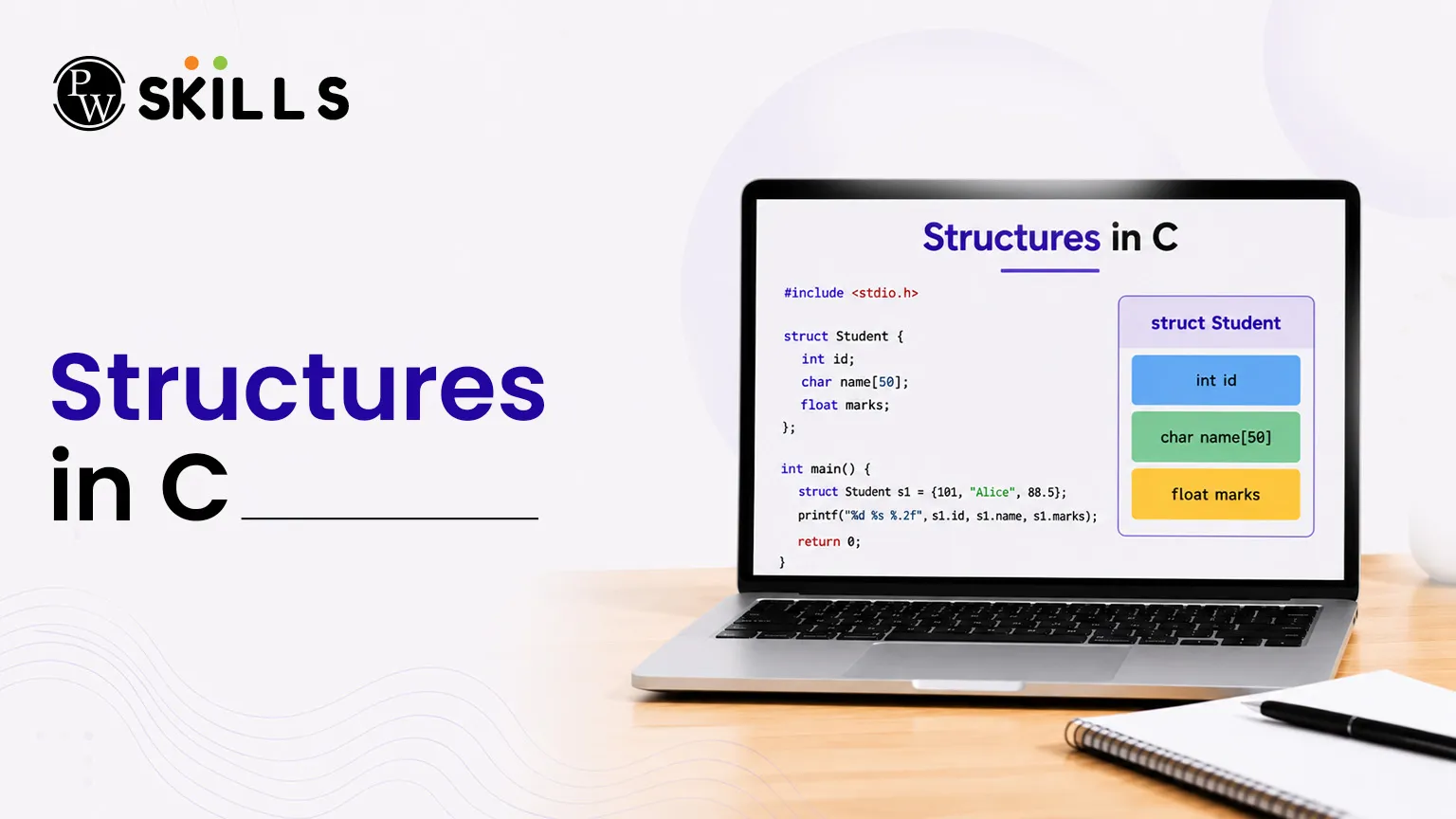
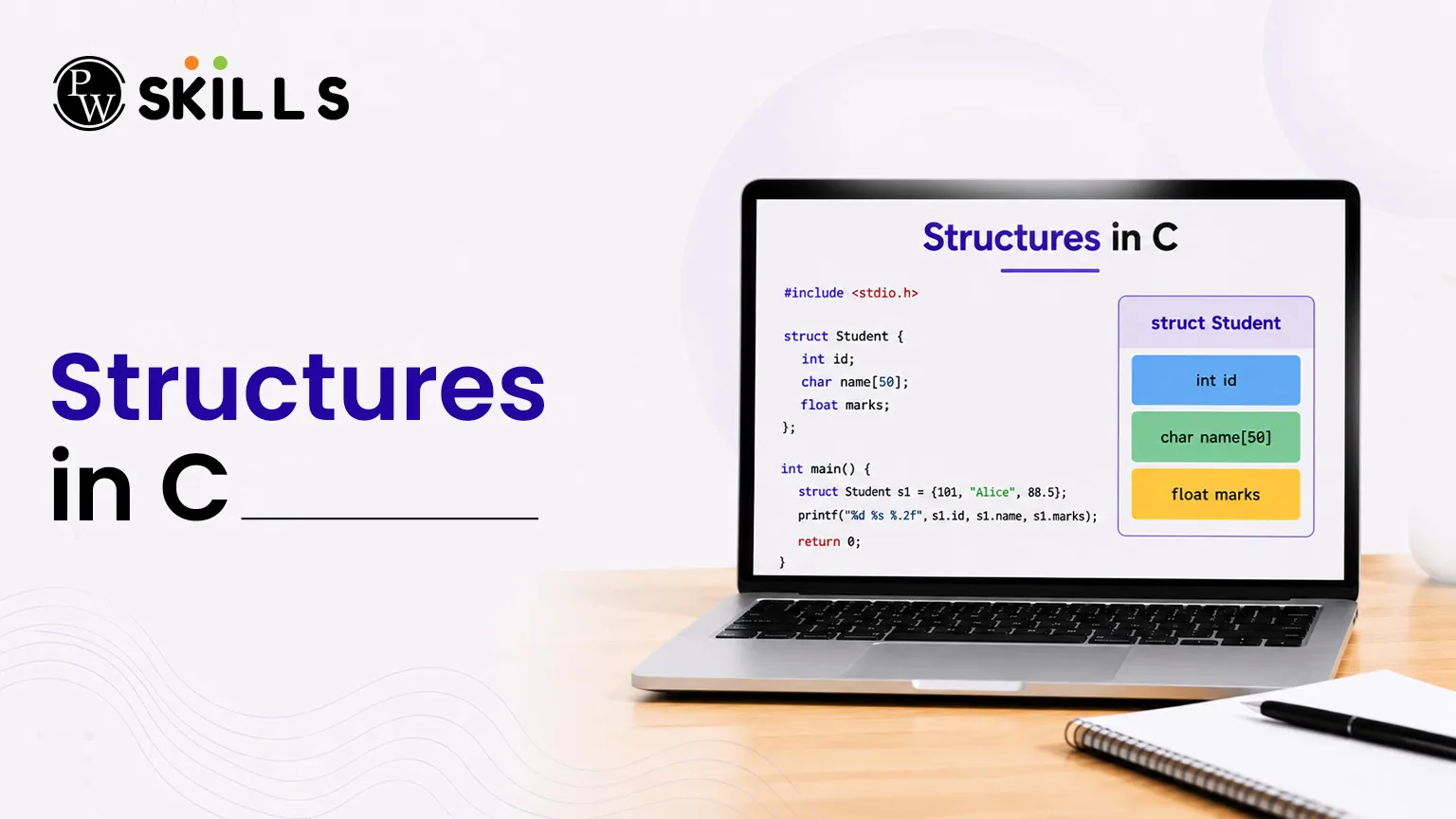
Structures in C programming is one of the most essential ideas, it provides a way for developers to group multipl data kinds into a single unit. They also help to model the real-world elements better and make the programs easier to organise and maintain. This lecture you will learn how to define, read and use structures, arrays, nesting, functions, memory allocation and the differences between structures and unions.
What is a Structures in C?
An array is a good choice if you need to store a list of integers, or a list of characters. In practice, however, real datasets are seldom perfectly uniform. Suppose you have a database of books. Each book has a title , a price, and a certain number of pages .
Instead of creating separate, separate arrays for each trait, you can create a single struct in C. This allows for a custom layout where one single object holds all relevant attributes in a cohesive way. It acts as a template for building stable user-defined data types which makes handling complex structures much easier.
How to Define and Declare Structures in C?
Defining a structure requires using the struct keyword followed by the structure's name and a collection of member variables enclosed within curly brackets.
C
struct Book {
char name[50];
float price;
int pages;
};
After setting up the template, you can declare specific structure variables inside your functions using the syntax below:
C
struct Book book1;
Alternatively, you can simplify the declaration process by using the typedef keyword to create cleaner aliases for your user-defined data types.
C
typedef struct {
char name[50];
float price;
int pages;
} Book;
Book book1;
How to Access and Modify Structures in C Members?
To interact with the specific elements inside a structure, C uses the dot (.) operator. This operator serves as a direct bridge connecting the parent structure variable to its internal member fields.
C
#include <stdio.h>
#include <string.h>
typedef struct {
char name[50];
float price;
int pages;
} Book;
int main() {
Book b1;
// Assigning values using the dot operator
strcpy(b1.name, "C Programming");
b1.price = 411.50;
b1.pages = 350;
printf("Book Name: %s\n", b1.name);
printf("Book Price: %.2f\n", b1.price);
printf("Book Pages: %d\n", b1.pages);
return 0;
}
Working with Arrays of Structures in C
When managing data records for multiple entities—such as a list of 20 distinct cricket players—individual variable declarations quickly become repetitive and messy. An array of structures handles this beautifully by grouping multiple structure variables under a single array identifier.
C
#include <stdio.h>
typedef struct {
char name[30];
int age;
int matches;
float average;
} Cricketer;
int main() {
Cricketer team[3];
// Populating the array of structures
for(int i = 0; i < 3; i++) {
printf("Enter details for player %d (Name, Age, Matches, Average):\n", i + 1);
scanf("%s %d %d %f", team[i].name, &team[i].age, &team[i].matches, &team[i].average);
}
// Displaying the gathered data layout
for(int i = 0; i < 3; i++) {
printf("Player: %s | Age: %d | Matches: %d | Avg: %.2f\n", team[i].name, team[i].age, team[i].matches, team[i].average);
}
return 0;
}
How to Implement Nesting of Structures in C?
Nesting occurs when you place one structure inside another. This strategy is extremely useful when building multi-layered data descriptions, like an internal tracking setup containing nested calendar records.
C
#include <stdio.h>
typedef struct {
int day;
int month;
int year;
} Date;
typedef struct {
char emp_name[50];
int emp_id;
Date joining_date; // Nested structure implementation
} Employee;
int main() {
Employee emp1 = {"Alice", 101, {15, 6, 2026}};
printf("Employee Name: %s\n", emp1.emp_name);
printf("Joining Date: %d/%d/%d\n", emp1.joining_date.day, emp1.joining_date.month, emp1.joining_date.year);
return 0;
}
Passing Structures to Functions in C
By default, passing an entire structure to a standard function follows the pass-by-value protocol. This means the system copies all information over into a new, separate memory block, protecting the original structure values from accidental modifications.
If you need to update the original data layout directly from inside a function, you must pass the structure by reference using pointer variables along with the arrow (->) operator.
C
#include <stdio.h>
typedef struct {
int hp;
int attack;
} Pokemon;
// Modifying structure parameters via reference pointers
void update_stats(Pokemon *p) {
p->hp = 95; // Utilizing the arrow operator
p->attack = 120;
}
int main() {
Pokemon p1 = {60, 70};
update_stats(&p1);
printf("Updated HP: %d, Updated Attack: %d\n", p1.hp, p1.attack);
return 0;
}
Memory Allocation in Structures in C
Understanding how memory is allocated is crucial when working with Struct in C. You might assume that the total size of a structure is simply the sum of its individual members. However, due to underlying C programming concepts like structural padding, the actual size allocated by the compiler often exceeds that sum.
To optimize data fetching, CPU architectures read memory in word pieces (usually 4 or 8 bytes at a time). The compiler automatically inserts empty slots, known as padding bytes, to ensure that every internal data field aligns perfectly with these hardware word boundaries.
C
#include <stdio.h>
typedef struct {
char a; // 1 byte
// 3 padding bytes inserted here
int b; // 4 bytes
char c; // 1 byte
// 3 padding bytes inserted here
} PaddedStruct;
int main() {
printf("Actual allocated structure space: %lu bytes\n", sizeof(PaddedStruct));
return 0;
}
Instead of consuming just 6 bytes (1 + 4 + 1), the structure above actually occupies 12 bytes of memory because of alignment constraints. You can optimize memory consumption by ordering your member fields from the largest data type down to the smallest.
Differences Between Unions and Structures in C
While structures and unions share nearly identical declaration styles, they handle internal memory allocation very differently. A structure assigns individual space for every member field, whereas a union allocates a single shared memory block sized to match only its largest variable parameter.
|
Feature Comparison |
Structures |
Unions |
|
Allocates dedicated memory spaces for every single parameter. |
Allocates a single shared block matching the largest internal member variable. |
|
|
Total Size Profile |
Equal to or slightly greater than the combined sum of all member sizes. |
Exactly matches the individual size of the largest internal member data type. |
|
Data Access Limits |
You can access or alter every member variable simultaneously. |
Only one single member parameter can hold active, valid data at any given instant. |




FAQs
Can a structure variable contain a pointer targeting its own type layout?
What is the structure padding concept in C programming concepts?
Can you directly compare two entire structure blocks using equality operators?





Get Free Counselling Today
and Clear up all your Doubts
 Live & recorded classes available at easeDashboard for progress trackingLakhs of practice questions

