
Functions & Pointers in One Shot | C Programming | Lecture 5 | Complete C Course
 Varun Saharawat23 Jun, 2026
Many beginners find C programming difficult when they start learning about memory. It can be confusing to understand how variables are stored and used inside a computer's memory. When functions copy large variables or data structures, more memory is used, and programs may run more slowly.
Learning Functions and Pointers in C helps solve this problem. Instead of copying data, pointers allow programs to work with memory addresses directly. This improves speed and reduces memory usage. In this article, you will learn these important topics in a simple and easy-to-understand way.
What Are Functions and Pointers in C?
Before learning how functions and pointers work together, you need to understand some basic pointer concepts. Every variable in a C program is stored at a specific place in memory. This location is called a memory address. A pointer is a special variable that stores the address of another variable instead of storing a normal value.
Important Pointer Concepts
Address-of Operator (&)
This operator gives the memory address of a variable.
Dereferencing Operator (*)
This operator lets you access or change the value stored at the address saved in a pointer.
Null Pointer
A null pointer contains 0 or NULL. It does not point to any valid memory location.
Look at this simple example:
#include <stdio.h>
int main() {
int total_score = 95;
int *memory_ptr;
memory_ptr = &total_score;
printf("Value of total_score: %d\n", total_score);
printf("Address of total_score: %p\n", (void*)&total_score);
printf("Value held by pointer: %p\n", (void*)memory_ptr);
printf("Value accessed via pointer: %d\n", *memory_ptr);
return 0;
}
In this example, the pointer stores the address of total_score. By using the dereferencing operator (*), you can access the value stored at that address.
One important rule in pointer concepts is that the pointer type must match the variable type. For example, an integer pointer should store the address of an integer variable, while a character pointer should store the address of a character variable.
When declaring multiple pointers, you must add an asterisk for each pointer:
int *first_ptr, *second_ptr;
How Function Declaration in C Uses Pointers?
A function declaration in C tells the compiler the function name, return type, and parameters.
When a function needs to change a variable directly, pointers are used as parameters. Instead of sending the actual value, the function receives the memory address.
Function Declaration in C Example
void modify_value(int *target_variable);
int* find_maximum(int *first_num, int *second_num);
These declarations show that the functions expect pointer arguments.
Using proper declarations helps the compiler check whether the correct data types are passed to the function. This reduces errors and keeps the code organized.
Functions and Pointers in C Pass by Value vs Pass by Pointer
Understanding the difference between these two methods is very important.
|
Operation Feature |
Pass by Value |
Pass by Pointer |
|
Data Passed |
Actual value is copied |
The memory address is copied |
|
Memory Usage |
Creates a new copy |
Uses existing memory |
|
Original Value |
Does not change |
Can be changed directly |
|
Performance |
Slower for large data |
Faster and more efficient |
When using pointers, functions work directly with the original data. This makes programs faster and saves memory.
How Functions and Pointers in C Work Together?
Using Functions and Pointers in C allows functions to work directly with variables created in other parts of the program.
This is useful when you want a function to update multiple values without returning many results.
How to Swap Two Numbers Using Pointers
A common example is swapping two variables.
#include <stdio.h>
void exchange_values(int *variable_a, int *variable_b) {
int temporary_holder;
temporary_holder = *variable_a;
*variable_a = *variable_b;
*variable_b = temporary_holder;
}
int main() {
int item_one = 45;
int item_two = 65;
printf("Before call: item_one = %d, item_two = %d\n", item_one, item_two);
exchange_values(&item_one, &item_two);
printf("After call: item_one = %d, item_two = %d\n", item_one, item_two);
return 0;
}
In this example, the function receives the addresses of the variables. Because it works with the original memory locations, the values are successfully swapped.
How to Return a Pointer from a Function?
Functions can also return pointers.
However, you must be careful when returning memory addresses.
Never return the address of a local variable created inside a function. Local variables are removed when the function ends. Returning their address creates a dangling pointer, which can cause errors.
Safe Pointer Return Example
#include <stdio.h>
int* locate_greater(int *value_x, int *value_y) {
if (*value_x > *value_y) {
return value_x;
}
return value_y;
}
int main() {
int score_alpha = 105;
int score_beta = 102;
int *highest_score;
highest_score = locate_greater(&score_alpha, &score_beta);
printf("The highest recorded value is: %d\n", *highest_score);
return 0;
}
This example safely returns the address of one of the variables passed to the function.
What Are Function Pointers in C?
One of the advanced pointer concepts is the function pointer.
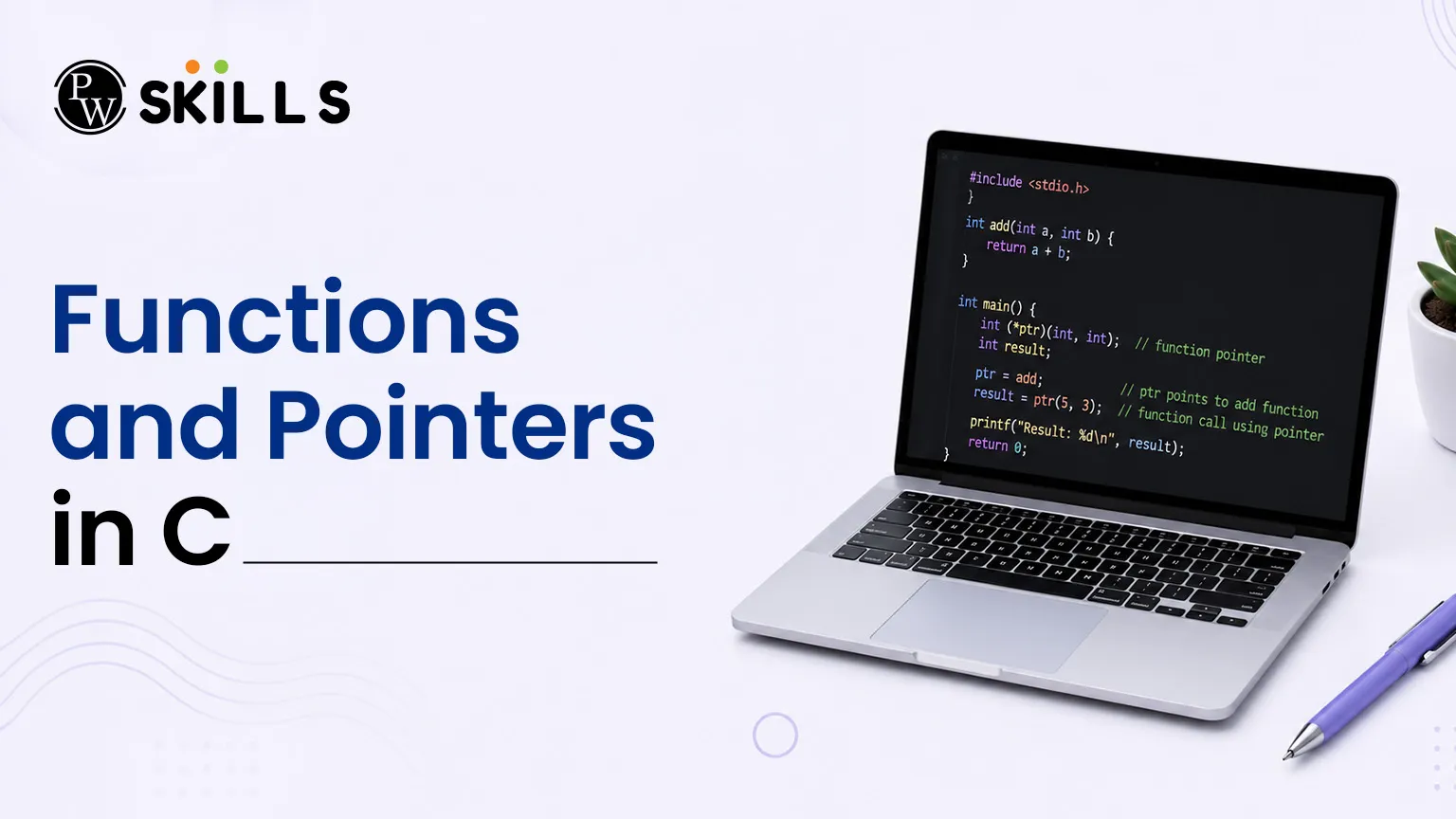
Just like variables have memory addresses, functions also have memory addresses. A function pointer stores the address of a function.
This allows a program to call functions through pointers.
Function Pointer Declaration
The basic syntax looks like this:
return_type (*pointer_identifier)(parameter_data_types);
The parentheses are very important. Without them, the meaning of the declaration changes completely.
How to Use Function Pointers in C?
The example below shows how to create and use a function pointer.
#include <stdio.h>
int compute_sum(int value_p, int value_q) {
return value_p + value_q;
}
int main() {
int (*execution_pointer)(int, int);
execution_pointer = compute_sum;
int computation_result = execution_pointer(12, 18);
printf("Result computed via address: %d\n", computation_result);
return 0;
}
Here, the function pointer stores the address of compute_sum.
The program then calls the function through the pointer and gets the result.
Function pointers are useful for callback functions and flexible program design.
How Arrays Work with Functions and Pointers in C?
Arrays and pointers are closely connected in C programming.
When you use an array name, it automatically points to the first element of the array.
Because of this, arrays can be passed to functions efficiently without copying all elements.
Passing Arrays to Functions
#include <stdio.h>
int calculate_total(int *array_start, int collection_size) {
int accumulated_sum = 0;
for (int index = 0; index < collection_size; index++) {
accumulated_sum += array_start[index];
}
return accumulated_sum;
}
int main() {
int sample_numbers[5] = {1, 2, 3, 4, 5};
int total_elements = sizeof(sample_numbers) / sizeof(sample_numbers[0]);
int grand_total = calculate_total(sample_numbers, total_elements);
printf("The accumulated total is: %d\n", grand_total);
return 0;
}
In this example, the array is passed as a memory address, making the operation faster and more memory-efficient.
How to Pass a 2D Array Using Pointers?
Working with two-dimensional arrays requires extra care because rows and columns must be handled correctly.
2D Array Example
#include <stdio.h>
void display_matrix_rows(int (*matrix_ptr)[4], int total_rows) {
for (int row_index = 0; row_index < total_rows; row_index++) {
for (int col_index = 0; col_index < 4; col_index++) {
printf("%d ", matrix_ptr[row_index][col_index]);
}
printf("\n");
}
}
int main() {
int grid_data[2][4] = {
{10, 11, 12, 13},
{14, 15, 16, 17}
};
display_matrix_rows(grid_data, 2);
return 0;
}
This method allows the function to process all rows and columns safely.
Understanding these rules helps prevent memory errors and keeps programs stable.




FAQs
What happens if I change a pointer inside a function?
Why does a function declaration in C need pointer data types?
How are function pointers different from normal pointers?
Is it safe to return a pointer to a local array?
Can an array name point to another memory address?





Get Free Counselling Today
and Clear up all your Doubts
 Live & recorded classes available at easeDashboard for progress trackingLakhs of practice questions

