
File Handling | Preprocessor | Dynamic Memory Allocation | Switch Statement | C Programming 12

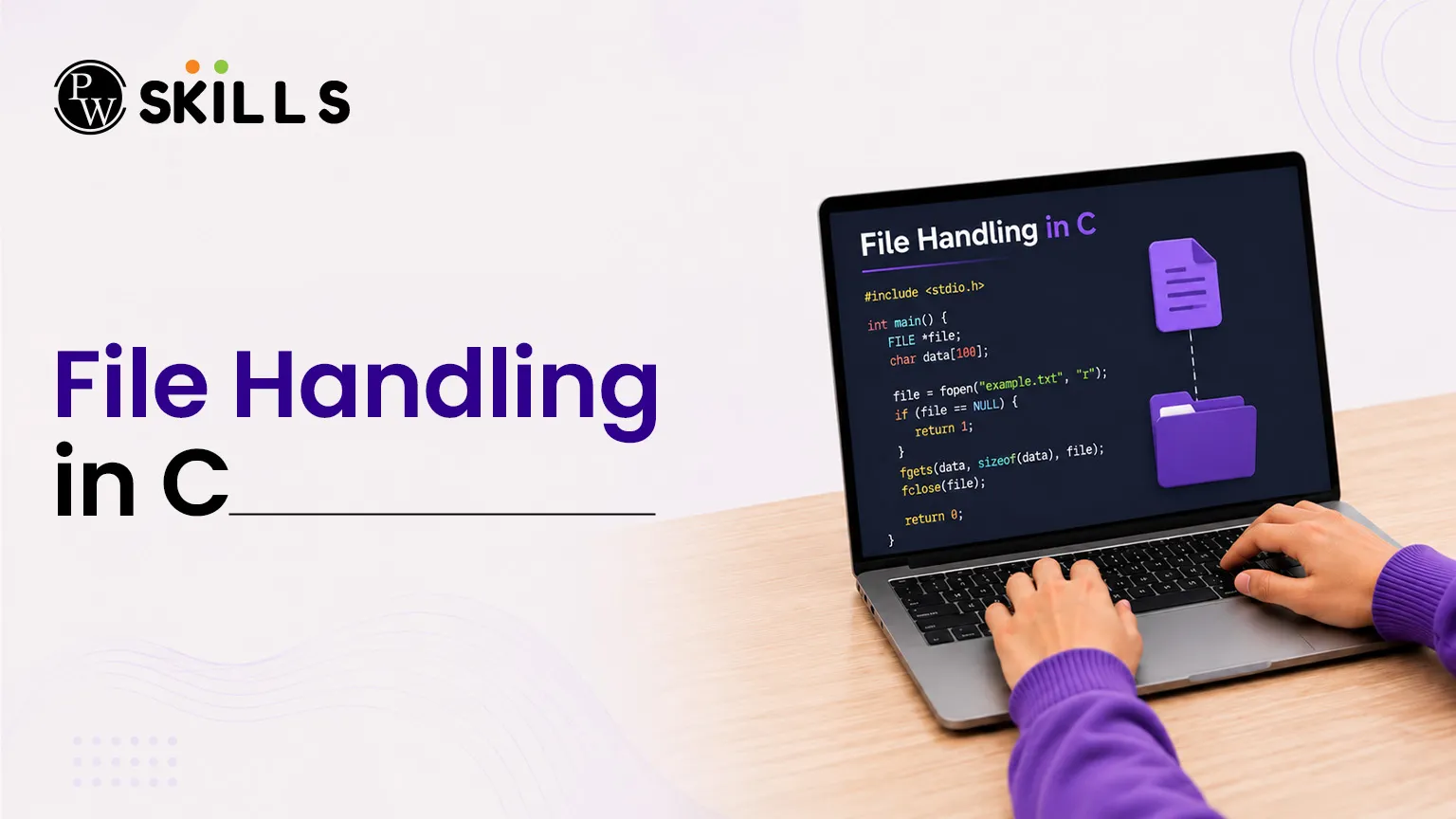
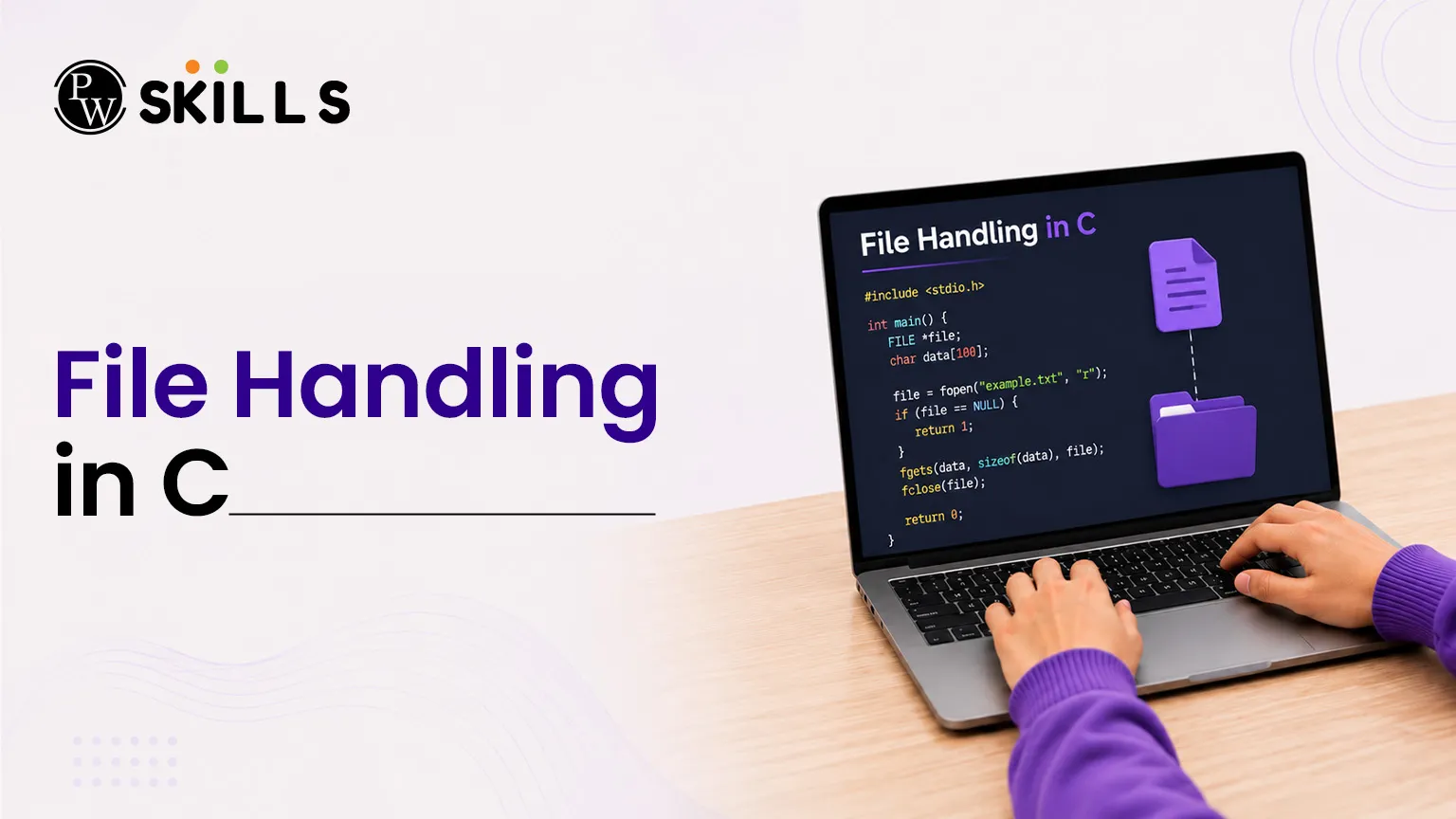
File Handling in C is a fundamental concept that enables programs to store, retrieve, and manage data beyond program execution. It allows developers to work with files efficiently while integrating dynamic memory management, preprocessors, and control statements for better resource management. In this, you will learn how to perform file operations, handle errors, manage memory dynamically, and write more robust C programs.
Importance of File Handling in C
When an application runs, the system stores operational parameters in temporary volatile RAM locations. This data is cleared at the end of the application process. Software architectures need to refer to non-volatile secondary system hardware, such as hard drives or solid-state drives, to keep structured configurations, application logs or player statistics intact.
Standard System Storage Workflow
The system also processes file workflows by matching external secondary hardware records to internal pointer-tracking information.
An application can, via certain code-level mechanisms, map a data stream from volatile memory into a target block of physical system storage. This architectural process guarantees that your system will process database archives and configuration maps safely and prevent sudden runtime errors.
Key Operations for File Handling in C
Managing physical system assets requires a structured process to keep file streams stable and corruption-free. Your program must safely connect to a specific resource, execute standard modifications, and release the system asset back to the operating framework.
Open a File Asset Safely
You can initiate a tracking structure using a specialized structural stream variable type. The system engine links data addresses by tracking operational points through a master block identifier.
C
FILE *file_pointer;
file_pointer = fopen("data_record.txt", "r");
Essential Storage Streaming Modes
The system sets explicit hardware operational capabilities based on the mode provided during configuration setup. Review the standard resource management access configurations detailed below:
|
Mode Identifier |
Hardware Access Capability |
Target File Response Condition |
|
"r" |
Read-Only Operations |
Fails if the targeted system asset is missing. |
|
"w" |
Write-Only Operations |
Overwrites text completely or creates a new file. |
|
"a" |
Append Operations |
Adds text at the end of the file without deleting content. |
Read and Write Content Using File Handling in C
Once you establish a file link, you can read or modify your storage assets using standard library functions. These routines help you process multi-line strings or handle single-character inputs efficiently.
Implement Sequential Stream Reading
To pull text arrays sequentially without running out of structural boundaries, you should parse lines through a controlled loop layout.
C
char data_buffer[100];
while (fgets(data_buffer, sizeof(data_buffer), file_pointer) != NULL) {
printf("%s", data_buffer);
}
Complete Code Structure for Content Exporting
The following programmatic framework shows how to initialize a file asset, export a text string directly into local storage, and close the stream resource safely:
C
#include <stdio.h>
int main() {
FILE *export_pointer;
char custom_text[] = "Advanced system configuration data.";
export_pointer = fopen("export_log.txt", "w");
if (export_pointer != NULL) {
fputs(custom_text, export_pointer);
fclose(export_pointer);
}
return 0;
}
Defensive Exception Routines for File Handling in C
Hardware interactions are by their nature less predictable than closed runtime memory architectures. Environmental issues when doing File Handling in C can throw sudden runtime crashes into your application such as missing file assets, limited storage directories or filled drive sectors. Defensive systems employ special validation flags in order to safely catch storage exceptions.
Essential Hardware Exception Checks
Review the native diagnostic routines provided by the standard system library to maintain application stability:
-
NULL Pointer Check: Verifies if the system stream linked successfully before allowing any reading or writing actions.
-
ferror: Returns a active indicator value if a critical input-output framework disruption occurs during a hardware transfer.
-
feof: Confirms that your reading process reached the literal termination boundary of the physical file block.
-
clearerr: Resets both internal runtime failure trackers and end-of-file indicators to allow fresh stream operations.
Clean Exception Validation Workflow
To prevent undefined behavior, your code must continuously audit standard system statuses. The structured layout below isolates unexpected hardware processing failures dynamically:
C
#include <stdio.h>
int main() {
FILE *archive_stream = fopen("system_config.dat", "r");
if (archive_stream == NULL) {
printf("Critical Error: Targeted system asset could not be initialized.\n");
return 1;
}
char character_byte = fgetc(archive_stream);
if (ferror(archive_stream)) {
printf("Hardware Alert: Data transfer corruption detected.\n");
clearerr(archive_stream);
}
fclose(archive_stream);
return 0;
}
How to Use Dynamic Memory Allocation with File Handling in C
Standard compiler constraints require you to define array dimensions before compilation. This restriction can cause stack memory bottlenecks or waste unassigned system blocks. By using it, your software can request exact system block volumes from the system heap during active runtime.
Essential Allocation Routines
-
malloc: Reserves a specified continuous block size in bytes. It leaves the initial data uninitialized, which can lead to random garbage values.
-
calloc: Reserves multiple sequential blocks for structural arrays and clears every single block location cleanly to zero.
-
realloc: resizes an existing runtime block without losing stored data, adjusting memory usage on the fly.
-
free: Releases allocated heap segments back to the main system pool to prevent memory leaks.
How to Use Preprocessor Directives with File Handling Programs in C
Before generating binary files, the compilation engine scans system structures for macro operations. Applying preprocessor directives helps you define clean structural definitions and swap structural shortcuts across global application spaces.
C
#define MAX_BUFFER_SIZE 1024
#define CALCULATE_AREA(radius) (3.14159 * (radius) * (radius))
These directives substitute text markers globally before compiling your code. This method ensures key structural constants load quickly without creating unnecessary variable placeholders inside active RAM segments.
How Switch Statements Controls File Handling in C
Evaluating multiple variable states using chained conditional blocks can quickly clutter your source code and slow down your application. Replacing nested conditional chains with a switch statement in C organizes variable tracking into distinct operational paths.
C
switch (status_code) {
case 1:
printf("Operation Successful\n");
break;
case 2:
printf("Resource Missing\n");
break;
default:
printf("Unknown Error Encountered\n");
}
This structural framework maps integer and character evaluations directly to matching target blocks. Using explicit control markers prevents logic errors, ensuring execution exits the block precisely after processing the matching condition.




FAQs
What happens if a file stream is not closed?
How does calloc differ from malloc?
Can a switch statement evaluate float values?
What is a null pointer?
Why use realloc instead of creating a new pointer?





Get Free Counselling Today
and Clear up all your Doubts
 Live & recorded classes available at easeDashboard for progress trackingLakhs of practice questions

