
Common Accounting Tasks Automated with Tally
 Hardik Gupta9 Jul, 2026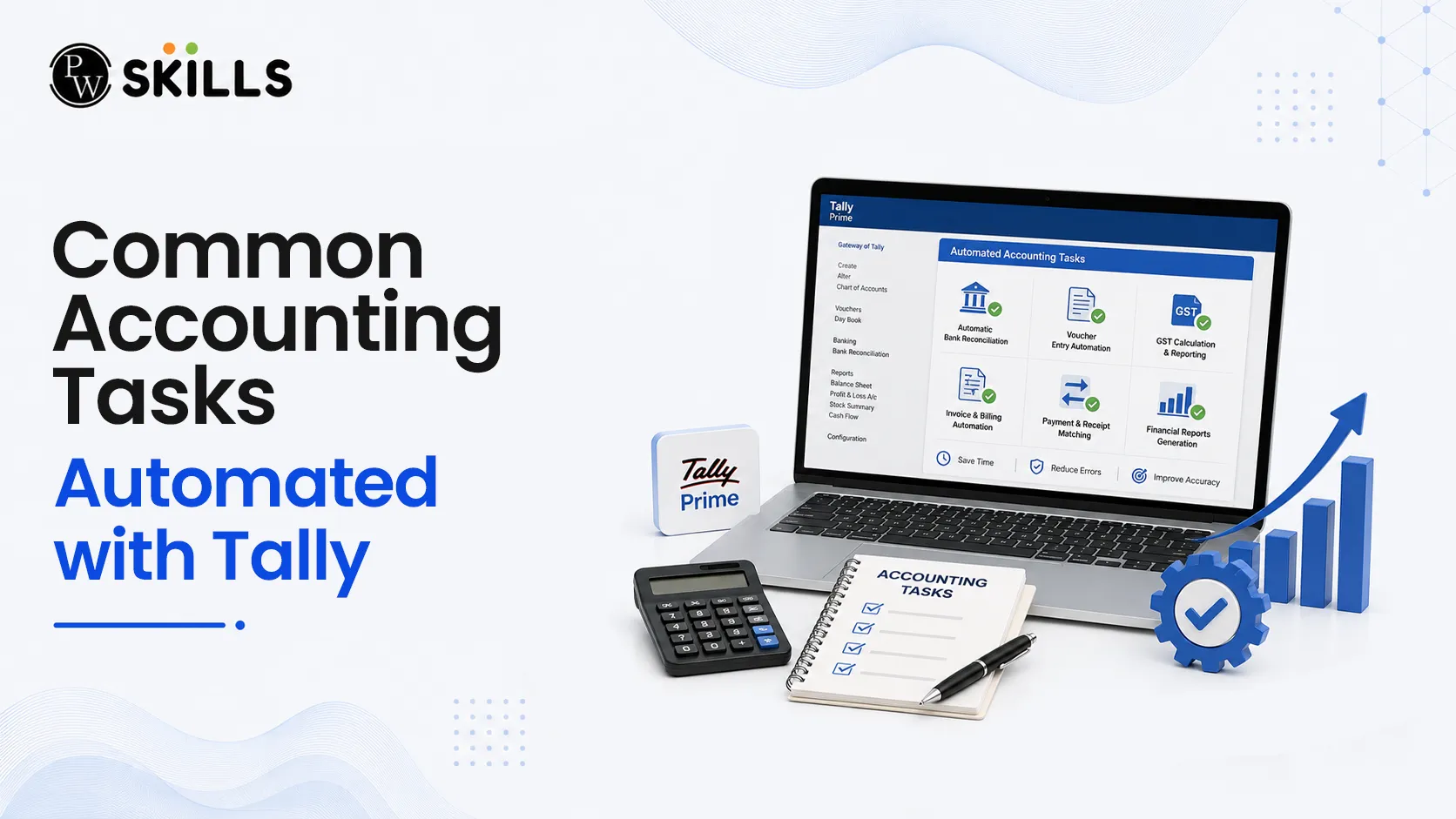
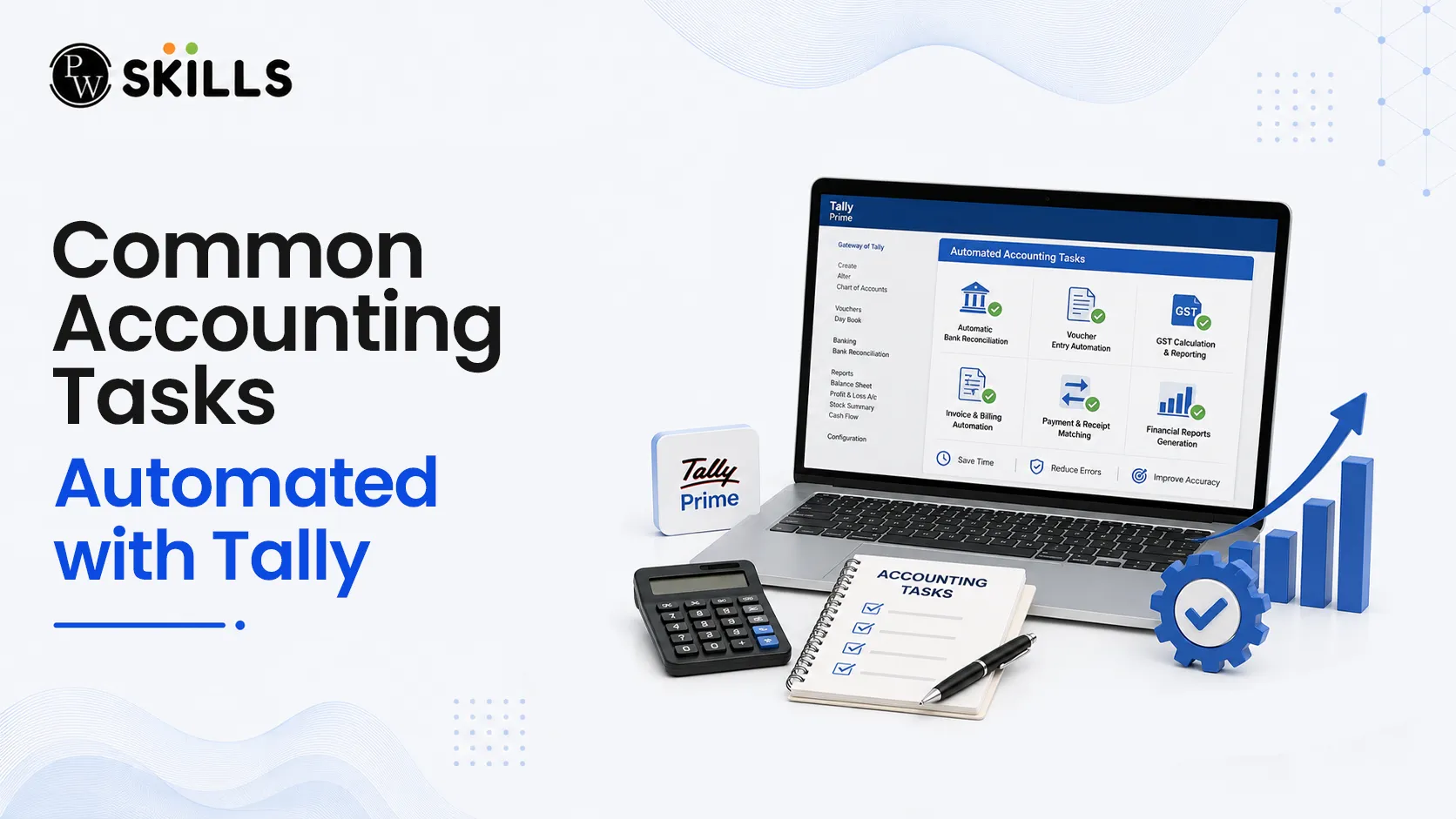
Struggling with data discrepancies, missed deadlines, or human transcription errors can severely hinder business growth and obscure true financial clarity. Modern organizations face the immense pressure of staying accurate while processing higher transaction volumes every single day. Accounting automation with Tally directly solves this bottleneck by turning tedious document handling into streamlined digital workflows.
Automate Data Entry with Accounting Automation with Tally
Manual data creation and document keying are typically where the vast majority of financial mistakes originate. Spending hours transcribing individual vendor details, voucher numbers, tax rates, and line-item amounts is an inefficient use of skilled human capital.
Implementing smart data workflows completely alters how source information is handled. Modern accounting networks leverage advanced data extraction mechanisms to transform files like scanned bills, digital receipts, and vendor statements directly into clean ledger records.
Automated Document Fetching: Information from incoming digital files, such as electronic invoices or PDFs, is read automatically by integrated systems, completely bypassing manual keying.
Voucher Creation: The automated software reads specific details, such as the supplier identity, invoice timeline, and final bill amount, to frame precise financial entries.
Structured Data Flow: Rather than requiring an accountant to write entries across several ledgers, information flows safely to the correct modules simultaneously, keeping data uniform.
This digital shift eliminates the traditional dependency on massive stacks of paper ledgers, facilitating secure online access to information across multiple geographies.
Accounting Automation with Tally for Accounts Payable and Receivable
Managing outflows and cash inflows demands strict accuracy. When teams process payments manually, they often encounter duplicate invoices, mismatched purchase records, and delayed communication cycles that harm supplier trust.
Automating accounts payable and accounts receivable functions instills deep financial control and ensures a highly structured workflow from the procure-to-pay stage down to client collection collections.
|
Accounting Function |
Manual Disadvantages |
Automated Advantages |
|
Accounts Payable |
Duplicate entries, delayed approvals, lost paperwork, risk of double payments. |
Three-way matching (PO, GRN, Invoice), instant duplicate detection, rule-based routing. |
|
Accounts Receivable |
Delayed follow-ups, manual risk tracking, inaccurate cash flow predictions. |
Personalized reminder updates, dynamic payment tracking, historical risk tracking. |
Through systematic three-way validation, systems cross-reference open vendor documents against the original purchase orders and goods received notes. This ensures businesses pay only for exactly what was ordered and received, preventing costly operational leaks.
Also Check: Accounting And Tally: Basics, Solved Examples
Accounting Automation with Tally for Ledger Mapping and Classification
Consistent ledger classification remains a critical foundation for generating reliable financial statements. Traditional transaction tagging relies heavily on individual human judgment, which frequently introduces variations based on which accountant reviews the document.
With rule-based ledger assignment, the system learns from historical bookkeeping software records and automatically suggests correct ledger heads and specific transaction codes.
Rule-Based Allocation: Predefined rules segment operations by vendor classification, distinct business expense categories, or explicit corporate cost centres.
Dynamic Ledger Updates: As new financial transactions take place, the software intelligently aligns records without requiring constant human oversight.
Error Prevention: Uniform automated ledger mapping guarantees that the exact same type of business operational cost always lands in the identical ledger account, cleaning up year-end books.
By removing the friction of repetitive classification, accounting teams can improve accounting efficiency and shift their focus toward handling unusual exceptions and reviewing final reports rather than manually sorting endless minor transactions.
Accounting Automation with Tally for Bank Reconciliation
Reconciling corporate bank accounts and credit card statements is notoriously time-consuming when done line by line. Differences in payee naming conventions, processing delays, or single payments covering multiple open invoices complicate manual tracking.
Automating bank data feeds enables real-time synchronization, which automatically captures statements from multiple institutions and matches them against existing internal book records.
Pattern Matching: The system evaluates specific transaction values, dates, and identifier text to link bank clearings with internal entries.
Exception Management: Instead of examining every clean match, human review is strictly focused on unmatched transactions or unusual variances.
Suspense Resolution: Mismatched items are flagged in real time, letting management resolve differences before they compound into major month-end discrepancies.
This creates highly precise data structures, giving business owners a clear, real-time look at cash availability, liquidity, and overall cash flow direction.
Accounting Automation with Tally for Tax Compliance and Reporting
Tax compliance demands constant vigilance due to changing statutory codes, filing thresholds, and strict input tax credit parameters. Relying on manual aggregation often yields faulty returns, leading to tax interest, financial penalties, or blocked tax credits.
Leveraging specialized digital layers alongside core accounting software dramatically simplifies tax preparation and statutory reporting through real-time internal auditing.
Real-Time Data Matching: The TallyPrime automation framework compares recorded purchase history with actual tax portal data, spotting missing identifier numbers or mismatched data fields instantly.
Automated Filing Preparation: Systems accurately compile data for essential return documents, such as sales records and outward summaries, ensuring faster tax cycles.
Instant Management Reporting: Because data flows seamlessly into financial statements, corporate leaders can view real-time balance sheets, profit-and-loss trends, and cash flows without waiting for month-end compilation.
Automated tracking also embeds clear audit trails, recording every transaction modification with an unalterable timestamp. This makes internal reviews, statutory audits, and fraud risk detection much simpler and more robust.




FAQs
How does accounting automation with Tally improve day-to-day data entry?
Can automated systems handle complex accounts payable verification?
Does accounting automation with Tally completely eliminate human error in bank reconciliation?
How does the system assist with statutory tax compliance?
Is data secure when migrating away from traditional paper ledgers?





Get Free Counselling Today
and Clear up all your Doubts
 Live & recorded classes available at easeDashboard for progress trackingLakhs of practice questions

