

Video Editing Course for Beginners in 2026: Skills, Tools and Learning Roadmap
 Hardik Gupta26 Sept, 2026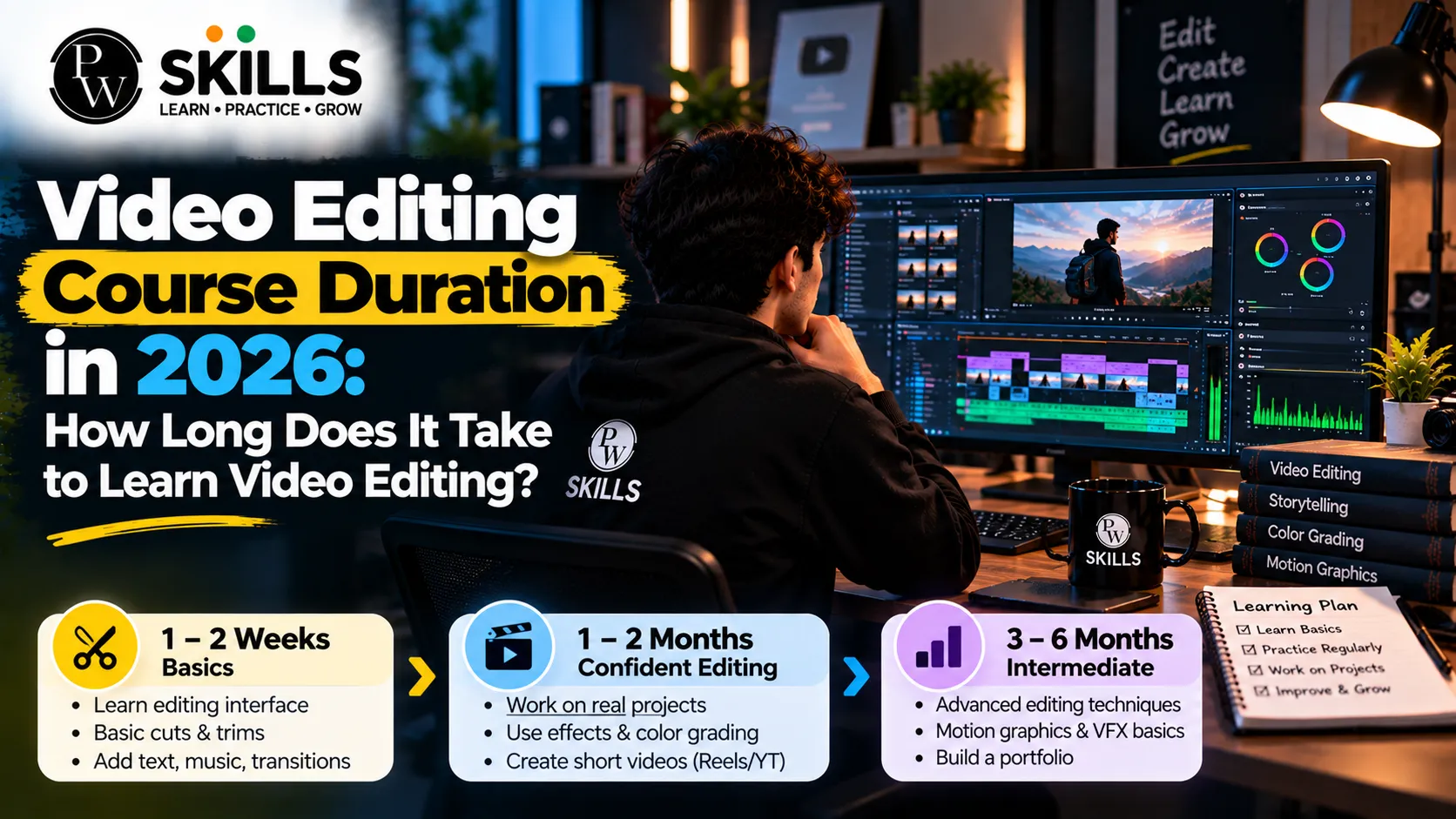
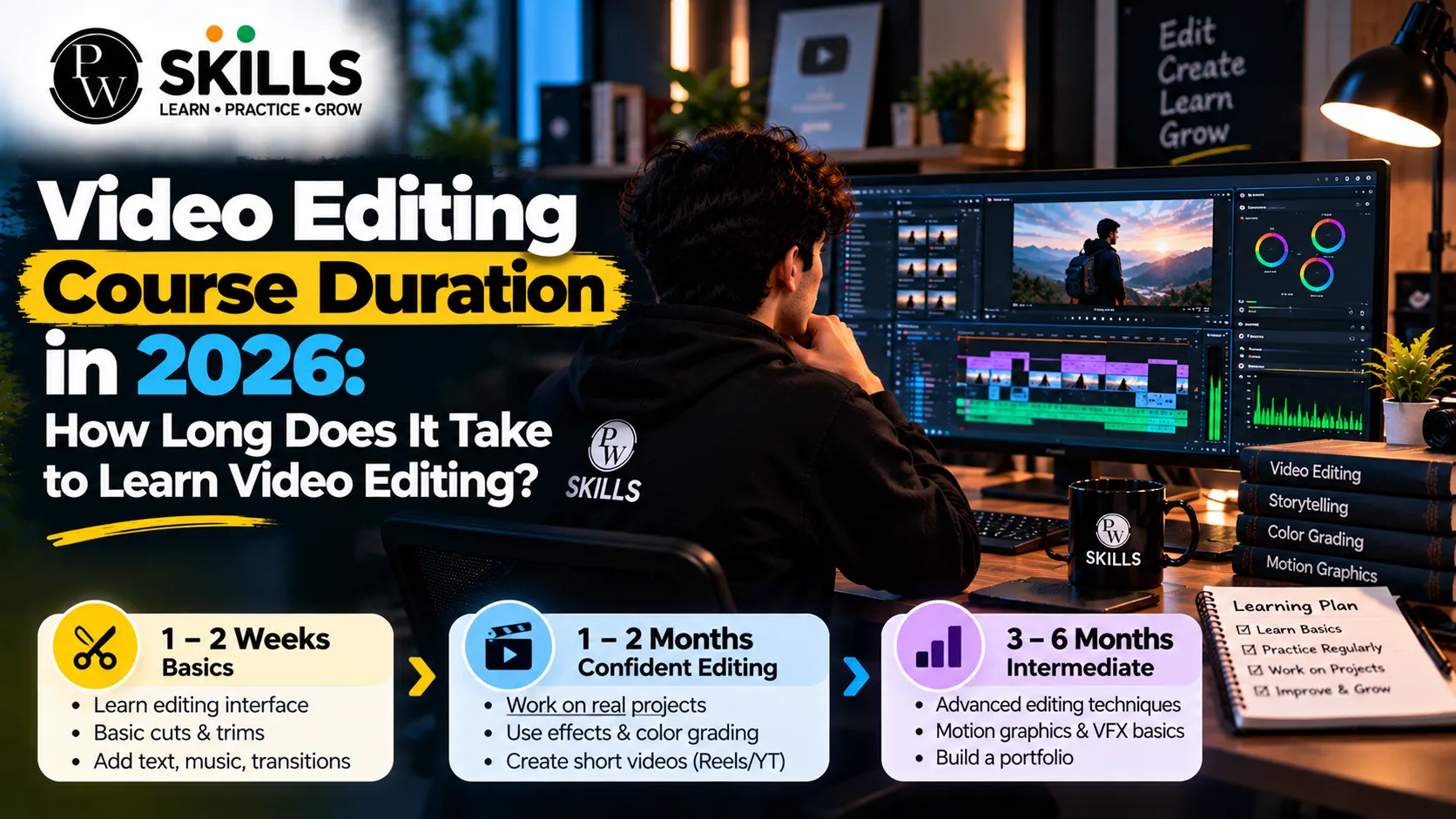
Getting started with digital content creation can feel overwhelming when editing software and complex timelines seem difficult to manage. Learning editing through a structured video editing course for beginners can make the process easier. Students can learn clean cuts, audio syncing, visual storytelling, and modern editing workflows while building practical skills for creating engaging videos across social media platforms.
Why Choose a Video Editing Course for Beginners?
The digital environment is changing ever so rapidly. Video content is an essential tool for businesses, influencers, and marketing agencies to reach their target audience. If you're looking to learn video editing for fun or for professional development, this talent has endless possibilities in many industries.
The way we consume content has changed tremendously to short form reels, shorts and dynamic long form tutorials. Sites like YouTube, Instagram and LinkedIn are creator-led, meaning they have the ability to provide punchy pacing and compelling visual hooks. Organizations of all sizes know that video is the most potent channel for brand storytelling. Hence, there is a huge demand for people with professional post-production abilities in media firms and start-ups.
-
High Market Demand: Companies are constantly looking for talented editors who can create engaging promotional content and eye-catching advertising.
-
Creative Freedom: Editing lets you sculpt raw situations into powerful visual stories that stir real emotion.
-
Multiple Income Streams: Freelancing, agency work and content production offer flexible earning potential and the ability to work remotely.
-
Social Media Growth: Learn how to speed up channel growth on YouTube, Instagram, and other social media platforms with an understanding of algorithmic pacing.
Skills You Can Learn in a Video Editing Course for Beginners
A good beginner video editing course should be all about practical execution, not theoretical memorization. Before beginners can jump into more complex visual effects or motion graphics, they need to learn the building blocks of post-production.
Editing is an art form with a technical precision. Editors don’t just cut clips . They set the emotional tone of a video with intentional pacing and sound design . Mastering these key skills will make sure your cuts look natural and professional, from your first assignment.
-
Timeline Management: Bins and folders for raw footage organized in the right way will save you hours of frustration during the assembly process.
-
Seamless Transitions: Using cuts, crossfades and motion wipes that keep viewers immersed without becoming visually tiring.
-
Audio Enhancement : Removing background noise , equalizing vocal levels , and synchronizing sound effects to visual elements to maintain viewer engagement .
-
Color Correction: Fixing exposure, white-balance and contrast to provide a consistent, cinematic look across diverse clips.
-
Asset Pack Utilization: Learning how to use pre-built templates, overlays, and asset packs to speed up editing workflows.
Best Tools to Learn in a Video Editing Course for Beginners
Choosing the right software is a major step in your creative journey. Industry professionals rely on powerful applications that offer robust editing suites, advanced colour grading tools, and efficient export settings.
|
Software Name |
Best Suited For |
Key Feature |
Learning Curve |
|
Adobe Premiere Pro |
Professional video production and social media |
Deep integration with creative apps and robust timeline |
Moderate |
|
DaVinci Resolve |
Colour grading and cinematic editing |
Advanced colour page and audio fairlight suite |
Steep |
|
VN Editor |
Quick mobile and desktop edits |
User-friendly interface and free built-in templates |
Easy |
Learning at least one of these tools is essential for anyone taking a reliable course for beginners. Adobe Premiere Pro, for instance, remains a top industry choice due to its extensive ecosystem, professional-grade finishing tools, and regular feature updates tailored for modern creators.
Roadmap for a Video Editing Course for Beginners
A structured learning roadmap prevents confusion and ensures steady progress. When you start your journey with a dedicated video editing training for beginners, the curriculum typically follows a logical sequence from basic interface navigation to final publishing.
Phase 1: Learning Video Editing Basics
Before learners may touch complicated effects, they need to comprehend the interface of their selected software. In this first stage, you will learn how to set up your workspace, import media files, work with timeline tracks and razor tools, and do basic trimming. Learning keyboard shortcuts dramatically speeds up your production and removes repeated mouse clicks. The first stage is also to understand the interaction between frame rate and resolution.
Phase 2: Storytelling Fundamentals
Editing is visual storytelling at its core. This stage teaches you how to arrange scenes to evoke specific emotions and maintain viewer attention. You will learn about pacing, beat matching, shot selection, and how to structure a narrative arc. Whether editing a corporate video or a fast-paced vlog, learning storytelling principles separates hobbyists from professional creators.
Phase 3: Working with Advanced Effects and SFX
Audio and visual polish separate amateur clips from professional projects. In this phase, you explore text animations, lower thirds, dynamic sound effects, masking techniques, and background music layering. Clean audio is often more important than high-resolution video quality, making audio cleanup and synchronization critical skills to practice.
Phase 4: Viral Content Optimization and Export
Modern content creators must format videos specifically for different distribution channels. Whether crafting vertical reels for Instagram or widescreen tutorials for YouTube, you will learn correct aspect ratios, bitrate settings, and export presets that preserve visual clarity without creating massive file sizes. Optimizing your final export ensures smooth playback across all mobile and desktop screens.
How AI Is Used in a Video Editing Course for Beginners
Artificial intelligence is transforming post-production across the creative industry. Smart tools assist editors by automating repetitive, time-consuming tasks, allowing creative minds to focus entirely on storytelling, pacing, and visual design.
A comprehensive course introduces AI features without replacing fundamental editing principles. Understanding these modern workflows gives new editors a competitive edge in today's fast-moving digital market where speed and quality matter equally.
-
Automatic Caption Generation: Instantly transcribe spoken audio into stylized, animated captions for social media reels and shorts.
-
Smart Audio Cleanup: Remove hums, wind noise, and echoes with a single click using advanced machine learning models.
-
Scene Cut Detection: Automatically split long recorded clips into individual scenes for faster sorting and organization.
-
Content-Aware Re-framing: Automatically track subjects when converting horizontal footage into vertical social media formats.
-
AI-Assisted Colour Matching: Quickly balance colour tones between different camera angles and lighting setups.
Career Options After a Video Editing Course for Beginners
Completing your course is only the starting point of a rewarding professional journey. To secure freelance clients or full-time roles, building a strong portfolio is non-negotiable. Clients rarely look at traditional resumes; they want to see real, tangible examples of your editing capability.
-
YouTube Editor: Collaborate with content creators and educators to produce engaging long-form videos, tutorials, and vlogs.
-
Social Media Manager: Help businesses and brands grow their digital presence through viral-style short reels and promotional clips.
-
Freelance Video Editor: Take on independent projects across freelance platforms, agencies, and direct client outreach networks.
-
Multimedia Specialist: Work within corporate marketing teams to produce internal training materials, product demos, and brand advertisements.
-
Creative Director: Advance into leadership roles overseeing video production teams and shaping overall visual branding strategies.

FAQs
Do I need any prior experience to join a video editing course for beginners?
Which software is best when you learn video editing for the first time?
How long does it take to understand video editing basics?
Will a beginner video editing course help me create Instagram Reels and YouTube Shorts?
Can I build a freelance career after completing video editing training for beginners?






Get Free Counselling Today
and Clear up all your Doubts
 Live & recorded classes available at easeDashboard for progress trackingLakhs of practice questions

