

AI Video vs Traditional Video: How AI Is Changing the Way We Create Educational Content
 Gunika Shah19 Aug, 2026
Creating an educational video traditionally involves several stages. The lesson has to be planned, scripts or slides prepared, the instructor recorded, retakes managed, and the footage edited. When information changes later, parts of this process may need to be repeated.
Generative AI offers another way to handle some of this work. Existing material can support script creation, written text can become narration, and digital presenters can deliver prepared content without a complete recording session. PW Skills approaches AI video creation from this wider production perspective, covering how content planning, scripting, prompting, visuals, and AI tools come together in a finished video.
What Is the Difference Between AI Video and Traditional Video?
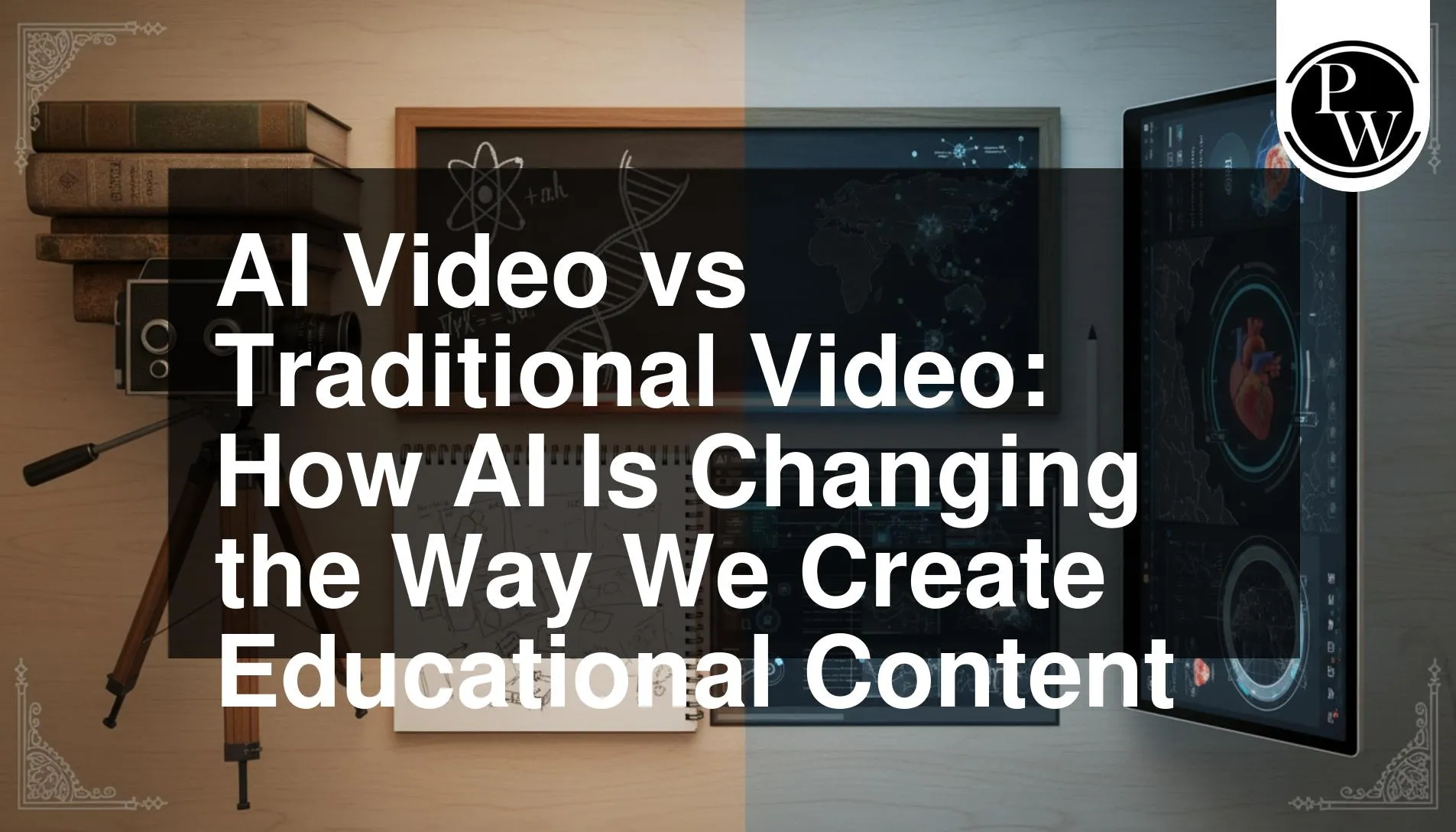
The main difference is not simply whether a real person appears on screen. It is how the different parts of the video are produced.
|
Area |
Traditional Video |
AI Video |
|
Content preparation |
Usually written and planned manually |
AI can assist with scripts and content development |
|
Presenter |
Recorded human instructor |
Can use a human or digital presenter |
|
Narration |
Human-recorded voice |
Can use text-to-speech or AI voice |
|
Recording |
Requires a recording session |
Some recording stages can be reduced |
|
Retakes |
May require another recording |
Individual generated sections can be recreated |
|
Production |
Conventional recording and editing |
AI can assist at multiple stages |
|
Human role |
Directly involved in recording |
Important for planning, review, and final decisions |
AI video does not have to mean a completely machine-generated video. Human-written material, existing slides, AI narration, generated visuals, and digital presenters can all be combined within the same project.
Explore our Course : AI Video Creator
How Does Traditional Educational Video Production Work?
Traditional educational videos usually move through three main stages: planning, recording, and editing. Each stage gives creators direct control over how the lesson looks and sounds.
1. Plan the Lesson and Script
The creator decides what needs to be explained, organises the information, and prepares scripts, slides, or other supporting material.
2. Record the Instructor
The lesson is delivered on camera or through recorded narration. Retakes may be required when there are mistakes, changes in wording, or problems with delivery.
3. Edit the Video
Footage, narration, slides, graphics, and other elements are combined during post-production.
This approach works particularly well when the instructor's personality, expressions, demonstrations, or physical presence are important to the lesson. However, updating the content can require returning to the recording or editing stage.
How Is AI Changing the Educational Video Workflow?
AI can reduce the need to create every element manually. Instead, creators can work from existing material and use different AI tools across the production process.
-
Generate a Script From Existing Material
Slides, notes, lesson outlines, and other prepared resources can provide the starting material for an AI-assisted script. The creator can then review and refine it before production.
-
Turn the Script Into Narration
Text-to-speech and AI voice tools can convert written scripts into spoken audio. This can be useful when repeatedly recording narration is unnecessary or when individual sections need frequent updates.
-
Use a Digital Presenter
AI avatar and lip-synchronisation tools can pair generated or recorded speech with a digital presenter. This provides another option for presenter-led videos without requiring a new filming session for every version.
-
Bring the Elements Together
The script, narration, presenter, slides, visuals, captions, and other assets still need to work as one video. Editing and human review remain important for pacing, accuracy, visual consistency, and overall quality.
AI therefore changes more than one production step. It can support several connected parts of the workflow while leaving the creator responsible for the final decisions.
Where Can AI Make Educational Video Production Easier?
AI is particularly useful when educational content needs regular updates or follows a repeatable format.
-
Working from existing content: Notes, scripts, and slides can provide material for new video assets.
-
Reducing repeated narration: AI voice tools can generate or update spoken sections without recording every line again.
-
Making targeted revisions: Individual scripts, audio clips, visuals, or scenes can be changed without recreating the entire video.
-
Maintaining consistency: AI-assisted tools can help keep narration and visual elements consistent across a video series.
-
Producing recurring formats: Repeatable lessons, explainers, and short educational videos can use similar production workflows.
AI can reduce repetitive production work, but decisions about accuracy, explanation, audience needs, and final quality still require human judgement.
When Should You Use AI Video or Traditional Video?
Neither approach is automatically better for every educational video. The choice depends on what the content needs.
AI video can be useful when:
-
Content needs frequent updates
-
Multiple versions of a video are required
-
Recording resources are limited
-
Narration or presenter sections need quick revisions
-
The format is consistent across many videos
Traditional video can be useful when:
-
Instructor personality is central to the lesson
-
Physical demonstrations are required
-
Facial expressions and natural interaction matter
-
The content benefits from spontaneous explanation
-
A strong human presence is part of the viewing experience
Creators can also combine the two. A real instructor might record the main lesson while AI supports captions, voiceovers, visuals, or shorter versions of the same content.
How Can PW Skills Help You Create AI Videos from Start to Finish?
Creating a script, voiceover, or AI visual separately is only one part of video production. A complete video also needs a clear audience, content direction, visual flow, consistent characters, and editing decisions that connect every element.
The PW Skills AI Video Creator Masterclass takes participants through these connected stages and includes practical experience creating three AI videos from scratch.
| What the Masterclass Covers | How It Fits into AI Video Creation |
| Niche and audience selection | Defines who the content is being created for |
| Content research | Develops the ideas and information behind the video |
| Scriptwriting | Uses a hook–problem–solution–CTA approach to organise the message |
| AI prompt development | Covers prompts for generating required visual assets |
| Sequence, scene and shot planning | Turns the script into individual visual moments |
| Character consistency | Helps maintain recognisable characters across AI-generated scenes |
| Brand colours and typography | Creates a consistent visual identity |
| AI video production | Connects scripts, prompts, scenes, and visuals during production |
| Practical video creation | Participants create three AI videos from scratch |
Rather than treating every AI generator as a separate skill, PW Skills focuses on how the different parts connect. This matters because producing a complete AI video requires decisions before, during, and after generation, not simply choosing an AI tool.
AI is giving educational content creators more options for scripting, narration, presenters, visuals, and revisions. Traditional recording remains useful when natural delivery, demonstrations, and instructor presence are important, while AI can simplify repeatable or frequently updated production tasks. PW Skills helps participants develop the planning, scripting, prompting, visual, and production skills needed to bring these elements into a complete AI video workflow.

FAQs
1. What is the main difference between AI video and traditional video?
2. Is AI video better than traditional video for educational content?
3. Can AI completely replace instructors in educational videos?
4. Why should AI-generated educational content be reviewed?






Get Free Counselling Today
and Clear up all your Doubts
 Live & recorded classes available at easeDashboard for progress trackingLakhs of practice questions

