

AI Video Creator Skills: From AI Scriptwriting to Video Generation and Editing
 Gunika Shah19 Aug, 2026
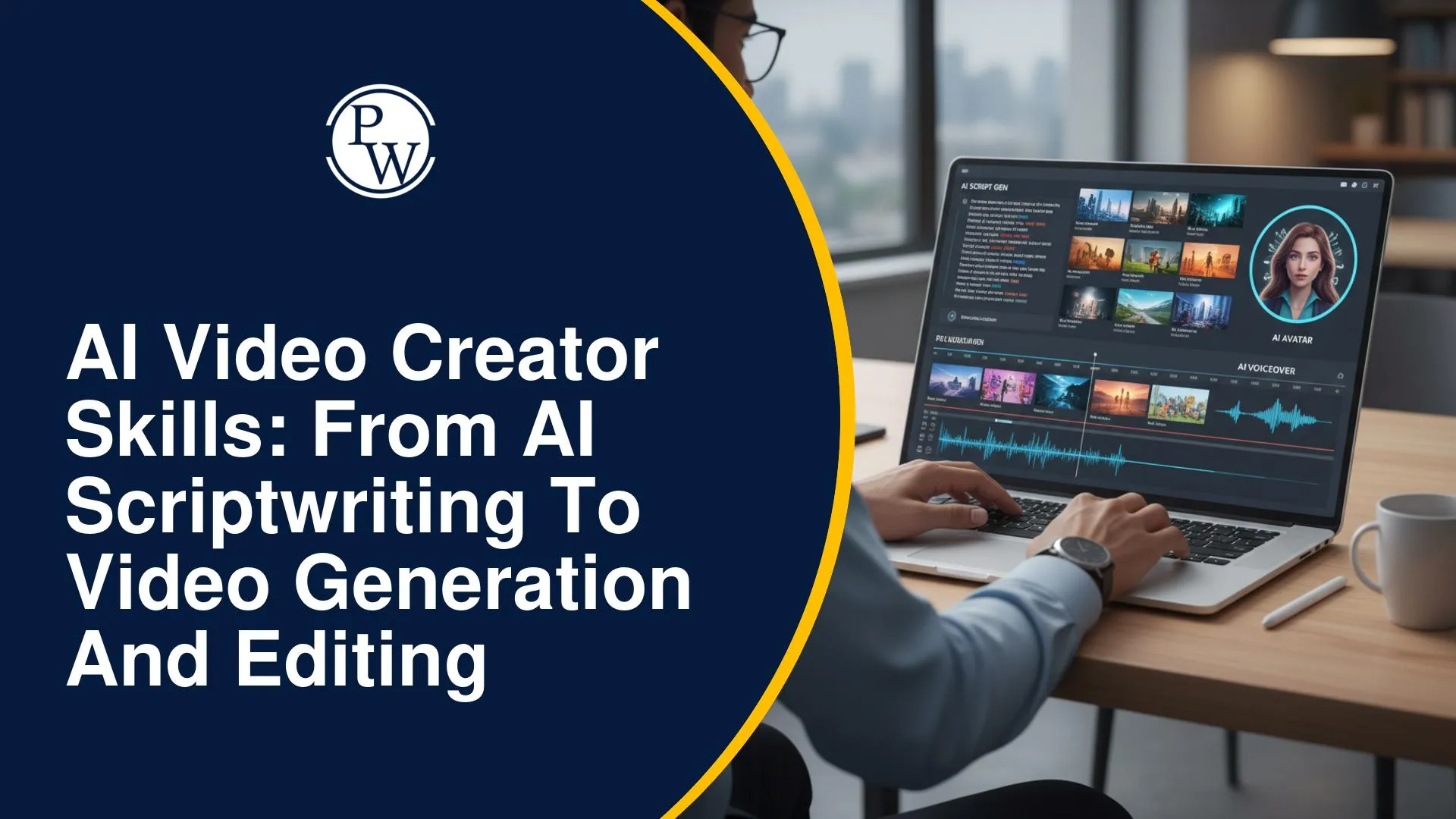
AI tools can generate scripts, visuals, voiceovers, and video clips in far less time than traditional production methods. But creating a video that feels polished and keeps viewers interested requires more than generating individual assets. The idea needs a clear direction: the script should sound natural, visuals must remain consistent, and the voice, pacing, and editing need to support the story.
This makes AI video creation a combination of creative thinking and practical production skills. An AI video creator needs to understand how each stage connects rather than relying on one tool to do everything. PW Skills supports this approach by covering audience research, scriptwriting, prompting, shot planning, visual consistency, and AI video production through practical application.
What Skills Does an AI Video Creator Need?
AI video production combines creative judgement with practical production skills.
|
Skill |
What You Work On |
Output |
|
Audience research |
Viewer needs and content gaps |
Video idea |
|
AI scriptwriting |
Hooks, narration, and CTAs |
Video-ready script |
|
Prompt engineering |
Subjects, actions, settings, and camera directions |
AI visuals |
|
Storyboarding |
Matching narration with planned visuals |
Shot list |
|
Video generation |
Images, clips, avatars, and voiceovers |
Raw assets |
|
Editing |
Pacing, audio, transitions, and captions |
Finished video |
|
Quality control |
Accuracy, consistency, rights, and accessibility |
Publishable content |
AI can assist at each stage, but the creator still decides what to produce, which outputs work, and what needs correction.
How Do You Write a Strong Script for an AI Video?
A good script tells you what the viewer will hear and what needs to appear on screen. For short-form videos, keep the flow focused around four elements:
-
Hook: Give viewers a reason to keep watching.
-
Problem: Introduce a situation they recognise.
-
Solution: Deliver the main information or answer.
-
Call to action: Suggest a relevant next step.
For example:
Generic: “Today, we will discuss AI study planners.”
Stronger: “Still making study schedules you abandon after two days?”
The second opening starts with the viewer’s problem rather than simply announcing the topic.
-
Give AI a Clear Script Brief
Instead of asking AI to “write a Reel about studying,” specify:
-
Target audience
-
Viewer problem
-
Platform and duration
-
Tone
-
Main points
-
CTA
-
Claims or phrases to avoid
Example prompt:
Write a 60-second Instagram Reel script for Indian college students who struggle to follow revision schedules. Open with a relatable problem, give three practical suggestions, use short spoken sentences, and end with a question.
Always edit the first draft. Remove repetition, unsupported claims, filler, long sentences, and anything that sounds unnatural when read aloud.
Explore our Course : AI Video Creator
How Do You Turn a Script into AI Video Shots?
Planning shots before generating visuals helps keep the video consistent and gives every clip a clear purpose.
|
Shot Element |
What to Decide |
|
Narration |
What is being said |
|
Subject & action |
Who or what appears and what happens |
|
Setting |
Location and background |
|
Camera |
Framing, angle, and movement |
|
Duration |
Approximate shot length |
|
Audio |
Voiceover, music, or effects |
|
AI prompt |
Instructions for generating the visual |
-
Write Prompts That Describe the Shot
Instead of:
A student using AI.
Try:
Medium shot of a 20-year-old Indian college student reviewing a study plan on a laptop in a hostel room. Warm lighting, realistic style, slow camera push-in, vertical 9:16 frame.
Include the subject, setting, action, style, lighting, camera direction, and aspect ratio where they affect the shot.
-
Keep Generated Scenes Consistent
Define key character and visual details before generating multiple scenes. Reuse the same descriptions or reference images where possible.
Check generated clips for:
-
Changing faces, clothing, or lighting
-
Distorted hands and objects
-
Unnatural movement
-
Background flickering
-
Incorrect text
-
Unwanted logos or watermarks
A visually strong clip should still be rejected if it does not fit the rest of the video.
How Do Voiceovers and Editing Improve an AI Video?
AI voice tools can generate narration in different languages, accents, and speaking styles, while avatar tools can pair the voice with a digital presenter.
Before using generated audio, check:
-
Pronunciation
-
Speaking speed
-
Tone and pauses
-
Voice consistency
-
Lip synchronisation
Permission is also important when reproducing an identifiable person’s face or voice.
-
Use Editing to Bring the Video Together
Editing connects the generated assets into one clear story. It includes selecting shots, matching visuals with narration, controlling pacing, balancing audio, and adding captions. AI-assisted tools can automate subtitles, silence removal, audio cleanup, and resizing, but these edits still need review.
Before publishing, watch the video on the device it was created for. Check that captions are readable on mobile and that the main message still makes sense without sound.
Build Practical AI Video Creation Skills with PW Skills
Knowing how to use AI tools individually is useful, but creating a complete video requires you to connect each stage, from choosing the right idea to producing the final output.
The PW Skills AI Video Creator Masterclass focuses on this end-to-end process through hands-on video creation. The free three-day masterclass covers:
-
Niche and audience selection
-
Content research and scriptwriting
-
Hooks, problems, solutions, and CTAs
-
AI prompting for video generation
-
Sequence, scene, and shot planning
-
Character and visual consistency
-
Brand colours and typography
-
AI video production
You put these skills into practice by creating three AI videos from scratch. This gives you experience working through the complete production cycle while also giving you projects that can become the starting point for an AI video portfolio.
What Career Paths Can AI Video Skills Support?
AI video skills can be applied across social media, marketing, advertising, education, and digital training.
Potential roles include:
-
AI video creator
-
Social media video producer
-
Advertising content creator
-
Product video specialist
-
Personal-brand content producer
-
Educational content developer
-
Instructional designer
-
Corporate training producer
-
Course video editor
Your portfolio should show complete projects rather than disconnected generated clips. A few videos with a clear audience, script, shot plan, consistent visuals, and polished editing can demonstrate how you handle the full production process.
AI tools can make scripting, visual generation, voice production, and editing faster, but producing a useful video still requires creative decisions at every stage. Building skills across the complete workflow gives you more control over the final result. The PW Skills AI Video Creator Masterclass provides a practical way to apply these skills by creating complete AI video projects.

FAQs
Can AI Generate a Complete Video from a Script?
Is Prompt Engineering Enough to Become an AI Video Creator?
Do Beginners Need Video-Editing Experience?
How Does PW Skills Cover AI Video Creation?






Get Free Counselling Today
and Clear up all your Doubts
 Live & recorded classes available at easeDashboard for progress trackingLakhs of practice questions

