

How AI Avatars, AI Voice and Text-to-Speech Are Changing Video Creation
 Gunika Shah14 Aug, 2026
Creating a presenter-led video traditionally involves preparing a script, rehearsing, recording the speaker, correcting mistakes, and editing the footage. If the script changes later, parts of the recording may also need to be produced again. Research on instructional videos identifies these recording and preparation stages as significant contributors to the time and effort involved in conventional video production.
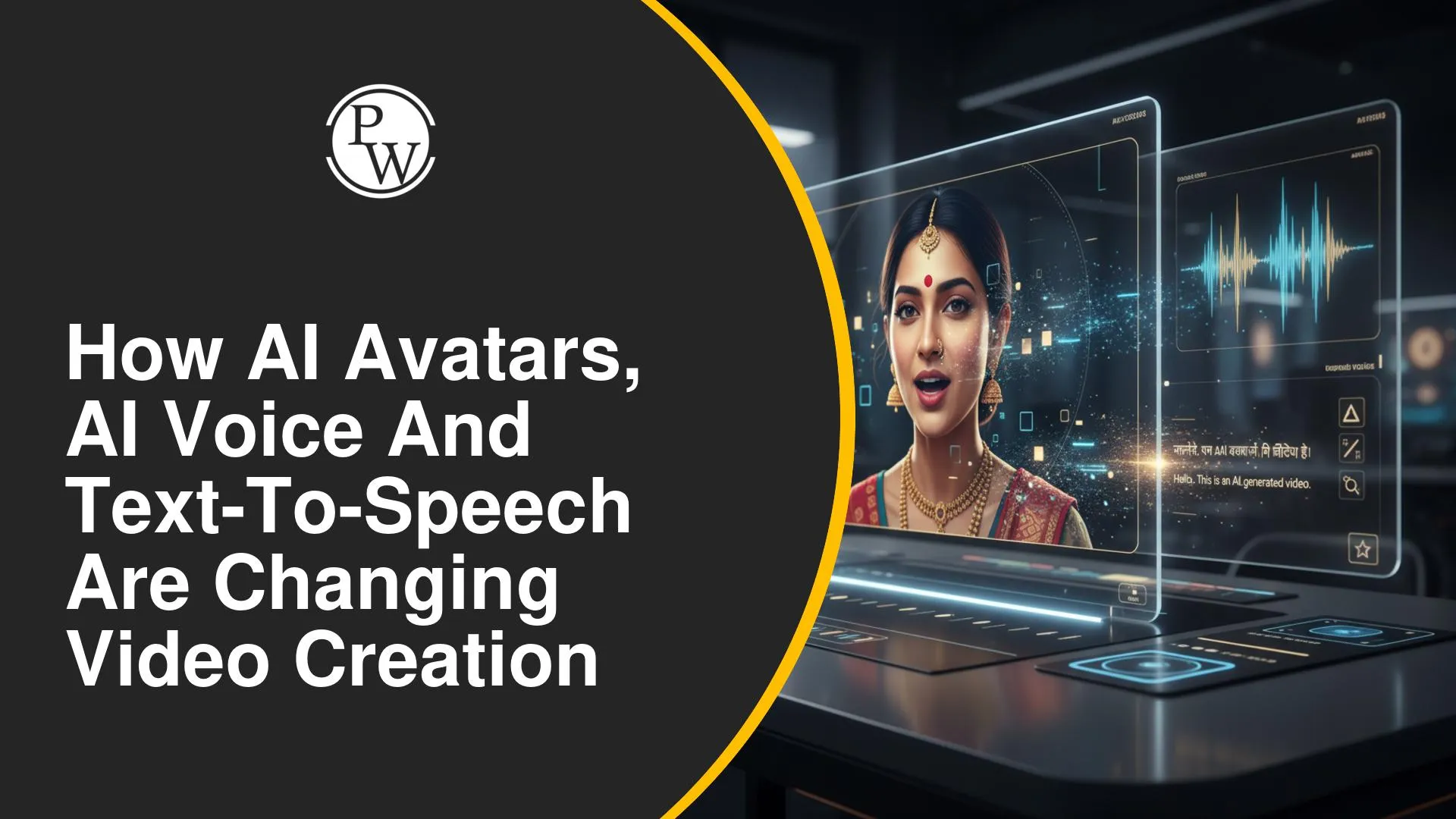
AI is changing parts of this process. An AI avatar generator can provide a digital presenter, an AI voice generator can create narration, and text-to-speech can turn a written script into spoken audio. As these technologies reshape video creation, PW Skills AI courses can help you understand generative AI and apply emerging AI tools across practical content creation workflows.
What Are AI Avatars, AI Voice and Text-to-Speech?
AI avatars, synthetic voices, and text-to-speech perform different functions, but they can work together within the same AI video production process.
|
Technology |
Role in Video Creation |
|
AI Avatar |
Provides a digital on-screen presenter that can deliver generated or prepared narration |
|
AI Voice |
Produces synthetic narration without requiring every line to be recorded by a human speaker |
|
Text-to-Speech (TTS) |
Converts written text into spoken audio that can be used as narration |
|
Lip Synthesis |
Helps synchronise an avatar's mouth and facial movements with generated speech |
An AI talking avatar can combine these elements by presenting generated speech through a digital character. A typical workflow can use text-to-speech to create the narration and lip-synthesis technology to synchronise the digital presenter's mouth and facial movements with that speech.
How Do AI Avatars and AI Voices Work Together to Create Videos?
An AI video creator can combine different generated elements into one workflow. The exact process varies between systems, but presenter-led AI video creation can involve the following stages:
-
Prepare the Script: Start with the information the presenter needs to communicate.
-
Generate the Speech: Text-to-speech converts the written script into spoken audio.
-
Create the Digital Presenter: An AI avatar is generated or selected to appear onscreen.
-
Synchronise the Presenter and Voice: Lip and facial movements are matched with the generated speech.
-
Add Supporting Visuals: Slides, images, graphics, or other visual material can accompany the presenter.
-
Review the Video: Check the narration, presenter movements, visuals, and information before using the final output.
This workflow allows several parts of video production to be handled digitally. Instead of recording every sentence manually, creators can prepare the script, generate narration, select a presenter, and assemble the supporting visuals before reviewing the final video.
Also Explore Our Course : AI Video Creator Course Online
How AI Avatars and Text-to-Speech Are Changing the Way Videos Are Created
These technologies are changing individual stages of video production rather than simply replacing one recording method with another. Their impact is most visible in how presenters, narration, revisions, and content delivery can now be handled.
-
Digital Presenters Without Repeated Filming: An AI avatar generator can provide an onscreen speaker without requiring a presenter to record each delivery manually.
-
Narration from Written Scripts: Text-to-speech allows prepared text to become spoken narration, reducing dependence on repeated voice recording.
-
Consistent Voice Delivery: An AI voice generator can maintain a similar voice and delivery across different parts of a video.
-
Easier Script Changes: If information needs to be revised, the generated narration can be updated from the script instead of necessarily recording the complete section again.
-
AI-Assisted Presenter Videos: Voice generation and lip synthesis can work with an AI talking avatar to create videos in which a digital presenter delivers the content.
-
More Automated Production Stages: Script generation, speech synthesis, digital-character generation, and video assembly can all form parts of an AI-assisted production process.
Modern text-to-speech systems can also produce speech that sounds more natural and consistent than older forms of synthetic narration. Depending on the tool and voice selected, creators can adjust characteristics such as pronunciation, pacing, tone, and speaking style to better suit their audience.
Where Can AI Avatars and Text-to-Speech Videos Be Used?
The combination of generated presenters and narration is particularly useful when information needs to be communicated repeatedly or adapted into video without conventional presenter recording.
|
Use Case |
Possible Application |
|
Education |
Lessons, concept explanations, and instructional videos |
|
Training |
Employee learning and repeatable training material |
|
Presentations |
Digital presenters explaining slide-based information |
|
Explainer Content |
Narrated videos supported by graphics or other visuals |
|
Digital Content |
Presenter-led or voice-led informational videos |
Why Does Human Review Still Matter in AI Video Production?
An AI-generated video may automate several production tasks, but generation does not remove the need to check what appears and what is said before publishing.
-
Check the Script: Verify facts, explanations, names, and other information generated or rewritten by AI.
-
Review the Voice: Listen for incorrect pronunciation, unnatural pauses, speed, or emphasis.
-
Inspect the Avatar: Check whether lip movements and facial expressions match the narration appropriately.
-
Control the Visuals: Make sure graphics, slides, and other elements support what the presenter is explaining.
-
Review the Final Video: Watch the complete output for timing, continuity, clarity, and errors before publishing it.
Human verification is particularly important when AI-generated content is used for education, professional communication, or other situations where inaccurate information can create confusion.
A practical review process can include checking the script before voice generation, listening to the complete narration, inspecting the avatar and visuals, and watching the exported video from beginning to end.
Turning AI Tools into Real-World Skills with PW Skills
AI avatars and synthetic voices are examples of how generative AI is expanding from text generation into multimedia creation. PW Skills AI courses can help you build broader knowledge for working with AI across different formats and practical applications.
-
Work Across AI Formats: Understand how AI can be applied to text, visuals, audio, and other generated content.
-
Understand AI-Powered Creation: See how different AI capabilities can contribute to a larger content or media project.
-
Apply AI to Practical Tasks: Use AI for content, productivity, and professional workflows rather than limiting it to isolated experiments.
-
Adapt to Emerging AI Tools: Build broader AI knowledge that can help you work with changing tools and capabilities.
-
Choose AI with a Purpose: Identify where AI can meaningfully support a task instead of using a tool only because an AI feature is available.
AI avatars, AI voice, and text-to-speech are changing video creation by reducing the amount of content that has to be recorded manually and introducing new ways to create presenter-led videos. However, scripts, voices, visuals, and generated presenters still need careful review. As these technologies continue to develop, PW Skills AI courses can help you build the broader AI knowledge needed to use emerging tools more effectively across different content and professional tasks.

FAQs
1. What is an AI avatar generator?
2. How does an AI voice generator work for videos?
3. What is a text-to-speech video?
4. What is an AI talking avatar?
5. Can AI-generated videos replace recorded videos?






Get Free Counselling Today
and Clear up all your Doubts
 Live & recorded classes available at easeDashboard for progress trackingLakhs of practice questions

