

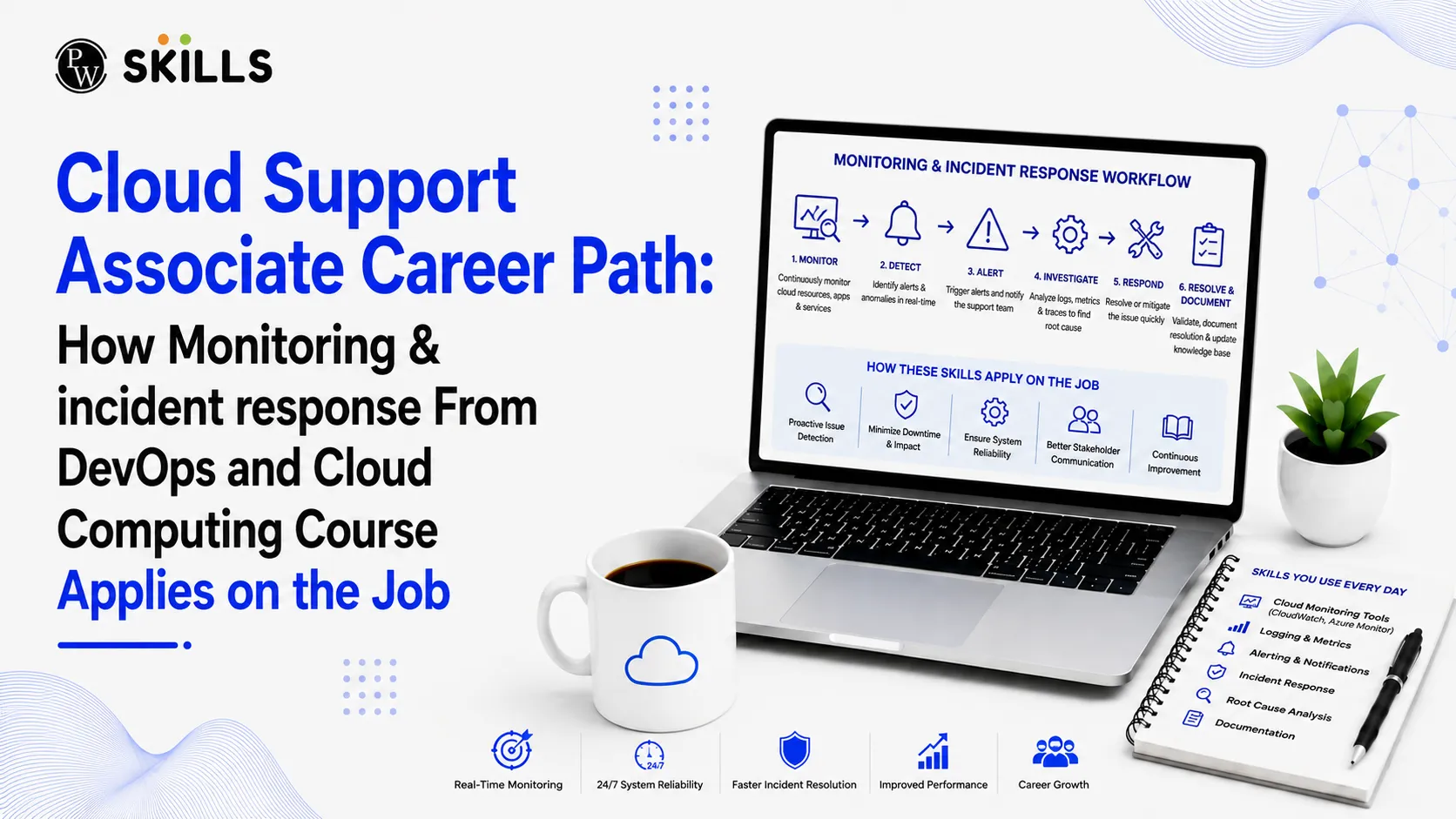
Cloud Support Associate Career Path: How Monitoring & incident response From DevOps and Cloud Computing Course Applies on the Job
 Hardik Gupta21 Aug, 2026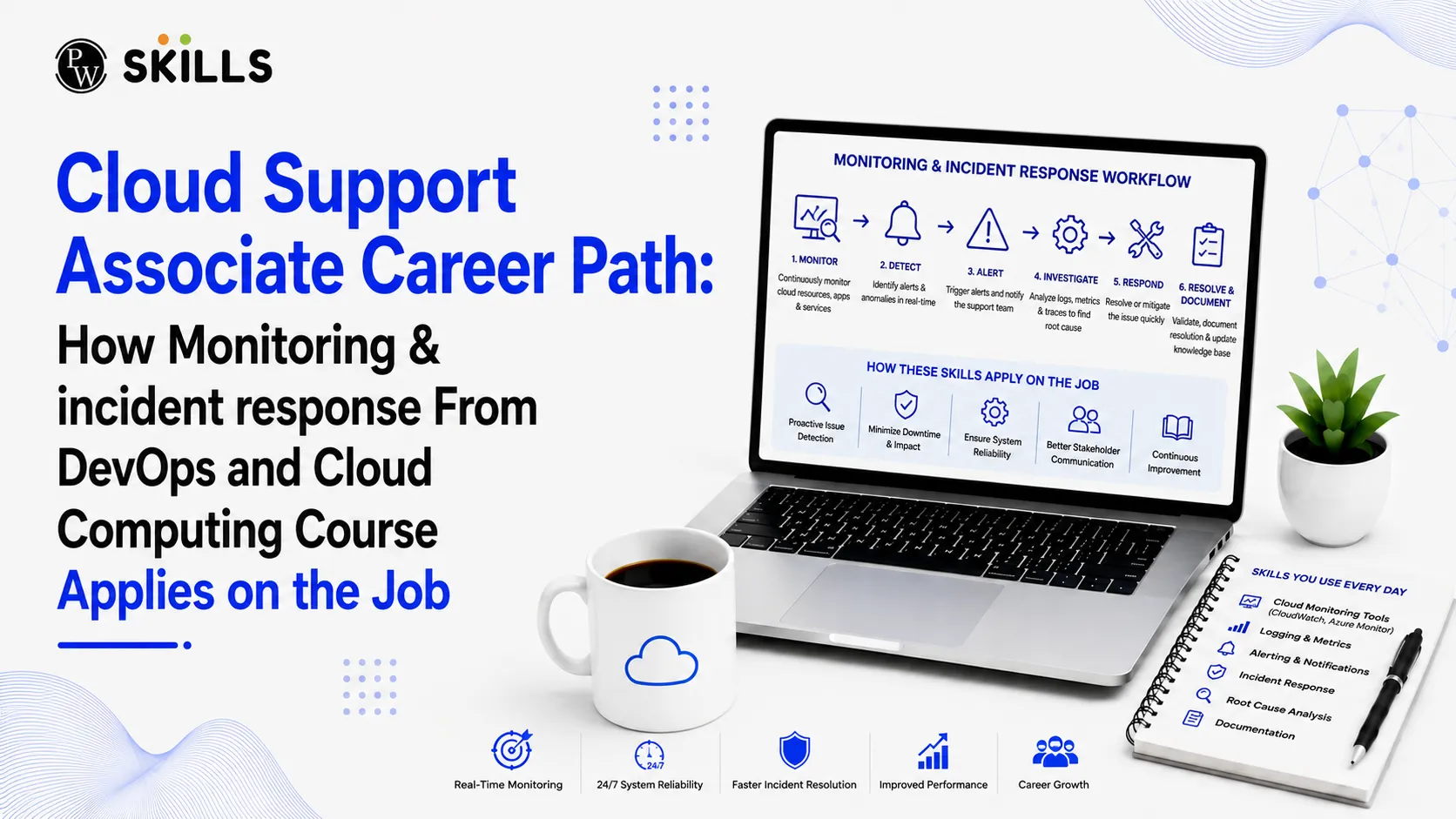
Moving into a Cloud Support Associate role requires candidates to solve complex production outages, system latency issues, and cloud infrastructure alerts under strict service-level agreements. Many aspiring IT professionals struggle to connect theoretical cloud concepts with the fast-paced, high-pressure demands of operational support environments.
Taking a hands-on DevOps and Cloud Computing Course bridges this gap by exposing learners to real-world infrastructure monitoring and incident management workflows.
Overview of DevOps and Cloud Computing Course
A DevOps and Cloud Computing Course helps learners understand how modern software is developed, deployed, managed, and monitored using cloud technologies. The course combines DevOps practices with cloud platforms and tools to build practical technical skills. Learners usually study areas such as Linux, Git, Docker, Kubernetes, AWS, CI/CD, Terraform, monitoring, and cloud security. Through practical projects and hands-on activities, students can learn how to automate tasks, manage cloud infrastructure, troubleshoot issues, and support software deployments. This makes the course useful for beginners and IT professionals who want to build skills for cloud and DevOps careers.
How Does a DevOps and Cloud Computing Course Prepare You for Cloud Support?
Cloud Support Associates act as the primary line of defence for cloud infrastructure, enterprise applications, and user-facing services. When a server node fails or an application experiences unexpected latency, support associates must detect the problem immediately, assess its severity, and take corrective action.
Daily Responsibilities of a Cloud Support Associate
The day-to-day duties of a cloud support professional revolve around system health, user ticket resolution, and proactive system maintenance. Key daily tasks include:
-
Monitoring System Dashboards: Tracking real-time metrics across virtual machines, cloud databases, and storage buckets.
-
Ticket Management: Triaging user-reported issues and automated alerts via ticketing systems like Jira or ServiceNow.
-
Infrastructure Maintenance: Applying routine system patches, updating access permissions, and restarting degraded cloud services.
-
Collaborating with Escalation Teams: Handing off complex infrastructure failures to senior DevOps or Site Reliability Engineering (SRE) teams with complete context and logs.
Why Production Support Demands Modern DevOps Skills
Traditional IT support focused heavily on manual desktop troubleshooting and local server reboots. Modern cloud environments run on distributed microservices, automated scaling groups, and dynamic containerized environments. As a result, companies expect support staff to understand automated deployment pipelines, infrastructure automation scripts, and centralized log collections.
Gaining practical exposure through learning projects teaches learners how software development and IT operations interact. When support staff understand continuous integration pipelines and automated infrastructure provisioning, they can identify whether a service outage stems from bad application code, cloud network misconfiguration, or resource starvatio
What Monitoring Skills Does a DevOps and Cloud Computing Course Teach?
Monitoring is the practice of collecting, analyzing, and acting upon telemetry data generated by cloud infrastructure and software applications. Cloud Support Associates rely on monitoring dashboards to evaluate system health before end users notice performance degradation.
Metrics, Logs, and Traces in Real-Time Systems
Effective monitoring rests upon three operational pillars, often referred to as system telemetry:
-
Metrics: Numerical values measured over time, such as CPU utilization percentage, memory consumption, network throughput, and disk space usage.
-
Logs: Timestamped text records generated by operating systems, servers, and applications detailing specific events (e.g., error logs, login audits, access logs).
-
Traces: Distributed tracking records that follow a single user request as it travels across multiple cloud services and microservices.
Understanding these three data sources allows support associates to isolate failures rapidly. While a metric alerts you that server response time has spiked, logs reveal the exact exception error, and traces show which microservice introduced the delay.
Setting Baselines and Configuring Automated Alerts
Raw metrics offer limited value without contextual thresholds. Support associates learn how to establish performance baselines, defining what normal resource utilization looks like during peak and off-peak hours.
Once baseline behaviors are established, automated alerting rules are created. For example, if database CPU usage exceeds 85% for more than five minutes, the monitoring system automatically generates a High-Severity incident alert. Well-configured alerts prevent notification fatigue, ensuring support engineers respond promptly to genuine system threats while ignoring harmless usage spikes.
|
Monitoring Dimension |
Primary Focus |
Practical Support Tools |
Common Key Performance Indicators (KPIs) |
|
Infrastructure Health |
Virtual machines, cloud networks, and storage capacity |
Prometheus, AWS CloudWatch, Nagios |
CPU Usage, Disk I/O, RAM Allocation |
|
Application Telemetry |
Software runtime performance and response speeds |
Datadog, New Relic, AppDynamics |
Error Rates, HTTP Status Codes, Response Time |
|
Centralized Logging |
Application and system event records |
ELK Stack (Elasticsearch, Logstash, Kibana), Fluentd |
System Crashes, Security Audit Events, Exception Traces |
|
Observability Tracing |
End-to-end request lifecycle across cloud services |
Jaeger, OpenTelemetry |
Microservice Latency, API Bottlenecks |
How Does a DevOps and Cloud Computing Course Help Get Systems Administrator Jobs?
A Cloud Support Associate role serves as an ideal entry point for long-term career growth in cloud engineering. Over time, support professionals gain deep familiarity with operating system management, network configuration, and security management.
How Support Roles Bridge into Systems Administration
Working on production support tickets exposes associates to complex technical scenarios every day. By consistently diagnosing server failures, configuring domain names, and updating virtual machine configurations, associates build the hands-on expertise required for DevOps and Cloud Computing Course + Systems Administrator Jobs.
While cloud support associates primarily focus on monitoring and resolving active incidents, systems administrators take ownership of infrastructure design, user governance, capacity planning, and automated system maintenance. The technical overlap makes transitioning from cloud support to systems administration a natural step in professional development.
Automating Routine Maintenance and Patching Tasks
Modern systems administration relies heavily on automation rather than manual shell commands. Support staff who learn shell scripting, Python, and infrastructure configuration management tools like Ansible can automate repetitive support tasks.
-
Automated Log Rotation: Writing scripts to clear old server logs automatically before disk storage reaches capacity.
-
Automated Server Patching: Utilizing configuration management playbooks to deploy operating system security updates across hundreds of cloud instances simultaneously.
-
Health Check Scripts: Building custom scripts that test server responsiveness and automatically restart hung background services.
Mastering these automation techniques elevates a support associate's profile, making them strong candidates for higher-level system administration and DevOps engineering roles.
What Security Skills Does a DevOps and Cloud Computing Course Teach?
Security is an integral part of modern cloud maintenance. A major component of a Cloud Support Associate's workload involves enforcing identity policies, monitoring access logs, and protecting infrastructure from malicious activity.
Role-Based Access Control and Identity Management
Cloud security operates on the Principle of Least Privilege, which dictates that users and automated services should only possess the minimum access permissions needed to perform their job functions.
Through learning a DevOps and Cloud Computing Course + Security basics, support associates master Role-Based Access Control (RBAC) frameworks across cloud providers like AWS, Azure, and Google Cloud Platform. When onboarded, associates learn to configure granular Identity and Access Management (IAM) policies, enforce Multi-Factor Authentication (MFA), and audit user permissions regularly to prevent unauthorized system elevation.
Securing Log Pipelines and Incident Data
Incident response relies on accurate, untampered log data. Cloud support teams must ensure log files are stored securely in write-once, read-many storage locations with restricted write permissions. Encryption in transit (using TLS) and encryption at rest (using cloud key management services) protect sensitive operational logs from unauthorized interception or alteration during operational investigations.
What Tools Does a DevOps and Cloud Computing Course Teach for Cloud Support?
Succeeding as a Cloud Support Associate requires familiarity with industry-standard software tools across monitoring, infrastructure automation, version control, and container management.
-
Prometheus: An open-source monitoring system that pulls metrics from target servers and stores them in a time-series database.
-
Grafana: A visualization engine that converts raw metrics from Prometheus or cloud databases into customized interactive health dashboards.
-
AWS CloudWatch: A native cloud monitoring service used to track server metrics, collect log files, and trigger automated cloud alarms.
-
Linux Command Line (Bash): The essential tool used by support engineers to navigate cloud server file systems, inspect process lists (top, htop), and analyze log files (grep, tail, awk).
-
Docker and Kubernetes: Containerization tools that support associates in monitoring to ensure microservices remain healthy, scale correctly, and restart automatically upon crash events.
-
Git and GitHub: Version control platforms where support engineers store automation scripts, infrastructure configuration templates, and operational runbooks.
Understanding how these software platforms fit together enables cloud support professionals to troubleshoot live systems efficiently and collaborate effectively with broader technology teams.




FAQs
What does a Cloud Support Associate do on a daily basis?
How does a DevOps and Cloud Computing Course help in getting a support job?
What is the difference between a Cloud Support Associate and a Systems Administrator?
Why is monitoring important in cloud computing?
What security skills are needed for entry-level cloud support roles?





Get Free Counselling Today
and Clear up all your Doubts
 Live & recorded classes available at easeDashboard for progress trackingLakhs of practice questions

