

How Cloud deployment From DevOps and Cloud Computing Course Applies on the Job
 Hardik Gupta22 Aug, 2026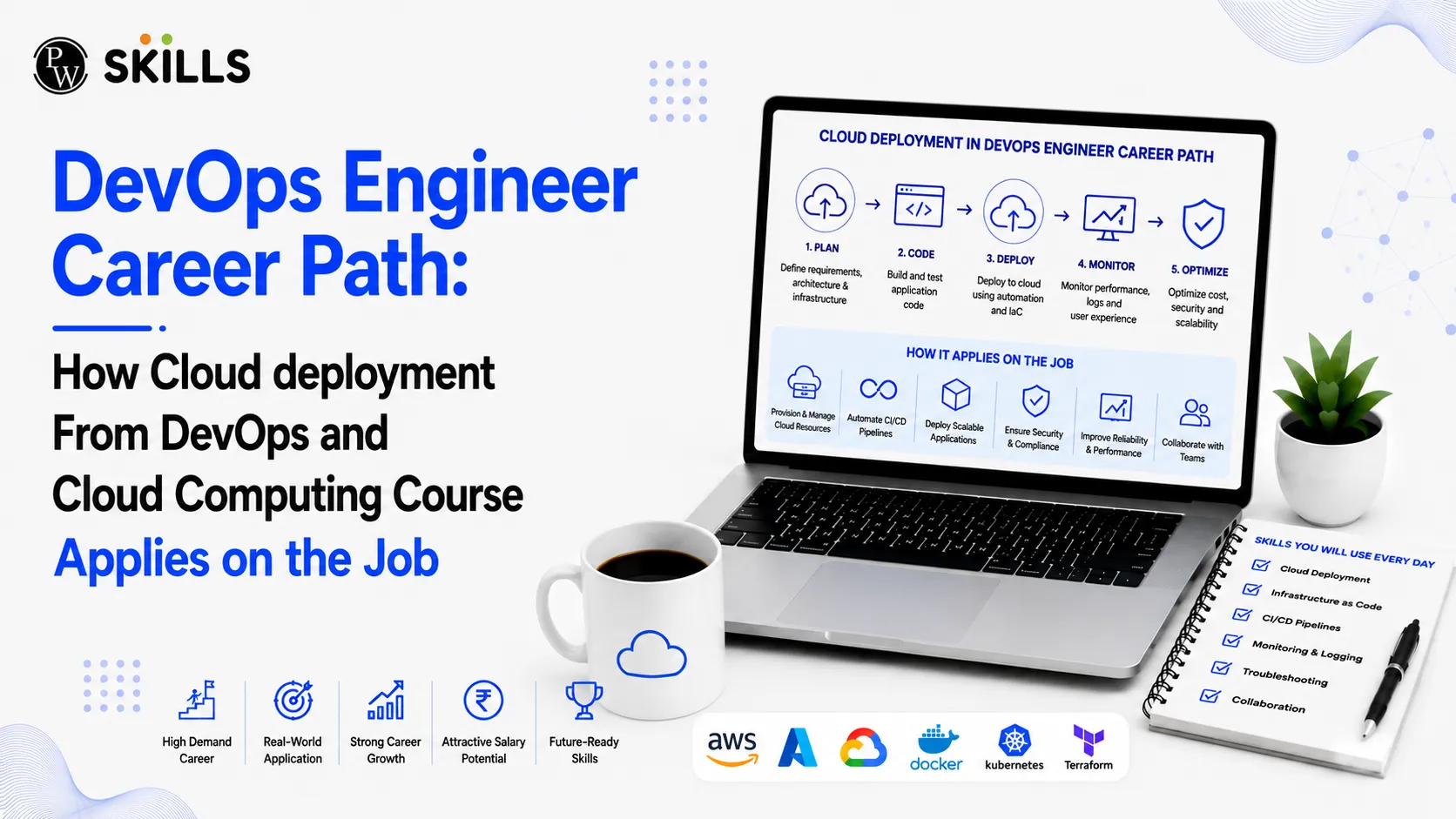
A structured DevOps and Cloud Computing Course solves this challenge by providing practical experience with industry-standard tools and cloud workflows. You learn how to automate deployments, manage containerised applications, and build resilient architectures. This article explores the DevOps engineer career path, illustrating how skills learned in a course directly apply to real-world cloud operations and support tasks.
Why DevOps and Cloud Computing Course Is Important?
A DevOps and Cloud Computing Course is important because it helps learners build practical skills needed to manage modern software and cloud systems. Instead of learning only theory, students get experience with Linux, AWS, Git, Docker, Kubernetes, CI/CD, and infrastructure automation. These skills help learners understand how applications are developed, deployed, monitored, and managed in real-world work environments.
How Does a DevOps and Cloud Computing Course Prepare You for Jobs?
A Cloud Computing and DevOps Course bridges software development and system administration. In a typical training program, you gain hands-on experience with version control, continuous integration, containerisation, and cloud infrastructure management.
Technical Pillars Taught in the Course
-
Linux & Shell Scripting: Master terminal navigation, memory management, process monitoring, and automated shell scripts for routine tasks.
-
Source Code Management: Work with Git and GitHub to handle repository branching, pull requests, and version tracking.
-
Continuous Integration & Deployment (CI/CD): Build automated delivery pipelines using Jenkins to test and deploy code updates.
-
Containerisation & Orchestration: Package applications using Docker and manage multi-container clusters using Kubernetes.
-
Infrastructure as Code (IaC): Provision and scale cloud resources declaratively using Terraform and Ansible.
-
Cloud Platforms: Deploy applications on AWS utilizing EC2, S3, VPCs, and Identity and Access Management (IAM).
DevOps and Cloud Computing Course for Cloud Support Associate Jobs
Entry-level roles often begin as support or junior implementation positions. Completing a DevOps and Cloud Computing Course + Cloud Support Associate Jobs pipeline ensures you are equipped to handle day-to-day operational challenges.
Essential Tasks for Cloud Support Professionals
-
System Health Verification: Inspecting CPU usage, memory limits, and network throughput across Linux virtual machines.
-
Access Control Management: Configuring granular permissions using AWS IAM policies to enforce zero-trust security.
-
Pipeline Maintenance: Reviewing failed Jenkins build logs, fixing broken dependencies, and re-triggering automated tests.
-
Storage & Networking: Provisioning AWS S3 buckets for media assets and configuring Amazon VPC security groups.
DevOps and Cloud Computing Course for Cloud Deployment
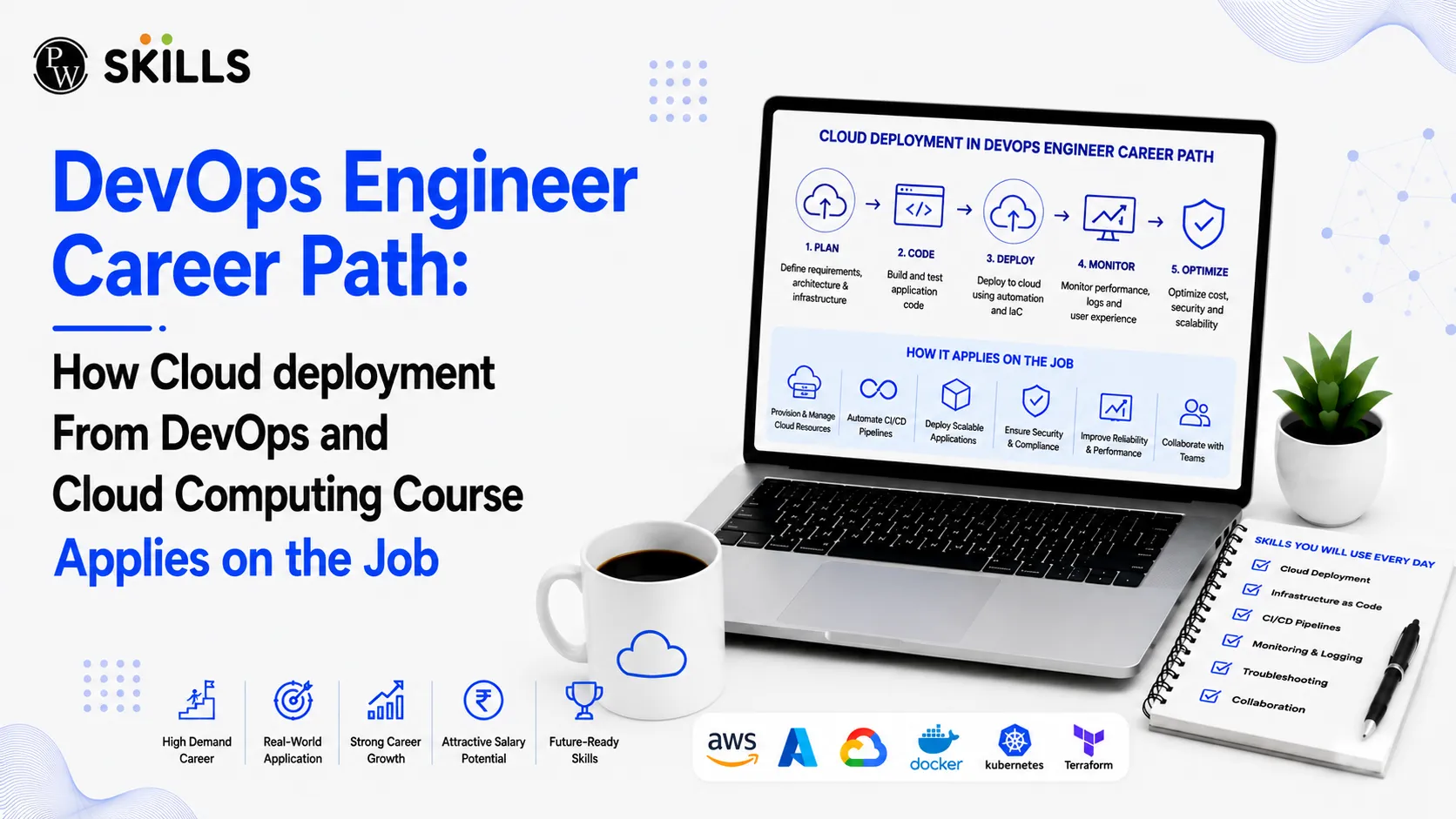
Understanding deployment theory is one thing, but applying it during a live production release requires precision. The DevOps and Cloud Computing Course + How hands-on training applies directly to real-world deployment strategies.
1. Provisioning Cloud Infrastructure
Instead of manually creating servers, engineers use code. Through course projects involving AWS EC2 and Terraform, you write scripts that launch server clusters automatically. On the job, this allows you to recreate environments in minutes.
2. Containerising Applications
Courses demonstrate how to create Dockerfiles to bundle application code, libraries, and runtime dependencies. In a production environment, this prevents the "it works on my machine" problem, ensuring identical behavior across development, staging, and production servers.
3. Automating CI/CD Pipelines
When a developer pushes updates to GitHub, an automated Jenkins pipeline triggers. The code is compiled, tested, packaged into a Docker container, and deployed directly to AWS or Kubernetes without manual intervention.
DevOps and Cloud Computing Course for Monitoring and Incident Response
Deploying applications is only half the battle; keeping them online and performant is equally vital. A comprehensive DevOps and Cloud Computing Course + Monitoring & incident response training prepares you for real-time troubleshooting.
|
Operational Phase |
Tools Used |
Workplace Application |
|
System Resource Tracking |
Linux CLI, AWS CloudWatch |
Monitoring CPU, RAM, and storage utilization to prevent server crashes. |
|
Log Management |
Splunk, Nagios, AWS CloudWatch |
Aggregating application logs to detect error codes and unexpected exceptions. |
|
Alerting & Escalation |
Automated Monitoring Scripts |
Triggering alerts when system resource thresholds exceed safe operational limits. |
|
Root Cause Analysis |
Linux System Diagnostics |
Inspecting active processes, threads, and network traffic to identify bottlenecks. |
Resolving a Live Production Outage
Imagine a web application suddenly slows down. Applying your course training:
-
You open Linux diagnostic utilities to check CPU load and memory usage.
-
You check application log feeds to identify failing API calls or database timeouts.
-
You scale AWS EC2 instances or restart Kubernetes pods to restore baseline performance.
DevOps and Cloud Computing Course Tools to Learn
To excel on the job, you must master key tools across the software development lifecycle:
-
Linux/Bash: Command-line operations, process control, and system configuration.
-
Git & GitHub: Version control, collaborative code reviews, and commit tracking.
-
Jenkins: Automating software builds, test execution, and deployment pipelines.
-
Docker: Lightweight containerisation for isolated application runtime environments.
-
Kubernetes: Orchestrating, scaling, and managing container clusters.
-
Terraform & Ansible: Infrastructure provisioning and configuration management automation.
-
AWS: Core cloud services including EC2, S3, VPC, IAM, and Load Balancing.
How is the DevOps and Cloud Computing Course Career Path?
Building a successful career in cloud infrastructure requires a structured approach to learning and practical implementation.
Step 1: Master Operating System and Networking Foundations
Start with Linux fundamentals. Learn how memory management, file systems, user permissions, and network firewalls function.
Step 2: Learn Version Control and Automation Scripting
Gain proficiency with Git for managing source code. Combine this with Python or Bash scripting to automate basic system tasks.
Step 3: Gain Hands-on Cloud Experience
Enroll in a structured training program like Cloud Computing and DevOps Course. Build practical projects using AWS services, container tools like Docker, and orchestrators like Kubernetes.
Step 4: Build a Real-World Project Portfolio
Apply your skills to end-to-end deployment projects. Build multi-tier web apps on AWS EC2, automate builds with Jenkins pipelines, and manage cloud infrastructure using Terraform scripts.
Step 5: Apply for Entry-Level Cloud Roles
Target roles like Cloud Support Associate, Junior DevOps Engineer, or Systems Administrator. Highlight your practical hands-on experience and industry certifications during technical interviews.




FAQs
What skills are learned in a DevOps and Cloud Computing Course?
How does training prepare candidates for Cloud Support Associate Jobs?
Why is Linux knowledge essential for a DevOps career?
How does a DevOps course teach monitoring & incident response?
What projects should I include in my DevOps portfolio?





Get Free Counselling Today
and Clear up all your Doubts
 Live & recorded classes available at easeDashboard for progress trackingLakhs of practice questions

