

Build Something Real with the Full Claude Ecosystem | Claude Code
 Varun Saharawat19 Jun, 2026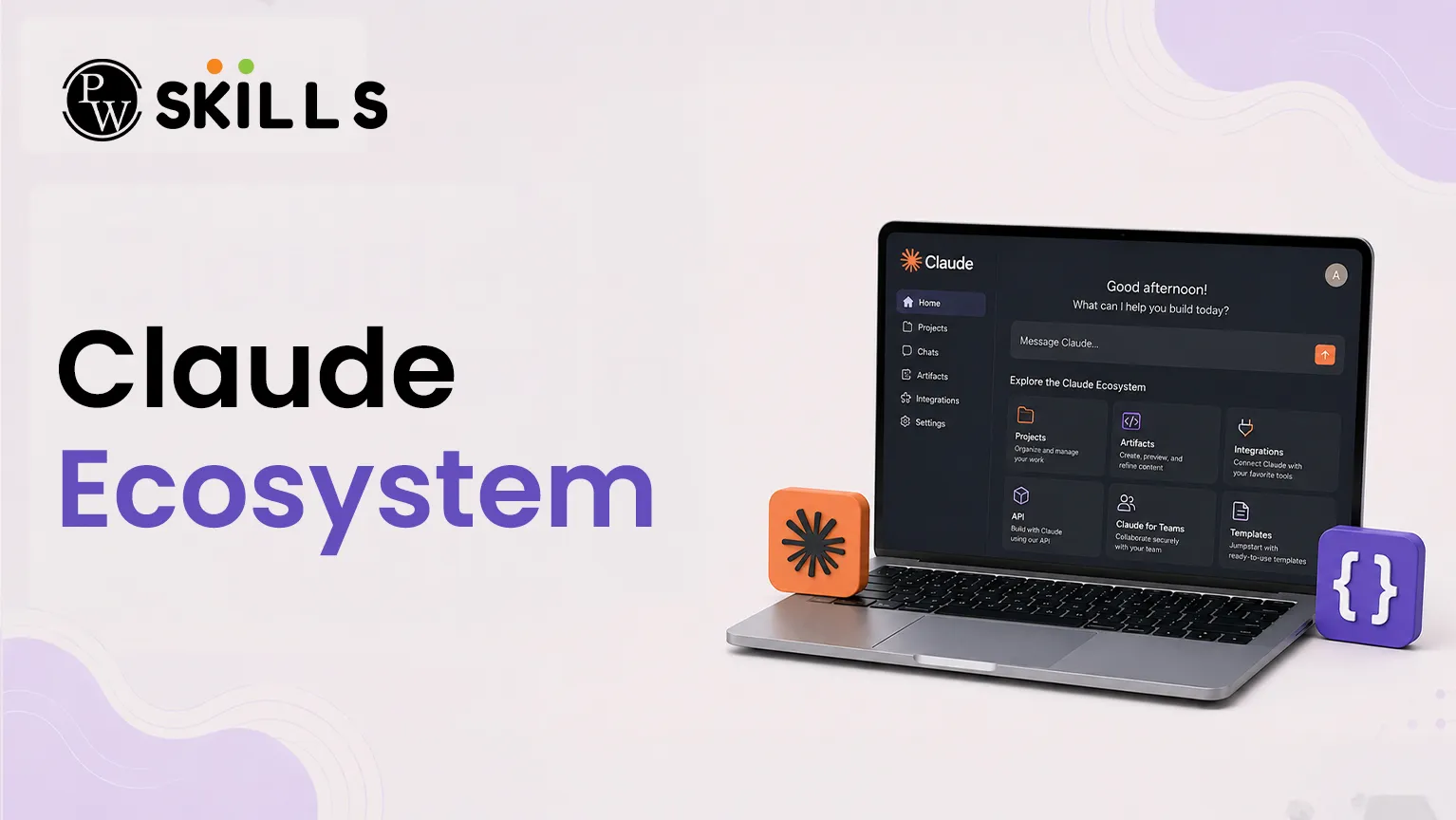
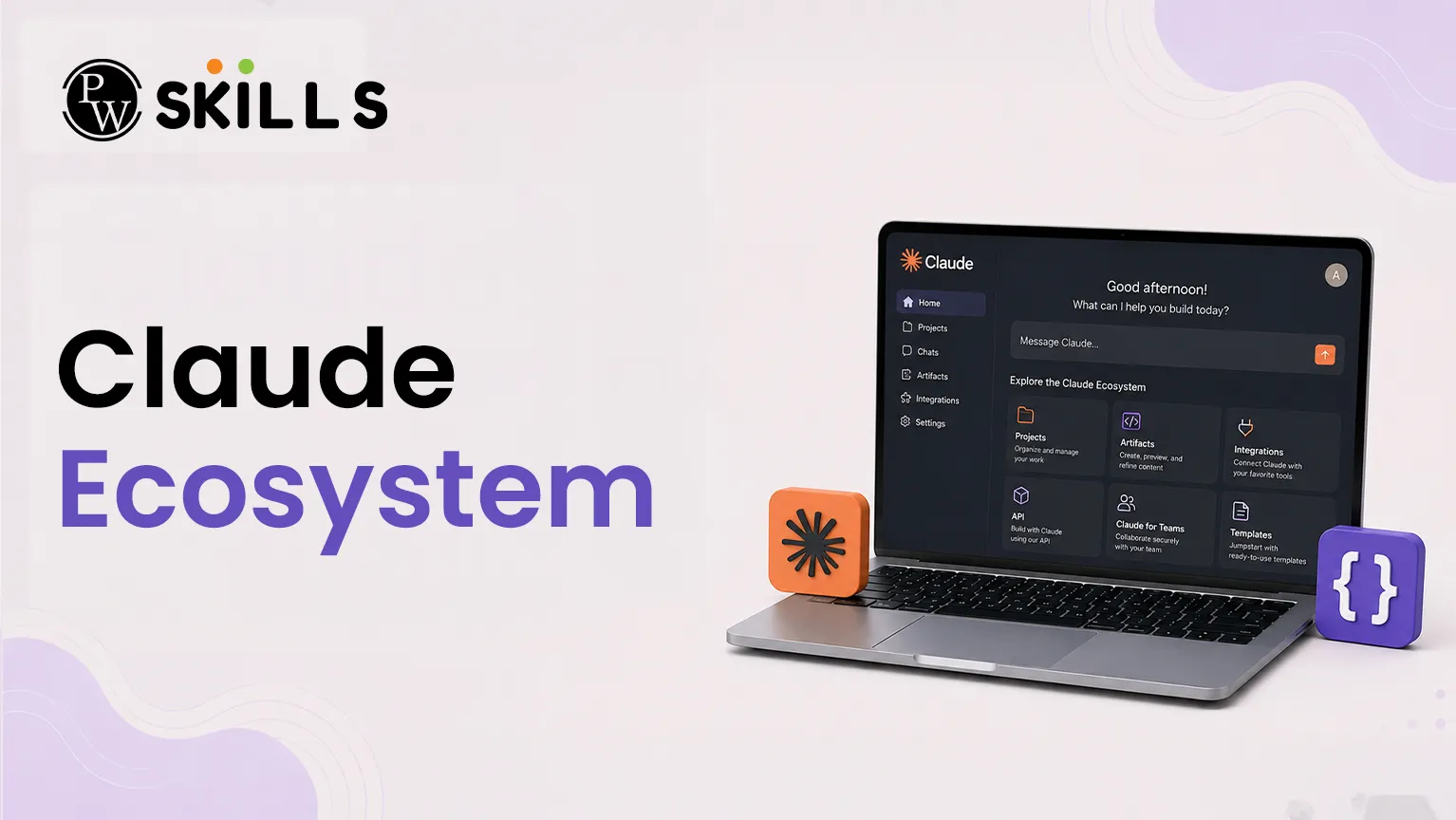
Modern developers face a common challenge when integrating artificial intelligence into their software engineering pipelines. This disconnect often leads to fragmented code, manual file-copying errors, and stalled automation workflows. The solution lies in leveraging the unified Claude ecosystem. Rather than using artificial intelligence as a simple question-and-answer box, developers can deploy Claude Code alongside specialized software development kits (SDKs) and protocols.
What is the Claude Ecosystem?
The developer platform built around Anthropic's models consists of a modular framework. It spans from low-level application programming interfaces to autonomous software development tools. Understanding how these layers connect prevents tool confusion and enables you to select the right tool for specific engineering goals.
The overall layout can be categorized into distinct, functional layers:
-
Compute Layer: This layer consists of the underlying generative models (such as the Claude Sonnet and Opus series) that provide the core reasoning and cognitive capabilities.
-
SDK Layer: The foundational python and typescript packages (anthropic-sdk-python and anthropic-sdk-typescript) that enable standard API calls, parameters management, and data streaming.
-
Runtime Layer: This is where Claude Code operates. It is a terminal-based, agentic coding assistant that actively interacts with your local environment.
-
Protocol Layer: Powered by the Model Context Protocol (MCP), this layer acts as the hands of the model, allowing it to interface securely with external data sources and platforms.
-
Extension Layer: Consists of official plugins and skills that turn the engine into a domain-specific expert.
-
Automation Layer: Integrates directly with continuous integration and continuous deployment pipelines via tools like GitHub Actions.
By organizing these components into a unified stack, the development platform allows engineers to shift from basic prompt engineering to complex Claude AI applications.
How Does Claude Ecosystem Improve AI Development Tools?
Standard conversational interfaces require developers to manually copy and paste code files back and forth. Claude Code removes this barrier by operating as a local command-line interface runtime. It does not just offer abstract advice; it actively manages your workspace.
When deployed within a repository, this runtime assistant can perform the following autonomous actions:
-
Read Local Files: Inspects complete directory structures, reads file contents, and maps internal dependencies.
-
Write and Refactor Code: Edits existing blocks or writes entirely new scripts directly into your local workspace.
-
Execute Test Suites: Runs terminal commands to execute test suites and reads error logs to fix bugs on its own.
-
Manage Git Version Control: Creates new branches, stages modified files, and writes clear, contextual commit messages.
This deep integration sets it apart from traditional development tools. It shifts the engine's role from a simple advisor to an active teammate working inside your development terminal.
How to Build Projects with Claude Ecosystem
Building real Claude Code projects requires more than just writing prompts. You need a clear process that covers planning, development, testing, and code management. This section explains the recommended workflow for creating reliable software projects within the ecosystem.
1. Project Planning and Setup
Before writing any code, start by creating a detailed project plan. Instead of generating files immediately, ask the system to prepare a document that explains the project goals, required files, possible edge cases, and testing requirements.
Once the plan is ready, use the terminal to create the project structure. The assistant can help initialize repositories, create folders, and organize files for a clean development workflow.
2. Development and Context Management
After the project structure is in place, begin building features one step at a time. For example, you can ask the assistant to create a database schema, API endpoint, or application feature.
During development, the assistant can read related files automatically and use the existing project context. This helps maintain consistency across the codebase and reduces development errors.
3. Testing and Code Improvement
After creating a feature or module, run your testing commands. If any tests fail, the assistant can review the terminal output, identify the issue, and suggest or apply fixes.
Once all tests pass successfully, review the code for quality. Check for missing error handling, duplicate logic, or functions that can be simplified to improve long-term maintainability.
4. Git and Version Control Management
When the feature is complete and working correctly, use version control to manage the changes. The assistant can review modified files, summarize the updates, and help create commits on a dedicated Git branch.
This workflow keeps the project organized, makes collaboration easier, and prepares the code for team reviews before deployment.
Claude Ecosystem Protocol Servers and Plugins
To build robust software, your assistant must interact with resources outside your local text files. This connectivity is managed via the Model Context Protocol (MCP). If the core model serves as the central brain, MCP servers act as the hands that reach into external data sources.
|
Layer Component |
Primary Operational Role |
Specific Tools & Repositories |
|
Protocol Engine |
Establishes secure communication standards between models and software tools. |
Model Context Protocol (MCP) |
|
Official Servers |
Provides direct CRUD access to repository elements, issue boards, and review diffs. |
Official GitHub MCP Server |
|
Workflow Plugins |
Guides the engine through structured, multi-phase feature engineering tracks. |
feature-dev, code-review plugins |
|
Security Scanning |
Evaluates code for injection attacks, hardcoded secrets, and logical flaws. |
claude-code-security-review |
Using the official GitHub MCP server, the assistant can manage pull requests, create issues, and review branches. Workflow plugins like feature-dev split complex changes into safe, predictable execution steps. Additionally, security review plugins scan your workspace to detect vulnerabilities such as SQL injections, exposed authentication credentials, or privilege escalation flaws.
How to Build Multi-Agent AI Applications with Claude Ecosystem
As your applications grow in size, a single terminal session may struggle with highly complex, concurrent tasks. This challenge can be solved by building multi-agent systems using the official Agent SDK, available in both Python and TypeScript environments.
The Agent SDK provides three core developer APIs:
-
query(): A fire-and-forget command. You provide a specific task, and the agent returns the finalized results.
-
ClaudeSDKClient: A stateful, bidirectional interface designed for complex, ongoing conversations.
-
create_sdk_mcp_server(): Allows developers to expose custom local code functions as tools that Claude can call dynamically.
By combining these APIs, you can build specialized configurations, such as a Research Agent that uses parallel subagents to gather and process data. Alternatively, you can build an automated Email Agent backed by React frontends to manage messaging systems. This modular approach allows you to shift from basic scripting to orchestrating production-ready Claude AI applications.
Claude Ecosystem Learning Path for Developers
To understand the Ecosystem, developers should follow a structured learning path rather than relying on trial and error. Anthropic provides official quickstarts and structured courses to help engineers progress from basic API calls to advanced software engineering automation.
The recommended training progression includes:
-
API Fundamentals: Learn SDK baselines, model parameters, and real-time response streaming.
-
Prompt Engineering: Learn interactive techniques, formatting controls, and system instruction constraints.
-
Real-World Prompting: Implement production-ready design patterns to handle enterprise data reliably.
-
Prompt Evaluations: Establish rigorous testing methods to measure output quality and accuracy systematically.
-
Tool Use Workflows: Build function-calling setups that connect models securely to external runtime tools.
Complementing these courses, official quickstart templates offer functional blueprints for building customer support agents, financial data analysis systems, and local desktop automation workflows. Following this structured training pathway ensures your engineering teams can fully maximize the value of these AI development tools.



FAQs
1. What are the main parts of the Claude Platform?
2. How is Claude Code different from a regular AI chat tool?
3. Can I connect custom tools and data sources to Claude AI?
4. How can I improve security when building Claude Code projects?
5. What developer tools are available for building AI applications?





Get Free Counselling Today
and Clear up all your Doubts
 Live & recorded classes available at easeDashboard for progress trackingLakhs of practice questions

