
Top C++ Projects to Showcase Your Skills
 Hardik Gupta11 Jul, 2026
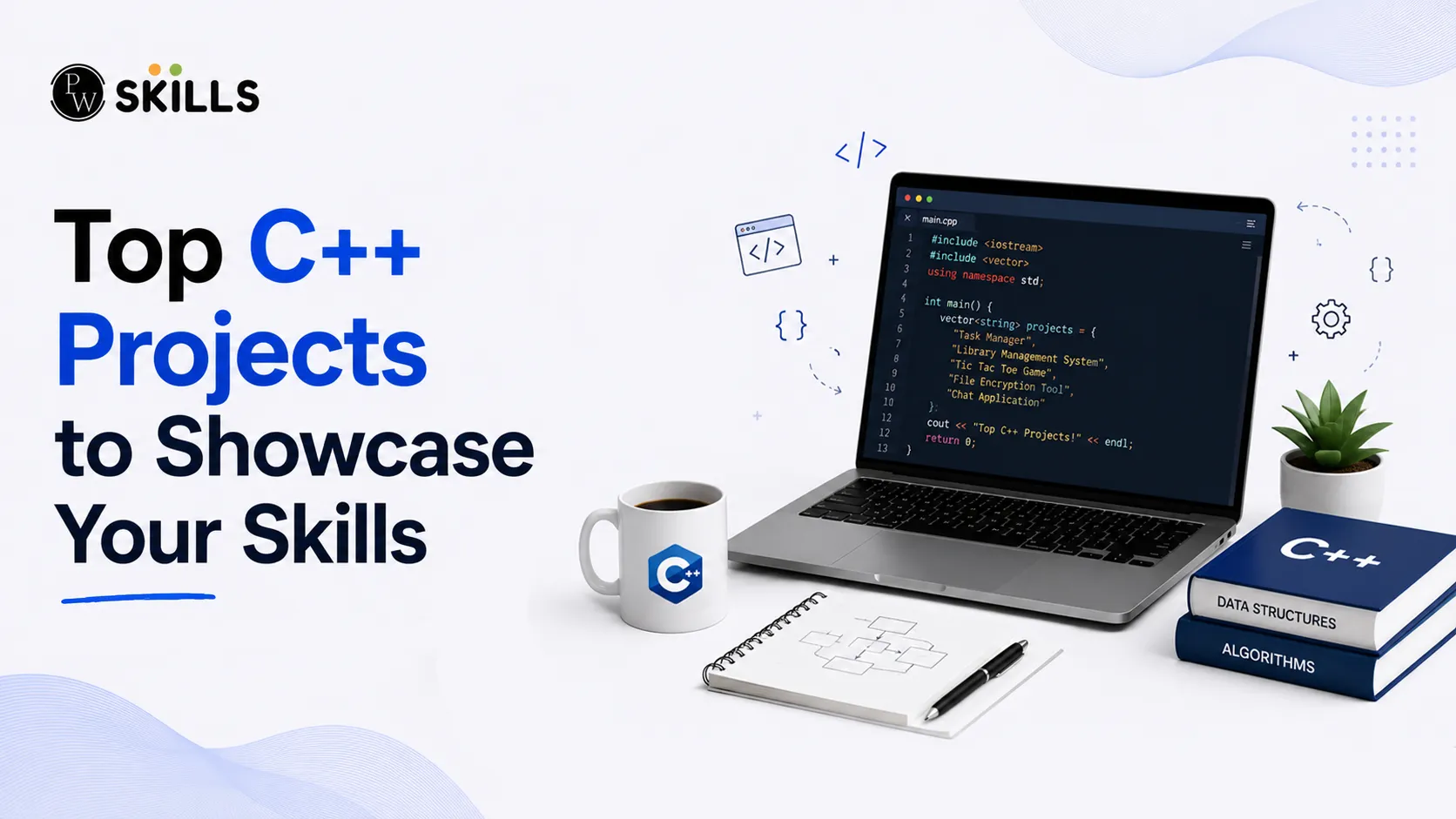
Learning computer science theory is highly valuable, but transitioning from passive reading to active coding can feel incredibly daunting. Engaging with practical C++ Projects solves this issue by reinforcing fundamental object-oriented programming concepts and system design patterns. By building actual software, you convert theoretical knowledge into concrete practice, producing excellent portfolio projects that directly catch the attention of tech recruiters.
Importance of C++ Projects
Building practical applications validates your technical capabilities far better than any certificate can. Candidates who showcase structured repositories stand out because they demonstrate proactive learning and problem-solving skills.
When you design functional software from scratch, you face real architecture bottlenecks, memory allocation bugs, and compilation issues. Resolving these challenges offers excellent programming practice that prepares you for modern industry roles.
A curated selection of Projects proves your command over key language mechanics:
-
Memory Management: Demonstrating correct usage of pointers, references, and custom object Lifecycles.
-
Object-Oriented Programming (OOP): Implementing clean inheritance, encapsulation, and polymorphism.
-
Data Structures: Using appropriate arrays, vectors, stacks, and linked lists to manage program state.
-
File Handling: Persisting structured user data across application restarts using file streams.
Read In Detail: OOP Concepts Explained for Beginners
Beginner C++ Projects
Starting your development journey with clear, manageable scopes prevents frustration. These initial concepts rely primarily on standard input/output streams and basic control flow logic.
1. CGPA Calculator
A Cumulative Grade Point Average (CGPA) calculator is ideal for verifying basic arithmetic logic and console interactions. The application requests terminal inputs from students, processes individual course parameters, and determines exact academic scores.
-
Core Concepts: Floating-point precision arithmetic, data types, standard inputs, and conditional looping architectures.
-
Why It Matters: Helps you understand simple input processing and formula translation into functional source code.
2. Casino Number Guessing Game
This game tests both luck and software design logic. The system generates a hidden random integer within fixed boundaries. Users guess the value, risk virtual currency, and earn rewards depending on chosen difficulty criteria.
-
Core Concepts: Pseudo-random number generation libraries, user balance tracking loops, and boundary validation mechanics.
-
Why It Matters: Introduces you to validation routines that prevent user input errors from crashing terminal applications.
3. Login and Registration System
Security validation forms the foundation of modern application workflows. This project establishes a localized gateway that prompts credentials, verifies registration files, and grants secure entry flags.
-
Core Concepts: Standard string comparisons, basic user database architecture, file streams for data storage, and password masking.
-
Why It Matters: Teaches fundamental data persistence, ensuring user files remain accessible after closing the application console.
4. Rock Paper Scissors Game
Recreating this traditional choice game helps you build robust structural decision flows. The engine evaluates player choices against randomized automated opponents to decide winners instantly.
-
Core Concepts: Conditional branch execution, tracking user score counters, and handling text formatting.
-
Why It Matters: Refines structural design patterns by managing multiple variable permutations simultaneously.
Also Check: C++ Tutorials | Learn C++ Programming
Intermediate C++ Projects
Transitioning past basic command terminal setups requires you to manage real-time updates and interactive display matrices. These projects integrate structured game states and internal system configurations.
5. Classic Snake Game
The classic snake game shifts your focus toward real-time rendering environments inside a command grid. The application updates snake segment positions continually while watching for keyboard directional inputs.
+--------------------------+
| * | <- Food item position
| OOOO: | <- Growing snake array
| |
+--------------------------+
-
Core Concepts: Grid matrix coordinate systems, real-time input loops, dynamic array manipulation, and collision tracking boundaries.
-
Why It Matters: Teaches game loop architecture, where the interface redraws frame data dynamically without waiting for explicit user prompts.
6. Interactive Text Editor
Building a lightweight terminal text editor requires precise memory indexing. Your software processes active keyboard characters, formats line wraps, and exports custom documents directly into local file systems.
-
Core Concepts: Pointer mechanics, dynamic memory buffers, custom string manipulation, and system file handling protocols.
-
Why It Matters: Deepens your understanding of efficient system buffer allocation and live file data manipulation.
7. Tic-Tac-Toe Game
This board game requires an organized two-dimensional matrix array to log player choices. The code validates winning combinations horizontally, vertically, and diagonally after every single turn.
|
Project Phase |
Primary Component |
Technical Focus |
|
Phase 1 |
Render Grid |
2D Array Mapping |
|
Phase 2 |
Turn Management |
Input Alternation Logic |
|
Phase 3 |
Win Condition Check |
Matrix Vector Matching |
-
Core Concepts: Multidimensional arrays, modular functional layouts, turn switching flags, and matrix victory evaluation.
-
Why It Matters: Builds foundational multi-branch calculation logic that is highly applicable to advanced algorithm workflows.
Advanced C++ Projects
High-tier development requires handling external libraries, relational structural storage, and graphics rendering tools. These extensive systems prove you can maintain robust, complex production environments.
8. Graphical Password Manager
A secure password vault provides excellent engineering practice. The desktop system relies on structured user authorization modules to securely store operational website accounts, system profiles, and associated login keys.
-
Core Concepts: Graphical User Interface (GUI) toolkits, credential encryption frameworks, dynamic database links, and secure memory erasure.
-
Why It Matters: Combines user design principles with strict data security, creating a standout entry for your portfolio.
9. Stock Management System
Large operational frameworks rely on automated stock tracking systems to run efficiently. This architecture records dynamic product lists, handles active quantity variations, and commits records using transactional data layers.
-
Core Concepts: Object-oriented design models, structured file handling records, relational data linking, and inventory sorting routines.
-
Why It Matters: Simulates real-world enterprise databases, proving you can handle professional backend development requirements.
10. Hospital Management System
Healthcare administration frameworks must monitor critical resources seamlessly. This system organises doctor shifts, tracks patient histories, coordinates check-in appointments, and automates invoices using structured objects.
-
Core Concepts: Complex object relations, memory collection cleaning, sorting algorithms, and text report generations.
-
Why It Matters: Highlights your ability to construct scalable data relations across highly complex application modules.
Also Check: Top Features of C++ Programming Language
How to Present Your C++ Projects
Writing the code is only half the battle; presenting it effectively ensures recruiters appreciate your technical skill. Highlighting your work correctly on hosting channels converts simple files into compelling career assets.
-
Write Clean Documentation: Maintain comprehensive README documents outlining clear setup steps, compiler specifications, and visual terminal recordings.
-
Apply Consistent Style Guidelines: Use predictable indentation, clear variable definitions, and intentional architectural boundaries across your files.
-
Explain Design Decisions: Document your explicit reasons for picking specific data structures or optimization techniques over common alternatives.



FAQs
Which beginner C++ projects look best on a developer profile?
How do I start building intermediate projects?
Why is hands-on practice for programming essential for learning software design?
What does a linker error signify during compilation?
Can I build mobile utility applications using C++?





Get Free Counselling Today
and Clear up all your Doubts
 Live & recorded classes available at easeDashboard for progress trackingLakhs of practice questions

