
Strings in One Shot | Lecture 9 | C Programming Course
 Varun Saharawat18 Jun, 2026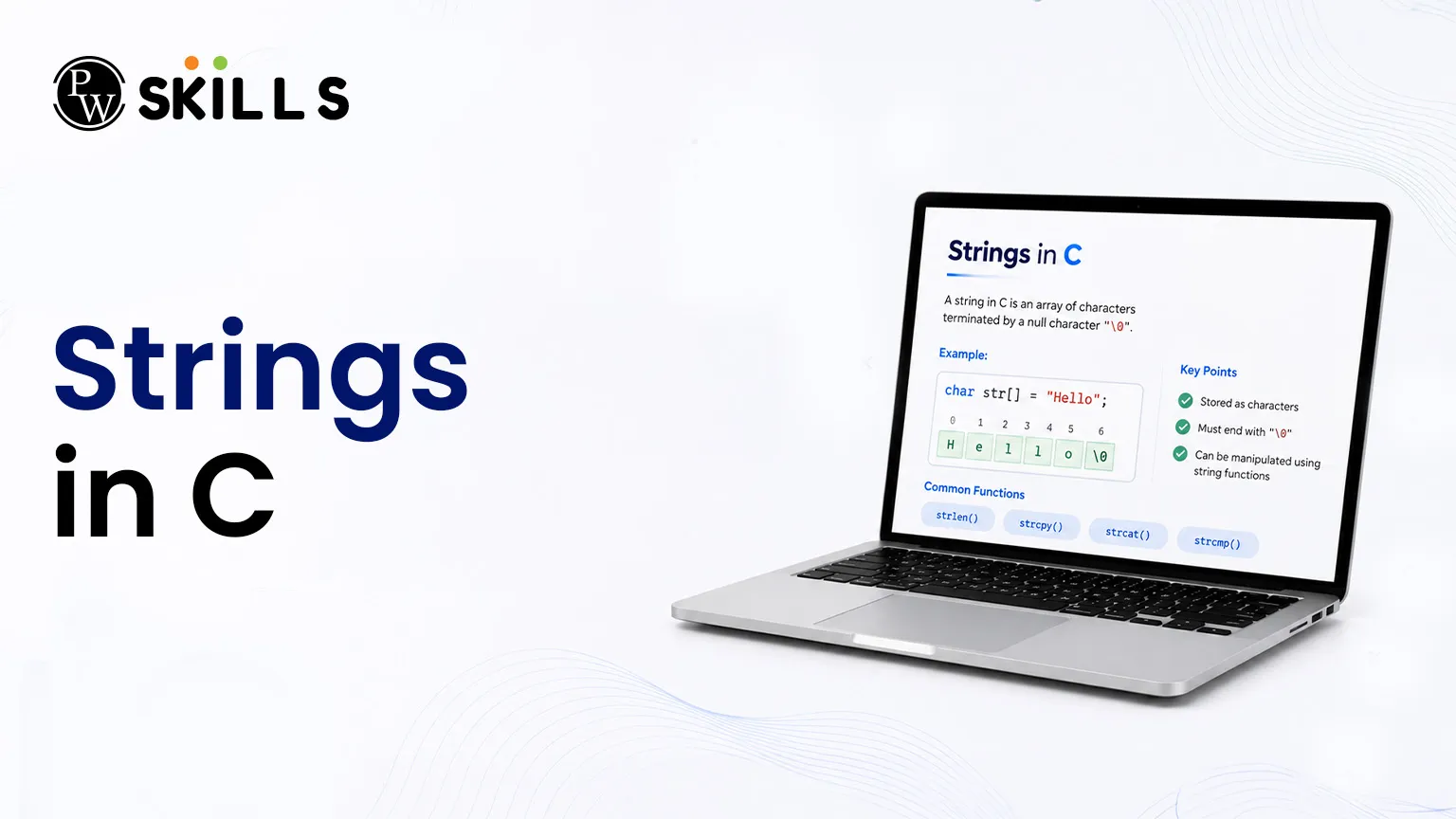
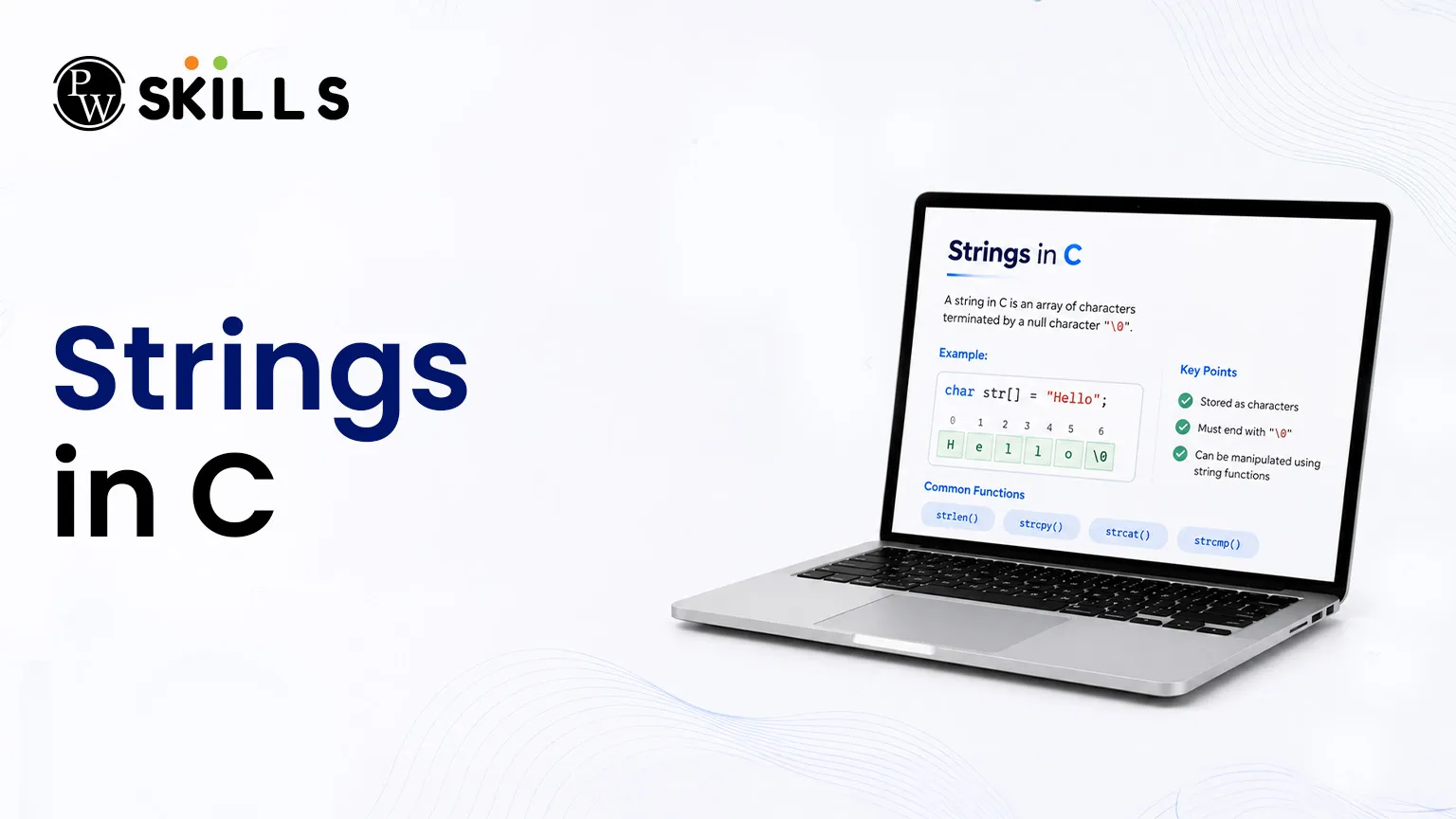
The best way to perform large-scale text processing efficiently is to use strings in C. This article outlines the basic concepts of textual arrays and discusses basic layout techniques, built-in library procedures, and more complex pointer arrangements.
What are Character Arrays and Strings in C?
In the C programming language, there is no native, distinct data type called a string like there is in more modern modern languages. Instead, text tracking relies entirely on sequential blocks of character variables known as character arrays.
Memory Allocation for Characters
An integer variable usually takes up four bytes of memory space depending on the compiler used. On the other hand, a single character tracking variable requires exactly one byte, which is equal to eight bits of storage space. This small footprint means that an array of letters is tightly packed inside the computer storage , with each symbol lying next to the adjacent one .
ASCII Value Framework
When a program initialises a symbol , it is directly mapped to a particular number . The numbers are specified by the American Standard Code for Information Interchange (ASCII). These core boundary points can be useful when working with text values:
-
The capital letter 'A' maps directly to the numeric value 65.
-
The small letter 'a' resolves directly to the numeric value 97.
-
The literal text tracking digit '0' carries an evaluation score of 48.
-
The terminal numeric symbol '9' possesses an assessment figure of 57.
How to Initialise Strings in C?
You need to understand the formatting configurations behind them to set up textual variables. There are two main ways to instantiate a series of characters in a script.
Method 1: The Element-by-Element List
The classic method mimics the standard construction sequence performed in the case of standard numeric structures. You define the data structure and put every symbol in its own single quotes.
Method 2: Direct String Literals
A clean and efficient alternative assigns a sequence of characters enclosed within double quotes. This eliminates the need to add separators manually.
The table below outlines the primary practical adjustments observed between individual symbol collection blocks and literal assignments:
|
Structural Trait |
Element Array Structure |
Literal Phrase Definition |
|
Enclosure Formatting |
Relies on single quotation marks for characters |
Relies entirely on double quotation marks |
|
Null Indicator Addition |
Must be added manually by the developer |
Appended automatically by the compiler |
|
Size Tracking Oversight |
Requires explicit count tracking |
Automatically sizes to match the input text |
What Is the Null Character in Strings in C?
The terminal element written as \0 is referred to as the null character. It plays a vital role in managing sequential character blocks.
The Purpose of the Null Marker
Because character structures do not explicitly reveal their exact storage limits at run time, a signal must be provided to the run-time environment to recognize the end of the text. The null marker is this ultimate boundary checkpoint. Processing tools will stop any further scanning operations when they encounter this marker.
Automatic Dimensions and Size Overhead
When you define a variable with a literal string such as "Hello" then the layout contains 5 visible characters. But the system allocates six bytes of space in total. The extra slot is the hidden null character added to the end of the line. If this terminal marker is skipped when constructing manual element blocks, memory errors will occur as the system will continue to read adjacent random storage data.
Different Ways to Handle Strings in C Without Loops
Manually cycling through elements using iterative loops to output text can be tedious. Fortunately, built-in formatting tools allow for direct text inputs and outputs.
Streamlined Text Output
Using the %s format specifier with the standard print function enables the output of a complete sequence of characters in a single action. The function reads from the initial memory index and stops only when it encounters the null character.
C
char phrase[] = "College";
printf("%s", phrase);
The Power of puts() and gets()
For cleaner code structure, you can replace standard print and scan functions with specialized text utilities:
-
puts(): Accepts the name of your text variable and outputs the complete sequence, automatically appending a new line at the end.
-
gets(): Reads an entire line of input text from the console, preserving spaces between words until the user presses Enter.
The Space Separation Pitfall
When using the standard scan function with the %s modifier to read input text, the scanner stops processing the instant it encounters a space, tab, or new line. If an input contains multiple words, only the very first segment is saved into the variable. For capturing full sentences that include spaces, utilizing gets() is much more reliable.
How to Use Pointers with Strings in C
Pointers provide a highly efficient way to manage textual content by directly referencing memory addresses instead of duplicating full data structures.
Pointer Representation
The identifier name of a character tracking layout acts as a direct reference point to its starting memory location. Consequently, you can assign a pointer to point to the base position of a text structure.
C
char greeting[] = "Hello";
char *ptr = greeting;
This configuration enables text traversal using pointer arithmetic (ptr++). This technique shifts the reference focus across sequential slots based on individual byte offsets.
Normal Array vs. Pointer Modifications
Choosing between array declarations and direct pointer initialization impacts how easily data can be modified later:
-
Array Declaration (char arr[] = "Text"): Allows you to modify individual characters at specific positions later in the program. However, you cannot reassign the entire variable to a completely new string literal in a single step.
-
Pointer Initialization (char *ptr = "Text"): Prevents you to modifying individual characters because the literal data resides in a read-only memory segment. However, you can reassign the entire pointer to point to a new string literal at any time.
Important String Functions in C
To streamline C string handling operations without writing manual processing code, the library header file <string.h> provides several optimized built-in functions.
1. Determining Length with strlen()
The strlen() function counts the visible characters within a tracking structure, excluding the terminating null marker.
C
#include <string.h>
int length = strlen("Velocity"); // Returns 8
2. Copying Content via strcpy()
The strcpy() function duplicates the characters from a source location into a target container, including the terminal null marker.
C
char target[20];
strcpy(target, "Data");
3. Appending Text with strcat()
The strcat() function joins two sequences by appending the source text directly to the end of the destination variable. You must ensure the destination variable has enough allocated space to accommodate both segments safely.
C
char base[30] = "Physics";
strcat(base, "Wallah");
Difference Between Deep Copy and Shallow Copy in Strings in C
When copying textual structures, understanding how the data is replicated in memory is crucial for preventing unexpected side effects.
Shallow Copy Characteristics
A shallow copy occurs when you assign one pointer variable directly to another. Instead of replicating the underlying data, both pointers end up referencing the exact same memory address.
C
char *s1 = "Original";
char *s2 = s1; // Shallow copy link established
If the underlying data at that shared address is modified, the change will reflect across both pointer references simultaneously.
Deep Copy Architecture
A deep copy replicates the actual text content into a completely separate memory location. This ensures that modifications made to the duplicate data do not impact the source text.
C
char source[] = "Protect";
char duplicate[20];
strcpy(duplicate, source); // Deep copy partition achieved




FAQs
How does a character array differ from an integer array in memory?
Why does scanf() fail to capture full sentences containing spaces?
What happens if the null character is omitted from a manual character sequence?
Can the length of a string literal be altered during execution?
Is it safe to concatenate text using strcat() without specifying an array size?





Get Free Counselling Today
and Clear up all your Doubts
 Live & recorded classes available at easeDashboard for progress trackingLakhs of practice questions

