
C Programming in One Shot | Part 1 | Variables, Operators and Input/ Output | C Complete Course
 Varun Saharawat23 Jun, 2026
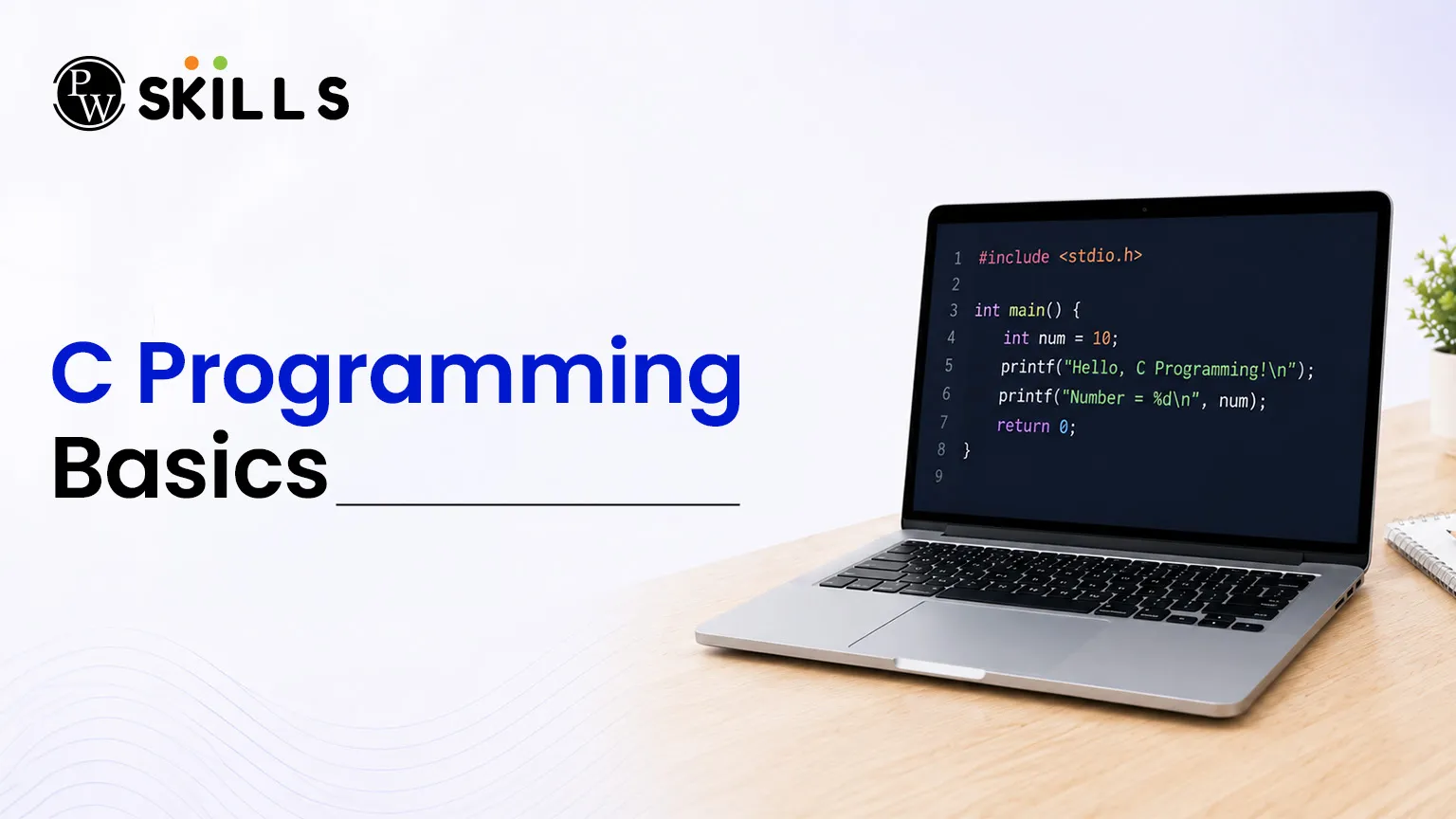
Starting your coding journey can feel confusing when you see new syntax and programming rules for the first time. Many beginners struggle to understand how a computer stores data, performs calculations, or displays information on the screen. This guide makes C Programming Basics easier to understand by breaking complex ideas into simple sections.
By learning about variables, operators, and input-output functions, you will build a clear understanding of how software works and how programs communicate with computer hardware.
What are the C Programming Basics?
The C programming language is a general-purpose, case-sensitive, structured programming language developed by Dennis Ritchie at AT&T Bell Labs between 1969 and 1973. It is often called a middle-level language because it connects low-level machine languages with user-friendly high-level programming languages. Learning the basics of C programming helps you understand computer concepts, memory usage, and program execution because the language provides direct access to system memory while using a small set of reserved keywords.
History and Importance of C Programming Basics
System Programming Roots
C was originally created to develop the UNIX operating system. This made it one of the most powerful languages for building operating systems and other system software.
Successor to the B Language
C was developed as the next version of the B programming language. The B language itself was based on the Basic Combined Programming Language (BCPL). Several improvements were added to make C more powerful and flexible.
Foundation of Modern Software
Many popular software platforms, databases, and programming language tools are written fully or partly in C. Examples include the Linux Operating System, PHP, and MySQL. This shows the lasting importance of the C programming language.
Why Should You Learn C Programming Basics First?
Better Understanding of Computer Hardware
Unlike many modern programming languages, C allows programmers to work closer to the hardware. It helps you understand how memory is managed and how data is processed inside a computer.
Strong Problem-Solving Skills
C contains fewer prebuilt libraries than many newer languages. Because of this, programmers often create data structures and algorithms on their own, which helps improve logical thinking and problem-solving abilities.
Fast Program Execution
Programs written in C run very quickly because they are compiled directly into machine code. They do not require extra runtime processing such as automatic garbage collection, making them highly efficient.
Strong Programming Foundation
Learning basics of C programming creates a strong foundation for understanding many other programming languages. Concepts such as variables, loops, functions, memory management, and pointers become easier to learn later.
By mastering C first, you can develop a deeper understanding of programming and build the skills needed for advanced software development.
How Do Variables in C Programming Basics Store Data?
In computer memory, a variable is essentially a named storage location allocated inside the electronic circuits of a machine. These containers hold specific data values that can be altered, accessed, and reused multiple times during program execution.
Since C is a strongly statically typed language, every variable must be explicitly declared with a specific data type before it can store values, allowing the compiler to determine the exact byte size needed during compilation.
Rules for Naming Variables in C
-
Character Limits: Names can only contain alphanumeric letters (both uppercase and lowercase), numeric digits, and underscores.
-
Starting Character: The first character of a variable name must strictly be a letter or an underscore; it can never begin with a number.
-
Keyword Restrictions: You cannot use any of the reserved system keywords (such as int, float, or return) as identifiers.
-
Case Sensitivity: Variable identifiers are highly case-sensitive, meaning that a variable named totalValue is distinct from totalvalue.
-
No White Spaces: Blank spaces are completely prohibited within a single identifier name.
Types of Variables Based on Scope
-
Local Variables: Declared strictly inside a function or a block of code. They are only accessible within that specific block and cease to exist once the function finishes executing.
-
Global Variables: Declared outside of all individual functions. They possess global scope, meaning they can be modified or accessed by any segment of code throughout the entire program lifetime.
-
Static Variables: Initialised using the static keyword. They retain their last updated value even after exiting their local function block, persisting until the program terminates completely.
-
External Variables: Declared using the extern keyword to establish visibility across multiple different file systems in large-scale software projects.
Primitive Data Types and Memory Allocations
The table below details how primitive categories map out inside memory layouts:
|
Primitive Data Type |
Purpose |
Typical Size Allocation |
|
int |
Storing whole numbers/integers |
2 or 4 bytes |
|
float |
Storing single-precision fractional/decimal numbers |
4 bytes |
|
double |
Storing double-precision large fractional data |
8 bytes |
|
char |
Storing single-character values or letters |
1 byte |
|
void |
Represents an empty or valueless state |
0 bytes |
What Are the Core Operators in C Programming Basics?
An operator is a symbol that instructs the compiler to perform specific mathematical, logical, or relational manipulation on data pieces known as operands. Mastering these operational tools is crucial for building functional computational models and control flows within the basics of C programming.
Arithmetic Operators
Arithmetic operators handle the basic mathematical operations required to calculate numeric outputs:
-
Addition (+): Adds two separate numerical operands together.
-
Subtraction (-): Subtracts the right operand from the left operand.
-
Multiplication (*): Multiplies two numerical quantities.
-
Division (/): Divides the numerator by the denominator, yielding a quotient.
-
Modulus (%): Computes the remainder after an integer division process.
Relational and Logical Operators
Relational operators compare two values to establish truth states, returning either 1 (true) or 0 (false). These include check symbols like == (equal to), != (not equal to), < (less than), and > (greater than).
Logical operators combine multiple relational conditions together:
-
Logical AND (&&): Evaluates to true only if all individual conditional expressions are true.
-
Logical OR (||): Evaluates to true if at least one of the conditional statements is true.
-
Logical NOT (!): Inverts the boolean truth value of an expression.
Assignment and Bitwise Operators
The assignment operator = sets the value of a right-hand expression into a left-hand variable storage unit. C also provides shorthand compound assignments such as += and -=. Bitwise operators, such as & (Bitwise AND) and | (Bitwise OR), work at the lowest possible tier, manipulating the individual binary bits (0s and 1s) inside a byte.
How Does Input Output in C Programming Basics Work?
Every functional application must communicate with its user by displaying results or gathering raw terminal statements. Standard input output in C utilizes the default preprocessor file library known as <stdio.h> (Standard Input-Output Header).
This library provides standard built-in functions to read external key presses and display formatted character arrays on terminal displays.
Structure of a Basic Program
Every execution pipeline starts inside a standard main block. Consider this fundamental example code framework:
C
#include <stdio.h>
int main() {
// Single-line comment: This prints a message to the console screen
printf("Welcome to basics of C programming!\n");
return 0;
}
The Output Function: printf()
-
Purpose: Sends formatted strings and data values directly to the active console terminal screen.
-
Syntax Element: Statements inside the function must terminate with a semicolon (;), acting like a full stop at the end of a sentence.
-
Format Specifiers: Special escape placeholders are used inside double quotes to output variable values cleanly (e.g., %d for integers, %f for floats, and %c for characters).
The Input Function: scanf()
-
Purpose: Halts system execution to read user inputs directly from the default console keyboard terminal.
-
Address Operator (&): The target variable name inside a scanf call must always be prefixed with an ampersand symbol (&). This symbol tells the compiler the direct memory address where the typed user data should be stored.
-
Multi-Input Parsing: Multiple format specifiers can be placed inside a single scanf line to capture several user entries at once.
Common C Programming Basics Errors
When learning C programming for the first time, small mistakes can stop your program from compiling or running correctly. Understanding these common errors can save a lot of time and make debugging easier.
Missing Semicolons in C Programming
One of the most common beginner mistakes is forgetting to add a semicolon (;) at the end of a statement. In C, every statement must end with a semicolon. The compiler uses it to know where a statement ends. If you forget a semicolon, the program will show a compilation error and may not run.
Using Incorrect Uppercase and Lowercase Letters
C is a case-sensitive programming language.
This means that uppercase and lowercase letters are treated as different characters.
For example:
-
printf() is correct
-
Printf() is incorrect
-
scanf() is correct
-
Scanf() is incorrect
Using the wrong letter case can cause compilation errors because the compiler cannot recognize the function name.
Using Uninitialized Variables
Local variables do not automatically start with a value. If you create a variable and do not assign a value to it, it may contain random data called a garbage value. Reading or using these values can produce unexpected results. To avoid this problem, always initialize variables before using them.
Forgetting the Ampersand in scanf()
Another common mistake is forgetting to use the ampersand symbol (&) inside the scanf() function. The ampersand tells scanf() where the variable is stored in memory. Without it, the program may not store the user's input correctly and can even cause runtime errors. Always check that the correct variable address is passed when using scanf().




FAQs
1. Why is C called a middle-level language instead of a high-level one?
2. What is the main difference between variables in C that are local versus global?
3. How do arithmetic operators in C handle division with integer values?
4. Why must we use the ampersand symbol before a variable name inside scanf()?
5. What header file must be included to perform basic input output in C?





Get Free Counselling Today
and Clear up all your Doubts
 Live & recorded classes available at easeDashboard for progress trackingLakhs of practice questions

