

Lecture 8 : JS OOPS : Factory functions, Constructors, new keyword, Prototypes | FSD Free Course
 Varun Saharawat20 Jun, 2026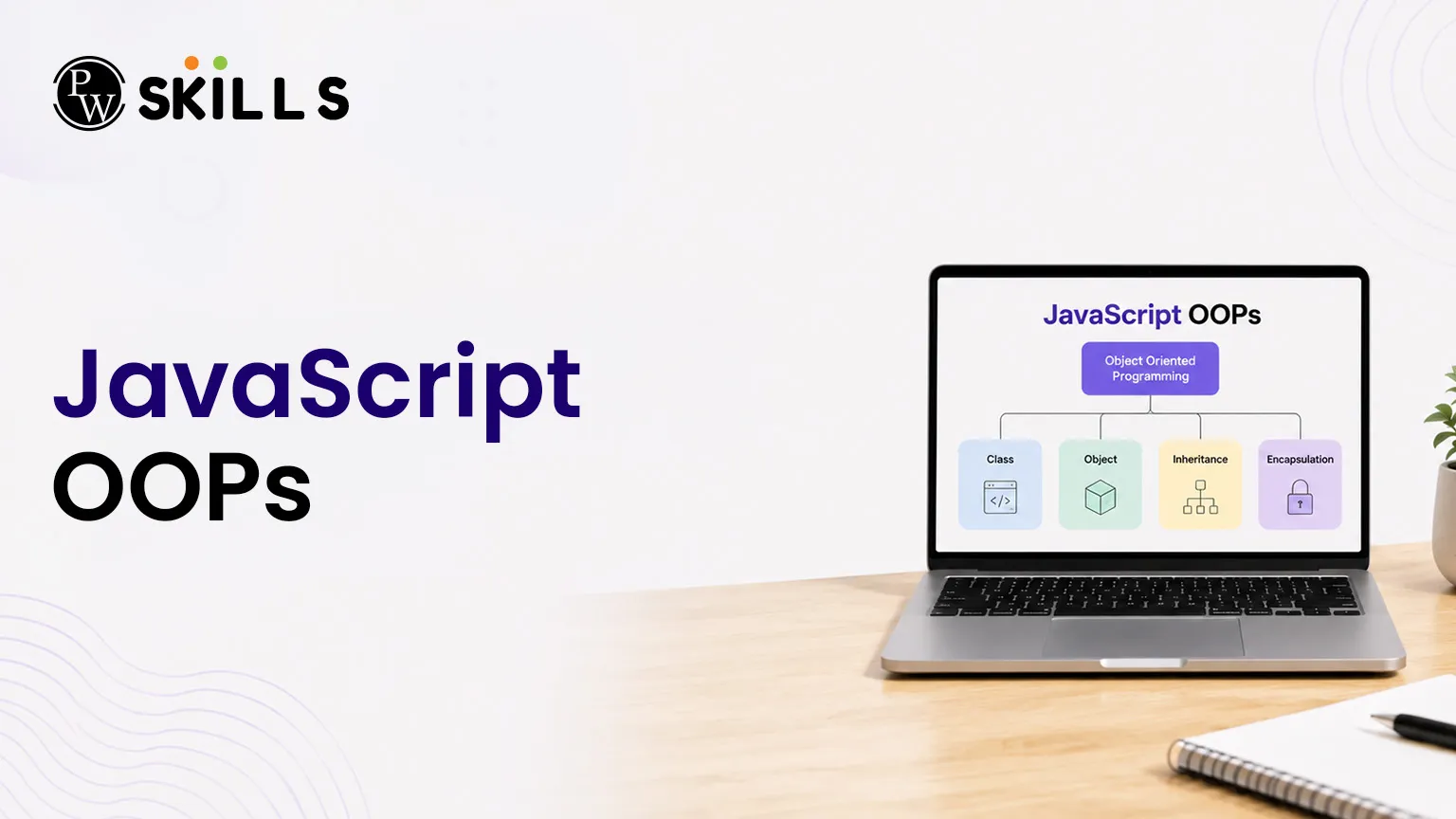
Modern web applications need code that is organized, reusable, and easy to maintain. As projects grow larger, creating every object manually using object literals becomes time-consuming and difficult to manage.
This is where JavaScript OOPs (Object-Oriented Programming) becomes useful.
Importance of JavaScript OOPs
Object-Oriented Programming is a programming style based on grouping data (properties) and actions (methods) together inside single logical units called objects. This methodology was developed to make large codebases flexible, modular, and much easier to maintain.
While traditional backend languages like Java use rigid class structures, JavaScript is inherently a prototype-based language. This means it supports both functional and object-oriented paradigms seamlessly. Instead of copying entire blueprints, JavaScript links individual objects directly to other objects to share actions.
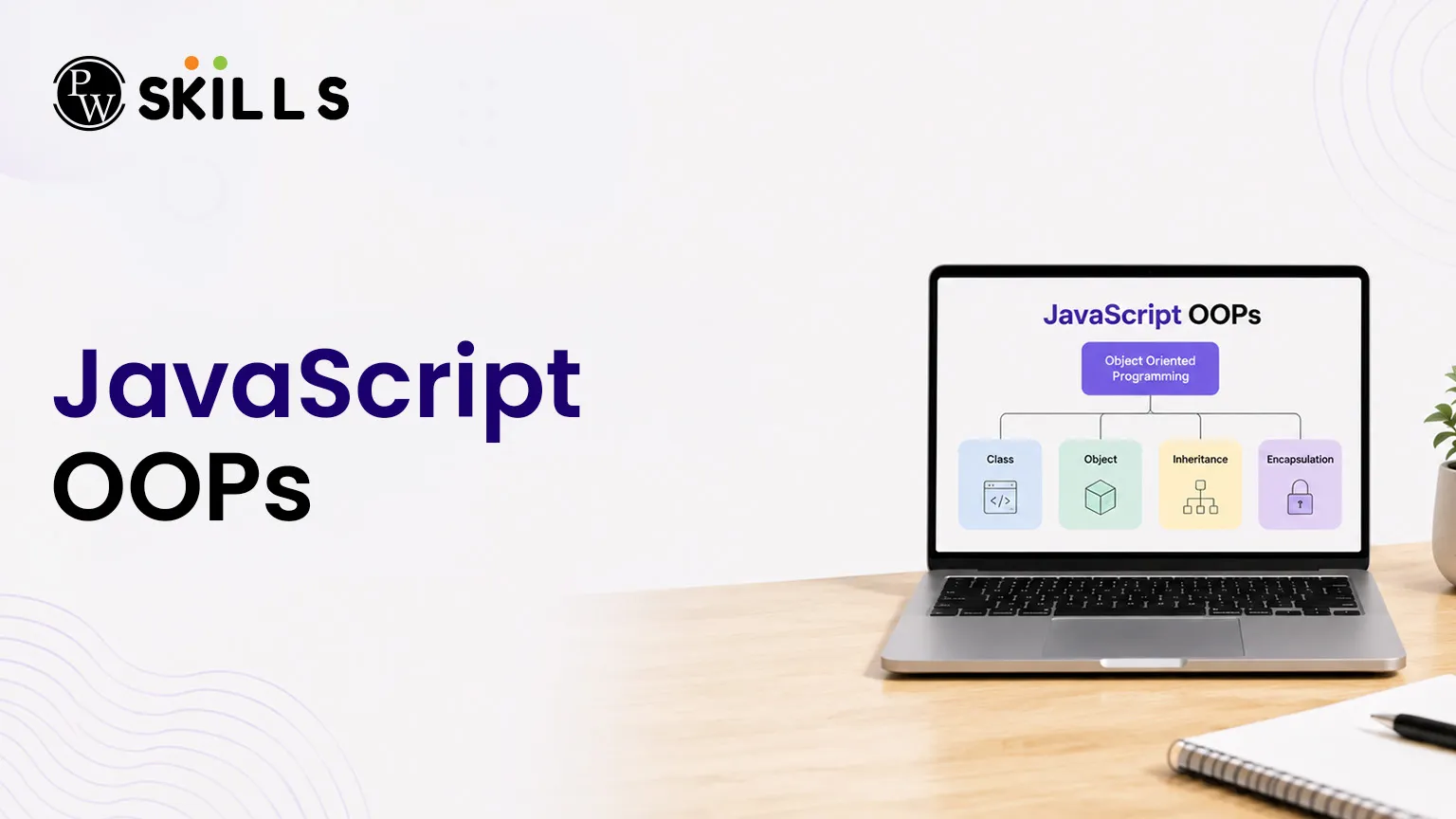
The core concepts of OOPs rely on four fundamental pillars:
-
Encapsulation: Keeping the internal data state of an object private and providing a clear public interface.
-
Abstraction: Hiding complex internal implementation details and only exposing essential operations to the user.
-
Inheritance: Passing down common properties and methods from a parent structure to child instances to reuse logic cleanly.
-
Polymorphism: Allowing different objects to respond to the exact same method call in their own unique way.
What Are Factory Functions in JavaScript OOPs?
A factory function is a normal function that creates and returns a new object. Factory functions provide a simple way to create multiple objects without using constructor functions or classes. They accept input values, build an object, and return it using the return statement.
This approach is easy to understand and works well when you need to create simple objects quickly without setting up complex object relationships.
Writing a Factory Function
The example below shows how a factory function creates a user profile object dynamically.
JavaScript
function createProfile(username, email) {
return {
username: username,
email: email,
displayInfo() {
console.log("User: " + this.username + " | Email: " + this.email);
}
};
}
const userOne = createProfile("Alice", "alice@example.com");
userOne.displayInfo();
The Inherent Performance Pitfall of Factory Functions
Factory functions are simple and useful, but they have one limitation. Every time the function creates a new object, JavaScript also creates a new copy of all the methods inside that object.
In the example above, the displayInfo() method is recreated every time createProfile() is called. If an application creates hundreds or thousands of objects, many identical copies of the same function will be stored in memory.
Because of this extra memory usage, developers often use constructor functions, prototypes, or classes when building large applications that require many object instances.
How JavaScript OOPs Constructor Functions Work?
A constructor function is used in OOPs to create multiple objects with the same structure. It acts like a blueprint that defines the properties and methods an object should have. Unlike factory functions, constructor functions are designed to work with the new keyword.
By convention, constructor function names start with a capital letter so developers can easily identify them.
Inside a constructor function, properties and methods are attached using the this keyword. The this keyword refers to the new object being created.
How to Create Objects Using JavaScript Constructor Functions
The example below shows how a constructor function creates user profile objects.
JavaScript
function UserProfile(username, email) {
this.username = username;
this.email = email;
this.showUser = function() {
console.log("Profile Name: " + this.username);
};
}
In this example, every new object created from UserProfile will have its own username, email, and showUser() method.
Constructor Function Limitation
Constructor functions help create objects with a consistent structure, but they can still have a memory issue when methods are defined inside the constructor.
Each time a new object is created, JavaScript creates a new copy of the showUser() method. If hundreds or thousands of objects are created, many identical copies of the same function are stored in memory.
To solve this problem and improve performance, developers often use JavaScript prototypes. Prototypes allow multiple objects to share the same method instead of creating a new copy for every instance.
How the New Keyword Works in JavaScript OOPs?
The new keyword is the engine that brings constructor functions to life. It completely alters how JavaScript executes a function internally. Without the new keyword, a constructor behaves like a regular function, causing this to point to the global window object, which creates bugs in your code.
When you place the new keyword before a constructor function call, JavaScript executes four distinct internal operations automatically:
|
Step |
Mechanical Action Taken Behind the Scenes |
|
1 |
Creates a brand-new, empty object literal: {}. |
|
2 |
Links this new empty object's hidden properties directly to the constructor function's prototype object. |
|
3 |
Binds the context of the this keyword explicitly to the newly created empty object. |
|
4 |
Automatically executes the constructor code and returns the completed object instance, unless an explicit object is returned. |
Practical Execution Example
JavaScript
function Vehicle(brand, speed) {
this.brand = brand;
this.speed = speed;
}
// The new keyword executes the four internal steps automatically
const car = new Vehicle("Toyota", 120);
console.log(car.brand); // Outputs: Toyota
Through this mechanism, the new keyword ensures that every object created maintains a pristine instance state while remaining linked to its ancestral lineage.
JavaScript OOPs Comparison Matrix
Choosing the right object creation pattern depends entirely on your specific architectural requirements and performance goals. The following table provides a direct comparison to help you make the right choice:
|
Architectural Metric |
Factory Functions |
Constructor Functions |
Modern Classes (ES6) |
|
Requires 'new' Keyword |
No |
Yes |
Yes |
|
Memory Allocation Method |
Creates copy for each instance |
Shared via JavaScript prototypes |
Shared via prototypes under the hood |
|
Explicitly requires object return |
Automatic object return |
Automatic object return |
|
|
Primary Use Cases |
Small, lightweight, custom object tasks |
Heavy applications needing shared methods |
Structured, class-style enterprise applications |
|
Performance Overhead |
High memory usage for functions |
Low memory footprint |
Low memory footprint |
JavaScript OOPs Implementation Problems
Even experienced developers make common mistakes when working with object-oriented code. Below are two frequent issues and how to fix them.
Missing the New Keyword
If you accidentally call a constructor function without the new keyword, JavaScript won't throw an immediate error. Instead, it executes it like a standard function, setting this to the global scope (window or undefined in strict mode).
JavaScript
function Customer(name) {
this.name = name;
}
// Bug: Missing the new keyword
const activeCustomer = Customer("Bob");
console.log(activeCustomer); // Outputs: undefined
Unintentional Property Overriding
If you define a property on an instance with the exact same name as a property on its prototype, the local property takes priority. This is called property shadowing, as the local property blocks access to the prototype version.
JavaScript
function Device() {}
Device.prototype.status = "Active";
const myDevice = new Device();
myDevice.status = "Offline"; // Shadows the prototype property
console.log(myDevice.status); // Outputs: Offline




FAQs
1. What is the difference between factory functions and constructor functions in JavaScript OOPs?
2. Why are JavaScript prototypes memory efficient?
3. What happens if I forget to use the new keyword?
4. Can I modify built-in JavaScript prototypes?
5. How do ES6 classes work in JavaScript OOPs?






Get Free Counselling Today
and Clear up all your Doubts
 Live & recorded classes available at easeDashboard for progress trackingLakhs of practice questions

