

Lecture 3 : JavaScript Executes Code: Call Stack, Hoisting, TDZ, Scope & Closures Explained | FSD
 Varun Saharawat20 Jun, 2026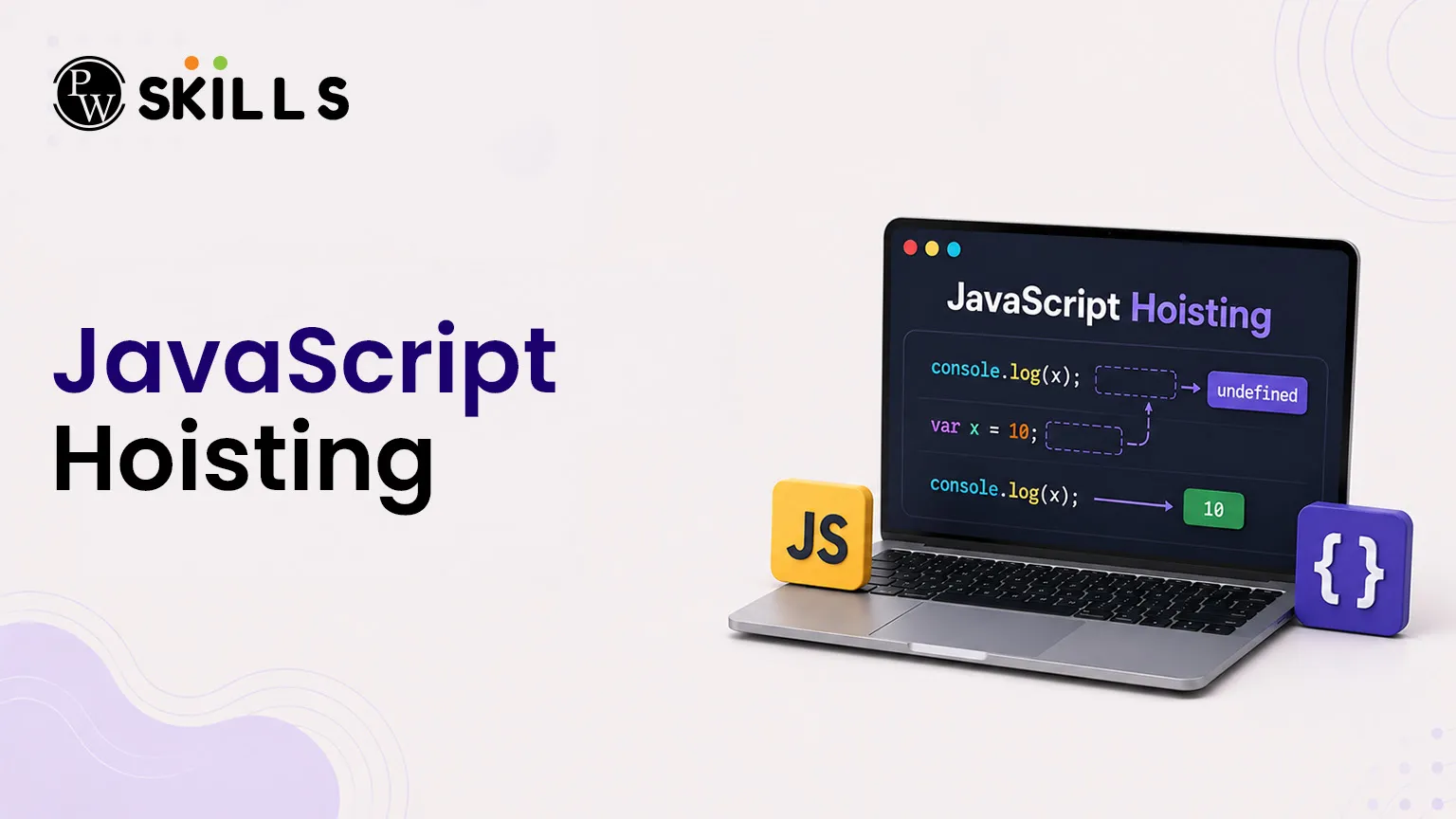
JavaScript Hoisting moves variable and function declarations to the top of their scope during the memory phase, while block-scoped variables remain inaccessible inside a Temporal Dead Zone until actual declaration. Closures allow functions to retain outer scope access.
What is JavaScript Hoisting and How Does It Work?
Developers often wonder why they can access certain functions or variables before they appear in the source code file. This behavior is driven entirely by JavaScript Hoisting, a mechanism where the JavaScript engine allocates memory for declarations at the top of their current scope during the initialization phase.
It is crucial to understand that JavaScript does not physically move your code lines around. Instead, it creates a blueprint of all variables and functions in memory before running the script line by line.
Hoisting with the var Keystring
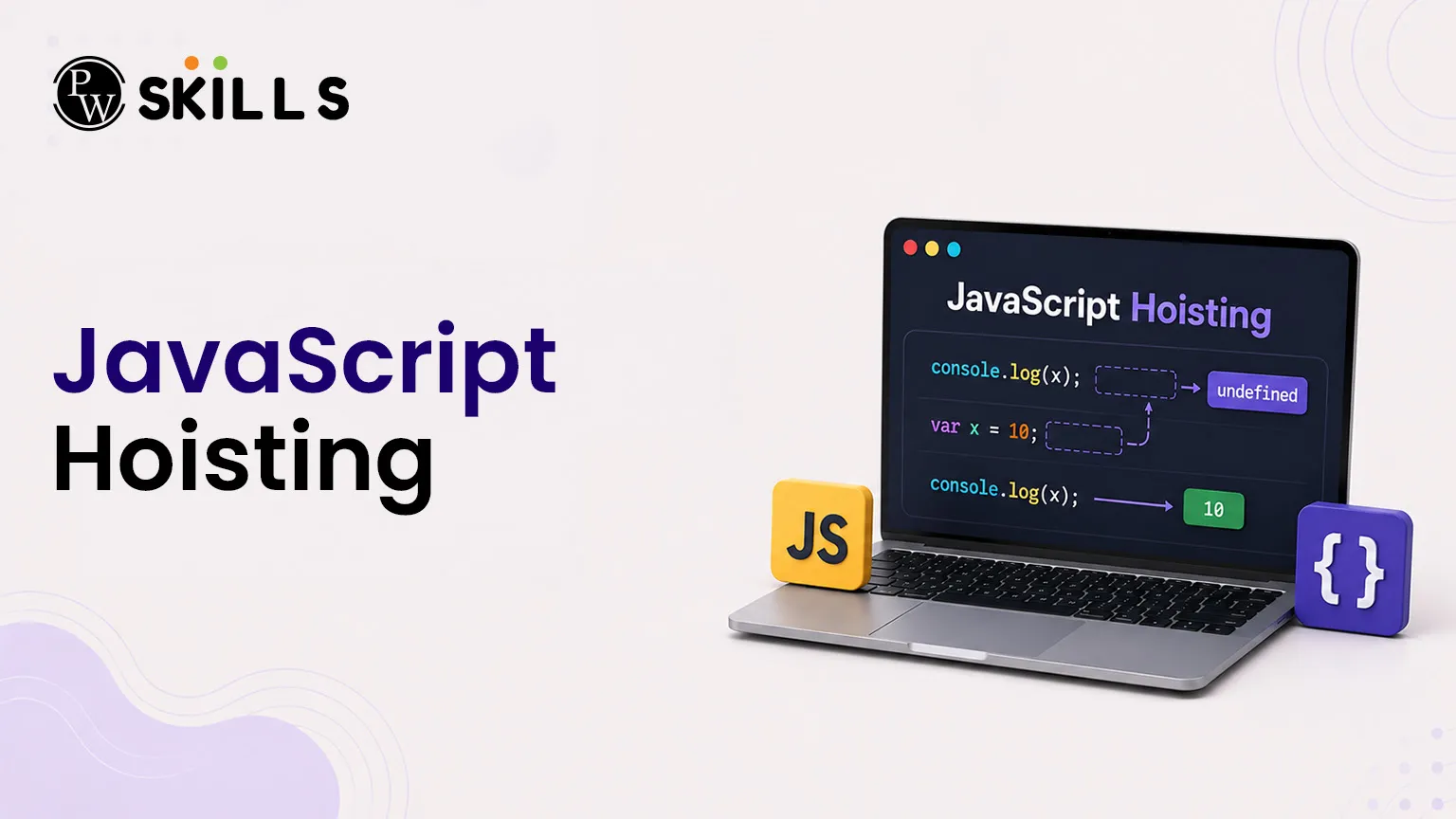
When you declare a variable using the var keyword, the engine registers the variable name in memory during the preparation phase and assigns it a default value of undefined.
JavaScript
console.log(sampleVariable); // Returns undefined
var sampleVariable = 50;
console.log(sampleVariable); // Returns 50
Because of this pre-allocation, running the code above does not throw a reference error; it simply prints undefined because the assignment step happens later during the execution phase.
Hoisting with Function Declarations vs Expressions
Traditional function declarations are completely cached in memory during the compilation phase. The engine stores the entire function body, allowing you to invoke the function anywhere in its scope.
JavaScript
greetUser(); // Outputs: "Good Morning"
function greetUser() {
console.log("Good Morning");
}
However, if you rewrite the routine as a function expression assigned to a variable, the hoisting rules change completely based on the variable keyword used.
JavaScript
displayMessage(); // Throws TypeError: displayMessage is not a function
var displayMessage = function() {
console.log("Hello World");
};
In this scenario, displayMessage is hoisted as a standard var variable. Its initial memory value is set to undefined, which means trying to invoke it as a functional routine before its assignment line causes a crash.
How JavaScript Hoisting Works with the Call Stack?
JavaScript is a synchronous, single-threaded, interpreted programming language. This means it executes exactly one line of code at a time, in the exact order it is written. To manage this sequence, the engine relies on an internal data structure called the call stack in JavaScript.
The call stack operates strictly on a Last-In, First-Out (LIFO) mechanism. Every time the script runs, or a function gets invoked, a wrapper environment called an Execution Context is pushed onto the stack.
Every Execution Context is divided into two distinct logical phases:
-
Memory Creation Phase (Variable Environment): The engine scans the code file and allocates memory space for all variable and function declarations before executing a single line of logic.
-
Code Execution Phase: The engine reads and processes the code line by line, performing value assignments and executing operations.
When your script first loads, the engine builds a Global Execution Context (GEC) and pushes it to the bottom of the stack.
Whenever a function is invoked, a new Function Execution Context (FEC) is created and stacked on top of the GEC. The engine shifts its complete focus to this active frame. Once the function executes a return statement, its context is popped off the stack, and memory is cleared.
What is Temporal Dead Zone in JavaScript Hosting?
Modern JavaScript introduces let and const tokens to handle variables within strict blocks. While these identifiers are technically hoisted by the engine, they are initialized differently from traditional variables. They enter a restricted phase known as the temporal dead zone.
The temporal dead zone represents the specific runtime window starting from the entry into a block scope up until the exact line where the variable declaration is processed by the engine.
Let and Const vs Var Memory Allocation
To see how the engine isolates these modern tokens, look at how variables map to scopes before line-by-line processing:
|
Feature / Keyword |
var |
let / const |
|
Default Initial Value |
undefined |
Uninitialized |
|
Memory Storage Location |
Global Window Object |
Script / Block Object |
|
Access Before Declaration |
Allowed (returns undefined) |
Throws ReferenceError |
|
Scope Boundary |
Function Scope |
Block Scope |
If you try to call a block-scoped variable inside its restricted zone, the system prevents execution with an explicit initialization error.
JavaScript
// Start of block scope
console.log(securedValue); // ReferenceError: Cannot access 'securedValue' before initialization
// Inside the Temporal Dead Zone
let securedValue = 100;
// End of Temporal Dead Zone
console.log(securedValue); // Successfully prints 100
The variable exists in memory inside a hidden, uninitialized state, but the engine blocks any reading or writing attempts until the code reaches the actual declaration line.
How Does Scope in JavaScript Hosting Rule Accessibility?
Every variable you declare has a specific area of availability. These boundaries represent the scope in JavaScript, controlling exactly where items can be read or modified.
JavaScript contains several distinct layers of scoping design:
-
Global Scope: Variables declared outside any block or function framework. They attach directly to the runtime environment (like the browser window object) and remain visible everywhere.
-
Function Scope: Variables declared inside a functional wrapper using var. They are trapped inside the routine and cannot be accessed from outside lines.
-
Block Scope: Code placed inside curly braces {} creates a block. Variables managed by let and const live only inside that specific container.
Visualising Nested Functional Scopes
When a block of code runs inside another, the engine chains scopes together linearly. An internal block can look outward to read values from its parent container, but parent scopes cannot look inward to view hidden properties.
JavaScript
let outerScopeValue = "Global text";
function parentRoutine() {
let parentValue = "Parent text";
if (true) {
let internalValue = "Internal text";
// Can access outerScopeValue, parentValue, and internalValue
}
// Can access parentValue, but internalValue is destroyed here
}
What is the Concept of JavaScript Hosting Closures?
When a function returns another function, it creates a powerful design pattern. A closure is formed when an inner function retains lexical access to its parent's variables, even after the parent function has finished executing and its frame is removed from the call stack.
Building a State Tracker with Closures
Closures allow you to attach a private memory space to an active routine. The following code demonstrates a practical counter function:
JavaScript
function createCounter() {
let internalCount = 0; // Lexical variable environment
return function() {
internalCount++;
console.log(internalCount);
};
}
const trackCount = createCounter();
trackCount(); // Prints: 1
trackCount(); // Prints: 2
trackCount(); // Prints: 3
When createCounter runs, it returns a reference to the inner tracking function and exits the stack. Standard memory rules would clear internalCount, but the inner function maintains an active lexical link to that variable environment. This lookup mechanism allows JavaScript closures to preserve state across separate execution cycles.




FAQs
What happens if I declare a variable without any keyword?
Does the temporal dead zone apply to function declarations?
Can a closure access variables from an outer function's parent?






Get Free Counselling Today
and Clear up all your Doubts
 Live & recorded classes available at easeDashboard for progress trackingLakhs of practice questions

