The HTML Basic Tag is a collection of fundamental elements used to define the architecture of a web page. The HTML basic tags make up the structure of the HTML document. They are used to specify the various elements in the web page and are represented by using the angle brackets (< and >).
Most of the HTML basic tags contain an opening and closing tag. The browser interprets the element enclosed within the angular brackets and displays them accordingly.
For example, if we enclose the text in the heading (<h3></h3>) tag, the browser would display the enclosed tag as heading. In this article, let us know more about HTML basic tags and their uses in defining the structure of the web page.
| Heading Tags |
<h1>, <h2>, <h3>, <h4>, <h5>, and <h6> |
| Paragraph Tags |
<p>....</p> |
| Line Break Tag |
<br> |
| Horizontal Rule Tag |
<hr> |
| Center Tag |
<center> …. </center> |
| List tags |
<ul>...</ul> |
<ol>..</ol>
| Anchor tags |
<a>..</a> |
1. Heading Tags
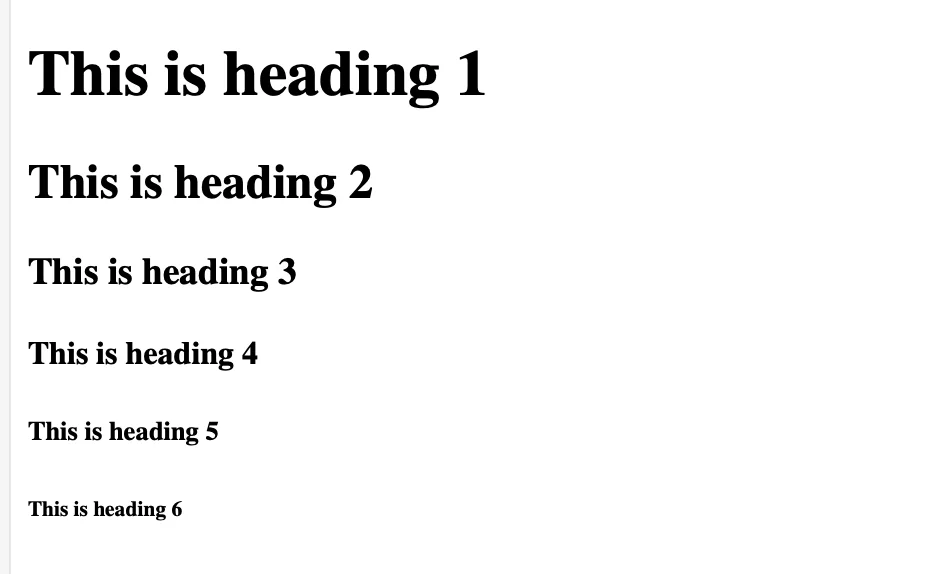
The heading tags are used to define the heading text within a document or web page. You can use different types of heading tags as the requirement. In HTML, there are six levels of heading tags which is used at different stages of a web page, such as <h1>, <h2>, <h3>, <h4>, <h5>, and <h6>.
The browser adds one line <br> before the heading text and one line after the heading text. Check the heading html basic tag demonstration in the table below.
| <!DOCTYPE html>
<html>
<head>
<title>Heading Example</title>
</head>
<body>
<h1>This is heading 1</h1>
<h2>This is heading 2</h2>
<h3>This is heading 3</h3>
<h4>This is heading 4</h4>
<h5>This is heading 5</h5>
<h6>This is heading 6</h6>
</body>
</html> |
2. Paragraph Tag
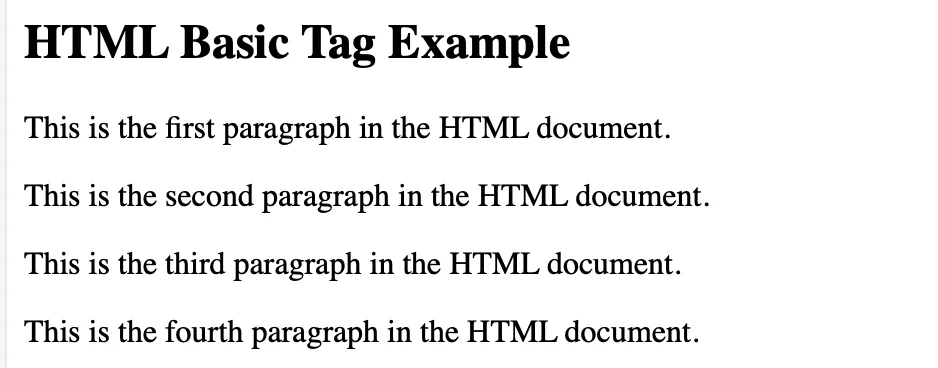
This basic html tag is used to enclose the different paragraphs in the web page. The paragraph tag is represented using the <p> tag. Each paragraph of the text is enclosed within the opening <p> tag and closing </p> tag. The paragraph tag is the most commonly used tag in the structure of a web page.
Also, check, How to iframe tag in HTML?
| <!DOCTYPE html>
<html>
<head>
<title>Heading Example</title>
</head>
<body>
<H2> HTML Basic Tag Example </H2>
<p> This is the first paragraph in the HTML document. </p>
<p> This is the second paragraph in the HTML document. </p>
<p> This is the third paragraph in the HTML document. </p>
<p> This is the fourth paragraph in the HTML document. </p>
</body>
</html> |
3. Line Break Tag
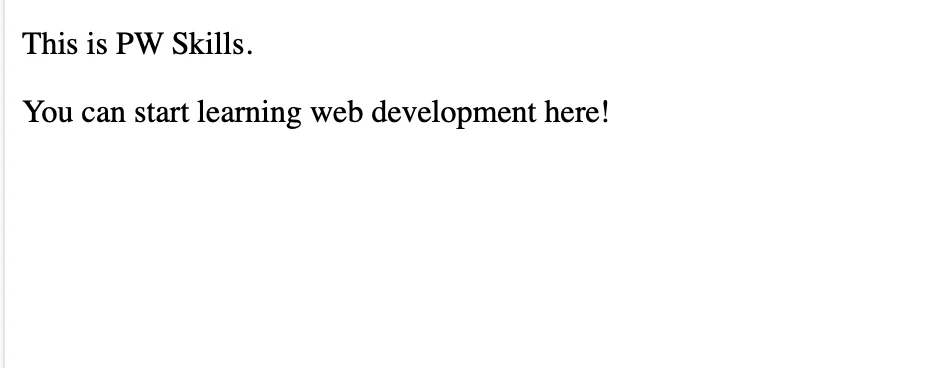
The line break tag is used to shift any text or heading start from the next line. This is a self closing tag which is used to change the line of a paragraph or text in a HTML document. It is represented using the <br> tag and does not require any opening or closing tag.
In XHTML the br tag is used with a forward slash / within the br tag. It is represented as <br /> tag. If you miss the forward slash it will not be valid in XHTML.
| <!DOCTYPE html>
<html>
<head>
<title>Heading Example</title>
</head>
<body>
<p> This is PW Skills. <br> <p>You can start learning web development here!</p>
</body>
</html> |
4. Horizontal Rule Tag
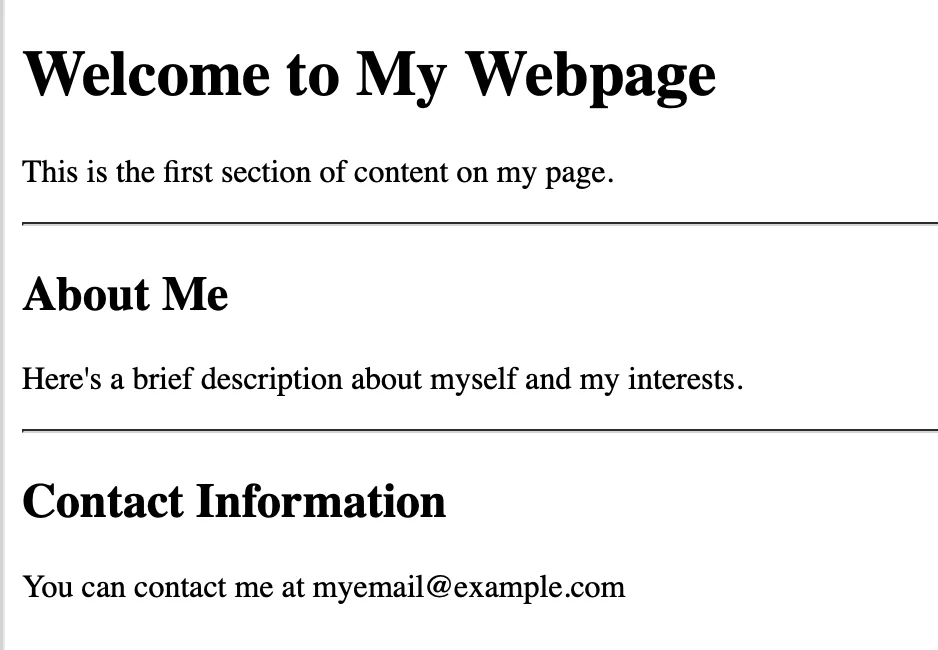
The Horizontal rule tag is used to display a horizontal line in the HTML document. It is used to add space in horizontal direction or break up sections of a document in one or more parts. It is represented by a <hr> tag.
The <hr /> tag is an empty element, it is represented similarly when you need horizontal space without any content to be enclosed. In XHTML, <hr> tag without the forward slash character is invalid and will not produce the desired result.
Also, check, Top Web Developer Skills for 2024
| <!DOCTYPE html>
<html>
<head>
<title>Heading Example</title>
</head>
<body>
<h1>Welcome to My Webpage</h1>
<p>This is the first section of content on my page.</p>
<hr>
<h2>About Me</h2>
<p>Here's a brief description about myself and my interests.</p>
<hr>
<h2>Contact Information</h2>
<p>You can contact me at myemail@example.com</p>
</body>
</html> |
5. The Center Tag
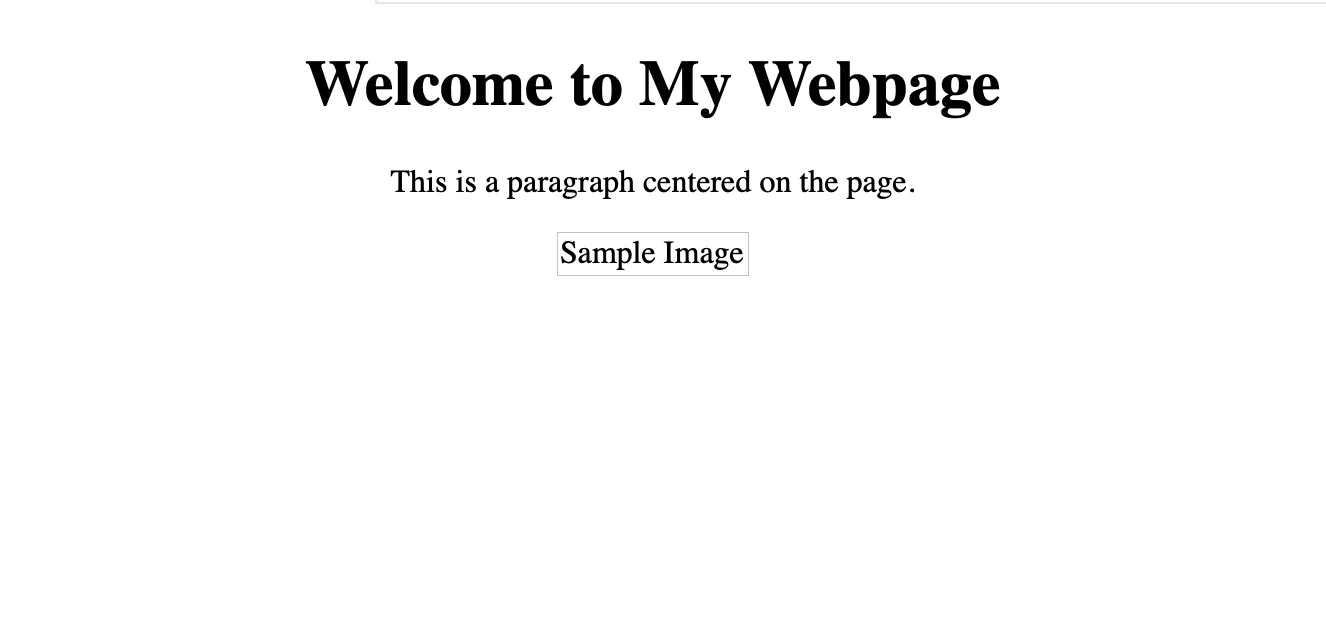
The Center tag is used to align the content of the web page in the middle of the page. In HTML5, it is represented using the <center> tag. However, you can use the CSS text align property to set up the content at the center.
| <!DOCTYPE html>
<html>
<head>
<title>Heading Example</title>
</head>
<body>
<center>
<h1>Welcome to My Webpage</h1>
<p>This is a paragraph centered on the page.</p>
</center>
</body>
</html> |
6. List tags
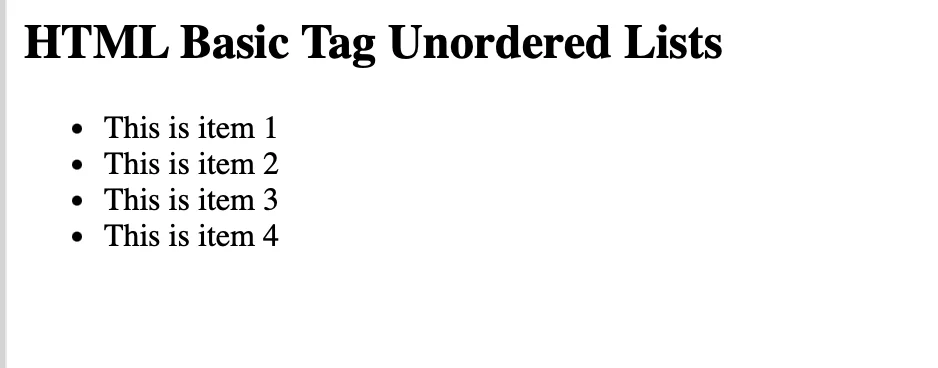
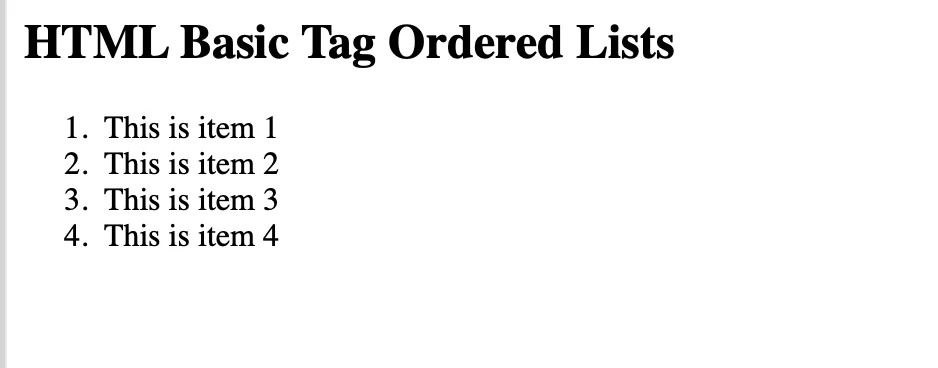
The List tags are of two types i,e. Unordered lists <ul> and ordered lists <ol>. We use <li> tag to represent the list item in both types of list. The unordered list does not care about the orders in which the items are present while the ordered list arrange the items in a particular order.
Unordered Lists
| <!DOCTYPE html>
<html>
<head>
<title>Heading Example</title>
</head>
<body>
<H2> HTML Basic Tag Unordered Lists</H2>
<ul>
<li> This is item 1 </li>
<li> This is item 2 </li>
<li> This is item 3 </li>
<li> This is item 4 </li>
</ul>
</body>
</html> |
Ordered Lists
| <!DOCTYPE html>
<html>
<head>
<title>Heading Example</title>
</head>
<body>
<H2> HTML Basic Tag Ordered Lists</H2>
<ol>
<li> This is item 1 </li>
<li> This is item 2 </li>
<li> This is item 3 </li>
<li> This is item 4 </li>
</ol>
</body>
</html> |
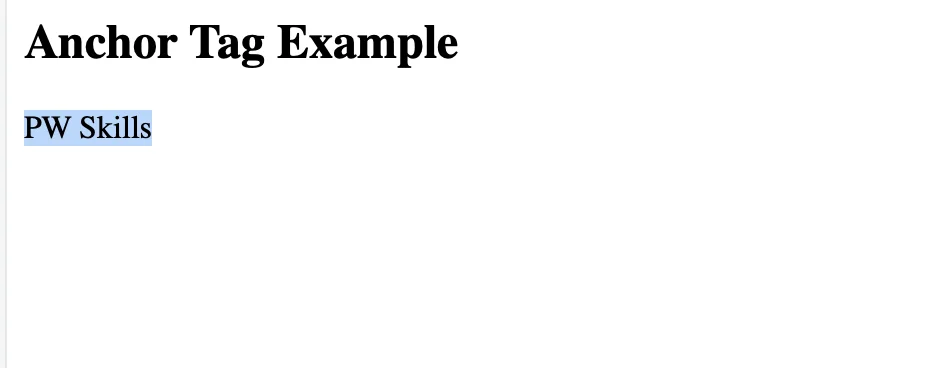
7. Anchor Tags
The anchor tags in html are used to attach the beginning and end of a hypertext link. The text enclosed between the anchor tag is either the starting or destination or both of the links. In HTML, anchor tags are represented using the <a> tag.
The src holds the link to the specific address you want the users to visit. It can contain links for email, web page, location in the same page, etc.
Also, check, 7 Tools you Must Know for Web Development
| <!DOCTYPE html>
<html>
<head>
<title>Heading Example</title>
</head>
<body>
<H2> Anchor Tag Example </H2>
<a src =”https://pwskills.com”>PW Skills</a>
</body>
</html> |
Types of HTML Basic Tags
There are different types of HTML basic tags used in the structuring of HTML web pages. Find any html basic tag that you might use in your web page.
| Category |
Tag |
Description |
| Document Structure |
<!DOCTYPE html> |
Defines the document type and HTML version. |
|
<html> |
Root element of an HTML document. |
|
<head> |
Container for metadata and external resources. |
|
<title> |
Sets the webpage title displayed in the browser tab. |
|
<body> |
Main content of the webpage. |
| Text Formatting |
<h1> to <h6> |
Headings (h1 is the largest, h6 is the smallest). |
|
<p> |
Paragraph. |
|
<br> |
Line break. |
|
<hr> |
Horizontal rule (divider line). |
|
<strong> |
Bold text (important, semantically). |
|
<em> |
Italic text (important, semantically). |
|
<b> |
Bold text (stylistic purposes). |
|
<i> |
Italic text (stylistic purposes). |
|
<u> |
Underlined text. |
|
<small> |
Smaller text. |
|
<mark> |
Highlighted text. |
| Grouping |
<div> |
Block-level container for organizing elements. |
|
<span> |
Inline container for text or inline elements. |
| List |
<ul> |
Unordered list (bullet points). |
|
<ol> |
Ordered list (numbered). |
|
<li> |
List item, used inside <ul> or <ol>. |
| Link & Navigation |
<a> |
Anchor tag, used to create links. |
|
<nav> |
Section for navigation links. |
| Image & Media |
<img> |
Embeds an image. |
|
<audio> |
Embeds audio content. |
|
<video> |
Embeds video content. |
|
<source> |
Defines media resources for <audio> or <video>. |
|
<figure> |
Self-contained content, like images or diagrams. |
|
<figcaption> |
Caption for <figure> content. |
| Table |
<table> |
Table element. |
|
<tr> |
Table row. |
|
<td> |
Table cell. |
|
<th> |
Table header cell. |
|
<thead> |
Table header section. |
|
<tbody> |
Table body section. |
|
<tfoot> |
Table footer section. |
| Form |
<form> |
Container for form elements. |
|
<input> |
Input field for user data. |
|
<textarea> |
Multi-line text input field. |
|
<button> |
Button element. |
|
<select> |
Dropdown list. |
|
<option> |
Option in a dropdown list. |
|
<label> |
Label for form elements. |
|
<fieldset> |
Grouping for related form elements. |
|
<legend> |
Title for a <fieldset> group. |
| Semantic & Layout |
<header> |
Header section for introductory content. |
|
<footer> |
Footer section for concluding content. |
|
<section> |
Defines a section in a document. |
|
<article> |
Self-contained content (like a blog post). |
|
<aside> |
Sidebar content, related but secondary. |
|
<main> |
Main content of the document. |
|
<figure> |
Groups media content with <figcaption>. |
| Metadata & Scripting |
<meta> |
Provides metadata (e.g., charset, viewport). |
|
<link> |
Links to external resources like CSS files. |
|
<style> |
Embeds CSS styles within HTML. |
|
<script> |
Embeds JavaScript code. |
Learn Full Stack Web Development with PW Skills
Enrol in our 6 months Full Stack Web Development Course and get in-depth tutorials of all fundamentals of web development under the guidance of expert mentors and industry oriented curriculum. Master advanced tools and framework and practice them with our real world projects.
Strengthen your portfolio and prepare yourself for interviews and a wide range of career opportunities as a certified web developer only with pwskills.com

 Varun Saharawat30 Oct, 2025