

How Responsive UI development From Full Stack Development with AI Course Applies on the Job
 Hardik Gupta20 Jul, 2026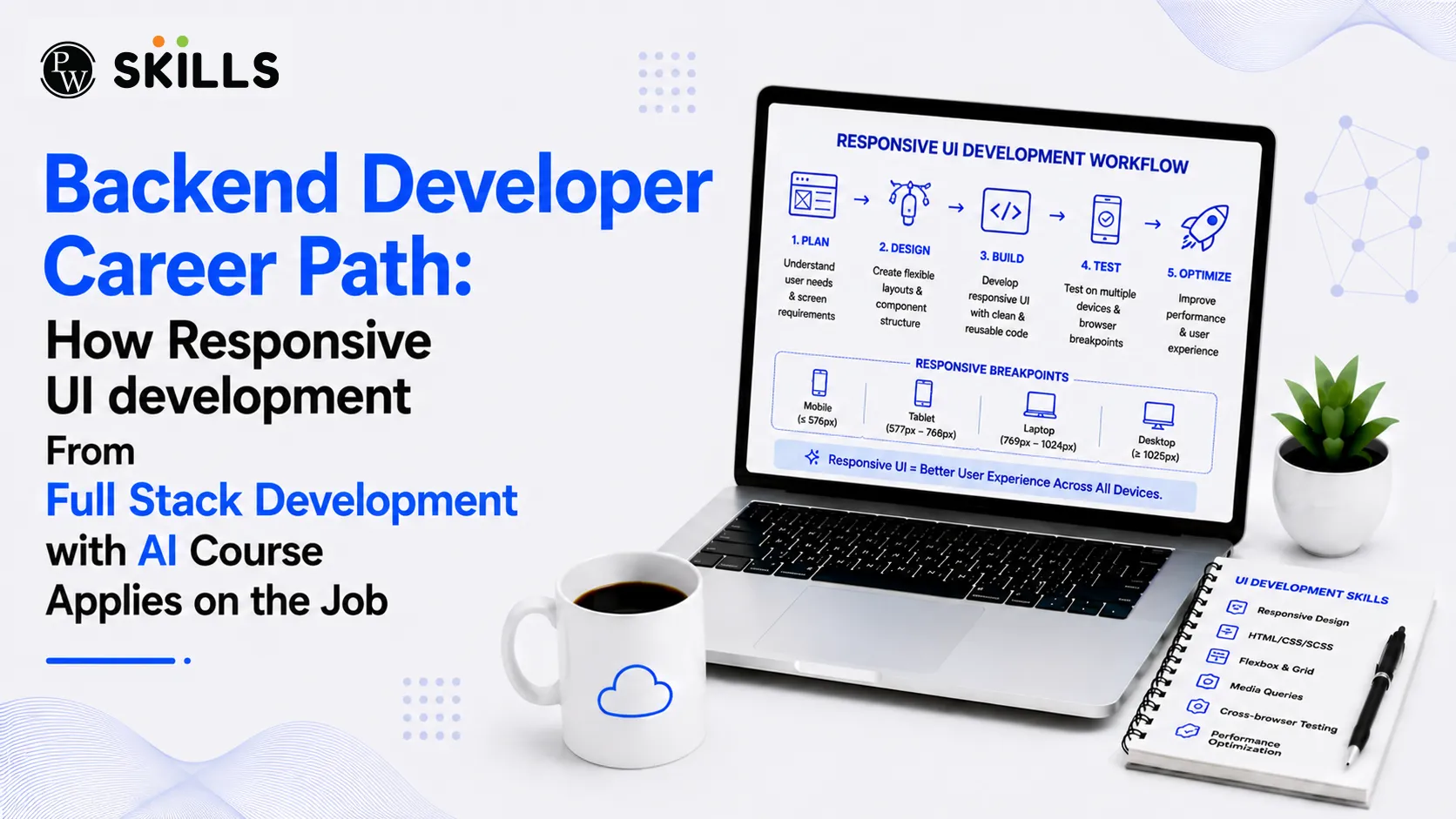
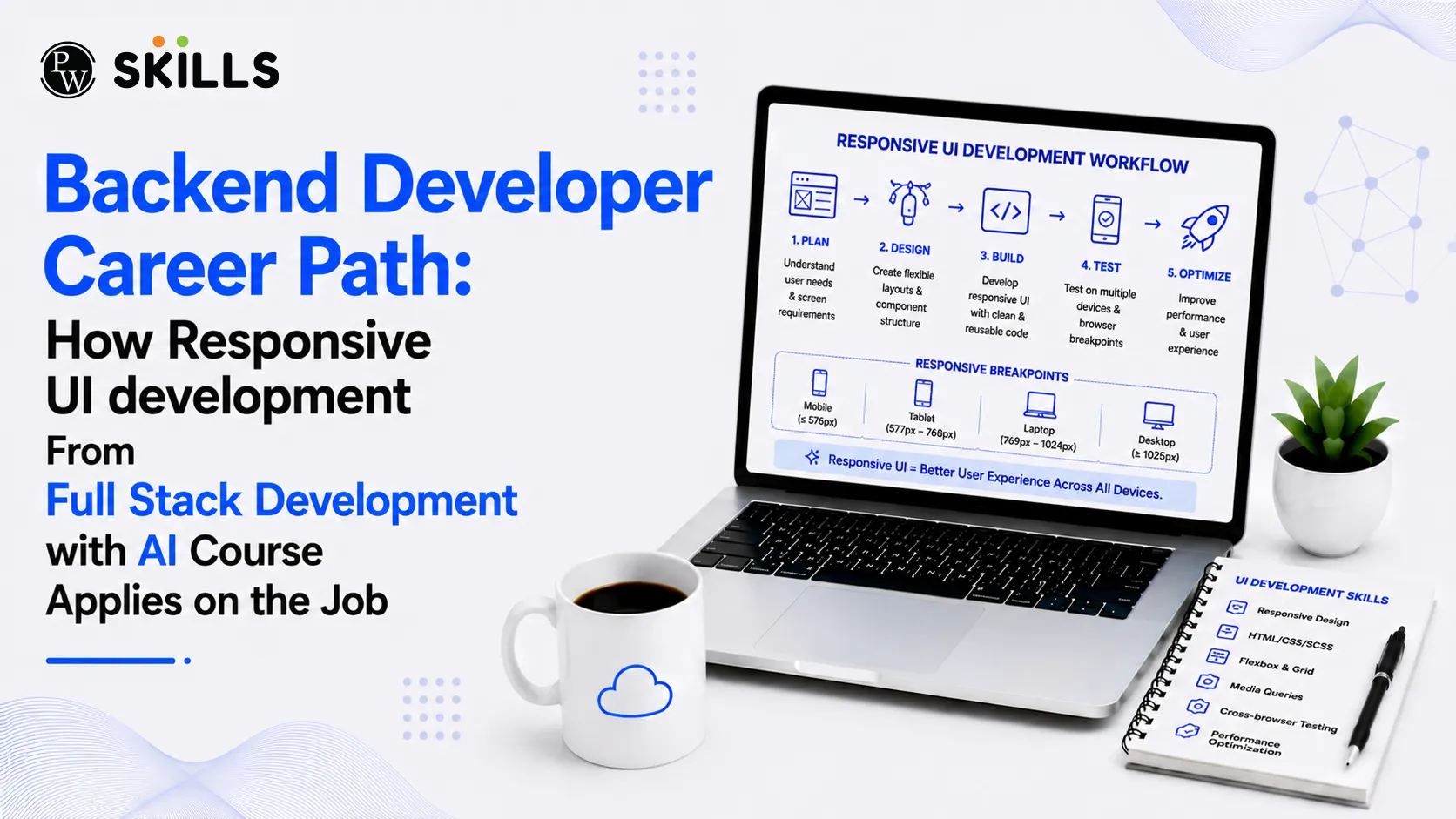
The modern software landscape moves fast, and backend developers often struggle to understand why they need to learn client-facing skills. Many server-side engineers believe that writing business logic and managing databases is their only responsibility. However, building modern applications requires an understanding of how data is consumed by the user interface. Pursuing a Full Stack Development with AI Course helps backend specialists bridge this gap. Learning responsive design makes you a more versatile engineer who can build efficient systems that perform well across all devices.
Why Should Backend Developers Learn Responsive UI Concepts?
Responsive design is not just about making layouts look good on different screens. It is about managing how data flows between the server and various client applications. When you understand the front-end layout, you can design better database queries, reduce payload sizes, and improve the user experience.
-
Smart Data Management: Different devices require different data structures. A desktop view might display a large, detailed table, while a mobile view only needs a simplified summary card.
-
Performance Optimization: When backend developers understand screen sizes, they can avoid sending massive, unnecessary payloads over slow mobile networks.
-
Better Team Collaboration: Understanding the work of front-end engineers helps you build clearer integration points and design better backend services.
Full Stack Development Course for Better REST API Development
Building stable interfaces is a key part of backend development. AI full-stack development course teaches you how front-end layouts interact with servers through API endpoints. This knowledge is essential when Building REST APIs that serve diverse client requirements.
Creating Adaptive Endpoints
Instead of building a single endpoint that sends the same massive JSON payload to every device, a well-trained developer learns to build flexible systems. You can design APIs that accept query parameters to filter data based on the user's device. For instance, a mobile client can request fewer data fields, saving valuable bandwidth and reducing server load.
/api/v1/products?view=mobile_summary
/api/v1/products?view=desktop_detailed
Using this approach ensures that a mobile user on a slow network does not download unused metadata. This design pattern directly improves mobile application performance and reduces server egress costs.
Full Stack Development with AI Course and Backend Performance Optimization
Every layout decision on the client side has a direct impact on server resources. When you understand how a browser renders page elements, you can build backend systems that support fast page loads.
Media and Dynamic Assets
Responsive layouts use specific techniques like source-set images and media queries to display the right asset size for each screen. As a backend developer, you can support this process by automating asset management. You can write server-side scripts that automatically resize, compress, and cache images when they are uploaded.
Smart Pagination Systems
A desktop application might use traditional numbered pagination, showing dozens of items per page. Meanwhile, a mobile app might use infinite scrolling. Infinite scrolling requires a highly efficient backend strategy.
|
Feature |
Desktop Grid Pagination |
Mobile Infinite Scroll |
|
Data Fetch Style |
Large, infrequent batches |
Small, continuous streams |
|
Backend Strategy |
Standard offset pagination |
Fast cursor-based pagination |
|
Database Impact |
High initial read, then idle |
Continuous light database reads |
Using cursor-based pagination for infinite scroll prevents the database performance issues that often occur with high offset values. This is a practical example of how understanding front-end behavior helps you write better server-side code.
Full Stack Development Course for AI Assisted Development
Modern software engineering relies heavily on artificial intelligence to speed up daily workflows. A comprehensive AI full-stack development course teaches you how to use AI assistants to write code, debug errors, and automate repetitive development tasks.
-
Writing Boilerplate Code: You can use AI models to quickly generate responsive CSS utility classes, standard HTML structures, and basic endpoint configurations.
-
Simulating Different Client Loads: AI tools can help you write test scripts that simulate how different mobile devices and slow network speeds interact with your database.
-
Auto-Generating API Documentation: Modern tools can scan your backend code and instantly create interactive API documentation, making integration easier for front-end developers.
Full Stack Development with AI Course for Career Growth
The demand for software engineers who can handle both front-end interfaces and backend databases is growing rapidly in India. Companies prefer versatile engineers who can take ownership of a feature from start to finish.
Unlocking High-Value Roles
Enrolling in AI full-stack development course prepares you for competitive Full Stack Developer Jobs in top tech companies and global capability centres. Employers look for developers who understand the complete application lifecycle, from database design to responsive UI rendering.
Improving Team Efficiency
In many development teams, progress slows down because front-end and backend engineers struggle to communicate their requirements. A backend developer who understands responsive UI concepts can predict front-end needs, reducing development cycles and minimizing integration bugs.
Full Stack Development with AI Course and State Management
Modern responsive web applications rely on complex state management libraries to keep the user interface updated without reloading the page. As a backend developer, understanding these client-side state changes helps you design better system architectures.
Database Queries for Real-Time UI
Responsive interfaces often use real-time updates to keep elements fresh across different devices. If your backend is not optimized for frequent client-side updates, your database can quickly become a bottleneck.
To prevent this, you can implement server-side caching layer tools like Redis. Caching frequently requested data keeps your database running smoothly, even when thousands of mobile clients are sending concurrent requests.
Full Stack Development with AI Course for Multi Device Applications
To support responsive layouts, your database must be organized to deliver data quickly and efficiently.
Decoupling Data Structures
Keep your primary database schemas focused on clean data storage rather than how things look on screen. Use a presentation layer or an API gateway to format and filter the data for specific devices. This separation keeps your database clean and easy to maintain as your front-end designs change over time.
Implementing Efficient Indexing
Ensure that the fields used for filtering mobile payloads are properly indexed. If your mobile application frequently queries items based on category or status to fit smaller screens, those database columns must have clear indexes to ensure fast search results.




FAQs
What is the primary benefit of learning an AI-powered full stack development course for a backend engineer?
How does responsive UI knowledge help when Building REST APIs?
How does a Full Stack Development with AI Course + Full Stack Developer Jobs pathway improve career opportunities?
Full Stack Development with AI Course + How does it help beginners become professional developers?
Why is Full Stack Development with AI Course + Building REST APIs important for developers?






Get Free Counselling Today
and Clear up all your Doubts
 Live & recorded classes available at easeDashboard for progress trackingLakhs of practice questions

