

Deployment & DevOps basics Explained: Why Full Stack Development with AI Course Teaches It Early

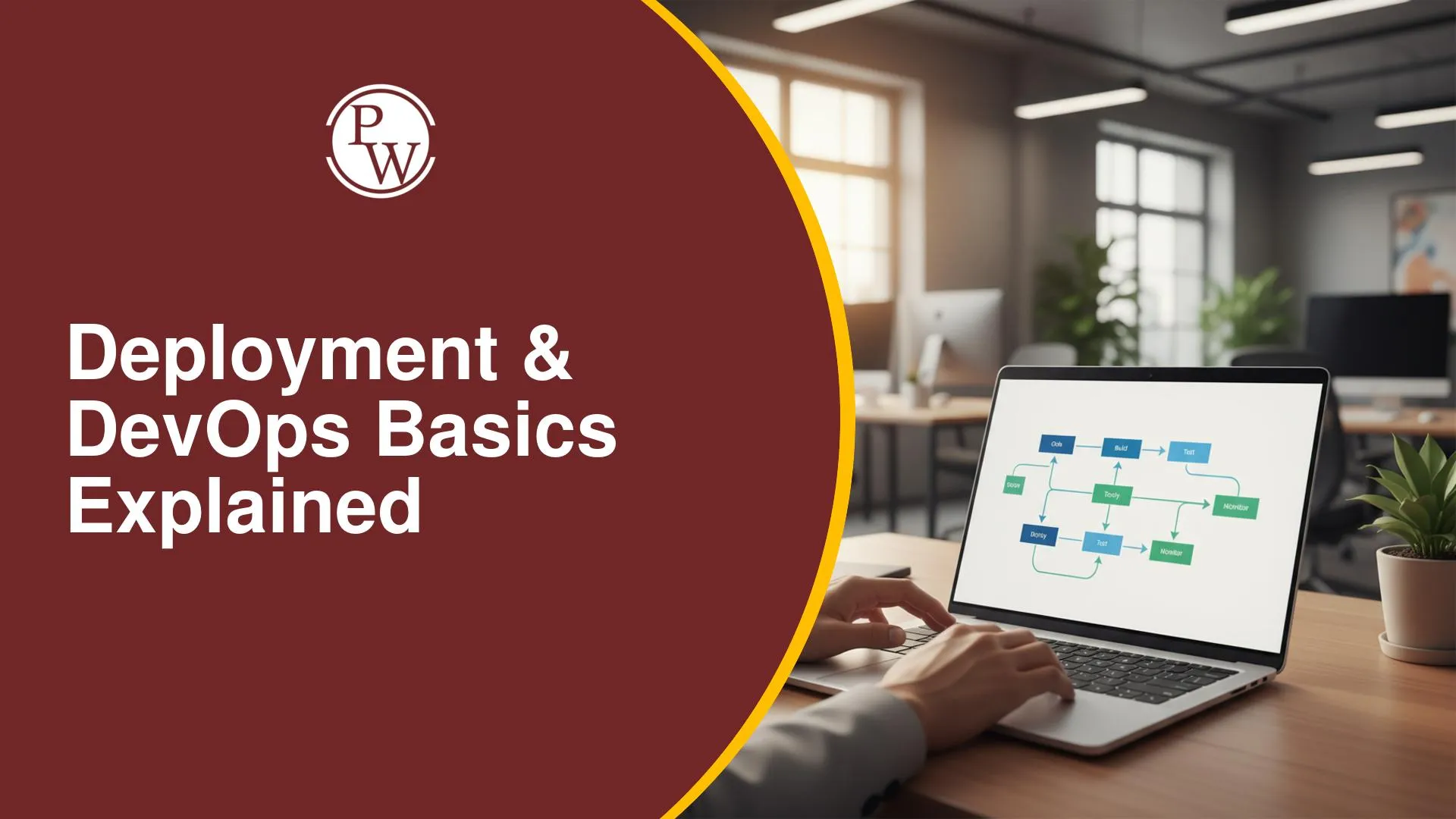
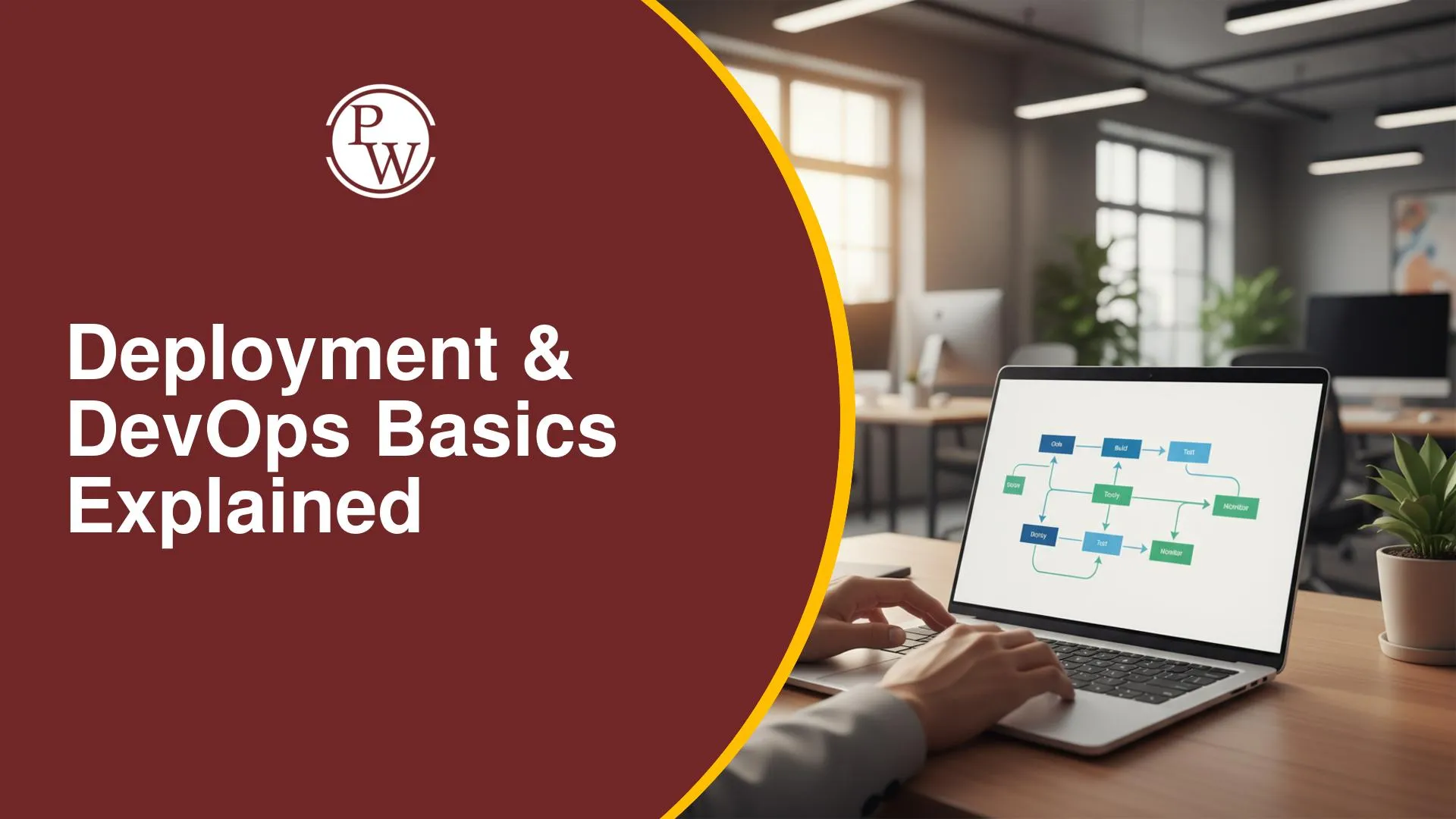
Writing clean code in a local text editor is vital, but modern industry expectations demand that developers know how to take applications live on cloud platforms. When you enroll in a comprehensive Full Stack Development with AI Course, deployment and DevOps principles are introduced early in the curriculum rather than treated as an afterthought.
Understanding server management, continuous integration, and AI-driven automation alongside database design ensures you gain complete end-to-end technical capabilities from day one.
What Are Deployment and DevOps in Full Stack Development with AI Course?
Deployment refers to the process of pushing written code from a local environment onto production servers so that anyone on the internet can access the application. DevOps, short for Development and Operations, represents a set of practices, cultural philosophies, and tools that automate software delivery workflows.
In a modern software context, these domain areas combine to streamline software updates while ensuring application reliability and performance.
Within a modern Full Stack Development with AI Course, deployment and DevOps go beyond traditional hosting. You learn how artificial intelligence tooling assists in writing deployment scripts, configuring infrastructure, tracking bugs, and managing version releases efficiently.
- Frontend Hosting: Delivering interactive user interfaces and client-side code to browsers via cloud providers.
- Backend Deployment: Configuring server environments, routing APIs, and managing environment variables.
- Database Management: Hosting NoSQL databases, executing schema migrations, and handling secure data storage.
- Automated CI/CD Pipelines: Setting up automatic tests and builds whenever new code changes are committed.
- AI Workflow Enhancement: Utilising AI algorithms for automated debugging, faster coding, and infrastructure setup.
Why Deployment and DevOps Matter in Full Stack Development with AI Course
Understanding Why deployment skills are integrated early in a Full Stack Development with AI Course boils down to how real-world engineering teams build software today. Early exposure to deployment removes the artificial separation between writing code and shipping code.
|
Benefit |
Focus Area |
Practical Impact |
|
Real-World Experience |
Production Architecture |
Prepares you to build web applications that handle real internet traffic safely. |
|
Debugging Readiness |
Environment Parity |
Helps catch configuration errors early instead of discovering them during final project submissions. |
|
Portfolio Verification |
Live Project Links |
Allows recruiters to inspect active, running web applications instead of offline repository code. |
|
AI Collaboration |
Intelligent Automation |
Teaches you to use AI tools for generating continuous integration setups and monitoring code quality. |
Building modern applications requires thinking about how server-side logic, client views, and databases interact across remote cloud infrastructures. Learning these principles early builds confidence and reduces technical friction throughout your studies.
DevOps Basics Covered in Full Stack Development with AI Course
The curriculum introduces structural practices systematically so learners transition from fundamental concepts to complex application delivery.
- Version Control Fundamentals: Managing source code changes using Git, creating feature branches, resolving code conflicts, and handling pull requests on remote repositories.
- Software Development Life Cycle (SDLC): Understanding how software moves from initial planning and pseudocode through building, testing, continuous delivery, and user feedback loops.
- Automated Integration (CI/CD Basics): Utilizing tools like GitHub Actions to run automated checks, build validation scripts, and push updates smoothly.
- Cloud Infrastructure Basics: Setting up cloud hosting, understanding serverless functions, configuring domain names, and maintaining environment security variables.
- AI-Assisted Debugging: Employing generative AI utilities to inspect server log files, optimize database operations, and resolve runtime errors swiftly.
How Full Stack Development with AI Course Teaches Deployment
Teaching methodology combines structured curriculum modules, guided mentor sessions, and hands-on coding exercises. Learners progressively apply deployment techniques to their coursework as they advance through different technical stack layers.
- Foundational Environment Setup: You start with computer software basics, browser runtime mechanics, internet fundamentals, and command-line execution.
- Version Control Integration: Every project task—from basic semantic HTML5 structures to advanced styling scripts—is pushed directly into version control repositories.
- Frontend Application Delivery: You learn how to publish modern dynamic applications, ensuring cross-device functionality across distinct viewports.
- Backend Server & Database Hosting: You gain practice configuring Express.js server routes, setting up REST APIs, managing access tokens, and linking NoSQL databases like MongoDB.
- AI Workflow Execution: AI assistance tools are embedded across projects to write deployment configurations, draft unit test cases, and automate release steps.
- Capstone Project Deployment: Completing end-to-end full stack applications requires planning, building, debugging, and hosting complete production-ready codebases.
Tools You Can Learn in Full Stack Development with AI Course
An industry-aligned toolkit ensures learners build experience with technologies used daily across global development teams.
- Git & GitHub: Version tracking, collaborative workflow management, branch strategies, and pull request audits.
- GitHub Actions: Creating automated build pipelines, test triggers, and automated release steps.
- Cloud Hosting Platforms: Deploying client interfaces and web applications using Vercel, Netlify, and server hosting solutions.
- Database Platforms: Managing MongoDB instances, connection security keys, schema modeling, and indexing parameters.
- Browser & Developer Utilities: Utilizing Chrome DevTools for client performance profiling, network inspection, and responsive layout testing.
- AI Coding Assistants: Leveraging artificial intelligence tools for automated code debugging, script generation, and rapid workflow prototyping.
How Deployment Skills Support Developer Jobs
Completing a Full Stack Development with AI Course prepares graduates for diverse technical paths. Employers across the tech sector seek engineers who possess complete product delivery understanding rather than siloed coding skills.
- Full Stack Web Developer: Building complete web applications, managing client interfaces, building backend logic, and overseeing cloud hosting.
- Back-End Developer: Developing robust RESTful application interfaces, handling access authentication, tuning server execution, and managing database connections.
- Software Developer: Writing clean code across modern programming frameworks, establishing automated software tests, and shipping production applications.
- Roles Linked to Frontend Developer Jobs: Gaining specialized knowledge in continuous integration elevates prospective candidates applying for Full Stack Development with AI Course + Frontend Developer Jobs, as modern frontend roles increasingly demand deployment, SSR, and API configuration knowledge.
How to Practise Deployment with Full Stack Development with AI Course
Consistent hands-on execution is crucial for mastering cloud hosting workflows. The curriculum incorporates over 27 real-world case studies alongside 300 or more practice exercises to encourage active learning.
- Ship Projects Early: Deploy your projects as soon as basic HTML and CSS files are functional, rather than waiting until the end of a build cycle.
- Focus on Mobile-First Layouts: Connect layout principles learned during Full Stack Development with AI Course + Responsive UI development modules directly to live production testing across physical mobile devices.
- Automate Testing Steps: Configure GitHub Actions scripts early on small repositories to become comfortable reading build output logs.
- Simulate Production Issues: Practice updating database environment variables, running schema updates, and handling server routing errors on test deployments.
- Use AI for Troubleshooting: Prompt artificial intelligence assistants to explain obscure cloud deployment errors or suggest optimization settings.
Common Mistakes to Avoid in Full Stack Development with AI Course
Learners frequently encounter repeatable mistakes when taking their first web applications live. Being aware of these errors helps keep your projects secure, reliable, and functional.
- Hardcoding Private Keys: Pushing database connection strings, JWT secret tokens, or private access keys directly into public version control repositories instead of using environment configuration files.
- Skipping Local Build Verification: Pushing unverified code straight to production remote repositories without building and running local tests first.
- Ignoring Cross-Device Styling: Assuming an application renders correctly on mobile devices simply because it functions properly inside local desktop browser views.
- Neglecting Database Access Permissions: Leaving cloud database clusters open to unrestricted public network traffic without securing host access rules.
- Over-relying on AI Without Code Audits: Accepting AI-generated deployment configurations without inspecting the generated code for security flaws or syntax errors.




FAQs
What is the primary focus of the Full Stack Development with AI Course?
Why are deployment concepts introduced early in the curriculum?
Which DevOps and version control tools are covered?
Can beginners without prior coding experience complete this program?
How do AI tools assist during application deployment?






Get Free Counselling Today
and Clear up all your Doubts
 Live & recorded classes available at easeDashboard for progress trackingLakhs of practice questions

