

Full Website Audit Process Step-by-Step
 Nivedita Dar6 May, 2026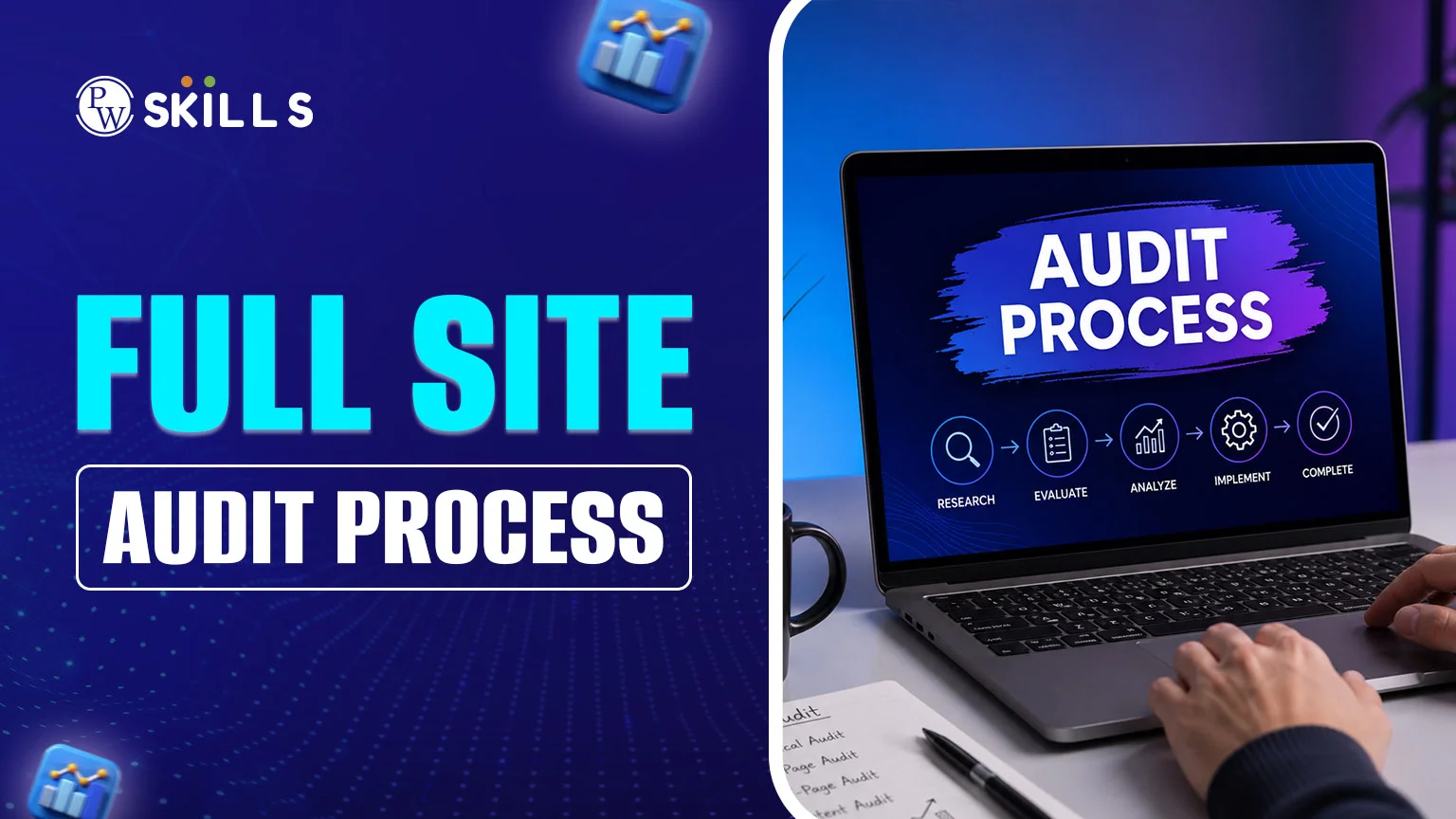
Building a website is the initial step in the constantly changing realm of online marketing. Even the most beautiful website can fall victim to broken links, slow loading times, and out-of-date content, which can push it further down the search engine results page (SERP) without periodic health checks. The most important keyword to learn is the full site audit process.
This process is a diagnostic test that identifies where your website is losing authority and how to correct it, so you can maintain your competitive edge in search engines.
Importance of Full Site Audit Process
Your website is not a book; it's an organism. Over time, things break. Content is removed without redirecting to other pages; images are too large and slow down mobile sites; and the Google algorithm keeps on evolving. A full site audit process enables you to take an in-depth look at your website. This allows you to detect technical issues that may hinder Google's ability to index your content. Search engines' inefficient reading will render your content invisible. But beyond the technical side, a site audit ensures your content is relevant to your target audience, providing a user-friendly experience that drives more conversions and sales.Full Site Audit Process Checklist
It's important to have a plan before you set about the task. A good full-site audit checklist will help you leave no stone unturned. The usual suspects should be examined:- Crawlability and Indexing: Are your pages accessible to search engines?
- Site Architecture: Is your structure easy for humans and crawlers to follow?
- On-Page SEO: Are your titles, descriptions, and headers optimised?
- Technical Performance: How fast does the site load on mobile and desktop?
- User Experience (UX): Is the site easy to navigate?
- Content Quality: Is the information up to date, relevant, and useful?
How to do a Full Site Audit?
There are many steps involved in an audit, which can seem daunting. Here are the best full site audit process steps to cover all critical areas of your website.1. Define Your Goals and Scope
There are many reasons for an audit. Perhaps you want to resolve an unexpected traffic loss, or you're getting ready for a major overhaul? A clear goal allows you to prioritise measurements.2. Crawl Your Website
Employ a specialised tool that simulates the search engine's crawl. This will give you an idea of the URL structure and spot red flags such as 404 errors (dead pages) or 500 errors (server problems).3. Check for Indexing Issues
Use Google to search for your site with "site:yourdomain.com". If the results returned are much higher or lower than the number of pages you have, it indicates an indexing issue. You could be inadvertently blocking search engines from your robots.txt file or meta tags.4. Analyse On-Page SEO Elements
Each page must have a unique H1 and an intriguing meta description. Look for:- Duplicate title tags.
- Images with no alt text.
- Low word count (pages with little content).
- Keyword cannibalisation: more than one page targets the same term.
5. Evaluate Site Speed and Mobile Usability
With Google's mobile-first indexing, your site must perform flawlessly on smartphones. Uncompressed high-resolution images are the primary culprits for slow speeds. Tools like PageSpeed Insights are vital here.6. Review Your Backlink Profile
An audit isn't just about what is on your site; it is also about who is talking to you. Look for low-quality links from spammy websites that might be hurting your reputation and ensure your internal linking structure passes "link juice" to your most important pages.Full Site Audit Process Tools
You do not have to do all of this manually. Leveraging the right tools can automate the heavy lifting. Although many professional suites necessitate a subscription, there are numerous ways to initiate the process:- Google Search Console: The most important free tool. It tells you directly how Google views your site and alerts you to manual penalties or security issues.
- Google Analytics: This tool will help you monitor user behaviour. If you have a high bounce rate on a specific page, the content is likely the issue.
- Screaming Frog: An industry standard for crawling sites to find technical errors like broken links and duplicate metadata.
- Ahrefs or Semrush: Great for assessing the health of your backlinks and comparing your performance against your competitors.
Full Site Audit Process Example
Let's look at an example of a full site audit process for a small e-commerce blog. A blogger found that the "Top 10 Photography Tips" post had fallen from page 1 to page 4. The audit revealed three issues:- It had several dead external links.
- The page's feature image was 5 MB and caused a 6-second loading delay on 4G connections.
- A competitor had released a more up-to-date list of new cameras.
Full Site Audit Process Report
Once data collection is complete, you must organise it into a full site audit report. A good report should not just list problems; it should prioritise them.- Critical Issues: "Fix right now" issues, such as a site-wide "noindex" tag or server outage.
- Recommended Improvements: These include setting up meta tags or page speed.
- Growth Opportunities: These are long-term strategies, such as creating new content for untapped keywords.
Full Site Audit Process Template
If you have multiple sites to manage, a full site audit process template is a godsend. A template (usually a Google Sheet or Trello board) is a way to tick off tasks. Your template should include columns for:- The Issue: (e.g., Missing Meta Description)
- The URL: Where is the problem located?
- Priority Level: (Low, Medium, High)
- Status: (To Do, In Progress, Done)
Also Check:
- Digital Marketing with AI Course
- Digital Marketing With AI
- Digital Marketing with AI + Social Media Marketing
- Digital Marketing with AI (Offline Batch)
- AI in Digital Marketing – The Ultimate Guide
- Digital Marketing Syllabus: Course, Duration, Fees
- How to Start a Career in Digital Marketing? Skills Required & Job Roles






🔥 Trending Blogs
FAQs
How often should I perform a full site audit process?
We recommend running a full audit on most websites every 3–6 months. If you're losing traffic or migrating your site, get audited immediately.
What is the most important part of a full site audit process for SEO?
All of the above are critical, but crawlability is key. If your pages can't be indexed or crawled by search engine bots due to technical issues or robots.txt blocks, all your on-page optimisation and content work will be for nought.
Can I do a website audit for free?
Absolutely! You can use a combination of free, full audit process tools, such as Google Search Console, Google Analytics, and the free version of Screaming Frog (up to 500 URLs), to get a very high-quality site audit.
What is the difference between a technical audit and a full site audit?
A technical audit focuses solely on technical issues such as server response codes, speed, and XML sitemaps. A full audit includes technical issues, content quality, user experience, and backlinks.


Talk to a counsellorHave doubts? Our support team will be happy to assist you!



Get Free Counselling Today
and Clear up all your Doubts
Talk to Our Counsellor just by filling out the form.
Join 15 Million students on the app today!
 Live & recorded classes available at easeDashboard for progress trackingLakhs of practice questions

