
Computer Basic Class Offers Basic Understanding of Fundamentals of Computers
 Varun Saharawat30 Oct, 2025
Computer Basic Class: In today’s fast-paced, tech-driven world, computers have become essential to our daily lives. From managing emails and spreadsheets to browsing the internet or creating presentations, knowing how to use a computer is a skill that everyone should possess. If you are new to the digital world or want to sharpen your existing skills, starting with the right computer basic class can set you on the right path.
Whether you are a student aiming to enhance your academic abilities, a professional looking to improve your office productivity, or someone simply interested in learning the fundamentals, this blog will walk you through the best computer basic class that will equip you with the necessary skills.
Overview of Computer Basic Class
A Computer Basic Class is not just for beginners rather, it is for anyone eager to gain confidence in using computers. From learning how to turn on a device to mastering essential software like Microsoft Office, these classes are designed to meet your skill level and guide you forward. A Computer Basic Class is not just about understanding machines, it is about enhancing personal and professional life. Whether one is seeking to improve job prospects, stay organized at home, or communicate more effectively, this class offers practical, hands-on experience with real-world applications.
By the end of the course, you will be able to use computers with confidence, turning them into powerful tools for productivity, creativity, and communication. And as technology continues to evolve, your newfound skills will provide the foundation needed to keep up with new developments.
A Computer Basic Class is not just about understanding machines, it is about enhancing personal and professional life. Whether one is seeking to improve job prospects, stay organized at home, or communicate more effectively, this class offers practical, hands-on experience with real-world applications.
By the end of the course, you will be able to use computers with confidence, turning them into powerful tools for productivity, creativity, and communication. And as technology continues to evolve, your newfound skills will provide the foundation needed to keep up with new developments.
Key Takeaways
- A Computer Basic Class is for everyone, not just beginners, to help build confidence in using computers.
- It covers a range of skills, from turning on a device to using essential software like Microsoft Office.
- The class adapts to the current skill level and helps them to improve step by step
- The course offers practical, hands-on learning with real-world applications, like staying organized, improving job skills, or communicating better.
- By the end of the class, one will confidently use computers for productivity, creativity, and communication.
- The skills learned will serve as a foundation for keeping up with future technology advancements.
Learnings in Computer Basic Class
What can someone expect to learn in a Computer Basic Class? Well, let us clear this doubt under this head. We will thoroughly be giving an idea of all the various topics that are commonly covered in a Computer Basic Class.Hardware and Software Fundamentals
Gain a clear understanding of how computers work by exploring their physical components known as hardware, and the programs that run them known as software. We will learn how to set up, configure, and maintain a computer, ensuring smooth daily operation.Operating Systems Mastery
Whether it is Windows, macOS, or Linux, this course will teach you how to navigate the different types of operating systems, helping you manage files, use system tools, and troubleshoot common issues.Essential Applications
Productivity software like Microsoft Word, Excel, and PowerPoint will become second nature. Learn to create documents, analyze data in spreadsheets, and design compelling presentations, key skills in both the academic and business worlds.Internet and Email
Explore the online world with confidence. From browsing safely and effectively to mastering email communication, you will be learning to stay connected, informed, and protected in the digital space.Security Basics
Understand the importance of online safety and how to protect the computer from malware, phishing attacks, and other cyber threats. This is an essential part of staying safe in an increasingly digital world.Computer Basic Class Syllabus
 A list of essential computer basic courses that help one build a solid foundation in digital literacy. The below-mentioned course covers the core skills needed for navigating computers in daily life in work environments:
- Introduction to Computer: Containing the overview of computer hardware and software and the basic components and functions of a computer.
- Operating System Basics: Containing navigating operating systems like Windows, macOS, and Linux, and also managing folders, files, system tools, etc.
- Microsoft Office Suite: Containing knowledge related to Microsoft Word, Excel, and PowerPoint.
- Internet and Web Browsing: Contains an introduction to the internet and how it works, search engines, and what is safe browsing practices, and managing online privacy.
- Email Basics: Contains how to set up and manage email accounts, compose, send, and organize mails, attach files, and use email etiquette.
- Basic Typing and Keyboard Skills: Learning layout and typing techniques and improving typing speed and accuracy through exercises.
Basic Computer Courses List (3 Months)
The 3-month computer courses are structured to provide a deep dive into each subject area, offering practical knowledge and hands-on experience within a short period. Whether you are aiming to boost your professional skills or explore a new career path, these courses are a great starting point. The below table contains major 3-Month Basic Computer courses:|
List of 3-Month Basic Computer Courses |
|||
| Course Title | Duration | Overview | Key Topics |
| Postgraduate Certification in Banking, Finance and Insurance | 3 months | Develop a strong foundation in Banking, Finance and Insurance sector | Core Banking Finance Accounting Insurance Soft Skills |
| Generative AI Bootcamp | 3 Months | Develop a strong understanding of Generative AI | Artificial Intelligence Generative AI Generative AI Tools |
| Digital Marketing with AI | 3 Months | Learn SEO strategies, tools, social media marketing, ads management, etc. | SEO Marketing Ads management Social Media Marketing |
| Basic Computer Skills | 3 months | Foundation course for beginners covering hardware, software, and typing skills | Computer hardware & software basics Operating systems navigation File management |
| Microsoft Office Specialist | 3 months | Learn essential MS Office tools for office productivity | Microsoft Word, Excel, PowerPoint Formatting, data analysis, presentations |
| Computerized Accounting (Tally/QuickBooks) | 3 months | Training in accounting software for financial management | Accounting fundamentalsManaging accounts and ledgers Financial reporting and auditing |
| Graphic Design (Adobe Photoshop/Illustrator) | 3 months | Introduction to graphic design tools for creative projects | Image editing in Photoshop Vector design in Illustrator Logo and marketing design |
| Web Development (HTML, CSS, JavaScript) | 3 months | Basic web development skills for building websites | HTML for structure CSS for styling JavaScript for interactivity |
| Data Entry & Office Administration | 3 months | Develop data entry accuracy and office management skills | Efficient data entry techniques Office productivity tools Administrative tasks |
| Digital Marketing Basics | 3 months | Introduction to digital marketing strategies and tools | SEO basics Social media marketing Google Ads and online advertising |
| Basic Networking & Cyber Security | 3 months | Learn networking fundamentals and cyber security practices | Network setup & troubleshooting Cyber threat prevention Basic security protocols |
| AutoCAD for Beginners | 3 months | Learn 2D and 3D design using AutoCAD for engineering and architecture | 2D drafting Introduction to 3D modeling Printing and exporting designs |
| Python Programming for Beginners | 3 months | Learn the basics of Python programming for software development or data science | Python syntax & logic Basic object-oriented programming (OOP) Data handling |
Basic Computer Courses List (6 Months)
The 6-month Computer Courses are designed to provide a deep understanding of their respective subjects and help one acquire job-ready skills in a relatively short period. They are ideal for beginners as well as those looking to specialize in a particular area of computing. The below table contains major 6-month Basic Computer courses:|
List of 6-Month Basic Computer Courses |
|
| Course Name | What You'll Learn |
| Full Stack Development Course | Master Front End and Backend Frameworks |
| Data Science with Generative AI | Data Science, Generative AI, Data Analytics, Machine Learning, Statistics, Mathematics, etc |
| UI/UX Design Course | User interface, Use Experience Design, Figma, Web Development Basics, Canva, Khroma, etc |
| Product Management with Generative AI | Product Management, Principles, Cycles, Problem Solving, Strategy, etc. |
| Diploma in Computer Applications (DCA) | Get comfortable with computers, learn to use MS Office, manage files, and explore the internet. |
| Certificate in Web Designing | Master HTML, CSS, and JavaScript to create websites, design layouts, and learn responsive design. |
| Graphic Designing | Use tools like Photoshop and Illustrator to design logos, posters, and digital art. Learn design principles. |
| Digital Marketing | Learn SEO, social media marketing, Google Ads, and email marketing to promote businesses online. |
| Tally ERP with GST | Dive into accounting software, handle GST, manage finances, and generate reports using Tally. |
| Computerized Financial Accounting | Learn to handle accounts using QuickBooks or Tally, manage ledgers, and prepare financial statements. |
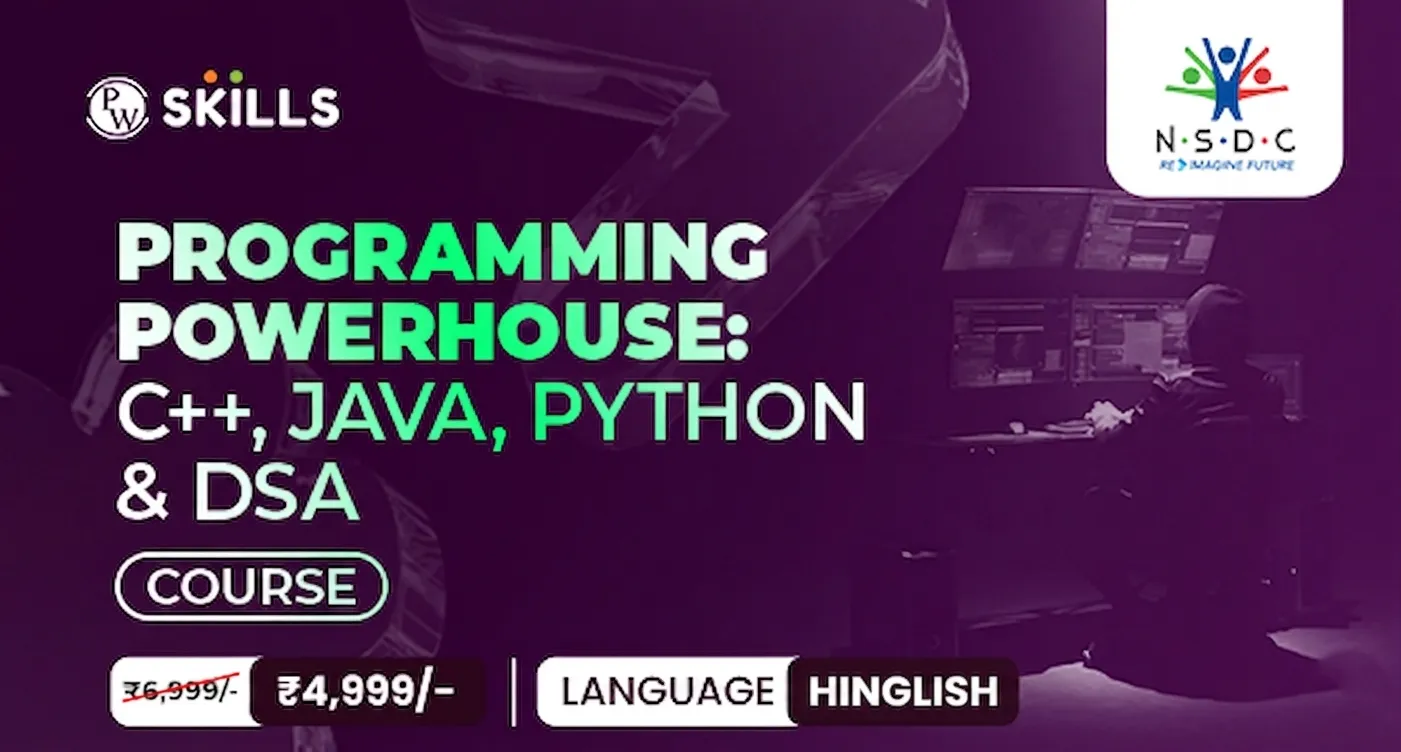
Master Computer Skills with PW Skills
Join our platform and master various upskilling programs to shape your career in top tech companies. Check list of computer basic classes on PW Skills below.





Computer Basic Class FAQs
Q1. What will I learn in a Computer Basics course?
Q2. What is a beginner computer course?
Q3. How do I choose a beginner’s computer course?





Get Free Counselling Today
and Clear up all your Doubts
 Live & recorded classes available at easeDashboard for progress trackingLakhs of practice questions

