

10 Digital Marketing Tools That Can Improve Your Job Opportunities in 2026
 Hardik Gupta7 Jul, 2026
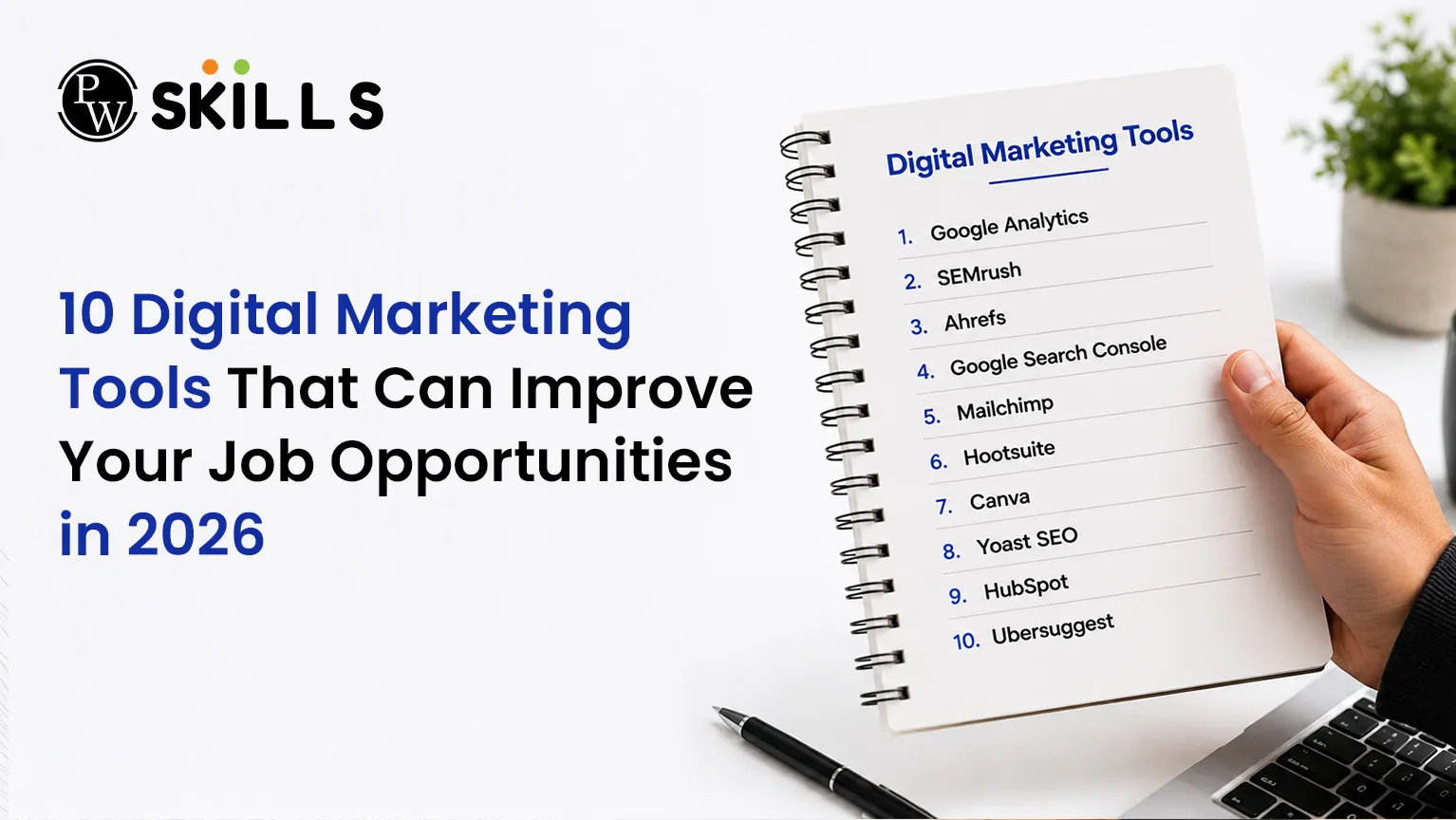
Getting into digital marketing can be a struggle when employers want to see hands-on experience with industry platforms. The correct Digital Marketing Tools will help you bridge the gap between what you learn in college and what is required for a career in the real world. In this post, we will discuss the must-know tools for every novice to gain practical abilities, boost their resume and prepare for a successful digital marketing profession.
Top 10 Digital Marketing Tools in 2026
Google Analytics for Data Tracking
Tracking data remains the cornerstone of any internet campaign. Today corporate marketing teams don’t guess about performance. They track every user behaviour to create programs that are laser targeted. Knowing how visitors act on a webpage is essential to turning casual clicks into paying clients.
-
Audience tracking: Companies use analytics software to discover the precise geographic location, age demographics, and device types used by their site visitors.
-
Conversion mapping: You can monitor the exact journey an online user takes before making a purchase, helping you locate points where customers drop off.
-
Goal setting: Platforms allow teams to set custom objectives, such as tracking newsletter registrations or ebook downloads.
Recruiters actively search for applicants who can transform raw rows of percentages and numbers into actionable growth plans. Understanding data platforms proves you can protect an organization's advertising budget by finding exactly which web pages generate the highest financial return.
Read In Detail: Google Analytics 4 (GA4): Effective Complete Setup Guide For Beginners
HubSpot for Inbound Campaigns
Inbound marketing relies heavily on structured automation to nurture consumer relationships over extended periods. Managing hundreds of distinct client interactions manually becomes impossible as a business expands. HubSpot fixes this by combining sales data, customer service history, and advertising tracking into a single dashboard.
-
Contact storage: The software creates unified profiles for every lead, saving their full email interaction history and past site visits.
-
Content management: Teams can draft, edit, and publish blogs directly through the system while linking them to active advertising campaigns.
-
Lead scoring: The tool automatically ranks potential buyers based on their interaction frequency, telling sales agents who to call first.
Understanding how to connect different customer service steps saves companies hundreds of operational hours. Job seekers who can configure complex email sequences based on dynamic user behaviors are highly sought after by modern corporate recruiters.
Salesforce for Corporate CRM
Large enterprise corporations rely on massive amounts of data to coordinate their global outreach teams. Enterprise level platforms help international companies sync their massive sales operations with live promotional campaigns. Learning this software places you in a highly competitive bracket for high-paying corporate roles.
-
Pipeline visibility: The system gives managers a real-time view of every open deal across different global sales sectors.
-
Custom dashboards: Users can build personalized visual reports to display active return on investment metrics to company stakeholders.
-
Cross-channel data: It connects physical store data with online web performance to provide a comprehensive look at customer interactions.
Because enterprise software deployment requires deep technical understanding, companies struggle to find trained operators. Showcasing certified proficiency in enterprise customer relationship management software instantly improves your long-term job security.
Semrush for Search Optimisation
Organic search traffic forms the backbone of sustainable corporate growth. Appearing on the initial page of search engines requires deep keyword research and thorough competitor analysis. Semrush provides specialized insights that tell companies exactly what their target audience searches for online.
-
Search volume analysis: The application reveals how many people search for particular phrases each month, alongside the competition level for those words.
-
Backlink tracking: You can audit the internal and external link architecture of any website to check its search authority.
-
Position tracking: The software updates daily rankings for target terms, letting you know if optimization changes worked.
Read In Detail: Semrush: The Ultimate Guide
Technical Site Auditing
-
Error detection: The tool identifies broken link paths, duplicate articles, and missing meta elements that lower search ranks.
-
Speed analysis: It flags heavy script files and large images that slow down page loading speeds.
-
Mobile checks: The software verifies if your content displays properly across different tablet and smartphone layouts.
Mailchimp for Email Outreach
Direct email campaigns consistently deliver some of the highest returns on investment in the online advertising landscape. Building a direct communication channel with consumers shields brands from shifting social media algorithms. Mailchimp allows businesses to design, distribute, and analyze large-scale email campaigns easily.
-
Visual builders: The tool uses drag-and-drop systems to construct clean, brand-aligned email templates without needing HTML coding knowledge.
-
Audience segmenting: You can split consumer lists by past purchase behavior, ensuring customers receive highly relevant offers.
-
Behavior triggers: The system sends automated messages immediately when a user abandons a digital shopping cart or signs up for a webinar.
Evaluating Campaign Performance
-
Open rate analytics: The platform displays the exact percentage of recipients who opened your message, validating headline effectiveness.
-
Click-through rates: It monitors which links inside the body text received the most engagement from readers.
-
Bounce monitoring: The software flags dead or invalid email addresses to keep your sender reputation healthy.
Zapier for Workflow Automation
Efficiency defines success in modern business environments. Forcing employees to copy data manually between different platforms wastes hours and introduces human error. Zapier acts as an digital translator, connecting separate applications to automate everyday processes.
-
Trigger actions: You can set up a rule where an action in one tool automatically starts a task in another program.
-
Lead routing: The system instantly copies new lead info from a social media form directly into an internal customer database.
-
Notification bots: It alerts team communication channels the moment a client completes a payment on your website.
-
Data syncing: The platform updates contact information across multiple software systems simultaneously without manual input.
-
File saving: It automatically downloads incoming email attachments and sorts them into organized cloud storage folders.
-
Report creation: The tool aggregates weekly metrics from distinct channels and compiles them into a single summary document.
Canva for Visual Asset Design
Modern media landscapes require constant streams of engaging graphic assets across diverse social networks. Waiting days for professional graphics departments to deliver basic image layouts slows down campaign execution. Canva enables marketers to build clean, professional visual designs rapidly.
-
Template libraries: Access thousands of pre-configured dimensions for various platforms, ensuring graphics display perfectly.
-
Brand kits: Store company logos, color palettes, and custom fonts in one place to maintain visual consistency across teams.
-
Asset editing: Edit photographs, remove distracting backgrounds, and add typography overlays without learning complex desktop design suites.
-
Video creation: Build short video clips and animations tailored for social media stories and video feeds.
-
Presentation building: Design clean, clear pitch decks and data reports for internal stakeholder review sessions.
-
Print production: Format physical marketing collateral like brochures, business cards, and event flyers accurately.
Hootsuite for Social Management
Managing an enterprise brand requires an active presence across multiple social networks simultaneously. Logging into separate platforms individually to post updates and respond to customers is incredibly inefficient. Hootsuite combines all social profiles into a centralized command dashboard.
-
Central calendars: Plan and queue social updates weeks ahead across multiple profiles through a unified visual timeline.
-
Bulk uploads: Upload dozens of pre-drafted status updates using spreadsheet documents to schedule campaigns instantly.
-
Smart timing: The application evaluates historical engagement trends to publish your updates when audiences are most active.
-
Keyword streams: Track brand mentions, product reviews, and competitor discussions across public social spaces in real time.
-
Inbox unification: Merge direct messages and comments from different platforms into a single conversation feed for support agents.
-
Team collaboration: Assign incoming customer service tickets to specific internal team members to prevent double replies.
Google Ads for Customer Acquisition
When organizations need immediate website traffic and consumer actions, they turn to paid search advertising. Bidding on relevant keywords allows brands to position their products above organic web listings. Google Ads teaches you how to buy highly targeted traffic efficiently.
-
Search network ads: Position text ads at the very top of engine results when prospective buyers actively seek out your services.
-
Display network placements: Serve visual banners across millions of partner websites based on user interest profiles.
-
Budget control: Set strict daily expenditure caps to ensure campaigns never overspend available marketing funds.
-
Quality scores: Improve landing page relevance and ad copy alignment to lower the actual cost per click charged by engines.
-
Negative keywords: Exclude irrelevant phrases from your targeting setup to stop wasting funds on accidental clicks.
-
A/B testing: Run multiple ad variations simultaneously to discover which headlines yield the highest conversion rates.
Also Check: How Do Google Ads Work? A Step-by-Step Explanation
Buffer for Small Business Growth
Agile startups and growing brands need simple, lightweight platforms to scale their online presence without heavy software fees. Buffer provides an accessible entry point for teams focusing on content scheduling and direct community interaction. Learning this software prepares you for versatile roles in small business environments.
-
Queue systems: Add new post ideas to a continuous publishing queue that pushes out content automatically based on preset slots.
-
Simple analytics: Review clean performance summaries highlighting your most popular posts and overall follower growth.
-
Landing pages: Build basic, responsive micro-websites to showcase products or capture email leads directly from social bios.
Smaller organizations rarely have budget room for high-cost enterprise software suites. Demonstrating expertise in cost-effective, agile platforms proves you can help small businesses launch efficient online campaigns immediately.
|
Platform |
Core Strategy Area |
Primary Target Audience |
Key Career Advantage |
|
Data Tracking |
All Business Sizes |
Validates campaign return on investment |
|
|
HubSpot |
Inbound Automation |
Mid to Large Firms |
Combines client data streams |
|
Enterprise CRM |
Global Corporations |
Unlocks premium enterprise career paths |
|
|
Semrush |
Organic Search |
SEO Agencies |
Drives sustainable organic web traffic |
|
Email Outreach |
Small-Medium Brands |
Delivers direct customer acquisition |
|
|
Zapier |
Workflow Automation |
Productivity Teams |
Eliminates repetitive manual data entry |
|
Canva |
Graphic Design |
Content Creators |
Builds rapid brand visual assets |
|
Hootsuite |
Social Management |
Corporate Brands |
Centralizes multiple network profiles |
|
Google Ads |
Paid Advertising |
Acquisition Teams |
Generates immediate targeted traffic |
|
Buffer |
Agile Publishing |
Startups & Growth |
Delivers cost-effective social scheduling |





FAQs
Which digital marketing tools should beginners learn first?
Can learning specific digital marketing tools help me get a remote job?
How does learning analytics software accelerate digital marketing career growth?
Are enterprise level customer relationship software skills highly demanded by corporate employers?
Do I need to learn graphic creation tools for a marketing career?






Get Free Counselling Today
and Clear up all your Doubts
 Live & recorded classes available at easeDashboard for progress trackingLakhs of practice questions

