

In-App Marketing Strategy Guide

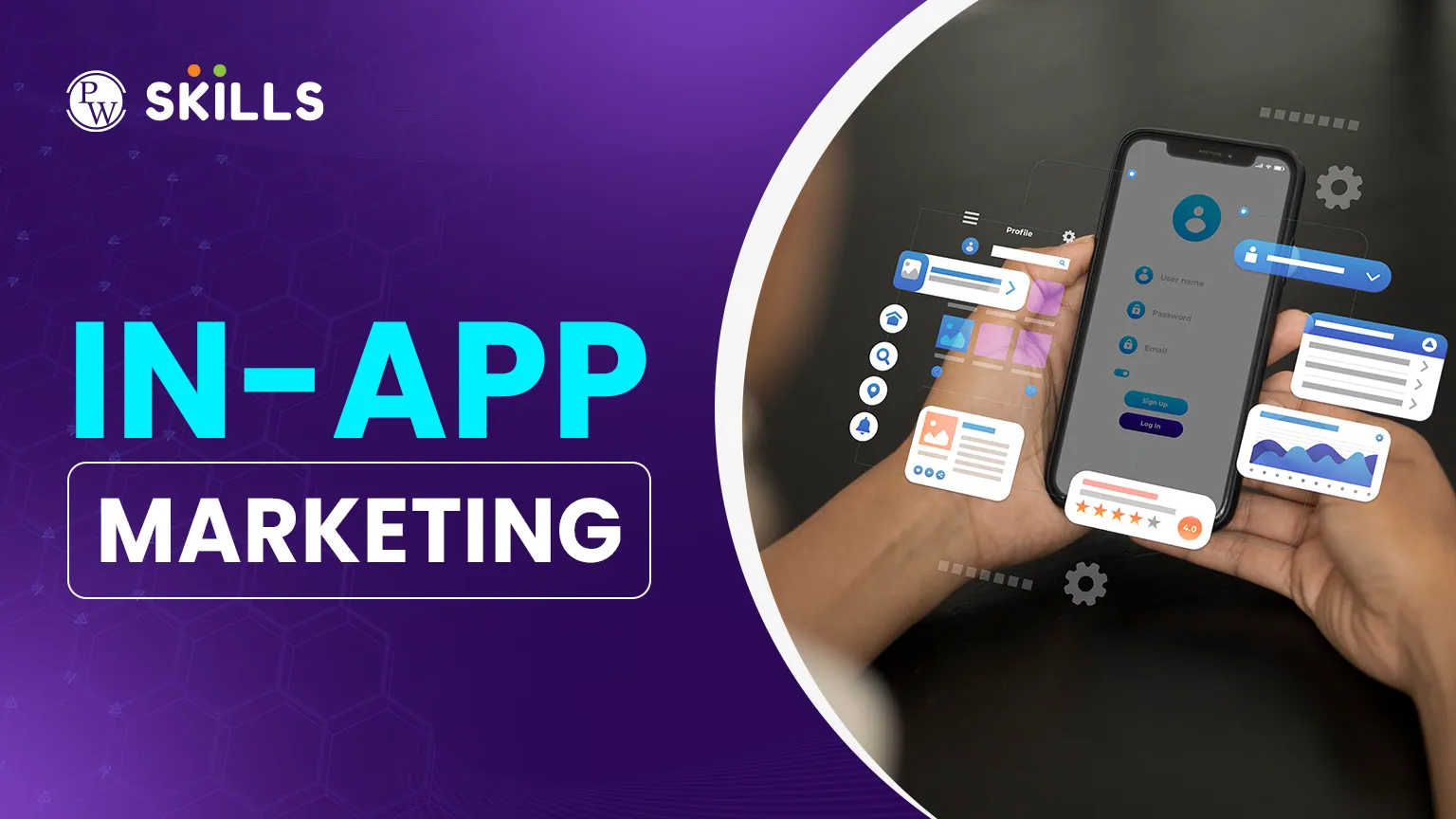
Building a mobile app is only the first step. The real challenge is keeping users interested and active. Many developers lose users because people get confused or lose interest after downloading. In-app marketing delivers targeted messages and experiences while users are in the app.
Engaging users in real time lets you highlight useful features and build long-term loyalty. This article will show you how to use these in-app interactions to improve your app’s performance and return on investment.
Importance of In-App Marketing
This approach covers any communication or marketing that happens inside a mobile app. Unlike push notifications, which aim to bring users back, in-app marketing focuses on people who are already using the app.
The main goal is to improve the user’s experience. Showing the right message at the right time, users can find what they need more easily. Good in-app marketing makes it easier for users to do things like make a purchase or sign up for a newsletter.
These strategies offer several key benefits for app owners and marketers. Here are some of the main advantages of in-app marketing:
-
Higher Conversion Rates: Because users are already engaged with your interface, they are more likely to respond to prompts.
-
Improved User Retention: Helping users discover value quickly prevents them from deleting the app.
-
Personalised Experience: You can tailor messages based on what the user is currently doing.
-
Better Feedback Loops: It is easier to collect ratings and reviews while the experience is fresh in the user's mind.
How to Build an In-App Marketing Strategy
A good in app marketing strategy is more than just showing random pop-ups. It should fit naturally into how users interact with your app. Begin by grouping your audience based on their behaviour, such as new users and power users.
Timing matters most. If a message appears while someone is busy with a task, it can be frustrating. But if it shows up after a user completes something, like finishing a game level or checking out, it feels natural.
You can choose from several formats based on your goals. The table below shows the most common ways apps deliver messages today:
|
Message Type |
Best Use Case |
User Impact |
|
Full-Screen Overlays |
Major announcements or critical updates. |
High - Interrupted flow. |
|
Modals / Pop-ups |
Discounts, feedback requests, or feature highlights. |
Medium - Requires action. |
|
Tooltips |
Onboarding and explaining specific buttons. |
Low - Helpful guidance. |
|
In-Box Messages |
Newsletters or non-urgent promotions. |
Very Low - User-led. |
In-App Marketing Examples
Looking at how successful brands operate can provide inspiration for your own campaigns. Great in app marketing examples usually focus on solving a problem for the user rather than just selling a product.
For example, if a fitness app sees that a user hasn’t logged a workout for three days, it could show a small banner suggesting a quick 5-minute stretch instead of pushing a hard sales pitch. This helps keep users active without being too pushy.
Another example is a 'feature discovery' prompt. When a social media app adds a new video filter, it might use a simple tooltip to highlight it the next time someone opens the camera. This helps people try the new feature without needing a big advertising budget.
Tools for In-App Marketing
To execute these campaigns, you need the right technology. Most developers use specific in app marketing tools that allow non-technical marketing teams to create and deploy messages without updating the app's code every time.
These tools usually provide dashboards for A/B testing, audience segmentation, and detailed analytics. By using these platforms, you can track which messages drive the most clicks and which ones cause users to close the app.
-
Analytics Engines: These track user paths to find the best spots for intervention.
-
Engagement Platforms: These allow you to design the visual look of your modals and banners.
-
A/B Testing Tools: Use these to try different colours, text, or timing to see what performs best.
How to Run In-App Marketing Campaigns
When designing your in app marketing campaigns, you must define clear objectives. Are you trying to increase the average order value, or are you simply trying to get users to finish their profile setup?
Each campaign should have a specific trigger. A trigger could be "User opened the app for the 5th time" or "User added an item to the basket but did not pay." By setting these parameters, your marketing becomes reactive and relevant.
Below are the steps to launch a campaign:
-
Identify the Goal: Determine exactly what action you want the user to take.
-
Define the Segment: Choose who will see the message (e.g., only first-time users).
-
Choose the Format: Select between a banner, a modal, or a tooltip.
-
Set the Trigger: Decide the exact moment the message should appear.
-
Measure Success: Check the data to see if users followed the call to action.
How Beginners Can Start with the In-App Marketing
If you are just starting, follow this in app marketing guide to build a foundation. First, map out your user journey from the moment they sign up. Identify "drop-off points" where users typically stop using the app. These points are your prime opportunities for in-app intervention.
Next, focus on your onboarding process. Use tooltips to guide new users through the core features. Once they are comfortable, you can move on to more advanced strategies like cross-selling or asking for referrals. Always remember to test your messages on a small group of users before rolling them out to your entire audience.
You cannot improve what you do not measure. Keep a close eye on the "Click-Through Rate" (CTR) of your in-app messages and the "Dismissal Rate." If a high percentage of users are closing your messages without reading them, your timing or your offer is likely off. Use this data to refine your approach constantly.
Tips for In-App Marketing
To get the most out of your efforts, you should follow industry best practices. These in app marketing tips will help you avoid common mistakes that lead to user frustration.
-
Keep it Brief: Users have short attention spans; get to the point immediately.
-
Prioritise Design: The message should look like a native part of the app, not an external advert.
-
Don't Overdo It: Limit the frequency of messages so you don't overwhelm the user.
-
Offer Real Value: If you are asking for the user's time, give them something in return, like a discount or helpful information.





FAQs
What is the difference between push notifications and in-app marketing?
How often should I show in-app messages to users?
Can in-app marketing help with user retention?
Do I need coding skills to start in-app marketing?
What is a common mistake in in-app campaigns?





Get Free Counselling Today
and Clear up all your Doubts
 Live & recorded classes available at easeDashboard for progress trackingLakhs of practice questions

