

Image Sitemap: What It Is, Why It Matters & How to Create One for Better Image SEO
 Varun Saharawat19 Dec, 2025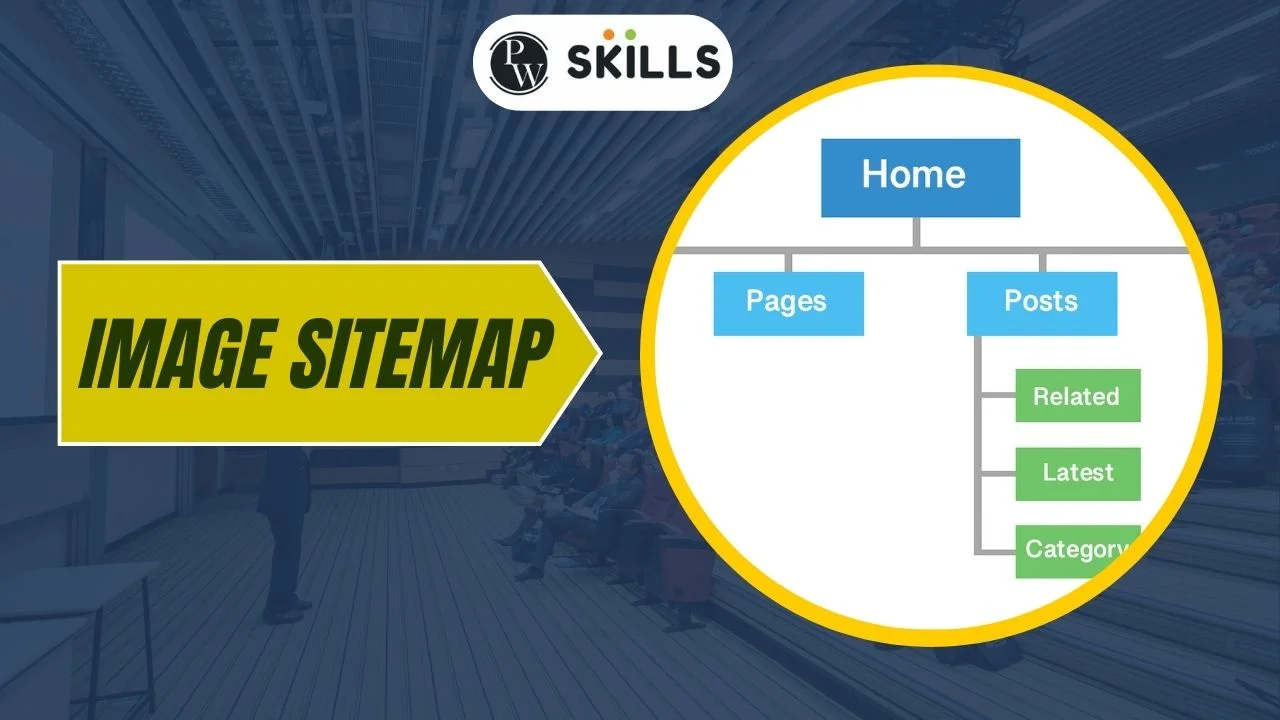
What Is an Image Sitemap?
An image sitemap is a specialized sitemap file that provides search engines with detailed information about images on a website. Unlike regular sitemaps, it focuses specifically on images, helping Google understand image URLs, captions, titles, and licensing details. An image sitemap is especially useful for websites with:- Large image libraries
- E-commerce product images
- Portfolio or photography websites
- Media-heavy blogs
Why Image Sitemaps Are Important for SEO
Image search is a powerful traffic source. An optimized image sitemap ensures search engines don’t miss important images that might be loaded via JavaScript or buried deep in site architecture. Key SEO benefits:- Faster image discovery and indexing
- Improved image rankings
- Better crawl efficiency
- Enhanced visibility in Google Images
What Does an Image Sitemap XML Look Like?
An image sitemap XML follows standard sitemap rules with additional image-specific tags.Image Sitemap Example (XML)
<url> <loc>https://example.com/product-page</loc> <image:image> <image:loc>https://example.com/images/product.jpg</image:loc> <image:title>Blue Running Shoes</image:title> <image:caption>Comfortable running shoes for men</image:caption> </image:image> </url> This image sitemap example shows how image URLs are linked to page URLs, giving Google full context.When Do You Need an Image Sitemap?
You should use an image sitemap if:- Images are loaded dynamically
- Images are essential to your business (products, galleries)
- Your site has thousands of images
- You want better image SEO performance
Image Sitemap Generator: How to Create One Easily
An image sitemap generator automates the process of creating image sitemaps without manual coding. Popular options include:- SEO plugins (Yoast, Rank Math)
- Online image sitemap generators
- Custom scripts for large websites
Image Sitemap WordPress: How to Add One
Creating an image sitemap WordPress site is simple with plugins.Steps (WordPress):
- Install an SEO plugin (Yoast or Rank Math)
- Enable image sitemap settings
- Automatically generate image sitemap XML
- Submit sitemap URL in Google Search Console
Image Sitemap Best Practices
To maximize SEO impact:- Use high-quality, original images
- Add descriptive file names and alt text
- Avoid blocked images in robots.txt
- Ensure image URLs return 200 status codes
- Keep image sitemap XML under size limits
How to Submit an Image Sitemap to Google
- Open Google Search Console
- Go to Sitemaps
- Enter your image sitemap URL
- Click Submit
Image Sitemap vs Regular Sitemap
| Feature | Regular Sitemap | Image Sitemap |
| Focus | Web pages | Images |
| SEO Impact | Page indexing | Image indexing |
| Use case | All sites | Image-heavy sites |
Common Image Sitemap Mistakes to Avoid
- Blocking images via robots.txt
- Using low-quality or duplicate images
- Forgetting to update sitemap
- Missing image:loc tags
- Submitting broken image URLs
FAQs About Image Sitemaps
1. What is an image sitemap?
An image sitemap is a file that helps search engines find and index images on your website more efficiently.2. Do I need a separate image sitemap XML?
Not always. You can include image data inside a regular sitemap, but a separate image sitemap XML is recommended for image-heavy sites.3. Can WordPress create image sitemaps automatically?
Yes. Most SEO plugins generate image sitemap WordPress files automatically.4. Does an image sitemap improve rankings?
Indirectly, yes. It improves image discoverability, which can increase visibility and traffic from image search.Conclusion
An image sitemap is a powerful yet often overlooked SEO tool. Whether you use an image sitemap generator, manage image sitemap WordPress plugins, or create custom image sitemap XML files, it ensures your images are discoverable, indexable, and optimized for search visibility. If images matter to your business, an image sitemap is no longer optional—it’s essential.Also Read:






🔥 Trending Blogs


Talk to a counsellorHave doubts? Our support team will be happy to assist you!



Get Free Counselling Today
and Clear up all your Doubts
Talk to Our Counsellor just by filling out the form.
Join 15 Million students on the app today!
 Live & recorded classes available at easeDashboard for progress trackingLakhs of practice questions

