

HTTPS & SSL Guide for Websites
 Study Abroad27 May, 2026
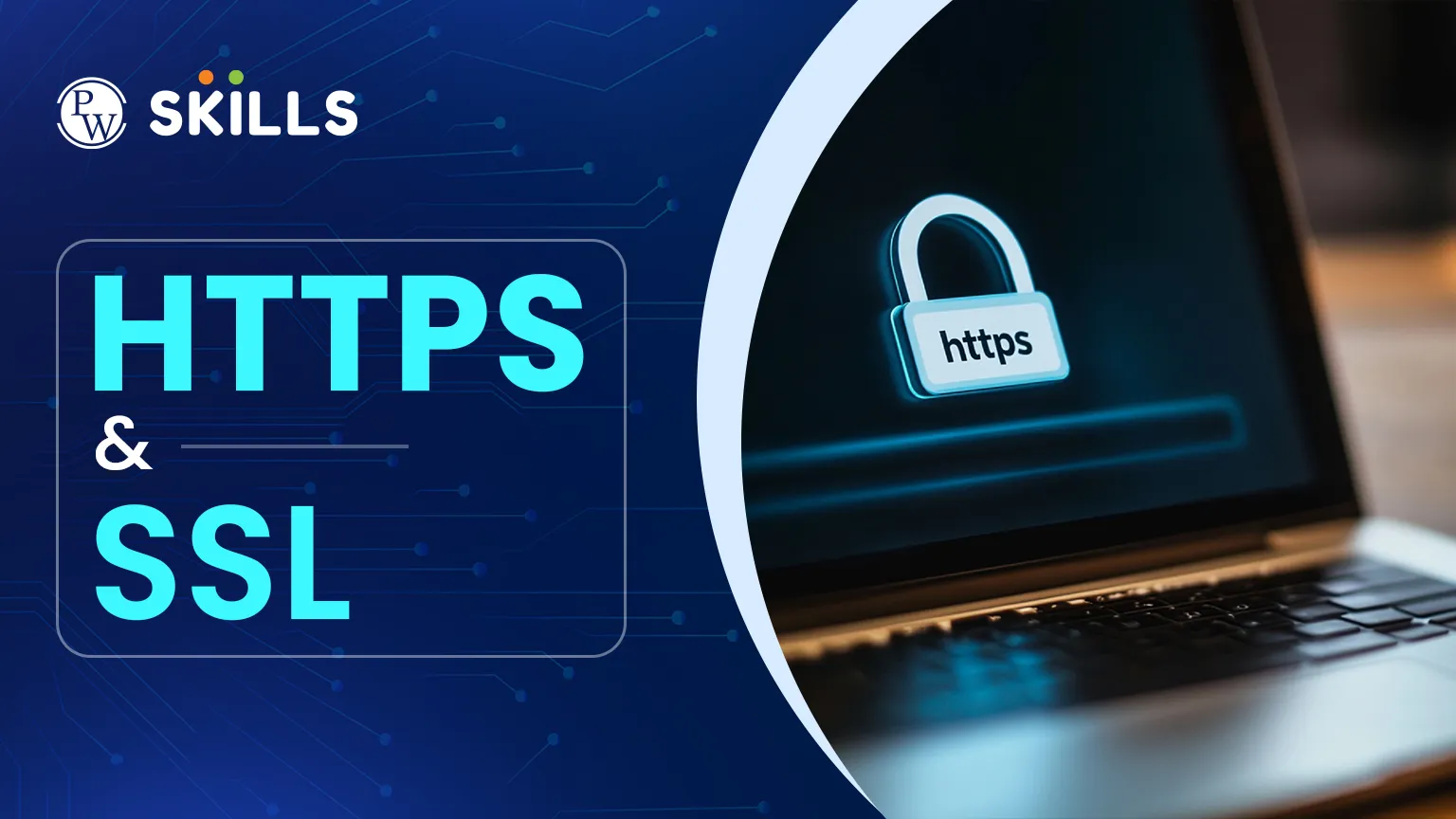
Seeing a "Not Secure" warning in your browser can be worrying. This warning appears when a website doesn't have the right encryption to protect things like passwords or credit card numbers. HTTPS & SSL solve this by creating a secure, private connection. In this article, you'll find out how these tools work, why they're important for digital marketing, and how to secure your own website.
What is HTTPS & SSL?
To understand web security, it's useful to see how these terms are related. SSL stands for Secure Sockets Layer and is the main technology that keeps internet connections safe. It protects sensitive data sent between two systems.
HTTPS is the secure version of HTTP. When a website has an SSL certificate, you'll see HTTPS (which stands for Hypertext Transfer Protocol Secure) in the URL. This means all data sent through the connection is encrypted. Even though SSL is the older term, most modern encryption uses TLS, or Transport Layer Security, but people still usually call it SSL.
Why HTTPS & SSL Matter for SEO
Security is now a must for website owners. Search engines care about user safety and use encryption as a ranking factor. Sites without these protections often show up lower in search results than secure ones.
Here are some important reasons why HTTPS and SSL matter for your digital strategy:
-
Improved Search Rankings: Google and other search engines give a slight ranking boost to secure websites.
-
User Trust: A padlock icon in the address bar signals to visitors that their data is safe, reducing bounce rates.
-
Data Integrity: Encryption prevents third parties from tampering with data while it is in transit.
-
Browser Compliance: Most browsers today mark sites without HTTPS as "Not Secure," which can turn away visitors.
How HTTPS & SSL Work?
To secure your site, you need a digital certificate from a Certificate Authority (CA). This certificate acts like a digital passport, showing who owns the website and providing the keys for encryption.
When someone visits your site, the browser and server exchange information to set up a secure connection. The server sends its certificate to the browser, which checks if it is valid. If it is, the browser creates a unique session key to encrypt all future data.
|
Feature |
HTTP |
HTTPS |
|
Security |
No encryption; data sent in plain text |
High encryption via SSL/TLS |
|
Port |
Uses Port 80 |
Uses Port 443 |
|
URL |
starts with http:// |
starts with https:// |
|
SEO Value |
None (can be penalised) |
Positive ranking signal |
Examples of HTTPS & SSL
Today, almost every major website uses these security protocols. E-commerce sites and banks depend on them to process transactions safely. Without this protection, hackers could steal credit card numbers or login details using "man-in-the-middle" attacks.
Consider these common HTTPS and SSL examples:
-
Payment Gateways: Every time you enter card details on an online shop, the data is encrypted to ensure only the merchant receives it.
-
Social Media: Platforms like Facebook and Instagram use encryption to protect personal messages and account access.
-
Login Pages: Even simple blogs use SSL to protect the administrative login area from being hijacked.
Types of HTTPS & SSL Certificates
People often use these terms interchangeably, but there are different types of certificates. The best choice depends on how much identity verification you need and how many domains you want to protect.
Common types of HTTPS and SSL certificates include:
-
Domain Validation (DV): The most basic and affordable option, verifying only that you own the domain.
-
Organisation Validation (OV): A step up, where the CA verifies the actual existence of the business.
-
Extended Validation (EV): The highest level of security, involving a thorough background check of the legal entity.
-
Wildcard Certificates: These allow you to secure a main domain and an unlimited number of subdomains under a single certificate.
Benefits of HTTPS & SSL
The main benefit of encryption is that it creates a secure tunnel for your data. Even if someone intercepts the information, they cannot read it because it appears as random characters. This is possible because of public and private key cryptography. It is important to understand the three layers of protection provided:
When considering HTTPS and SSL security, it is important to understand the three layers of protection provided:
-
Encryption: Encoding the data to keep it hidden from eavesdroppers.
-
Data Integrity: Ensuring that data cannot be corrupted or modified during transfer without being detected.
-
Authentication: Proving that the user is communicating with the intended website and not an imposter.
How to Maintain HTTPS & SSL?
After you install your certificate, you need to keep track of it. Certificates usually last one or two years before they expire. If yours expires, your website will show a security warning to visitors, which can hurt your traffic and reputation.
To keep your site secure, follow these steps:
-
Enable Auto-renewal: Most modern hosting providers offer tools to renew certificates automatically.
-
Update Internal Links: Ensure all your internal website links use the "https" prefix to avoid "mixed content" errors.
-
Configure Redirects: Set up a 301 redirect so that any user typing the old "http" address is automatically sent to the secure version.
-
Check Performance: While encryption used to slow down sites, modern protocols like HTTP/2 actually make secure sites faster.
Tips for HTTPS & SSL
For digital marketers, security is an important part of SEO. SSL not only helps your rankings but also affects how search engines crawl and index your pages. If search engines find security issues, they may visit your site less often, which can slow down updates in search results.
Using HTTPS and SSL for SEO also helps keep your referral data accurate. If visitors move from a secure site to one that is not secure, you often lose referral information, making it harder to track where your visitors come from. Switching to HTTPS keeps your data reliable and your analytics clear.






FAQs
What is the main difference between HTTP and HTTPS?
Do I need an SSL certificate for a blog?
How long does it take to get a certificate?
Will HTTPS slow down my website?
Can I get a free SSL certificate?





Get Free Counselling Today
and Clear up all your Doubts
 Live & recorded classes available at easeDashboard for progress trackingLakhs of practice questions

