

Geo-Targeting in Digital Marketing
 Study Abroad27 May, 2026
Many businesses waste money on broad marketing campaigns that reach people unlikely to become customers. For example, if you run a café in London, it does not make sense to show ads to people in Manchester.
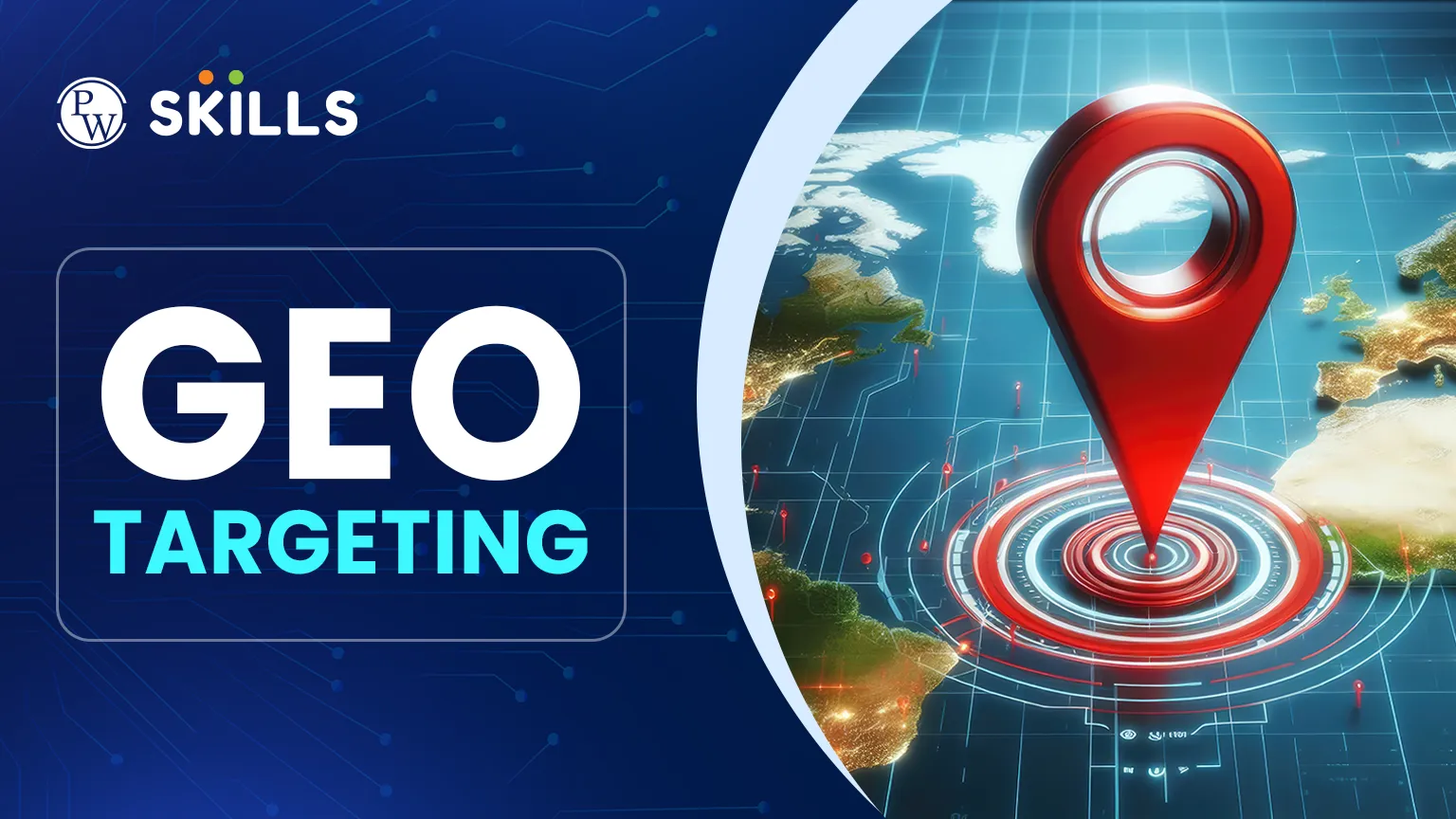
Geo-targeting helps brands focus their ads on specific postcodes, cities, or countries. This article examines how location-based strategies help marketers deliver relevant messages, increase conversion rates, and ensure advertising budgets reach the right people.
What is Geo-Targeting?
Geo-targeting works by figuring out where a user is and showing them content that fits their area. It mainly uses the user's IP address to see where they are browsing from. This way, ads for winter coats go to people in cold places, not those in warm regions.
Online, it works by finding the location or service area of a device. When someone enters a certain area, the system can show them a local search result or a mobile ad. This accuracy helps businesses connect with people in their community.
Benefits of Geo-Targeting
Using location-based marketing has benefits beyond just reaching local customers. When businesses focus on certain regions, they often notice a big change in how people respond to their brand.
Consider these primary advantages:
-
Reduced Ad Spend: You stop paying for clicks from users who are outside your delivery or service zone.
-
Relevance: Customers are more likely to engage with an ad that mentions their city or a nearby landmark.
-
Better Conversion Rates: Targeted users have a higher intent to visit or buy because the offering is physically accessible to them.
-
Competitor Conquesting: Brands can target areas around a competitor’s physical location to lure potential shoppers away with better deals.
How to Create a Geo-Targeting Strategy
Building a successful campaign requires more than just picking a spot. To build a good campaign, you need more than just choosing a location. It is important to know your audience’s habits and your business goals.
A strong geo-targeting strategy means dividing your audience by where they live, work, or travel. If you need to reach a whole country, a specific city, or just a few streets around your shop.
-
Research Local Trends: Look at what people in those specific areas care about. Is there a local festival or a unique dialect you should use?
-
Create Custom Creative: Don't use the same image for everyone. Feature local landmarks or mention the specific neighbourhood in your ad copy.
-
Test and Refine: Use A/B testing to see if a 5-mile radius performs better than a 10-mile radius for your specific product.
Geo-Targeting Examples
To see how geo-targeting works, it is useful to look at how different industries use it. From retail to travel, these methods are varied and often help bring more people into stores.
Here are a few ways brands use this method:
-
Local Events: A concert promoter might show ads only to people within a 50-mile radius of the stadium.
-
Weather-Based Ads: A home services company may promote boiler repairs specifically in areas currently experiencing a cold snap.
-
Language Localisation: A global brand can automatically show its website in French to users located in Paris.
-
Currency Adjustments: E-commerce sites often update pricing to GBP for UK visitors and USD for American visitors automatically.
Best Tools for Geo-Targeting
You don't need to be a coding expert to use location data. Several platforms make it easy to set up and manage these campaigns. Most social media and search engines have built-in features to help you narrow down your audience.
Popular geo targeting tools include:
|
Tool Type |
Examples |
Best Use Case |
|
Search Platforms |
Google Ads, Bing Ads |
Reaching users based on their search intent and physical location. |
|
Social Media |
Facebook, Instagram, LinkedIn |
Targeting users based on their profile data and recent check-ins. |
|
Analytics |
Google Analytics |
Understanding where your current website traffic is coming from. |
|
SEO Tools |
Semrush, Ahrefs |
Researching local keywords and tracking regional rankings. |
Why Use Geo-Targeting for SEO?
Search engine optimisation isn't just about global rankings. For many businesses, appearing in local search results is the most important factor for growth. Geo targeting for seo helps search engines understand which "near me" queries your business should appear for.
By optimising your website for specific locations, you increase your visibility in the "Local Pack" or map results. This involves using local keywords, maintaining an updated Google Business Profile, and ensuring your contact details are consistent across the web. When Google sees that your content is highly relevant to a specific geography, it rewards you with better rankings for users in that area.
Role of Geo-Targeting in Advertising
Paid media is perhaps the most common place where location data is used. In a typical setup, geo targeting in advertising allows you to exclude certain areas just as easily as you include them. This "negative" targeting is vital for businesses that have strict licensing or shipping restrictions.
For example, if you sell insurance that is only valid in England, you would exclude Scotland and Wales from your campaign. This ensures you aren't paying for leads you legally cannot serve. Additionally, you can adjust your bids, paying more for clicks in high-value cities like London, where the return on investment might be higher.
Tips for Geo-Targeting
If you are just starting, the process can seem technical, but it is quite logical. While the geo targeting benefits are clear, it is important to weigh them against your specific business model. If you sell a digital product that can be used anywhere in the world, over-targeting might actually limit your growth.
However, for any business with a physical presence or regional shipping limits, it is an essential part of the digital toolkit. It bridges the gap between the vastness of the internet and the physical reality of where customers actually live and shop.
Most platforms follow a similar workflow for setting up location parameters.
-
Set Your Goal: Are you trying to get people into a physical shop or looking for online sign-ups from a specific region?
-
Pick Your Location: Use the "Radius" or "Location" settings in your ad manager.
-
Exclude Areas: Always check if there are nearby areas that are unlikely to convert and remove them.
-
Monitor Performance: Check your data weekly to see which locations are providing the cheapest conversions.






FAQs
What is the difference between geo-fencing and geo-targeting?
Does geo-targeting work on all devices?
How accurate is location-based targeting?
Can I target people who recently visited a location?
Is geo-targeting a privacy concern for users?





Get Free Counselling Today
and Clear up all your Doubts
 Live & recorded classes available at easeDashboard for progress trackingLakhs of practice questions

