

What is Email Automation? A Beginner's Guide
 Varun Saharawat30 Oct, 2025
Are you looking for Email automation for your business to nurture leads and scale marketing without you doing anything. With smart email automation you can target your audience with the right message. Sending bulk of personal emails is easier with email automation softwares available online.
But what does email automation offer? Suppose a situation where a customer lands on your website, interact with your contents i,e. Products or services and then vanish without actually buying anything. Now, when hours later they receive a personalised mail highlighting the features of your product or services, maybe with a discount, you save your sale. Here, let us learn how you can integrate email automation for your business.
What Is Email Automation?
Email automation is a process using which a third party software can be used to send personalised emails to a targeted group of recipients based on pre-defined schedules. Email Automation is a process generally used by marketing teams to scale their marketing efforts.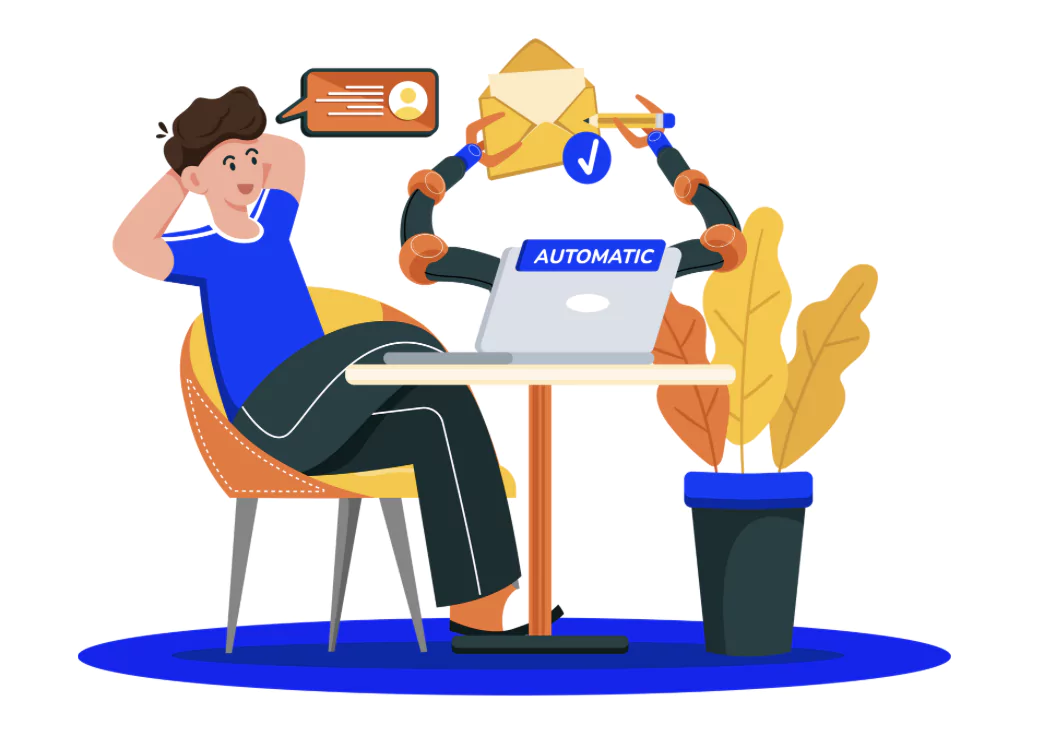 You can change the schedules or trigger behavior anytime based on your preference or requirements. The major elements required for Email automation are mentioned below.
- Email automation software
- Triggers
- Schedules
- Personalised email
Read More: What is Digital Marketing Funnel? Stages, Examples & Importance
9 Major Types of Email Automation
Let us check some major types of Email automation below.| Email Automation Type | Trigger Case |
| Welcome Email Automation | When someone subscribes or creates an account gets this email |
| Abandoned Cart Email Automation | When a customer add some products from your site to cart but doesn’t checkout |
| Transactional Email Automation | Triggers after a specific action like purchase, refund, or subscription |
| Post-Purchase Email Automation | It is triggered after a customer makes a purchase |
| Re-engagement Email Automation | When a subscriber/customer has been inactive for a long period |
| Birthday or Anniversary Emails | It is triggered on recipient’s birthday or customer’s first purchase anniversary |
| Product Recommendation Emails | It is based on customer browsing behavior or purchase history |
| Promotional Emails | Triggered on special dates like sales, holidays, or product launches |
| Feedback and Survey Emails | Triggered after a purchase or customer interaction |
Important Components for Email Automation
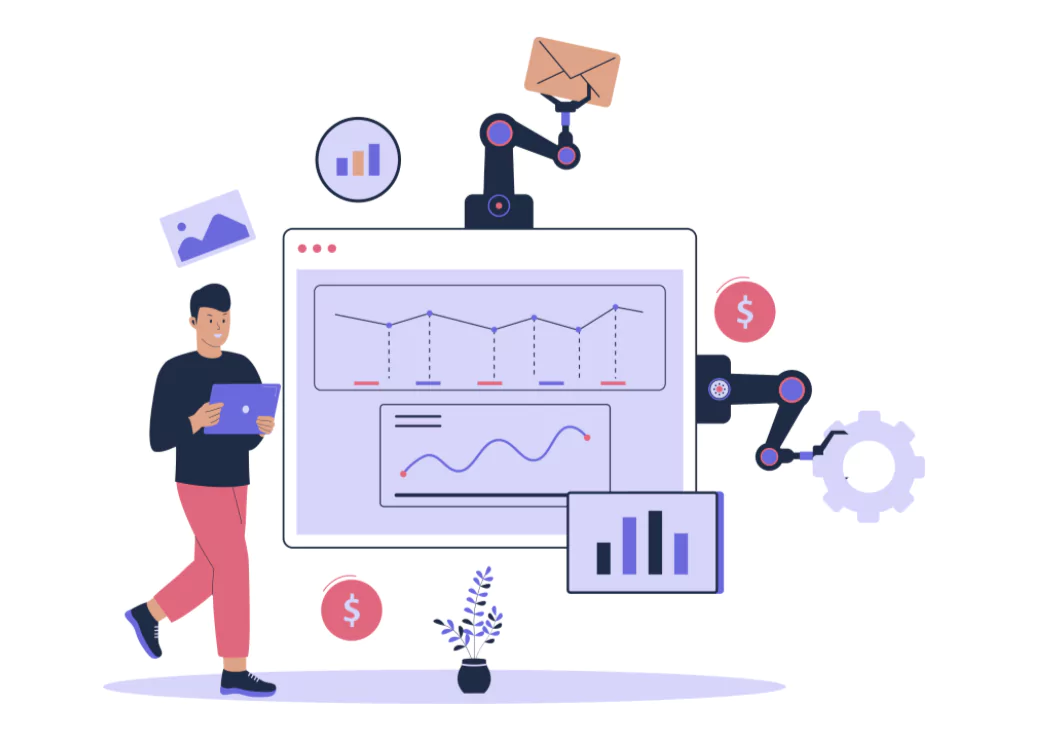 Let us look at some of the important components required for email automation given below.
1. Audience Segmentation
You have to organise the audience or customers into organised groups based on certain demographics, behavior, purchase history, engagement levels, and more.2. Trigger Rules
You have to set pre-defined conditions which will trigger an automated email sequence and send emails to the target groups. These triggers can take place by various interactions such as signing up, adding into carts, or clicking links.Read More: Top 10 Digital Marketing Books for New Digital Marketers, Importance for Beginners
3. Email Content & Templates
There are many pre-defined templates or content available online which can help you in building a personalised interactive email including text, image, audio, buttons, and more.4. Workflow Sequence
The emails sent to recipients are mapped logically based on their actions and timings which means that the triggers or mail schedules are defined based on the activities of users on the website.5. Apply Personalization
The emails sent must have personalised content based on the preferences of the users by analysing their activities, and behavior data from users profile.6. Automation Timing
It is important to set when and how frequent emails must be sent to prevent spamming and also optimise engagement counts. Sending emails frequently to the same group of users can result into spamming of emails.7. Email Analytics
You can easily monitor several metrics with Email automation using third party softwares, such as open rates, click through rates, conversions, bounce rates, and subscribe to measure performance or improve campaigns.8. Easy Integration
You can connect with CRM, e-commerce platforms, or analytic tools to synchronise, automate the complete workflow smoothly.Benefits of Using Email Automation
 There are many advantages of using email automation for your business to promote your products and services. Let us know some major benefits below.
1. Saves Time and Effort
With the help of email automation you will not have to do repetitive work i,e. Sending individual mails to each recipient with customised messages. It takes a lot of time and are ineffective. With email automation you can eliminate this repetitive tasks and organise follow ups, promotional campaigns, welcome messages, and more. And when the workflow setup is complete, the system schedules the triggers and sends emails to a definite group of recipients. Your team can focus on other deliverables such as content creation, strategies, and more.2. Improves Personalization
You can easily trigger highly personalised emails by using data collected from users behavior, preferences, and demographics. This means each recipient will receive content based on their interests. It might include product recommendations, product offers, and more. When you offer personalisation the chances of recipients getting engaged in your service or product increases. It might also convert potential buyers into paid ones. Personalization increases the chances that recipients will engage with your emails, fostering a stronger connection between your brand and your audience.Read More: Personal Branding & 10 Golden Rules Of Personal Branding
3. Boosts Customer Engagement
You can boost customer engagement with timely relevant emails set on a schedule based on customers data which will help to keep your customers engaged throughout their journey on the platform. These well-timed messages nurture relationships by providing value when it matters most. This builds loyalty and encourages recipients to interact more frequently with your brand.4. Increases Revenue
Email automation can help you increase revenue by engaging your audience through targeted campaigns such as reminders, notifications, re-engagement, nurturing, and more. By automatically reaching out to potential customers with the right message at the right time, these campaigns might recover lost sales, and repeat purchases.5. Ensures Consistency
When you maintain regular contact with your targeted audience group you gain their trust and confidence. This help you schedule and deliver timely communication mails at important events or regular timings can keep your brand on the top of users mind. Join Our Digital Marketing WhatsApp Channel
6. Enables Scalability
As your business grows, manually managing email campaigns becomes impractical. Email automation systems are designed to handle large volumes of emails and complex workflows efficiently. This scalability means you can continue to communicate effectively with a growing audience, launching sophisticated campaigns without needing to increase your team size proportionally.Read More: The 10 Best Digital Marketing Certificates in 2025, How to Choose Right One
7. Provides Measurable Results
With email automation you get analytical tools which can be used to keep track of conversions, click through rates, open rates, and more. These insights give you a glimpse of how a campaign is performing and also provides you scope for improvement. When you include data driven decision making to optimise your email strategies you get better results and high return on investment over time.8. Enhances Customer Experience
When customers get regular updates from your brand side their overall experience gets better and the brand improves its image in the mind of users winning their trust and interest both. With automation you get to deliver the right message at the right time showing customers how better you understand their problem and care about their needs. It might trigger a long term bond between you and your users.10 Smart Email Automation Tools
 Let us check some of the frequently used email automation tools in the table below.
| Email Automation Tools | Key Features |
| Mailchimp |
|
| HubSpot |
|
| ActiveCampaign |
|
| Sendinblue |
|
| Klaviyo |
|
| Drip |
|
| GetResponse |
|
| ConvertKit |
|
| Moosend |
|
| Pardot (Salesforce) |
|
Also Read:
- Types of Email Marketing With Examples, Complete Details
- What is Email Writing? Why It Is Important, Examples & Strategies
- 4 Email Marketing Jobs That Pay $20+ An Hour In 2025
- Email Marketing: Strategies to Boost Engagement and ROI
Become a Pro in Digital Marketing With PW Skills
Build your career in Digital Marketing with an AI powered Digital Marketing Course offered by PW Skills. This course is suitable for newcomers, self learners, and business owners looking for digital growth of their business and building online presence. Get in demand skills designed for today’s AI driven landscape with optimised SEO, social media strategy, content creation, analytics and more to build your career in digital marketing.Looking for More?
- Get industry led live sessions with professionals in digital marketing
- Build a fully job optimised project portfolio which demonstrates your skills, and strengthens with projects.
- Get opportunities for full time jobs or freelance clients for different digital marketing tasks.
- Get personalised career assistance to prepare for interviews and land your dream job
- Get industry recognised certifications from PW Skills
- Enhance your job readiness with practical skills and expert career guidance.






Email Automation FAQs
Q1. What is Email automation?
Q2. Why do we need Email automation?
Q3. Which tool is commonly used for email automation?
Q4. Is email automation AI?





Get Free Counselling Today
and Clear up all your Doubts
 Live & recorded classes available at easeDashboard for progress trackingLakhs of practice questions

