

10 Free SEO Tools Every Beginner Should Learn Before Taking a Course in 2026
 Study Abroad13 Jul, 2026
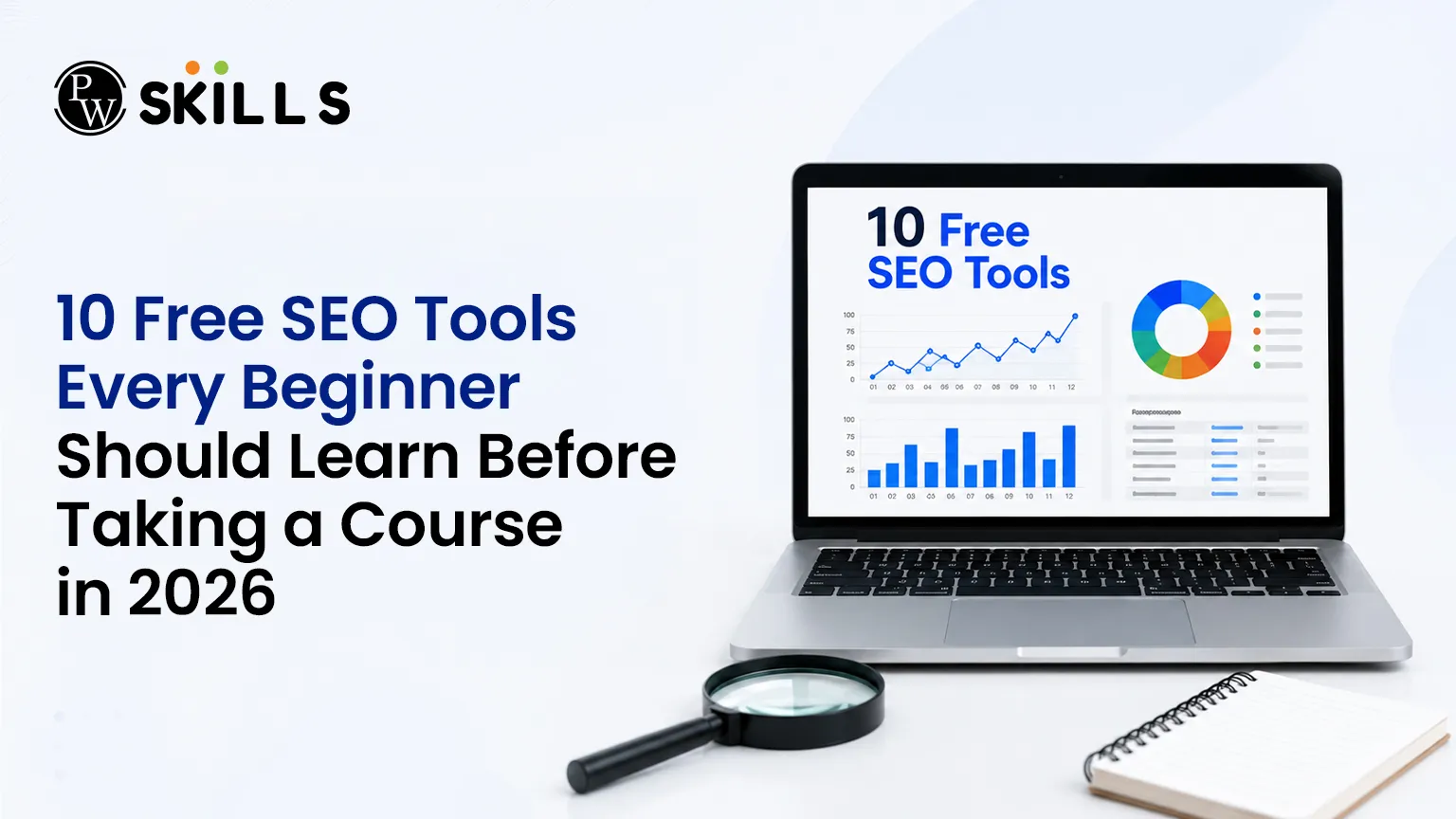
Free SEO Tools make it easier for beginners to learn SEO without investing in expensive software. Instead of relying solely on theory, these tools help users explore keyword research, website performance, traffic insights, and technical SEO through hands-on practice. Building these practical skills early creates a strong foundation for improving search visibility and long-term digital marketing success.
Importance of Free SEO Tools
You can learn the basic fundamentals of search engine optimisation at no-cost platforms with no financial risk. Beginners can learn how to do the basics such as tracking keywords, spotting indexing errors and running site audits before spending any money. Industry experts generally agree that free apps do about 80 percent of what the entry-level professional needs. By building a portfolio of these utilities, you will gain confidence to take on enterprise software later.
Top 10 Free SEO Tools for Beginners
1. Google Search Console for Real Search Data
Google Search Console is your primary search HQ. It gives you raw data directly from the search engine index and not from third-party estimates. This makes it an invaluable tool for tracking exactly what a website looks like to search crawlers.
-
Rank Tracking: Monitors the precise search queries that are driving impressions and clicks to your pages.
-
Indexing Verification: Detects technological crawl problems that prevent pages from showing up in results.
-
Device Performance: Displays your content’s performance on mobile and desktop interfaces.
-
Click Optimisation: Points out ways to boost click-through rates by polishing meta descriptions.
2. Google Analytics 4 for Visitor Behavior
While search monitoring utilities show how people find your website, Google Analytics 4 tracks what visitors do after they arrive. Linking these two platforms provides a complete view of user behavior and content performance.
-
Engagement Tracking: Tracks which landing pages retain user attention the longest.
-
Drop-off Analysis: Identifies the exact pages where users exit your website.
-
Traffic Sources: Pinpoints which channels deliver the most active audience.
-
Event Monitoring: Records specific user interactions like button clicks or scroll depth
Read In Detail: Google Search Console vs Google Analytics: Differences You Must Know
3. Google Keyword Planner for Search Volume
Originally designed for paid advertising campaigns, Google Keyword Planner remains one of the most reliable keyword research tools for organic optimization. It allows beginners to access real search volumes and discover highly relevant terms without maintaining an active ad budget.
-
Volume Discovery: Displays accurate ranges of monthly searches for specific phrases.
-
Competition Assessment: Indicates the level of market interest for target search terms.
-
Variation Generation: Suggests hundreds of related long-tail phrases based on a seed topic.
Also Check: How To Do Keyword Research
4. Ubersuggest for Competitor Overview
Ubersuggest offers a highly accessible dashboard tailored specifically for individuals learning SEO tools. The clean interface removes the complexity of data analysis, providing clear guidance on what metrics mean and how to improve them.
-
Difficulty Scores: Estimates how hard it will be to rank for specific terms.
-
Content Ideas: Reviews top-performing articles in your niche to evaluate structure and style.
-
Basic Audits: Performs quick diagnostic checks to find immediate on-page opportunities.
5. AnswerThePublic for Audience Questions
AnswerThePublic acts as an automated brainstorming assistant by mapping out the exact questions users type into search boxes. It organizes search intent into clear visual branches consisting of prepositions, comparisons, and queries.
-
Heading Design: Supplies natural questions to use as direct headers within your articles.
-
FAQ Generation: Simplifies the process of creating targeted question-and-answer blocks.
-
Intent Mapping: Reveals the specific problems or pain points your audience wants solved.
6. Ahrefs Webmaster Tools for Backlink Previews
Ahrefs Webmaster Tools delivers professional-grade diagnostic capabilities to website owners without any cost. It allows beginners to run comprehensive technical health checks and monitor inbound links that point to their content.
-
Technical Audits: Scans for missing meta descriptions, broken links, and slow pages.
-
Backlink Tracking: Monitors which external domains are linking to your website.
-
Error Prioritization: Categorizes website issues by severity so you can fix critical bugs first.
7. Screaming Frog for Technical SEO Tools
Screaming Frog SEO Spider is a desktop application that crawls your website exactly like a search engine spider. The complimentary version allows users to evaluate up to 500 individual web addresses, making it perfect for small portfolio projects.
-
Metadata Checks: Locates missing or duplicate titles and description tags.
-
Redirect Mapping: Exposes broken links and complex redirect chains that waste crawl budget.
-
Structure Analysis: Examines the structural hierarchy of heading tags across your site.
8. Google PageSpeed Insights for Site Performance
Website loading speed works as a direct performance ranking element. Google PageSpeed Insights evaluates your web pages and delivers clear, practical recommendations to improve user experience on both desktop and mobile layouts.
-
Core Web Vitals: Evaluates real-world user experience metrics set by Google.
-
Mobile Evaluation: Prioritizes mobile loading speeds to fulfil mobile-first indexing criteria.
-
Optimization Steps: Provides specific instructions for shrinking pictures or eliminating script delays.
9. SEMrush Free Plan for Competitor Research
The unfastened tier of SEMrush permits ten individual queries per day, supplying an amazing technique to examine market rivals. It helps newcomers move away from guesswork by identifying the exact tactics working for established websites.
-
Keyword Spying: Displays the top organic terms driving traffic to rival domains.
-
Traffic Estimations: Evaluates the entire volume of visitors a rival receives.
-
Top Pages Identification: Highlights the precise pieces of material generating the most interest.
10. Also Asked for Topic Clusters
Also Asked extracts data directly from search engine "People Also Ask" elements to construct a visual layout of connected queries. It assists entry-level marketers in planning comprehensive content hubs that cover subjects thoroughly.
-
Relationship Mapping: Displays how specific sub-topics branch off from the primary search queries.
-
Structural Planning: Describes how to connect several relevant articles to build authority.
-
Intent Alignment: Make sure your material follows the natural flow of user curiosity.
Free SEO Tools Short Summary
If you are unsure which SEO tool to use, this summary highlights each tool's main strength and an easy way to begin:
|
Tool Name |
Core Specialisation |
Best Beginner Action Step |
|
Google Search Console |
Ranking data & indexing |
Inspect a live URL to verify its index status. |
|
Google Analytics 4 |
Visitor tracking & engagement |
Monitor user scroll depth on your top page. |
|
Google Keyword Planner |
Search volume discovery |
Locate 10 low-competition search phrases. |
|
Ubersuggest |
Accessible all-in-one metrics |
Check the content ideas panel for structural inspiration. |
|
AnswerThePublic |
Question-based keyword research |
Find five "How" questions to build an FAQ segment. |
|
Ahrefs Webmaster Tools |
Technical monitoring & links |
Review the technical health dashboard for critical issues. |
|
Screaming Frog |
Technical SEO & crawling |
Crawl your site to filter out missing header tags. |
|
Google PageSpeed Insights |
Speed & performance checks |
Test your mobile homepage score and aim above 70. |
|
SEMrush Free Plan |
Competitor intelligence |
Analyze a top rival's domain to see their best pages. |
|
Also Asked |
Intent mapping & topic clusters |
Map out a three-part cluster of related articles. |






FAQs
Which free SEO tools are best for checking website health?
Can I perform comprehensive keyword research using only cost-free utilities?
Why should I use Google Search Console before buying a premium platform?
How do SEO tools for beginners assist in content creation?
What is the benefit of studying competitor pages on a complimentary plan?









Get Free Counselling Today
and Clear up all your Doubts
 Live & recorded classes available at easeDashboard for progress trackingLakhs of practice questions

