

How to Build a Developer Portfolio That Gets Interviews
 Varun Saharawat15 Jul, 2026
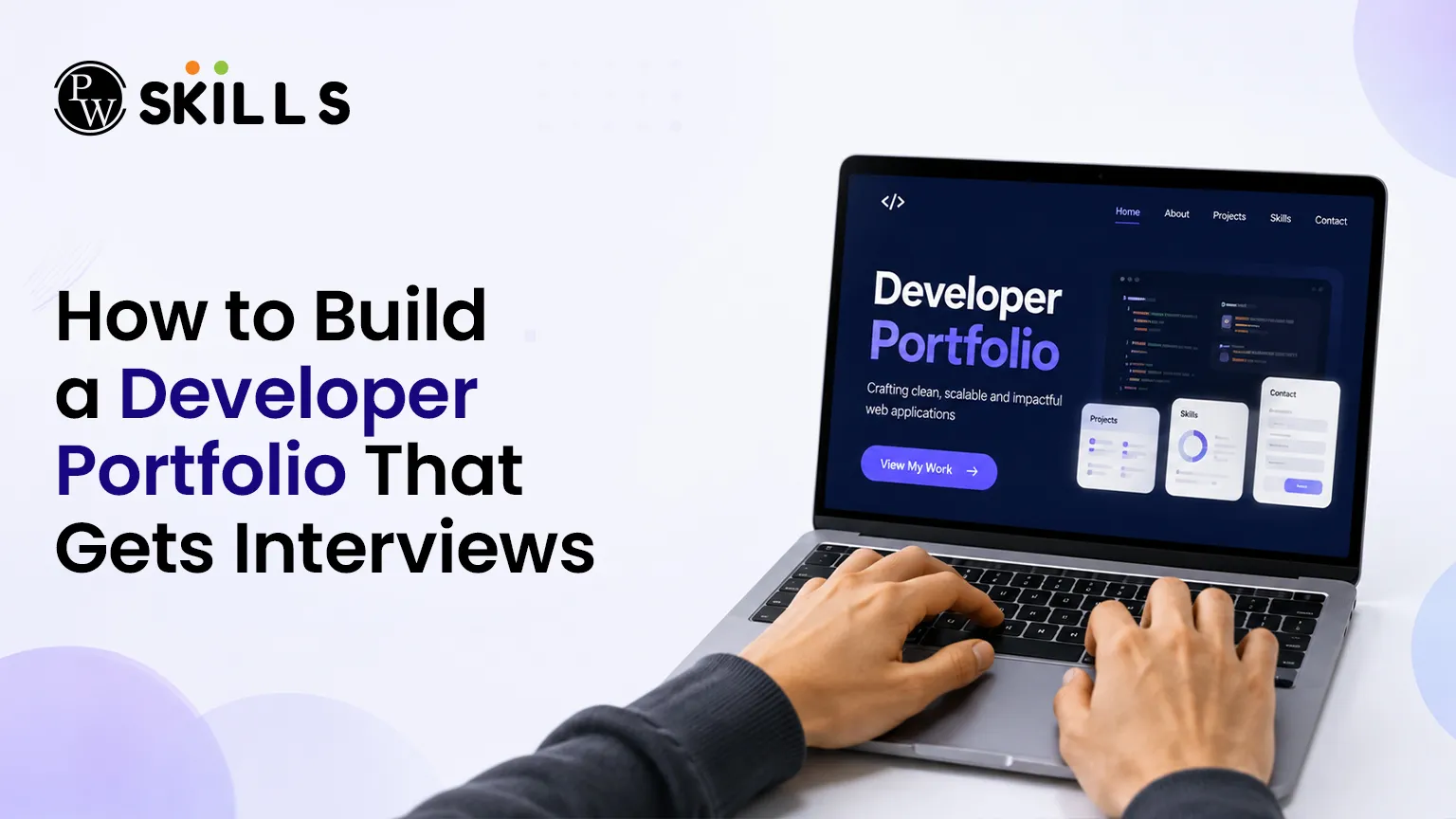
A strong Developer Portfolio does more than display your coding projects—it demonstrates your ability to build, deploy, and maintain real-world applications. Recruiters often spend only a few seconds reviewing a candidate's profile, making it essential to present your best work in a clear and professional format.
This article explains how to build a Developer Portfolio that stands out, showcases your technical expertise, and increases your chances of securing software development interviews.
Why is a Developer Portfolio Important for Career Growth?
A stellar digital showroom serves as your personal 24/7 marketing agent. It bridges the gap between your skills and what a recruiter needs to see.
Hiring managers spend less than ten seconds scanning an application. They want immediate proof that you can write clean code, solve complex problems, and deploy functional applications. A well-structured digital space showcases these skills instantly.
-
Proves Technical Ability: Anyone can list skills on paper, but live URLs show you can build real things.
-
Demonstrates Initiative: Building something outside of standard coursework proves your passion for engineering.
-
Creates a Strong First Impression: A polished layout sets you apart from hundreds of generic applications.
How Do You Choose the Best Projects for Your Developer Portfolio?
Your choice of applications dictates the success of your job search. Recruiters value quality over quantity every single time.
Instead of listing ten tiny tutorial applications, focus on two or three deep, comprehensive systems. The table below outlines what makes a project stand out during tech interview preparation.
The following criteria will help you evaluate which personal builds are worth showcasing to potential employers.
|
Project Type |
Core Focus |
Why Recruiters Love It |
|
Database integration, user authentication, CRUD operations. |
Shows you understand how the front-end and back-end talk to each other. |
|
|
API Integration Engine |
Third-party data management, asynchronous JavaScript. |
Proves you can work with external data sources and complex business logic. |
|
Open Source Contribution |
Collaboration, code reviews, existing codebase management. |
Demonstrates that you know how to work within a professional engineering team. |
What Should Every Developer Portfolio Include?
Every effective digital platform relies on a few non-negotiable structural elements to guide the user naturally.
Your platform must guide technical and non-technical recruiters to your work without friction. The structure should be clean, fast, and easy to navigate on both desktop and mobile screens.
-
A Clear Headline: State who you are, your specialization, and the exact problem you solve within your first header.
-
The Project Showcase: Display your portfolio projects prominently with clear screenshots, live links, and GitHub repositories.
-
The Tech Stack Breakdown: List the languages, frameworks, and database tools you use comfortably.
-
About Me Section: Share a brief, professional summary of your journey, your coding philosophy, and your career goals.
-
Contact Options: Make it simple for hiring managers by placing your email, LinkedIn, and GitHub links in a highly visible area.
You do not need to be a professional UI designer to build a beautiful website. Clean typography, generous spacing, and intuitive navigation will make your site look professional.
Look at platform layouts for inspiration to see how modern engineers balance aesthetic appeal with deep technical utility. Keep your color palette minimal and your text highly legible.
How Can You Optimize Your Developer Portfolio for Speed and Performance?
Building functional applications is only half the battle during your tech interview preparation. A recruiter will likely abandon your site if your hosted applications take more than a few seconds to load. Performance optimization directly reflects your engineering maturity and attention to user experience.
To ensure your web applications load instantly on any device, apply these vital production-ready techniques before sending out your links:
-
Implement Code Splitting: Instead of forcing the user's browser to download your entire JavaScript bundle at once, break your code into smaller chunks that load on demand.
-
Utilise Lazy Loading: Delay the loading of non-critical assets, such as images or deep page components, until the user scrolls them into view.
-
Minify Source Code: Remove unnecessary spaces, comments, and long variable names from your production files to shrink your overall deployment size.
-
Leverage Browser Caching: Configure your hosting server headers to instruct browsers to store static assets locally, preventing redundant network requests.
What Developer Portfolio Mistakes Should You Avoid?
Many brilliant engineers miss out on job opportunities because of tiny, easily avoidable mistakes on their personal websites.
Avoiding these common traps ensures that your site keeps users engaged instead of forcing them to click away in frustration.
-
Broken Live Links: Always check your hosting deployments regularly to ensure your projects load perfectly.
-
Missing Readme Files: A repository without documentation is useless; always explain how to install and run your code locally.
-
Including Generic Tutorial Copies: Recruiters instantly recognize basic weather apps or standard to-do lists from popular online courses.
-
Overwhelming Text Walls: Keep project explanations brief by focusing solely on the problem, your solution, and the tech stack used.
-
Poor Mobile Responsiveness: Many recruiters review applications on tablets or phones, so test your layouts thoroughly across multiple viewports.
Tips for Testing and Deploying a Developer Portfolio
Before sending your URL out to companies, you must ensure that the site runs quickly and works across all major modern web browsers.
A slow website hurts your chances immediately. Use free hosting providers that offer fast global content delivery networks to host your static files.
-
Compress All Images: Use modern image formats to reduce file sizes and boost your page loading speeds significantly.
-
Verify All Code Repositories: Ensure your GitHub links point directly to public repositories, not private ones.
-
Run Accessibility Audits: Check that your contrast ratios are correct and that all your navigational elements work well with keyboards.
-
Proofread Your Copy: Read through every line of text out loud to catch typos and grammatical mistakes.




FAQs
Where should I host my software developer portfolio for free?
How many projects should I display on my digital profile?
Do backend engineers need visual portfolios too?
Should I build my portfolio site completely from scratch?





 Live & recorded classes available at easeDashboard for progress trackingLakhs of practice questions

