

Can AI Help You Build Web Applications Faster?
 Kishor Kumar Bairagi1 Jul, 2026
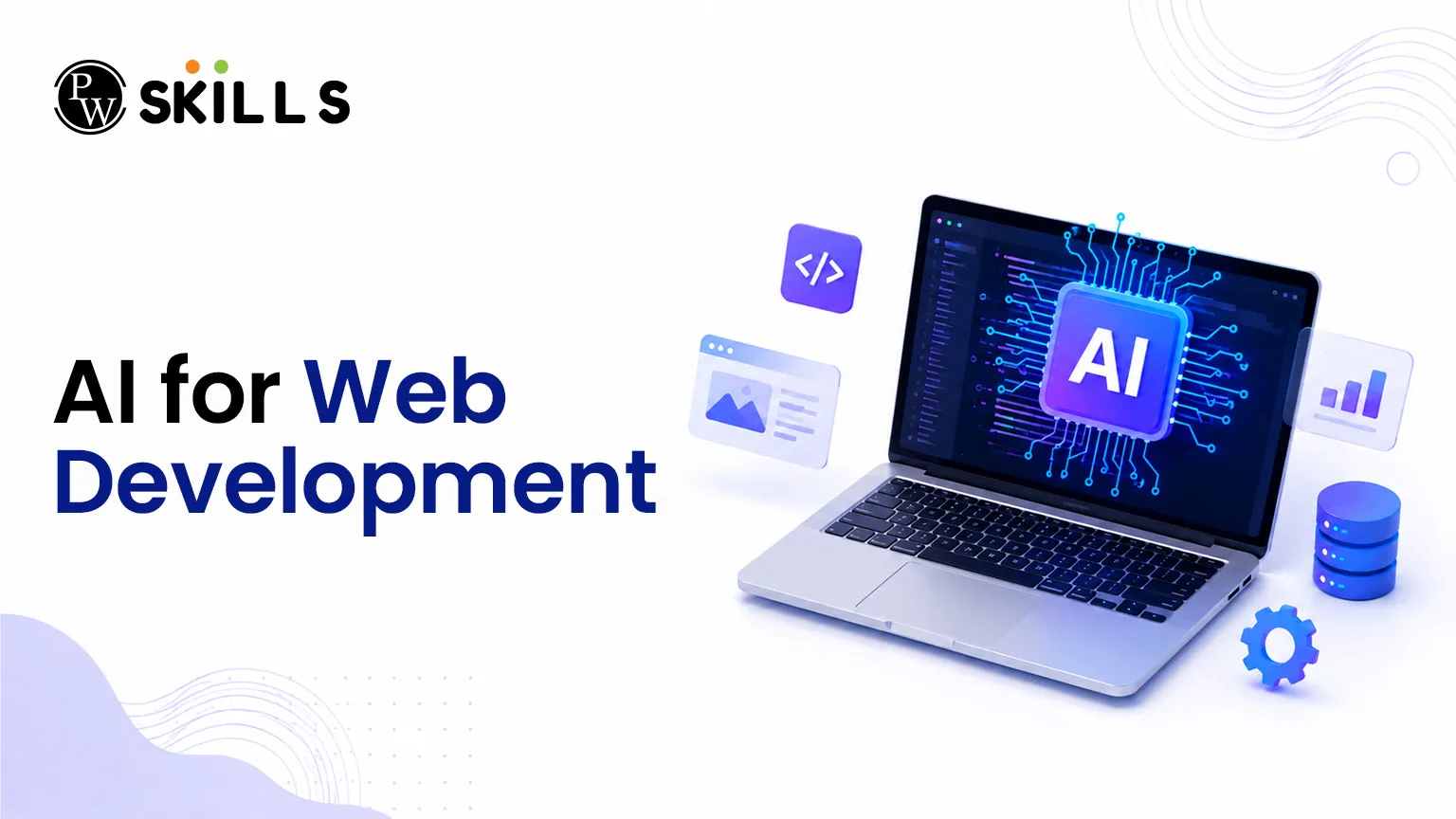
Building a digital product used to require months of manual coding, configuring complex server databases, and resolving countless syntax errors. Using AI for web development enables developers to bypass traditional roadblocks and construct applications with unprecedented speed. This article demonstrates how artificial intelligence transforms web app development from scratch, making engineering workflows smoother and significantly faster.
AI for Web Development Overview
It refers to using machine learning models, smart code editors, and automated generation platforms to assist in creating websites and applications. Rather than relying entirely on manual human programming, developers utilize AI coding tools to handle routine operations, generate functions, and suggest optimizations.
This change does not mean artificial intelligence replaces human talent — it’s more like a super-efficient copilot. For both engineers and non-programmers, getting into coding may be slow and unpleasant. Generative AI bypasses these first barriers by transforming natural language descriptions into dynamic codebases. This method improves developer productivity by allowing developers to focus on application logic, user experience, and architecture instead of repeated syntax.
Read in Detail: Web Development : Your Comprehensive Guide
How AI for Web Development Improves Design, Coding, and Testing
Integrating artificial intelligence for web development impacts every milestone of the application life cycle. By splitting the workflow into specific operational stages, we can see exactly where automation saves time.
1. Project Planning and Requirement Specification
Before writing code, successful development requires exact planning. Skipping this step often causes users to enter vague prompts into AI systems, yielding generic or unhelpful outputs.
-
Structured Blueprints: Modern tools help you translate a simple app concept into detailed technical specifications. You can outline your target users, application workflows, and essential MVP (Minimum Viable Product) features.
-
Prompt Optimization: Presenting precise, spec-driven descriptions to your AI coding tools leads to highly accurate system files and database schemas, saving hours of manual restructuring later.
2. Instant User Interface (UI) Generation
Creating beautiful, responsive interfaces manually requires extensive CSS and layout configuration.
-
UI Component Generators: Frontend layout generators (such as Vercel v0) allow you to paste wireframe images or type plain-text instructions to receive ready-to-use frontend code (like React components).
-
Rapid Prototyping: Instead of spending days styling dashboards, buttons, and menus, you can build full visual interfaces in minutes, keeping your layout synchronized with your main application goals.
3. Automated Code Generation and Scaffolding
Writing foundational setup scripts can feel tedious. The core power of artificial intelligence for web development lies in rapid code generation.
-
Full-Stack App Builders: Platforms like Bolt, Lovable, or Replit Agent take a text prompt and automatically generate the frontend code, backend logic, and initial database connections.
-
Inline Assistance: While working in your local system, tools like Cursor, Windsurf, or GitHub Copilot sit inside your code editor to autocomplete whole functions, write out loops, and connect files smoothly.
4. Real-Time Debugging and Accelerated Testing
Fixing broken loops or server errors manually can consume a large portion of your timeline.
-
Error Diagnosis: When your application crashes, you can feed the error logs directly into an AI assistant to get an immediate diagnosis and a corrected code block.
-
Test Case Creation: Assistants can read your existing functions and generate unit tests automatically, confirming your web application development stays secure and bug-free before deployment.
| Development Stage | Traditional Approach Time | With AI for Web Development | Key AI Tool Category |
| Initial Project Setup | 4 to 8 Hours | 5 to 10 Minutes | AI App Builders / Scaffolding Tools |
| UI Design & Layout | 2 to 5 Days | 15 to 30 Minutes | AI UI Components Generators |
| Core Coding & Logic | 1 to 3 Weeks | 2 to 4 Days | AI Code Editors & Assistants |
| Debugging & Testing | 2 to 4 Days | 1 to 2 Hours | AI Chat Assistants & Error Parsers |
How to Use AI for Web Development Effectively
While artificial intelligence offers remarkable speed, relying blindly on automated outputs can result in disjointed codebases. To get the best development productivity, follow these strategic guidelines:
-
Define Clear Specifications First: Always write out your application’s core goals, database needs, and user permissions in plain language before using any generative assistant. Clear instructions produce cleaner code.
-
Pick the Right Category of Tool: Understand that different tools serve different needs. Use full-stack builders for early prototypes, standalone component generators for interface layouts, and smart code editors for modifying established repositories.
-
Verify and Review Code Quality: AI systems can occasionally create code that looks functional but contains hidden security flaws or inefficient loops. Always read through the generated scripts to ensure reliability.
-
Combine Tools for Best Results: Most successful projects do not use just one program. Developers often launch an initial prototype with an app builder, design beautiful screens with a UI generator, and refine the core codebase inside an intelligent editor.
-
Invest in Structured Education: To fully understand these tools, formal training is highly beneficial. Programs like the PW Skills Full Stack Development Course offer structured live learning, expert mentorship, and practical projects that show you how to build modern systems while managing advanced tools correctly.
Benefits of AI for Web Development
Deploying AI for web development offers massive advantages for freelance creators, enterprise engineering teams, and student learners alike.
-
Exponential Growth in Productivity: Eliminating repetitive manual processes allows developers to ship features much faster, dramatically boosting overall development productivity.
-
Lower Technical Entry Barriers: Engineers or domain experts who understand logic but lack advanced programming experience can now construct working internal tools without getting stuck in syntax.
-
Extremely Fast MVP Prototyping: Startups can build, test, and present functional MVPs to investors within days, gather early user feedback, and iterate rapidly.
-
Fewer Syntax Mistakes: By letting AI coding assistants generate repetitive code, common human errors like misplaced brackets, typos, or broken imports are heavily minimized.
-
Continuous Real-Time Learning: Interacting with intelligent systems acts as an ongoing tutorial, helping junior developers see clean code patterns and learn modern programming languages interactively.




Can AI Help You Build Web Applications Faster FAQs
Can beginners use AI for web development without knowing how to code?
Which are the best AI coding tools available for web app development?
How does AI improve software development productivity for engineering teams?
Will using AI for web development make human developers redundant?
Where can I learn to combine full-stack programming with modern AI tools?





Get Free Counselling Today
and Clear up all your Doubts
 Live & recorded classes available at easeDashboard for progress trackingLakhs of practice questions

