

Backend Foundations: Examples, Guide, Concepts, Roadmap
 Study Abroad29 May, 2026
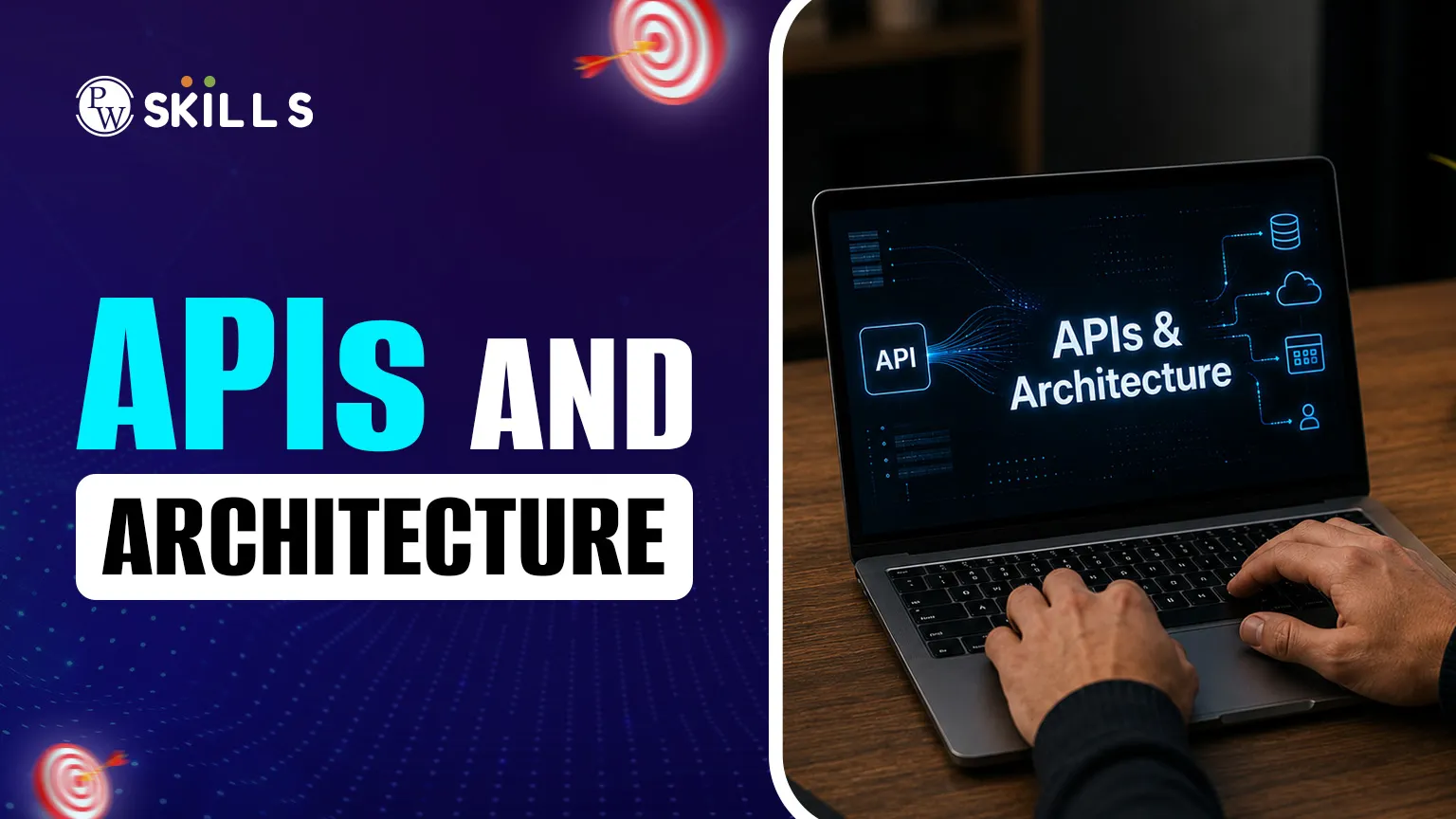
Building a basic website is easier today than ever before, but managing the underlying APIs & Architecture requires a clear strategy. This article solves that problem by breaking down complex patterns into simple, digestible concepts. Whether you are learning about request-response cycles or real-time event streams, mastering APIs & Architecture is the first step toward becoming a proficient full-stack developer. We will explore the basics, design patterns, and real-world examples to help you build better software.
APIs and Architecture Basics
At its simplest level, an API (Application Programming Interface) acts as a bridge. It allows two different pieces of software to communicate. However, an API does not exist in a vacuum. It is part of a larger system design. When we discuss APIs & Architecture, we are looking at the blueprint of how data flows from a user's screen to a database and back again.
Architectural design plays a major role in application stability, scalability, and performance. If the architecture is poorly planned, the API will be slow, regardless of how well the code is written. Think of the architecture as the skeletal system and the API as the nervous system sending signals.
APIs & Architecture Examples
Different tasks require different types of interfaces. While most beginners start with web-based interfaces, there are several categories you should know. These APIs and architecture examples help illustrate how varied modern systems can be:
-
REST (Representational State Transfer): The most common type for web services. It uses standard HTTP methods like GET and POST.
-
SOAP (Simple Object Access Protocol): A more rigid, XML-based protocol often used in legacy banking systems for high security.
-
GraphQL: A query language that lets clients ask for exactly the data they need, preventing over-fetching.
-
WebSockets: Used for real-time, two-way communication, such as chat apps or live sports scores.
Each of these serves a specific purpose within a technical stack. Choosing the right one depends on whether you need speed, security, or real-time updates.
APIs & Architecture Patterns
When designing a system, developers follow specific "patterns" to ensure the code is maintainable. These APIs and architecture patterns define how services relate to one another. Below is a comparison of two major architectural styles used today.
|
Feature |
Monolithic Architecture |
Microservices Architecture |
|
Structure |
Single, unified unit |
Collection of small, independent services |
|
Scaling |
Scales the entire app |
Scales specific services as needed |
|
Deployment |
One large deployment |
Multiple independent deployments |
|
Complexity |
Simple to start |
High initial setup complexity |
In a monolithic setup, the API is usually a single entry point for the whole app. In microservices, each service has its own API, and they often communicate using an API Gateway. This allows teams to work on different parts of the app without breaking the whole system.
APIs & Architecture Design
Good design is about more than just making things work; it is about making them last. Effective apis and architecture design focuses on consistency and clarity. If your API endpoints are named randomly, other developers will struggle to use your tools.
Here are a few rules to follow for better system design:
-
Use Nouns for Endpoints: Instead of /getUsers, use /users. The HTTP method (GET) already tells the server what to do.
-
Versioning: Always version your API (e.g., /v1/products). This prevents breaking the app for existing users when you make updates.
-
Statelessness: In REST, the server should not "remember" the user's previous request. Each request must contain all the information needed to process it.
-
Error Handling: Provide clear error messages. Instead of a generic "Error," use "404 Not Found" or "401 Unauthorized."
APIs & Architecture Concepts
Beyond simple requests, modern systems often use asynchronous communication. This is one of the more advanced APIs and architecture concepts known as Event-Driven Architecture (EDA). In this model, the system reacts to "events" rather than just waiting for a user to click a button.
In an event-driven world, a service might "publish" an event (like "Order Placed"), and other services "subscribe" to that event to trigger actions like sending an email or updating inventory. This keeps services "decoupled," meaning they don't need to know about each other's internal workings to collaborate.
Using an APIs and architecture tutorial approach, you can visualize this as a radio station. The station broadcasts music (the event), and anyone with a radio can tune in (the subscriber). The station doesn't need to know who is listening to function correctly.
APIs & Architecture Tutorial
Understanding the theory of system design is vital, but managing these systems in production requires specific tools. In a professional full-stack environment, developers use dedicated software to monitor, test, and secure their APIs and architecture. Without these tools, debugging distributed systems can become significantly more difficult.
The following tools are industry standards that help maintain high-quality APIs and architecture patterns:
-
Postman: A powerful platform for building and using APIs. It allows you to send requests to your endpoints and inspect the responses without writing a single line of frontend code.
-
AsyncAPI: While OpenAPI is the standard for REST, AsyncAPI is the industry standard for defining asynchronous, event-driven systems. It helps document how messages flow between services.
-
Docker: This tool allows you to "containerize" your application. It ensures that your APIs and architecture run the same way on your laptop as they do on a live server.
-
API Gateways: Tools like Kong or AWS API Gateway act as a front door, handling traffic, security, and logging for all your backend services in one place.
To help you choose the right tool for your project, refer to the table below which highlights the primary focus of each tool category.
|
Tool Category |
Primary Purpose |
Benefit for Students |
|
Testing Tools |
Verifying API responses |
Ensures your logic is correct before building the UI. |
|
Documentation |
Creating manuals for code |
Makes it easy for other developers to use your API. |
|
Containers |
Environment consistency |
Fixes the "it works on my machine" problem. |
|
Log Management |
Tracking system errors |
Helps you find exactly where a request failed in a large system. |
By incorporating these into your APIs and architecture guide, you move from being a student who writes code to a developer who builds professional-grade, resilient systems.
APIs and Architecture Key Takeaways
If you are a beginner, the best way to learn is by doing. Start with a basic apis and architecture guide by building a simple CRUD (Create, Read, Update, Delete) application. Use a tool like Postman to test your endpoints and see how data is returned in JSON format.
Once you feel comfortable, try moving from a single server to a distributed system. Experiment with how a frontend React app communicates with a backend Node.js API. This hands-on experience is where the theory of APIs and Architecture truly starts to make sense.




FAQs
What is the difference between SQL and NoSQL?
What is REST?
How does a server handle multiple requests at once?
What is the purpose of an API?
Why is hashing used for passwords?






Get Free Counselling Today
and Clear up all your Doubts
 Live & recorded classes available at easeDashboard for progress trackingLakhs of practice questions

