

Video Content Creation Strategy Guide
 Nivedita Dar7 May, 2026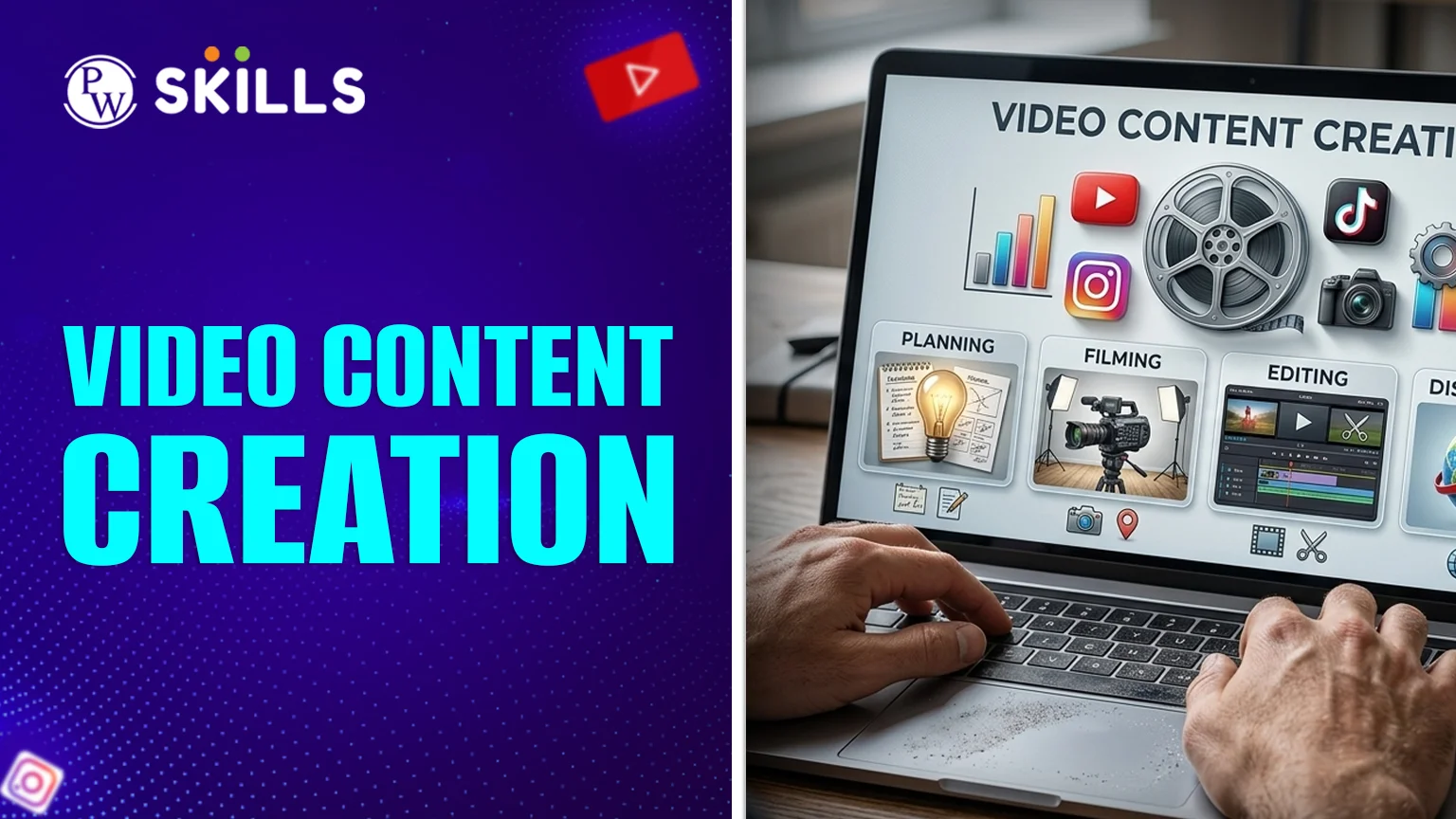
A lot of producers and marketers find it hard to make high-quality video content. You might not know where to start, what gear to buy, or how to make sure your message really connects with your audience. This guide makes the whole video content creation easier by turning difficult production tasks into simple action plans. You can make films that seem professional and get people's attention if you use the correct tools and follow a defined process. Understanding the subtleties of storytelling and technological execution can set you apart from the competition and help you reach your digital goals, whether you are developing an educational brand or a marketing behemoth.
Importance of Video Creation
Video is now the most popular type of media in the digital world. It adds a face, a voice, and an emotion to static information, which makes it easier for people to connect with companies. Making a video takes time, but you're not just making a movie; you're also getting to know your audience.- More Engagement: Videos always do better than photographs and text on social media.
- Better Memory: People who learn through pictures and videos recall things better.
- More Conversions: Seeing a product or service in action makes people trust it right away.
How to Create a Video Content Creation Strategy?
You need to have a plan before you pick up a camera. A detailed plan for making videos is like a map that shows you what every second of filming should do. You could waste resources on material that doesn't reach the proper individuals if you don't have a plan.Identify Your Goal
What do you want to get out of this? Do you want to teach students, get more people to know about your business, or make more sales? Common goals include:- Increasing website traffic.
- Boosting social media followers.
- Explaining complex educational concepts (Product Demos).
- Improving customer onboarding.
Know Your Audience
You cannot create a video for everyone. Define your target demographic by looking at their age, interests, and the problems they are trying to solve. Tailoring your tone to their needs makes your video creation much more effective.Choose Your Platforms
Different types of platforms need different types of files. You should post a big instructional lecture on YouTube or a specialized LMS. You should post a short "how-to" advice on Instagram Reels or TikTok. To get noticed, you need to make sure that your plan works with the platform's algorithm.Video Content Creation Process
There are three separate steps in a professional process: pre-production, production, and post-production. Following these procedures makes sure you don't miss any important information.1. Pre-Production: The Planning Phase
This is where the heavy lifting happens. Success is determined before the "Record" button is even pressed.- Scriptwriting: Write down exactly what will be said. This keeps the video concise and prevents rambling.
- Storyboarding: Storyboarding means drawing out the flow of the picture. This helps you picture the photos you need to take.
- Budgeting: Figure out how much you can spend on gear, locations, and talent.
2. Production: The Capturing Phase
Now, you bring your script to life. Focus on these three pillars:- Lighting: Good lighting is more important than a high-end camera. Natural light or basic softboxes can make a video look professional.
- Audio Quality: People will forgive poor video, but they won't tolerate bad audio. Use a dedicated microphone rather than the built-in camera mic.
- Framing: Use the rule of thirds to position your subject effectively within the frame.
3. Post-Production: The Editing Phase
This is where you polish your raw footage. During this part of the process, you add:- Cuts and Transitions: Remove mistakes and keep the pace energetic.
- Text Overlays: Highlight key terms or "Primary Keywords" to help with visual learning.
- Music and Sound Effects: Add background tracks that match the mood of your content.
Video Content Creation Tools
You don't need a Hollywood studio to get started. There are tools for every skill level and budget.Editing Software
- Beginner: Canva, CapCut, or Adobe Express. These are great for social media clips.
- Intermediate: Filmora or DaVinci Resolve (Free version).
- Professional: Adobe Premiere Pro or Final Cut Pro.
Hardware Essentials
- Camera: A modern smartphone is often enough to start.
- Microphone: Lavalier mics (clip-on) or USB condenser mics for voiceovers.
- Tripod: Keeps your shots steady and professional.
AI and Automation Tools
A lot of people who make videos now employ AI to speed up the process. You may make videos from text scripts or modify footage by simply changing the text of the transcript with tools like Storykit or Descript.Video Content Creation Examples
You can get ideas for your own channel by looking at examples. Here are some types of videos that do well:- How-to/Tutorials: Step-by-step guides that solve a specific problem.
- Behind-the-Scenes: Humanises your brand by showing the people and processes behind the scenes.
- Testimonials: Building social proof by showing happy students or customers.
- Explainer Videos: Short animations or "whiteboard" style videos that simplify hard topics.
- Live Streams: Great for Q&A sessions and real-time interaction.
Video Content Creation Tips
To truly excel, keep these professional tips in mind:- The Hook is Everything: You have about 3 seconds to grab a viewer's attention. Start with a bold statement or a compelling question.
- Focus on Value, Not Perfection: Don't let the lack of expensive gear stop you. A valuable lesson delivered on a phone is better than a boring one shot on a cinema camera.
- Include a Call to Action (CTA): Tell your viewers exactly what to do next. "Subscribe," "Click the link," or "Comment below."
- Optimise for Mobile: Most people watch videos on their phones. Use vertical formats (9:16) for social media and ensure text is large enough to read on small screens.
- Be Consistent: Video creation is a long-term process. Stick to a schedule so your audience knows when to expect new content.
Video Content Creation for Marketing
When using content creation for marketing, the focus shifts toward the buyer's journey. You want to move someone from "I don't know you" to "I trust you."- Top of Funnel: Educational videos that address broad questions.
- Middle of Funnel: Case studies and deep dives into your specific methodology.
- Bottom of Funnel: Product demonstrations and direct offers.
Common Video Creation Challenges
Many people start their journey of creating video content and quit because of common hurdles.- Camera Shyness: Practice by recording yourself and not posting it. Over time, you’ll become more natural.
- Time Constraints: Use templates and batch-produce your content. Spend one day filming four videos instead of filming once every week.
- Low Views: Don't get discouraged. Focus on SEO by using keywords in your titles and descriptions to help the algorithm find your audience.
How to Measure Video Creation Success
How do you know if your strategy for creating video content is working? Look at the data:- Watch Time: Are people staying until the end? If not, look at where they drop off.
- Click-Through Rate (CTR): Is your thumbnail and title inviting enough?
- Shares: This is the ultimate sign of value. If people share your video, it means they found it helpful or entertaining.
Video Creation Checklist for Beginners
To finish, here is a short list of things to do for your next project:- Set your main goal.
- Find out more about your target audience.
- Get your tools ready and write a script.
- When you record, pay attention to the light and sound.
- Edit to make it clearer and more interesting.
- Put it out on the right platforms.
Also Check:
- Digital Marketing with AI Course
- Digital Marketing With AI
- Digital Marketing with AI + Social Media Marketing
- Digital Marketing with AI (Offline Batch)
- AI in Digital Marketing – The Ultimate Guide
- Digital Marketing Syllabus: Course, Duration, Fees
- How to Start a Career in Digital Marketing? Skills Required & Job Roles






🔥 Trending Blogs
FAQs
What is the best strategy for creating video content for beginners?
"Value-First" material is the greatest way for beginners to start. Find a specific problem that your audience has and make a short, straightforward film that shows how to fix it. Don't worry about how nice the production is; just make sure the audio is clear, and the material is useful.
Which tools do I need to create video content?
At a minimum, you need a smartphone with a good camera, a basic clip-on microphone (Lavalier), and free editing software like CapCut or Canva. As you grow, you can invest in lights and professional software like Premiere Pro.
How do I improve my process for creating video content?
Spend additional effort in the pre-production phase to make your process better. A good storyboard and a well-written script will save you a lot of time and trouble when filming and editing.
Are there any good examples of video creation for education?
"Whiteboard Explainer" films and "Screen-Recording Tutorials" are two great examples. These formats make it easy for pupils to follow along with difficult steps.
Why is video content for marketing different from vlogging?
Video content creators focus on driving specific business actions, such as lead sign-ups or sales, for marketing. Vlogging is usually more about personal storytelling and building a general following.